- How to choose content creation tools in 2026
- Free content creation tools: image creation tools
- Adobe Spark Post
- Canva
- Video creation
- Free GIF creators
- Meme generators
- Presentation tools
- Infographic creators
- Free chart and graph creators
- Headline and topic generators
- Improve your writing
- Get in the mood for writing: noise generators
- Free organizational tools for content creators
- Other useful free content creation tools:
- What are content creation tools?
- Which content creation tools are worth using in 2026, by job?
- Frequently asked questions
- Conclusion
- Free content creation tools FAQ
Free content creation tools have improved so much that most solo creators and small businesses no longer need to pay for the basics. The free tiers now cover writing, image generation, video editing, scheduling and audio at a quality that used to cost hundreds a month. This guide rounds up fifty useful free tools by what you need to make.
If you want to go deeper on this: Does Google Docs Have Resume Templates You Can Use for Free?.
Worth reading next: A Realistic Weekly Content Schedule for a Busy Founder.
| Tool category | Best for |
|---|---|
| Writing | Drafting and editing long-form copy quickly. |
| Design | Social graphics and simple video without a designer. |
| Scheduling | Queuing content across platforms in one sitting. |
Free content creation tools have improved so much in 2026 that most solo creators and small businesses no longer need to pay for the basics. The free tiers of the major platforms now cover writing drafts, image generation, video editing, social media scheduling, and audio production at quality that would have cost hundreds of pounds per month a few years ago. This guide rounds up the best free content creation tools in 2026 by category, the realistic limitations of each free tier, and where it makes sense to pay versus stay free.
Once your content tools are sorted, you will want the rest of the stack too. I have pulled together the best marketing tools for 2026, tested and reviewed, broken down by category so you can see what is worth paying for.
Image creation Video creation GIF creators Meme generators Presentation tools Infographic creators Free Chart & Graph creators Interactive content Headline & topic generatorsa Improve your writing Noise generators Organizational tools Bonus toolsHow to choose content creation tools in 2026
A content creation stack should cover writing and ideas, design and visuals, video, and repurposing, without piling up overlapping tools. Match each to a real step in your workflow, prioritise a genuine free tier so you can test, and check exports are usable (no forced watermark on the work you publish). Fewer tools you actually use beats a drawer full of trials. The tools below are grouped by the type of content they help you make.
Free content creation tools: image creation tools
Adobe Spark Post
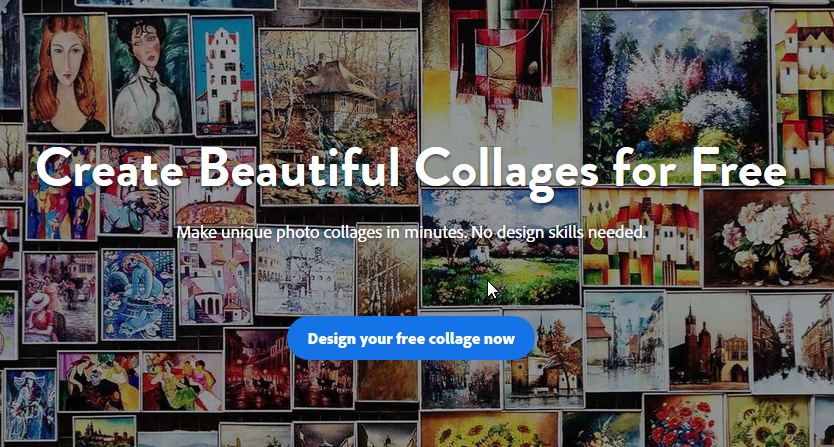
Adobe Spark Post is an image creation application for mobile and web that is developed by Adobe Systems. It is a great tool for beginners who do not have design background to create impactful social graphics by leveraging great templates. You can use it as a free social poster maker or even a meme generator to help you easily stand out on social and beyond.
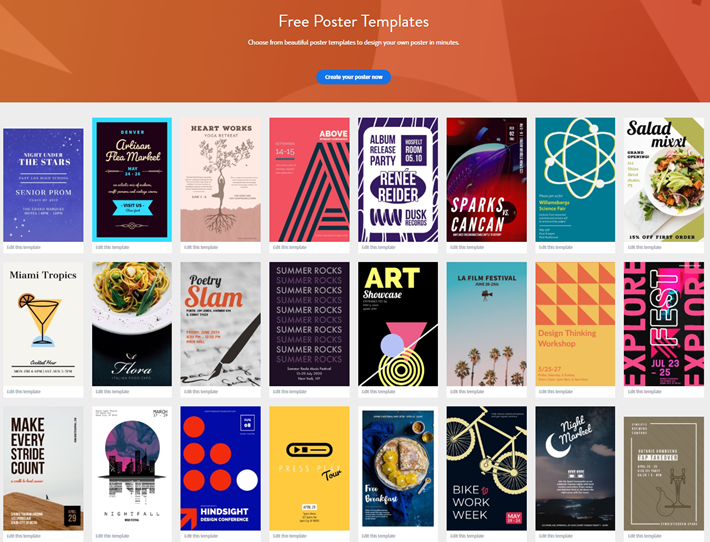
Use it to create: collage, logos, banners, flyers, slideshow, facebook cover, invitation cards, brochure, album cover, and more.
Canva
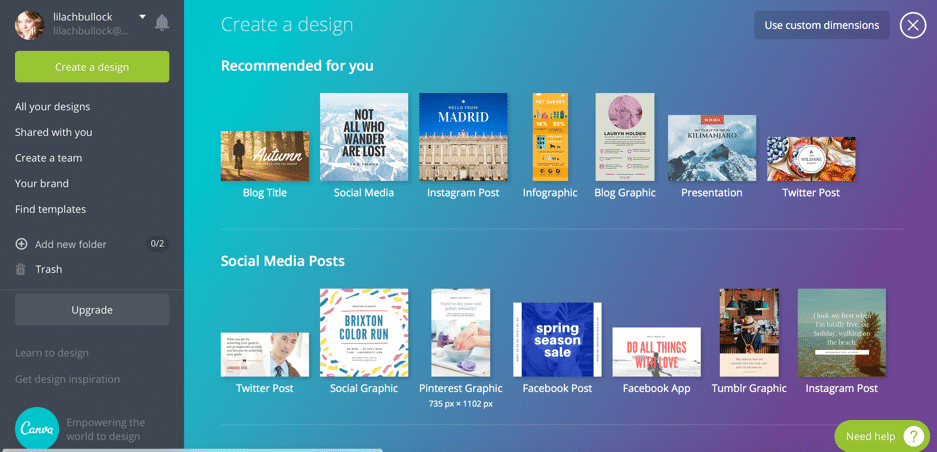 Canva is my favourite option when it comes to creating images for blogs and social media, as well as other types of visual content – and I’m sure I’m not the only one. It’s super easy to use, and although they also have some paid options, there’s plenty that you can do with the free version.
Use it to create: social media posts, quote images, infographics, blog graphics, book and magazine covers, presentations, banners, logos, brochures, and more.
[clickToTweet tweet="50 #Free #content creation tools: @Canva " quote="50 #Free #content creation tools: @Canva "]
Canva is my favourite option when it comes to creating images for blogs and social media, as well as other types of visual content – and I’m sure I’m not the only one. It’s super easy to use, and although they also have some paid options, there’s plenty that you can do with the free version.
Use it to create: social media posts, quote images, infographics, blog graphics, book and magazine covers, presentations, banners, logos, brochures, and more.
[clickToTweet tweet="50 #Free #content creation tools: @Canva " quote="50 #Free #content creation tools: @Canva "]
Crello
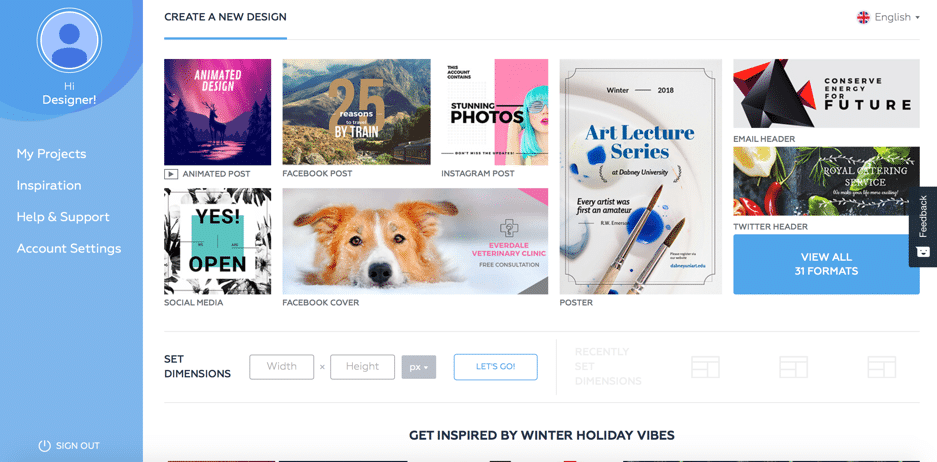 Crello is very similar to Canva; it’s a tool for quick and easy creation of all kinds of social media and blogging visuals.
Use it to create: social media posts, blog graphics, marketing materials (posters, flyers, etc.), business cards, visuals for social media ads.
[clickToTweet tweet="50 #Free #content creation tools: @crelloapp " quote="50 #Free #content creation tools: @crelloapp "]
Crello is very similar to Canva; it’s a tool for quick and easy creation of all kinds of social media and blogging visuals.
Use it to create: social media posts, blog graphics, marketing materials (posters, flyers, etc.), business cards, visuals for social media ads.
[clickToTweet tweet="50 #Free #content creation tools: @crelloapp " quote="50 #Free #content creation tools: @crelloapp "]
Pablo
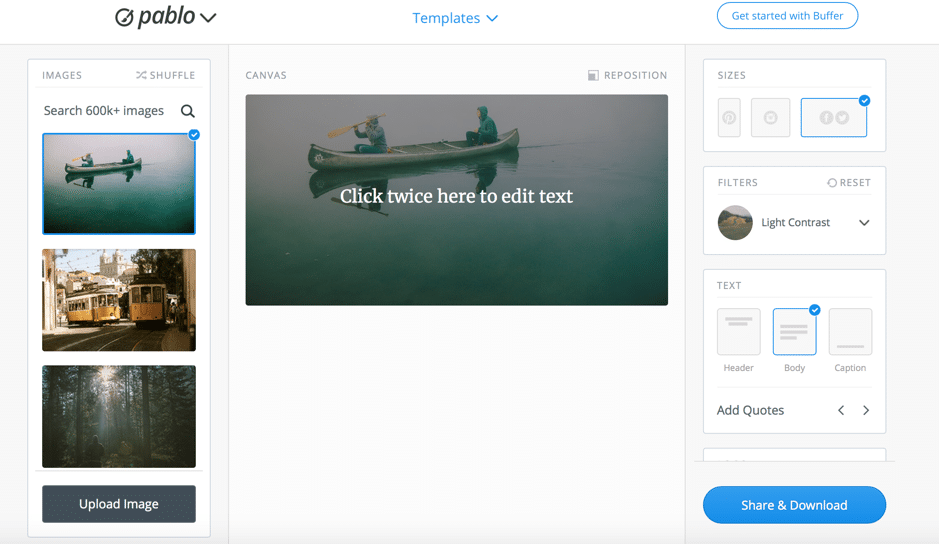 Pablo by Buffer offers a super quick solution (under 30 seconds per image!) for creating beautiful and compelling social media images. There aren’t a lot of editing/customization options, but there’s everything you need to create images that get people to take action.
Use it to create: social media posts, quote images, promotional images, announcements, and outreach cards.
[clickToTweet tweet="50 #Free #content creation tools: pablo by @buffer" quote="50 #Free #content creation tools: pablo by @buffer"]
Pablo by Buffer offers a super quick solution (under 30 seconds per image!) for creating beautiful and compelling social media images. There aren’t a lot of editing/customization options, but there’s everything you need to create images that get people to take action.
Use it to create: social media posts, quote images, promotional images, announcements, and outreach cards.
[clickToTweet tweet="50 #Free #content creation tools: pablo by @buffer" quote="50 #Free #content creation tools: pablo by @buffer"]
PicMonkey
 PicMonkey is a photo editor, primarily; however, there’s much more to it than that. Apart from editing photos, you can also use it make collages, and use their templates to create all kinds of designs.
Use it to: edit your photos, create collages, create social media posts, logos, banner ads, email headers, or create custom designs. PicMonkey also offers photo editing options, including adding filters, removing backgrounds, blurring photos, adjusting image settings, face swap, and cropping.
[clickToTweet tweet="50 #Free #content creation tools: @picmonkey" quote="50 #Free #content creation tools: @picmonkey"]
PicMonkey is a photo editor, primarily; however, there’s much more to it than that. Apart from editing photos, you can also use it make collages, and use their templates to create all kinds of designs.
Use it to: edit your photos, create collages, create social media posts, logos, banner ads, email headers, or create custom designs. PicMonkey also offers photo editing options, including adding filters, removing backgrounds, blurring photos, adjusting image settings, face swap, and cropping.
[clickToTweet tweet="50 #Free #content creation tools: @picmonkey" quote="50 #Free #content creation tools: @picmonkey"]
Befunky
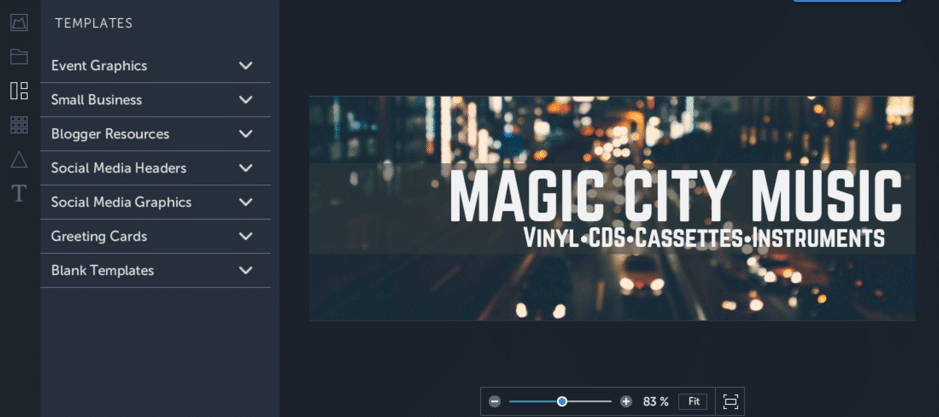 Befunky, like PicMonkey, is a photo editor, collage maker, and image designer. As you can see above, there are plenty of templates to choose from, such as blogger resources, social media headers and graphics, and event graphics.
Use it to create: social media headers and images, blog graphics, business cards, letterheads, infographics, and more.
[clickToTweet tweet="50 #Free #content creation tools: @befunky" quote="50 #Free #content creation tools: @befunky"]
Befunky, like PicMonkey, is a photo editor, collage maker, and image designer. As you can see above, there are plenty of templates to choose from, such as blogger resources, social media headers and graphics, and event graphics.
Use it to create: social media headers and images, blog graphics, business cards, letterheads, infographics, and more.
[clickToTweet tweet="50 #Free #content creation tools: @befunky" quote="50 #Free #content creation tools: @befunky"]
Stencil
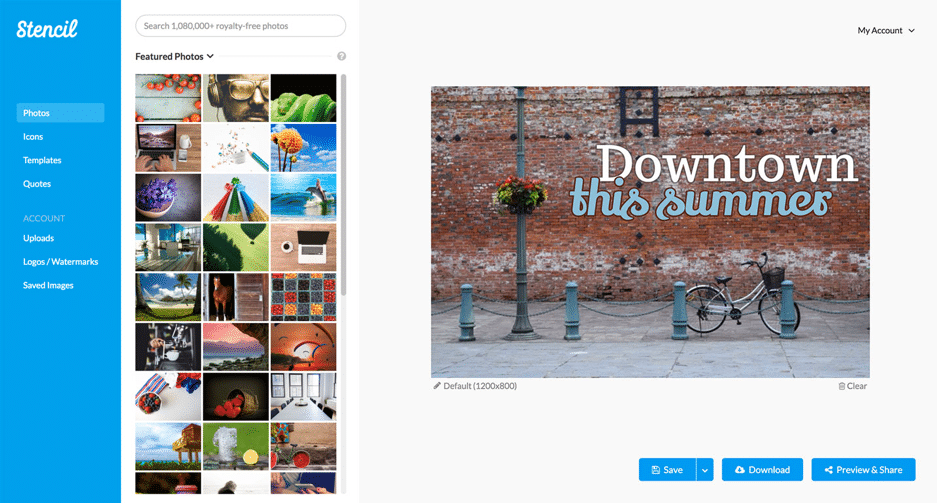 Stencil is an image creator with a big focus on speed. Use their incredible selection of templates to easily and quickly create beautiful images.
Use it to create: social media images, blog graphics, quote images, promotional visuals, ebook covers.
[clickToTweet tweet="50 #Free #content creation tools: @getstencil" quote="50 #Free #content creation tools: @getstencil"]
Stencil is an image creator with a big focus on speed. Use their incredible selection of templates to easily and quickly create beautiful images.
Use it to create: social media images, blog graphics, quote images, promotional visuals, ebook covers.
[clickToTweet tweet="50 #Free #content creation tools: @getstencil" quote="50 #Free #content creation tools: @getstencil"]
Skitch from Evernote
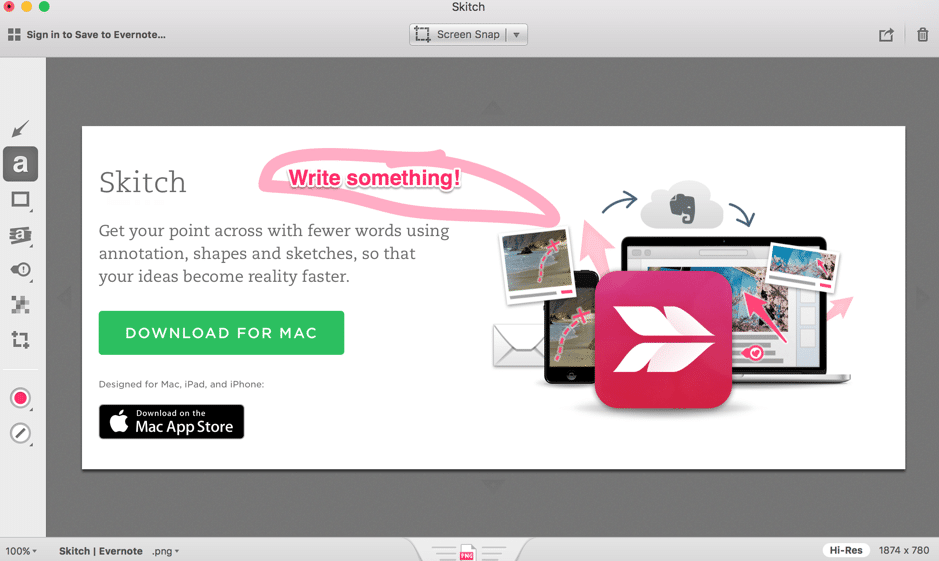 Skitch from Evernote is one of the easiest ways of taking screenshots and adding annotations and sketches. Just get the app and start snapping screenshots to get your point across.
Use it to: add annotations, add shapes and lines, highlight certain parts, pixelate what you don’t want people to see.
[clickToTweet tweet="50 #Free #content creation tools: Skitch from @evernote" quote="50 #Free #content creation tools: Skitch from @evernote"]
Skitch from Evernote is one of the easiest ways of taking screenshots and adding annotations and sketches. Just get the app and start snapping screenshots to get your point across.
Use it to: add annotations, add shapes and lines, highlight certain parts, pixelate what you don’t want people to see.
[clickToTweet tweet="50 #Free #content creation tools: Skitch from @evernote" quote="50 #Free #content creation tools: Skitch from @evernote"]
Recite
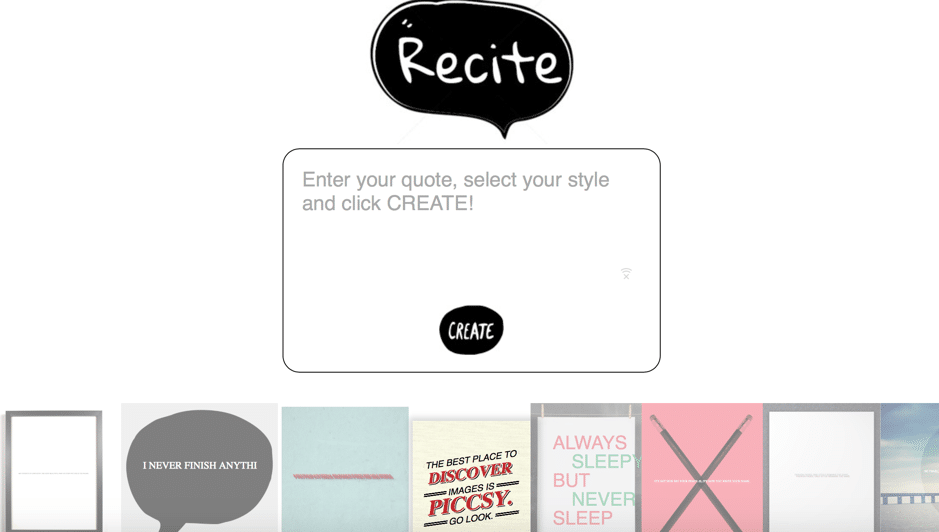 Recite is a super quick way to create a quote image; as you can in the screenshot above, all you have to do is write down your quote, select a style, and you’re good to go. And share.
Use it to create: quote images, of course!
[clickToTweet tweet="50 #Free #content creation tools: Recite" quote="50 #Free #content creation tools: Recite"]
Recite is a super quick way to create a quote image; as you can in the screenshot above, all you have to do is write down your quote, select a style, and you’re good to go. And share.
Use it to create: quote images, of course!
[clickToTweet tweet="50 #Free #content creation tools: Recite" quote="50 #Free #content creation tools: Recite"]
Over
 Over is a smartphone app (and free content creation tool!) that allows you to create beautiful social media images on the go. All you need to is choose an image of the millions available, add your text to it, and you’re good to share on your social profiles.
Use it to create: social media images with text over them (get it?)
[clickToTweet tweet="50 #Free #content creation tools: @over" quote="50 #Free #content creation tools: @over"]
Over is a smartphone app (and free content creation tool!) that allows you to create beautiful social media images on the go. All you need to is choose an image of the millions available, add your text to it, and you’re good to share on your social profiles.
Use it to create: social media images with text over them (get it?)
[clickToTweet tweet="50 #Free #content creation tools: @over" quote="50 #Free #content creation tools: @over"]
Subtle patterns
 If you want an understated, subtle background for your images, look no further; Subtle Patterns offers a huge selection of background images that you can easily download.
Use it to: download background patterns.
[clickToTweet tweet="50 #Free #content creation tools: Subtle Patterns" quote="50 #Free #content creation tools: Subtle Patterns"]
If you want an understated, subtle background for your images, look no further; Subtle Patterns offers a huge selection of background images that you can easily download.
Use it to: download background patterns.
[clickToTweet tweet="50 #Free #content creation tools: Subtle Patterns" quote="50 #Free #content creation tools: Subtle Patterns"]
Pattern Library
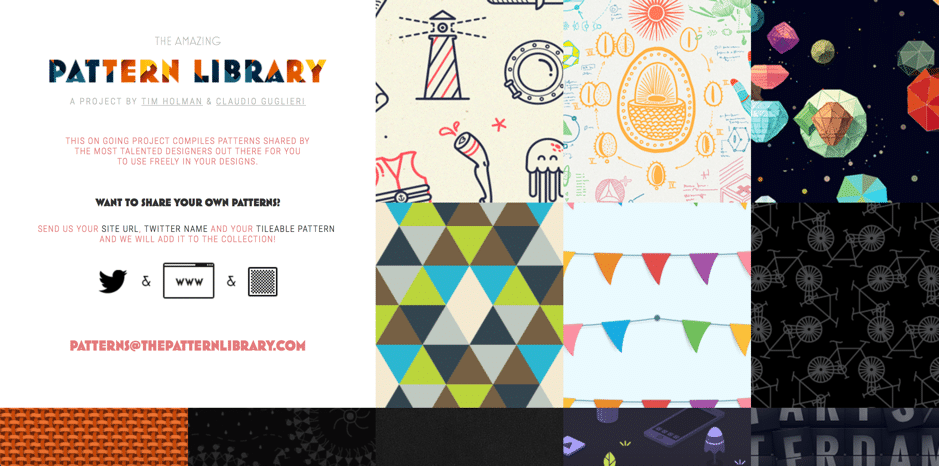 Another great option for background patterns is the Pattern Library; while Subtle Patterns focuses on the understated, Pattern Library offers a great selection of colourful, eye-catching designs.
Use it to: sort out all your pattern needs.
[clickToTweet tweet="50 #Free #content creation tools: Pattern Library" quote="50 #Free #content creation tools: Pattern Library"]
Another great option for background patterns is the Pattern Library; while Subtle Patterns focuses on the understated, Pattern Library offers a great selection of colourful, eye-catching designs.
Use it to: sort out all your pattern needs.
[clickToTweet tweet="50 #Free #content creation tools: Pattern Library" quote="50 #Free #content creation tools: Pattern Library"]
Video creation
CloudApp
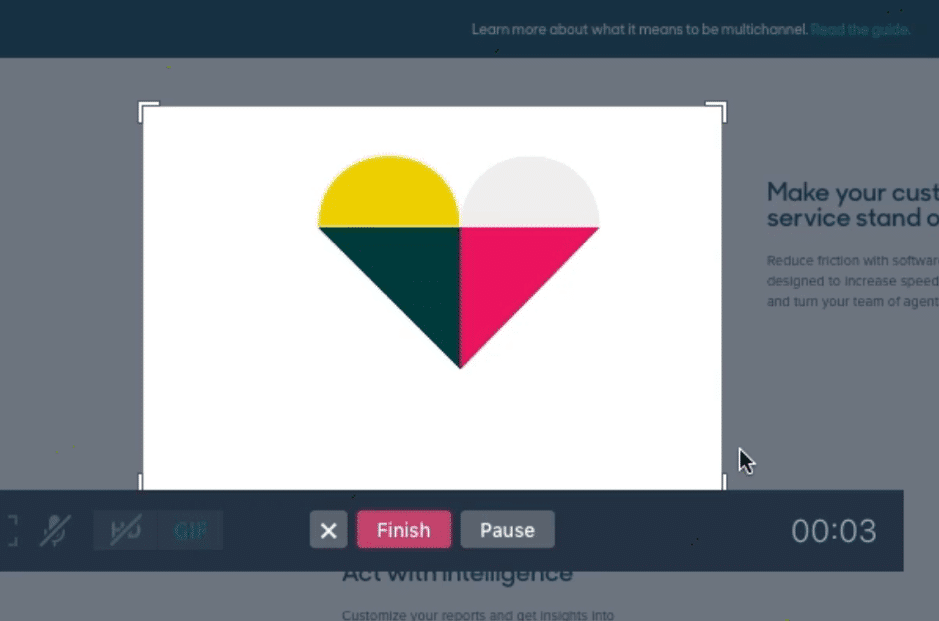 CloudApp allows you to take recordings of your screen (as well as screenshots), edit and annotate them and share with your team or audience. It’s very useful , particularly for explainer videos.
Use it to create: explainer videos, annotated images, high-quality GIFs.
[clickToTweet tweet="50 #Free #content creation tools: @cloudapp" quote="50 #Free #content creation tools: @cloudapp"]
CloudApp allows you to take recordings of your screen (as well as screenshots), edit and annotate them and share with your team or audience. It’s very useful , particularly for explainer videos.
Use it to create: explainer videos, annotated images, high-quality GIFs.
[clickToTweet tweet="50 #Free #content creation tools: @cloudapp" quote="50 #Free #content creation tools: @cloudapp"]
RenderForest
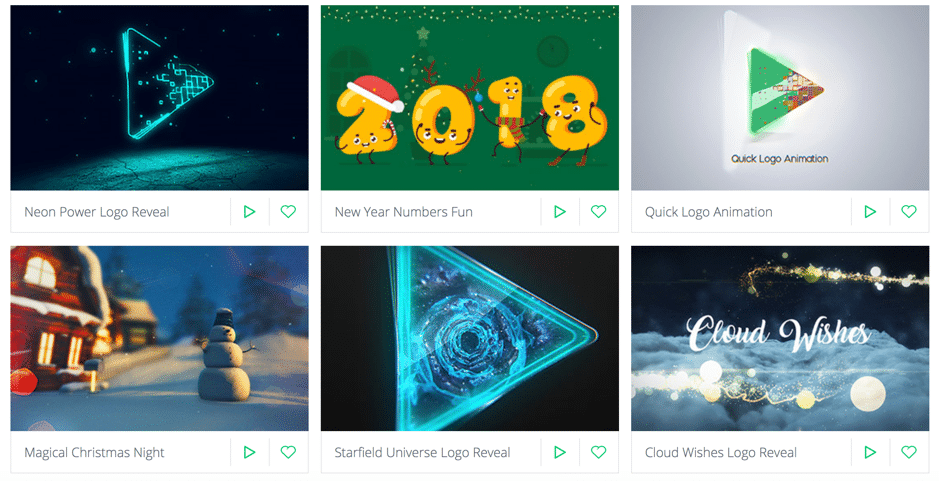 RenderForest is an online video production tool that you can use for free; they offer a huge library of video templates that you can use and edit to your liking.
Use it to create: promotional videos, explainer videos and animations, presentations, slideshow videos, and more.
[clickToTweet tweet="50 #Free #content creation tools: @renderforestcom" quote="50 #Free #content creation tools: @renderforestcom"]
RenderForest is an online video production tool that you can use for free; they offer a huge library of video templates that you can use and edit to your liking.
Use it to create: promotional videos, explainer videos and animations, presentations, slideshow videos, and more.
[clickToTweet tweet="50 #Free #content creation tools: @renderforestcom" quote="50 #Free #content creation tools: @renderforestcom"]
Biteable
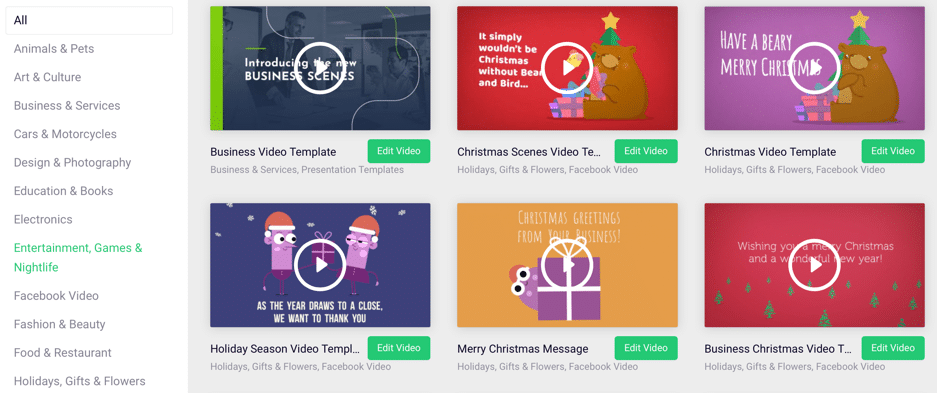 Biteable is a very easy to use online video creator with a great selection of free video templates that you can use. Plus, you can create up to 5 videos a month with the free plan.
Use it to create: ads, animations, explainer videos, infographics, presentations, social media videos, cartoons, and more.
[clickToTweet tweet="50 #Free #content creation tools: @teambiteable" quote="50 #Free #content creation tools: @teambiteable"]
Biteable is a very easy to use online video creator with a great selection of free video templates that you can use. Plus, you can create up to 5 videos a month with the free plan.
Use it to create: ads, animations, explainer videos, infographics, presentations, social media videos, cartoons, and more.
[clickToTweet tweet="50 #Free #content creation tools: @teambiteable" quote="50 #Free #content creation tools: @teambiteable"]
Powtoon
 Powtoon is a tool that allows you to create animated videos, easily. Plus, you can also create awesome presentations with it so that you can stand out from your competitors.
Use it to create: animated videos (promotional, explainer, etc.) and presentations.
[clickToTweet tweet="50 #Free #content creation tools: @powtoon" quote="50 #Free #content creation tools: @powtoon"]
Powtoon is a tool that allows you to create animated videos, easily. Plus, you can also create awesome presentations with it so that you can stand out from your competitors.
Use it to create: animated videos (promotional, explainer, etc.) and presentations.
[clickToTweet tweet="50 #Free #content creation tools: @powtoon" quote="50 #Free #content creation tools: @powtoon"]
Free GIF creators
Giphy
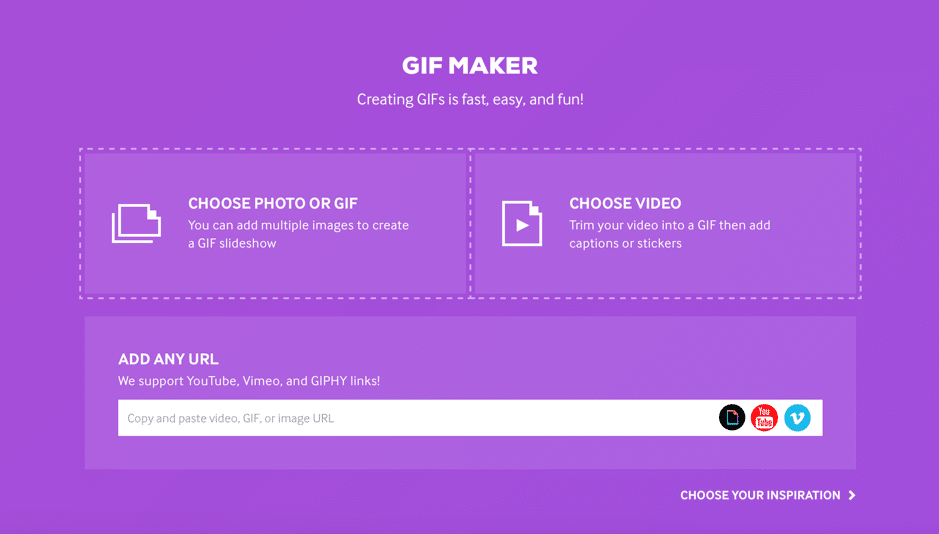 Giphy is one of the most popular GIF resources, but also a great, easy to use GIF creator.
[clickToTweet tweet="50 #Free #content creation tools: @giphy" quote="50 #Free #content creation tools: @giphy"]
Giphy is one of the most popular GIF resources, but also a great, easy to use GIF creator.
[clickToTweet tweet="50 #Free #content creation tools: @giphy" quote="50 #Free #content creation tools: @giphy"]
Imgflip
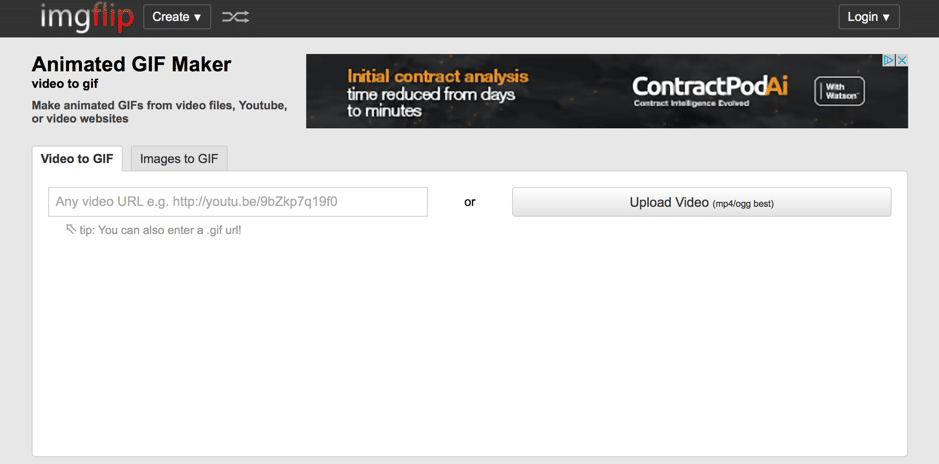 Imgflip is a free tool that allows you to turn your videos and images to GIFs, easily.
[clickToTweet tweet="50 #Free #content creation tools: @imgflip" quote="50 #Free #content creation tools: @imgflip"]
Imgflip is a free tool that allows you to turn your videos and images to GIFs, easily.
[clickToTweet tweet="50 #Free #content creation tools: @imgflip" quote="50 #Free #content creation tools: @imgflip"]
Ezgif
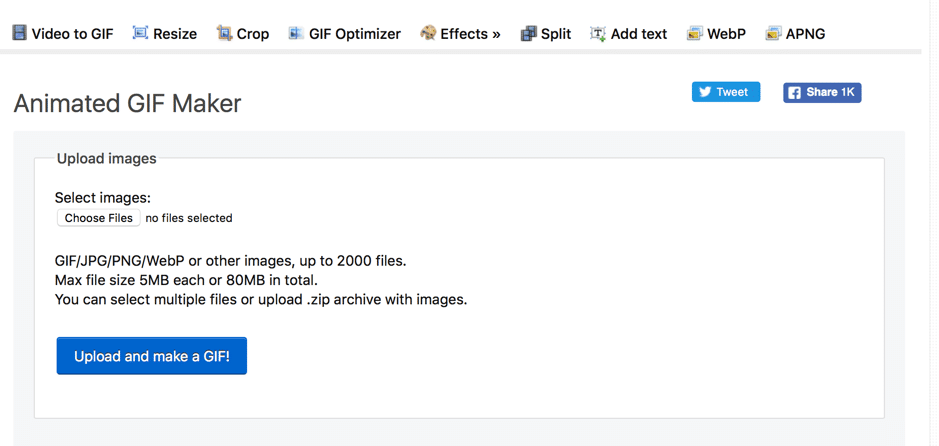 Ezgif, like the other tools in this list, allows you to create GIFs from videos and images.
[clickToTweet tweet="50 #Free #content creation tools: Ezgif" quote="50 #Free #content creation tools: Ezgif"]
Ezgif, like the other tools in this list, allows you to create GIFs from videos and images.
[clickToTweet tweet="50 #Free #content creation tools: Ezgif" quote="50 #Free #content creation tools: Ezgif"]
GIFMaker
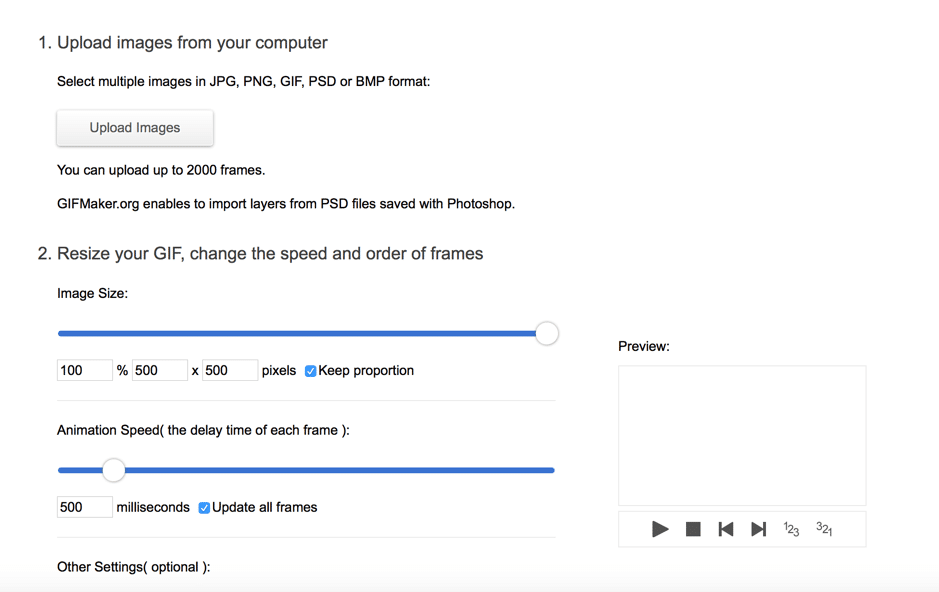 GIFMaker – ‘nough said.
[clickToTweet tweet="50 #Free #content creation tools: GIFmaker" quote="50 #Free #content creation tools: GIFmaker"]
GIFMaker – ‘nough said.
[clickToTweet tweet="50 #Free #content creation tools: GIFmaker" quote="50 #Free #content creation tools: GIFmaker"]
Meme generators
Imgflip
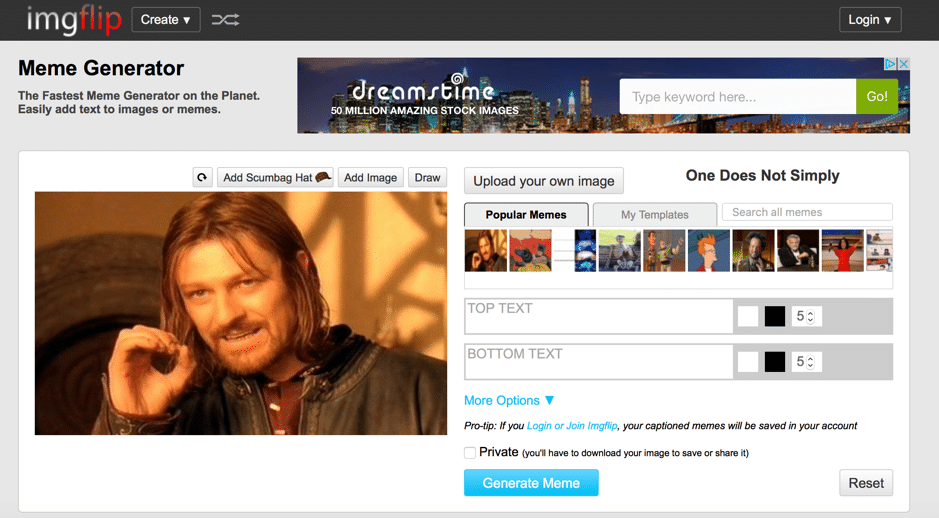 Imgflip is not just a GIF creator, but also a meme generator; use it to upload your own image or use popular memes to quickly create one.
[clickToTweet tweet="50 #Free #content creation tools: @imgflip" quote="50 #Free #content creation tools: @imgflip"]
Imgflip is not just a GIF creator, but also a meme generator; use it to upload your own image or use popular memes to quickly create one.
[clickToTweet tweet="50 #Free #content creation tools: @imgflip" quote="50 #Free #content creation tools: @imgflip"]
Meme Generator
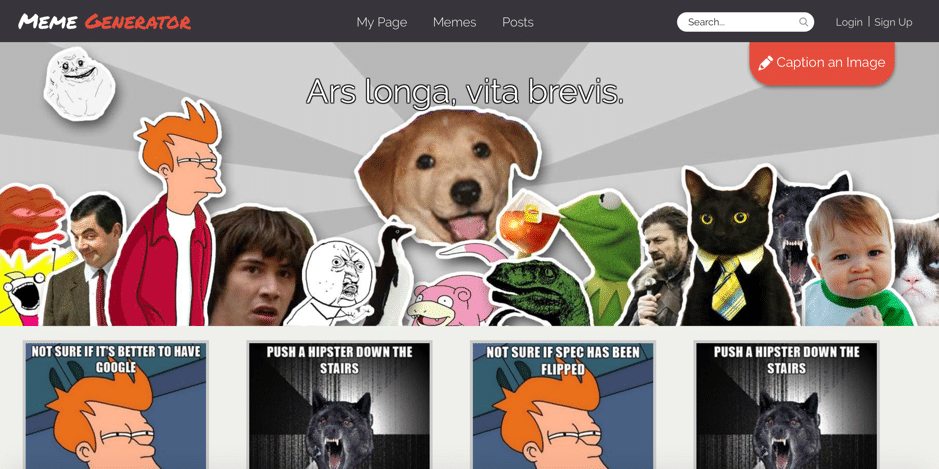 There’s not much more I can say that the name Meme Generator doesn’t already say; just like the tool before, you can choose a popular meme image or upload your own, add your text, and you’re good to share!
[clickToTweet tweet="50 #Free #content creation tools: meme generator" quote="50 #Free #content creation tools: meme generator"]
There’s not much more I can say that the name Meme Generator doesn’t already say; just like the tool before, you can choose a popular meme image or upload your own, add your text, and you’re good to share!
[clickToTweet tweet="50 #Free #content creation tools: meme generator" quote="50 #Free #content creation tools: meme generator"]
Memes
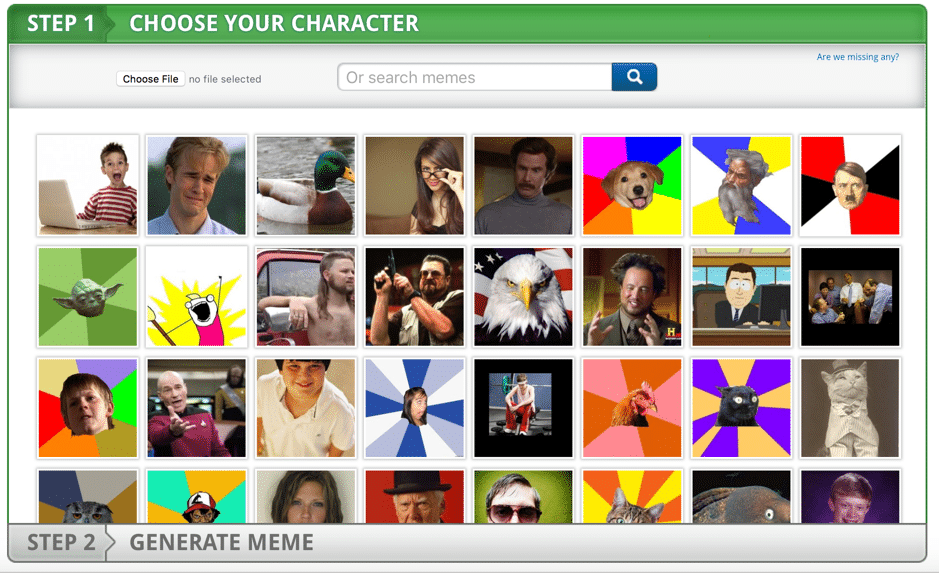 Just like the tools before, Memes lets you easily create memes from popular images or upload your own.
[clickToTweet tweet="50 #Free #content creation tools: @memes" quote="50 #Free #content creation tools: @memes"]
Just like the tools before, Memes lets you easily create memes from popular images or upload your own.
[clickToTweet tweet="50 #Free #content creation tools: @memes" quote="50 #Free #content creation tools: @memes"]
Presentation tools
Prezi
 Powerpoint is OK…but Prezi can be amazing. Use their library of beautiful templates (or start from scratch) to create more compelling presentations. The tool is very easy to use and it can turn your presentation from boring same old-same old to a dynamic, compelling presentation that people can’t help but pay attention to.
[clickToTweet tweet="50 #Free #content creation tools: @prezi" quote="50 #Free #content creation tools: @prezi"]
Powerpoint is OK…but Prezi can be amazing. Use their library of beautiful templates (or start from scratch) to create more compelling presentations. The tool is very easy to use and it can turn your presentation from boring same old-same old to a dynamic, compelling presentation that people can’t help but pay attention to.
[clickToTweet tweet="50 #Free #content creation tools: @prezi" quote="50 #Free #content creation tools: @prezi"]
SlideDog
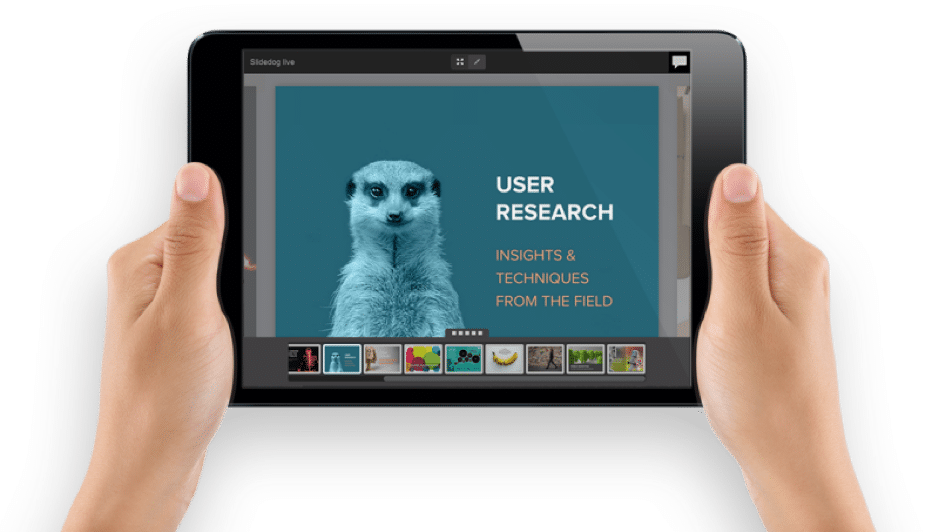 SlideDog do things a little differently; as a multimedia presentation tool, it allows you to create ‘playlists’ by combining all kinds of media, such as PowerPoint and Prezi presentations, PDFs, videos and images, and basically most any type of media you can think of.
[clickToTweet tweet="50 #Free #content creation tools: @theslidedog" quote="50 #Free #content creation tools: @theslidedog"]
SlideDog do things a little differently; as a multimedia presentation tool, it allows you to create ‘playlists’ by combining all kinds of media, such as PowerPoint and Prezi presentations, PDFs, videos and images, and basically most any type of media you can think of.
[clickToTweet tweet="50 #Free #content creation tools: @theslidedog" quote="50 #Free #content creation tools: @theslidedog"]
Visme
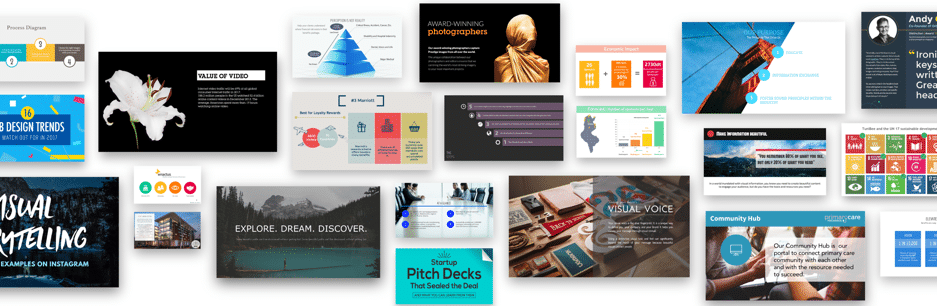 Visme helps you create beautiful presentations – for free. Choose from their selection of templates to get started, or create your own presentation from scratch (or, you can even upload a powerpoint to use online). Plus, animate your presentations, add videos and audio, links, and pop-us.
Use it to create: presentations, infographics, charts and reports, graphics
[clickToTweet tweet="50 #Free #content creation tools: @vismeapp" quote="50 #Free #content creation tools: @vismeapp"]
Visme helps you create beautiful presentations – for free. Choose from their selection of templates to get started, or create your own presentation from scratch (or, you can even upload a powerpoint to use online). Plus, animate your presentations, add videos and audio, links, and pop-us.
Use it to create: presentations, infographics, charts and reports, graphics
[clickToTweet tweet="50 #Free #content creation tools: @vismeapp" quote="50 #Free #content creation tools: @vismeapp"]
Infographic creators
Some of the tools mentioned earlier – such as Canva and Visme – can be used for creating infographics as well (just thought I’d mention it!), but here are a few more great options:Infogram
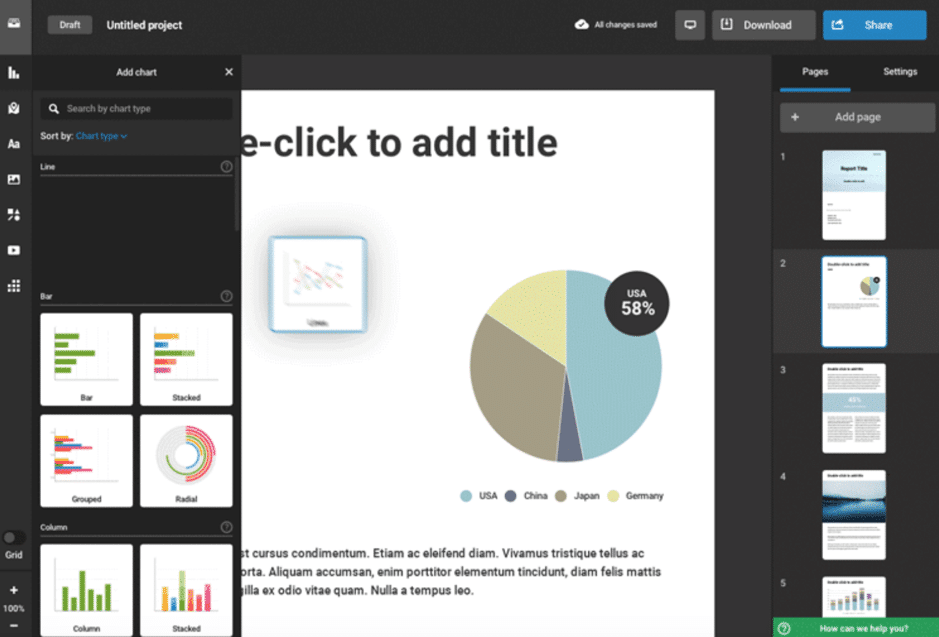 Infogram offer over 37 beautiful templates to choose from to help you create infographics, easily. What’s more, you can also use the tool to create interactive reports and maps, graphs and charts, as well as social media visuals.
Use it to create: infographics, graphs, charts, reports, maps, social media images and other visuals.
[clickToTweet tweet="50 #Free #content creation tools: @infogram" quote="50 #Free #content creation tools: @infogram"]
Infogram offer over 37 beautiful templates to choose from to help you create infographics, easily. What’s more, you can also use the tool to create interactive reports and maps, graphs and charts, as well as social media visuals.
Use it to create: infographics, graphs, charts, reports, maps, social media images and other visuals.
[clickToTweet tweet="50 #Free #content creation tools: @infogram" quote="50 #Free #content creation tools: @infogram"]
Piktochart
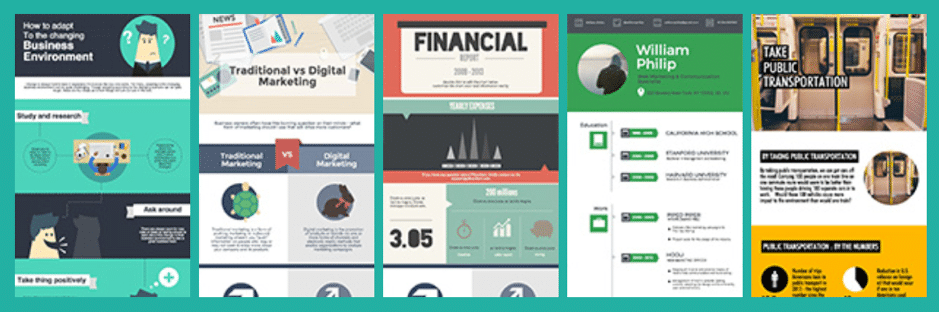 Piktochart is a free, easy to use infographic maker – and best of all, their free plan allows for unlimited creations. Just pick your template and start adding data, customize your colours, fonts, images, vectors, and so on, to build your very own infographic.
Use it to create: infographics, presentations, posters, reports.
[clickToTweet tweet="50 #Free #content creation tools: @piktochart" quote="50 #Free #content creation tools: @piktochart"]
Piktochart is a free, easy to use infographic maker – and best of all, their free plan allows for unlimited creations. Just pick your template and start adding data, customize your colours, fonts, images, vectors, and so on, to build your very own infographic.
Use it to create: infographics, presentations, posters, reports.
[clickToTweet tweet="50 #Free #content creation tools: @piktochart" quote="50 #Free #content creation tools: @piktochart"]
Venngage
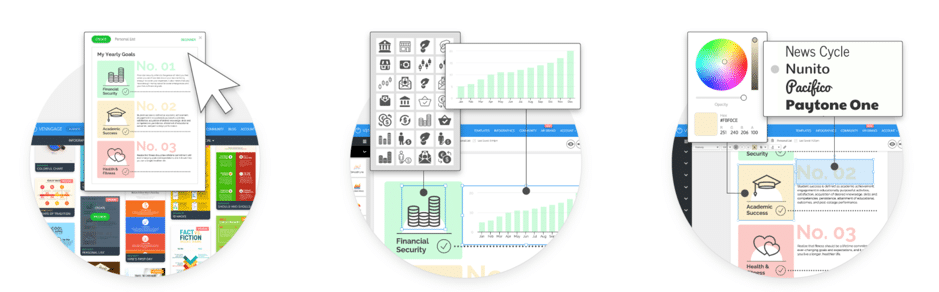 Another great option, Venngage helps you create infographics in 3 easy steps: pick a template from their professional designs, add visuals, text, and charts and then start customizing it to make it your own.
Use it to create: infographics, reports, posters, social media visuals, promotional visuals.
[clickToTweet tweet="50 #Free #content creation tools: @venngage" quote="50 #Free #content creation tools: @venngage"]
Another great option, Venngage helps you create infographics in 3 easy steps: pick a template from their professional designs, add visuals, text, and charts and then start customizing it to make it your own.
Use it to create: infographics, reports, posters, social media visuals, promotional visuals.
[clickToTweet tweet="50 #Free #content creation tools: @venngage" quote="50 #Free #content creation tools: @venngage"]
Easelly
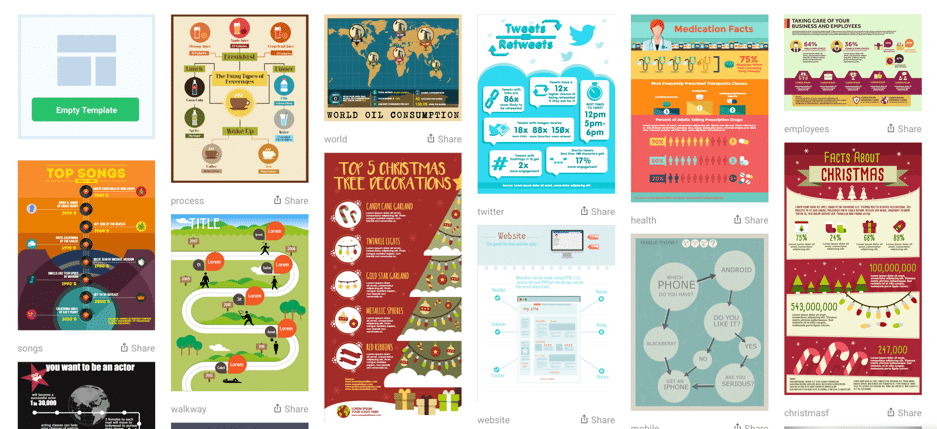 Not only is Easelly a free to use infographic creator (although you can upgrade, too), but you can actually start creating and editing without even creating an account – just click on whichever template strikes your fancy to get started creating.
Use to it to create: infographics, reports, resumes, processes.
[clickToTweet tweet="50 #Free #content creation tools: Easel.ly" quote="50 #Free #content creation tools: Easel.ly"]
Not only is Easelly a free to use infographic creator (although you can upgrade, too), but you can actually start creating and editing without even creating an account – just click on whichever template strikes your fancy to get started creating.
Use to it to create: infographics, reports, resumes, processes.
[clickToTweet tweet="50 #Free #content creation tools: Easel.ly" quote="50 #Free #content creation tools: Easel.ly"]
Free chart and graph creators
There have been at least a couple of tools that I mentioned earlier that allow you to create charts and graphs (Canva, Venngage, Infogram) – here are a few more though:Amcharts
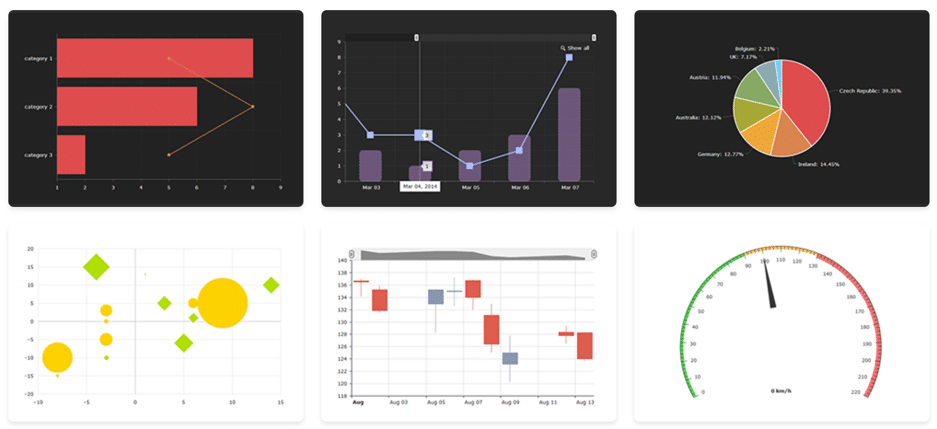 Use Amcharts to easily create a chart from scratch (all major chart types are covered), or use one of their available templates.
[clickToTweet tweet="50 #Free #content creation tools: @amcharts" quote="50 #Free #content creation tools: @amcharts"]
Use Amcharts to easily create a chart from scratch (all major chart types are covered), or use one of their available templates.
[clickToTweet tweet="50 #Free #content creation tools: @amcharts" quote="50 #Free #content creation tools: @amcharts"]
Meta-chart
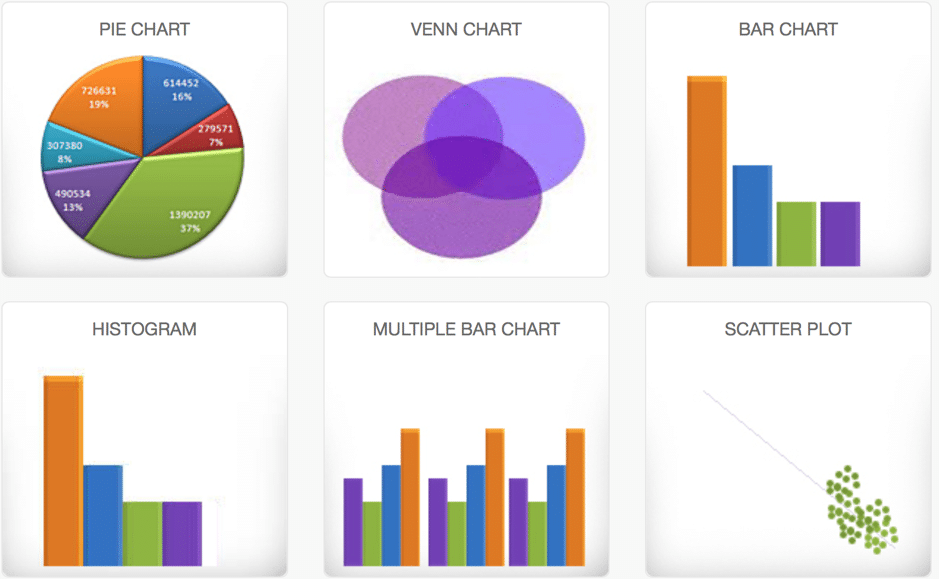 You can use Meta-chart to create a variety of charts, such as Pie charts, Venn Charts, Multiple bar and scatter plot charts, and basically any common chart that you can think of. I really need to stop writing “chart” now.
[clickToTweet tweet="50 #Free #content creation tools: meta-chart" quote="50 #Free #content creation tools: meta-chart"]
You can use Meta-chart to create a variety of charts, such as Pie charts, Venn Charts, Multiple bar and scatter plot charts, and basically any common chart that you can think of. I really need to stop writing “chart” now.
[clickToTweet tweet="50 #Free #content creation tools: meta-chart" quote="50 #Free #content creation tools: meta-chart"]
Plot.ly
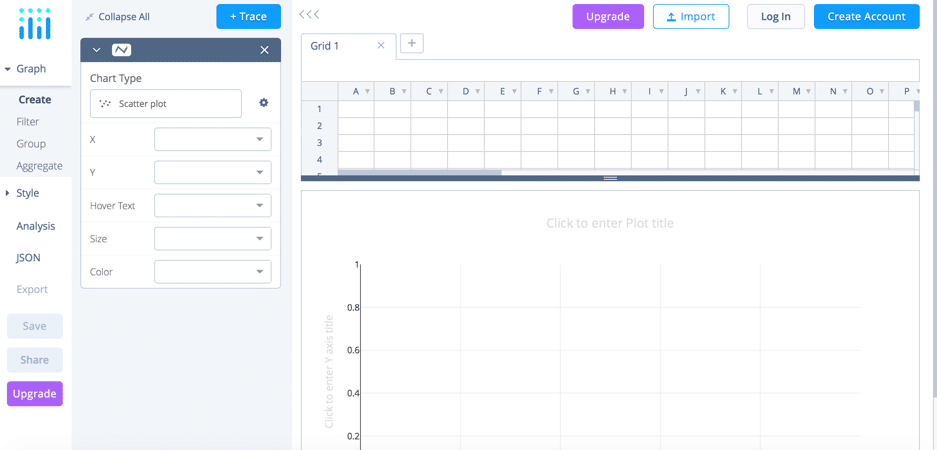 Plot.ly allows you to create a big variety of charts and graphs for business, science, and finance, as well as 3D charts, and maps. Just enter your data and then you can start customising your chart or graph.
[clickToTweet tweet="50 #Free #content creation tools: plotly" quote="50 #Free #content creation tools: plotly"]
Plot.ly allows you to create a big variety of charts and graphs for business, science, and finance, as well as 3D charts, and maps. Just enter your data and then you can start customising your chart or graph.
[clickToTweet tweet="50 #Free #content creation tools: plotly" quote="50 #Free #content creation tools: plotly"]
Free interactive content tools
Leadrev from SnapApp
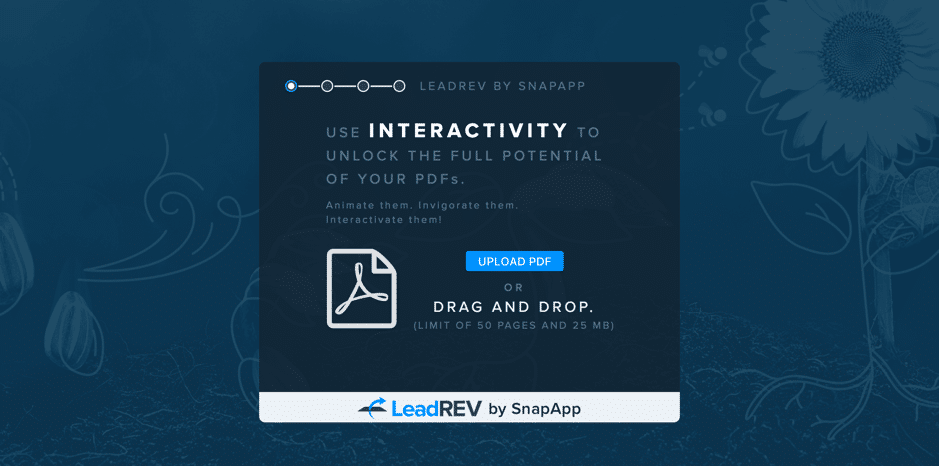 Leadrev from SnapApp is a free interactive content tool that can help you generate more leads for your business. Use it to turn your PDFs (whitepapers, e-books, presentations, etc.) into interactive experiences: add animations and transitions to your PDF and even include a lead form to generate more leads.
[clickToTweet tweet="50 #Free #content creation tools: @leadrev by @snap_app" quote="50 #Free #content creation tools: @leadrev by @snap_app"]
Leadrev from SnapApp is a free interactive content tool that can help you generate more leads for your business. Use it to turn your PDFs (whitepapers, e-books, presentations, etc.) into interactive experiences: add animations and transitions to your PDF and even include a lead form to generate more leads.
[clickToTweet tweet="50 #Free #content creation tools: @leadrev by @snap_app" quote="50 #Free #content creation tools: @leadrev by @snap_app"]
Wirewax
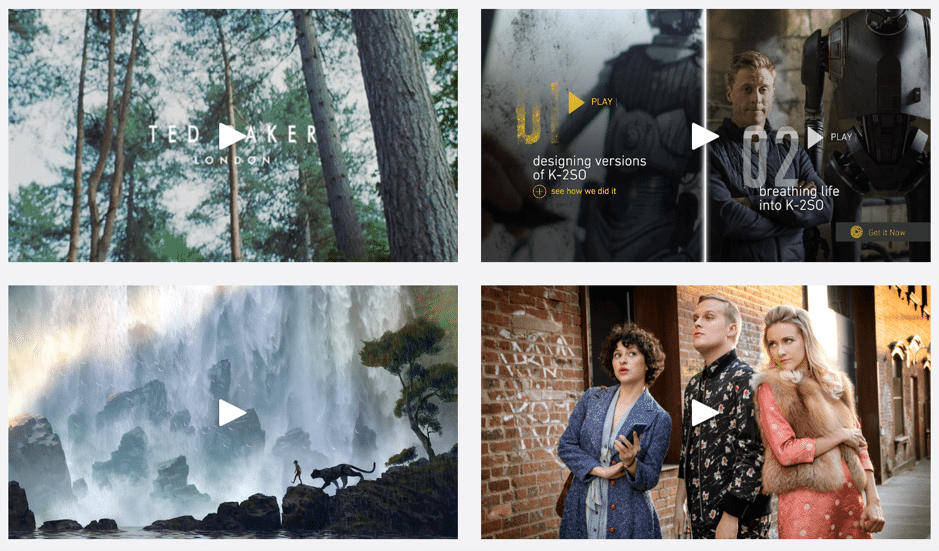 Want to create better, more engaging videos? With Wirewax, you can add interactive elements to your videos – aka hotspots. Hotspots basically mean that you can add clickable areas in your videos so that you can get more out of them. Plus, they offer a free plan for non-commercial videos.
[clickToTweet tweet="50 #Free #content creation tools: @wirewax" quote="50 #Free #content creation tools: @wirewax"]
Want to create better, more engaging videos? With Wirewax, you can add interactive elements to your videos – aka hotspots. Hotspots basically mean that you can add clickable areas in your videos so that you can get more out of them. Plus, they offer a free plan for non-commercial videos.
[clickToTweet tweet="50 #Free #content creation tools: @wirewax" quote="50 #Free #content creation tools: @wirewax"]
Thinglink
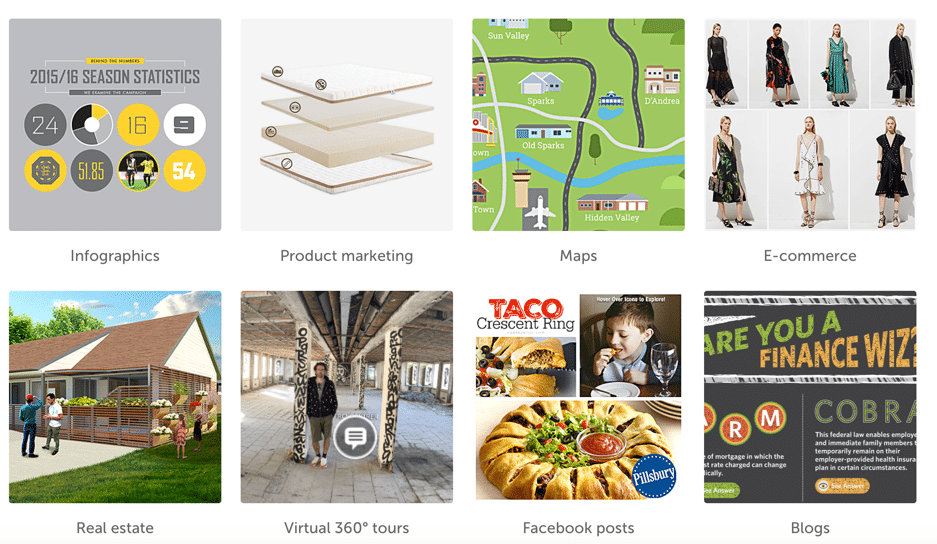 Thinglink lets you annotate any video, image, or 360-degree video with text, images, web links, as well as video and audio, so that you can create interactive content that will entertain your audience – and push them convert faster.
[clickToTweet tweet="50 #Free #content creation tools: @thinglink" quote="50 #Free #content creation tools: @thinglink"]
Thinglink lets you annotate any video, image, or 360-degree video with text, images, web links, as well as video and audio, so that you can create interactive content that will entertain your audience – and push them convert faster.
[clickToTweet tweet="50 #Free #content creation tools: @thinglink" quote="50 #Free #content creation tools: @thinglink"]
Playbuzz
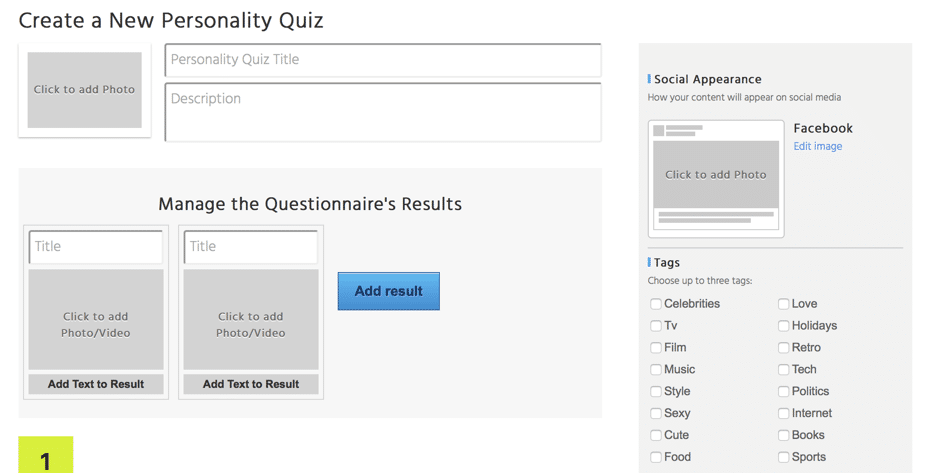 Playbuzz is a tool designed for advertisers, publishers, and content creators, helping them to create, monetize, and distribute interactive stories and content. Use it to create all kinds of interactive content, such as personality quizzes, interactive lists, polls, stories formed of multiple interactive elements, and more.
[clickToTweet tweet="50 #Free #content creation tools: @playbuzz" quote="50 #Free #content creation tools: @playbuzz"]
Playbuzz is a tool designed for advertisers, publishers, and content creators, helping them to create, monetize, and distribute interactive stories and content. Use it to create all kinds of interactive content, such as personality quizzes, interactive lists, polls, stories formed of multiple interactive elements, and more.
[clickToTweet tweet="50 #Free #content creation tools: @playbuzz" quote="50 #Free #content creation tools: @playbuzz"]
Headline and topic generators
Sumo Kickass Headline Generator
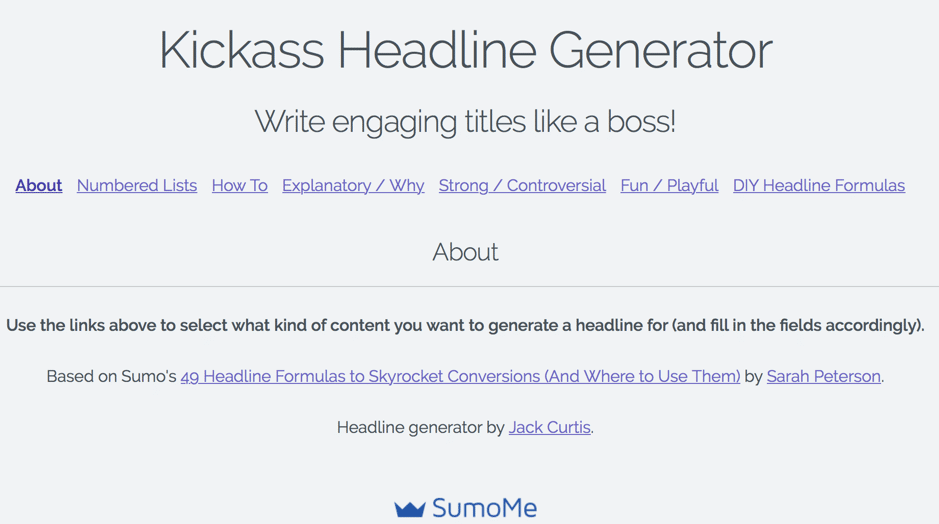 Need some help coming up with a kickass headline? Use Sumo’s Kickass Headline Generator to easily get headline ideas for all kinds of different types of content (How to’s, explanatory posts, controversial posts, listicles, fun blog posts).
[clickToTweet tweet="50 #Free #content creation tools: Sumo Kickass Headline Generator" quote="50 #Free #content creation tools: Sumo Kickass Headline Generator"]
Need some help coming up with a kickass headline? Use Sumo’s Kickass Headline Generator to easily get headline ideas for all kinds of different types of content (How to’s, explanatory posts, controversial posts, listicles, fun blog posts).
[clickToTweet tweet="50 #Free #content creation tools: Sumo Kickass Headline Generator" quote="50 #Free #content creation tools: Sumo Kickass Headline Generator"]
Hubspots’ blog ideas generator
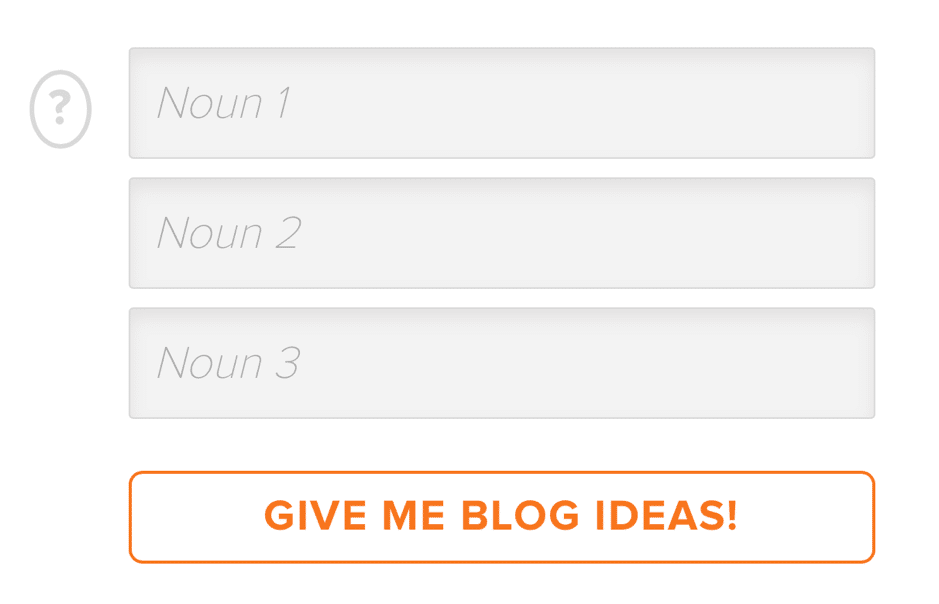 Sometimes, you need help coming up with ideas for what to write on your blog. For those times, just use Hubspot’s Blog Topic Generator to enter a few keywords and get your ideas.
[clickToTweet tweet="50 #Free #content creation tools: @hubspot's blog topic generator" quote="50 #Free #content creation tools: @hubspot's blog topic generator"]
Sometimes, you need help coming up with ideas for what to write on your blog. For those times, just use Hubspot’s Blog Topic Generator to enter a few keywords and get your ideas.
[clickToTweet tweet="50 #Free #content creation tools: @hubspot's blog topic generator" quote="50 #Free #content creation tools: @hubspot's blog topic generator"]
SEOPressor Blog Title Generator
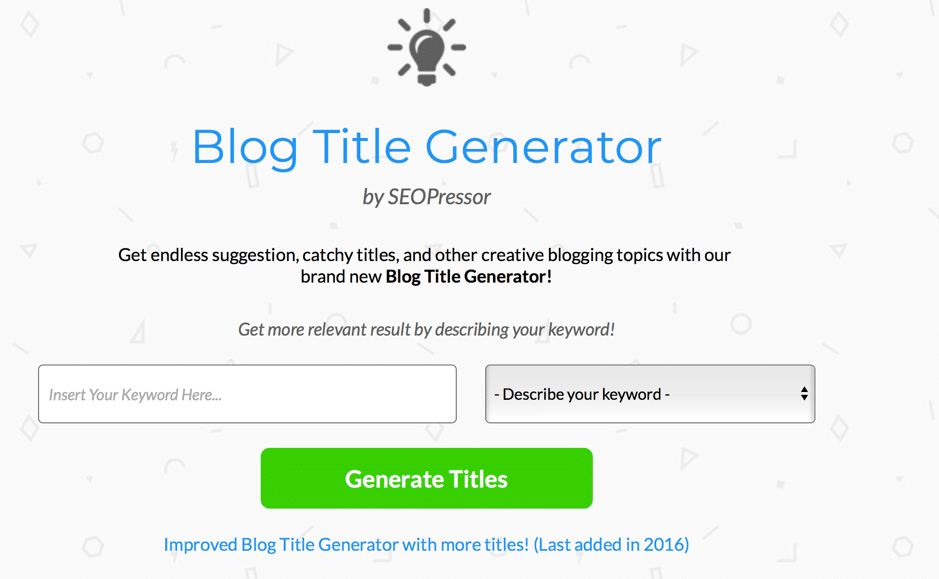 Use SEOPressor’s Blog Title Generator to quickly enter a keyword and get your headline ideas.
[clickToTweet tweet="50 #Free #content creation tools: @seopressor's blog idea generator" quote="50 #Free #content creation tools: @seopressor's blog idea generator"]
Use SEOPressor’s Blog Title Generator to quickly enter a keyword and get your headline ideas.
[clickToTweet tweet="50 #Free #content creation tools: @seopressor's blog idea generator" quote="50 #Free #content creation tools: @seopressor's blog idea generator"]
Portent’s Content Idea Generator
 Just like with the previous tools, you can simply enter your keywords into Portent’s Content Idea Generator to get ideas and headlines.
[clickToTweet tweet="50 #Free #content creation tools: @portent's content idea generator" quote="50 #Free #content creation tools: @portent's content idea generator"]
Just like with the previous tools, you can simply enter your keywords into Portent’s Content Idea Generator to get ideas and headlines.
[clickToTweet tweet="50 #Free #content creation tools: @portent's content idea generator" quote="50 #Free #content creation tools: @portent's content idea generator"]
Improve your writing
Grammarly
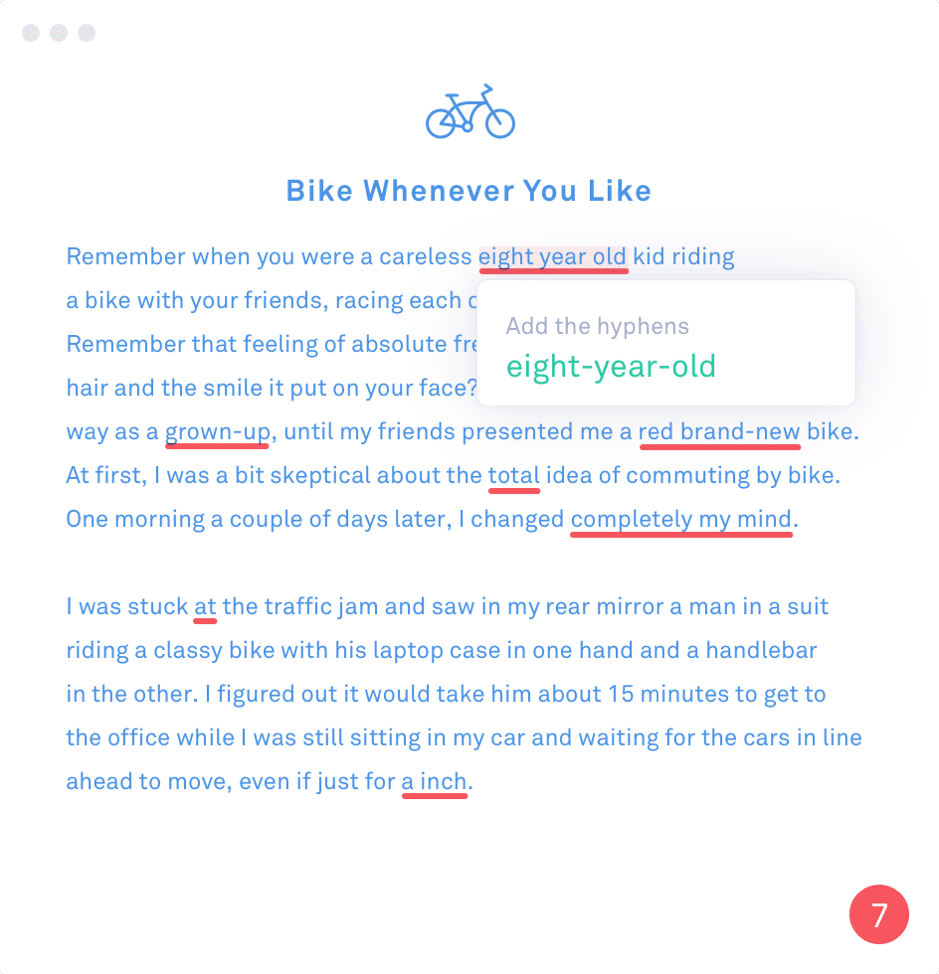 When it comes grammar checkers, there’s no beating Grammarly. It’s super convenient to use as you can get it as a browser extension so that you can check every piece of content you write, whether it’s an email, a tweet, or a blog post.
[clickToTweet tweet="50 #Free #content creation tools: @grammarly" quote="50 #Free #content creation tools: @grammarly"]
When it comes grammar checkers, there’s no beating Grammarly. It’s super convenient to use as you can get it as a browser extension so that you can check every piece of content you write, whether it’s an email, a tweet, or a blog post.
[clickToTweet tweet="50 #Free #content creation tools: @grammarly" quote="50 #Free #content creation tools: @grammarly"]
Hemingway App
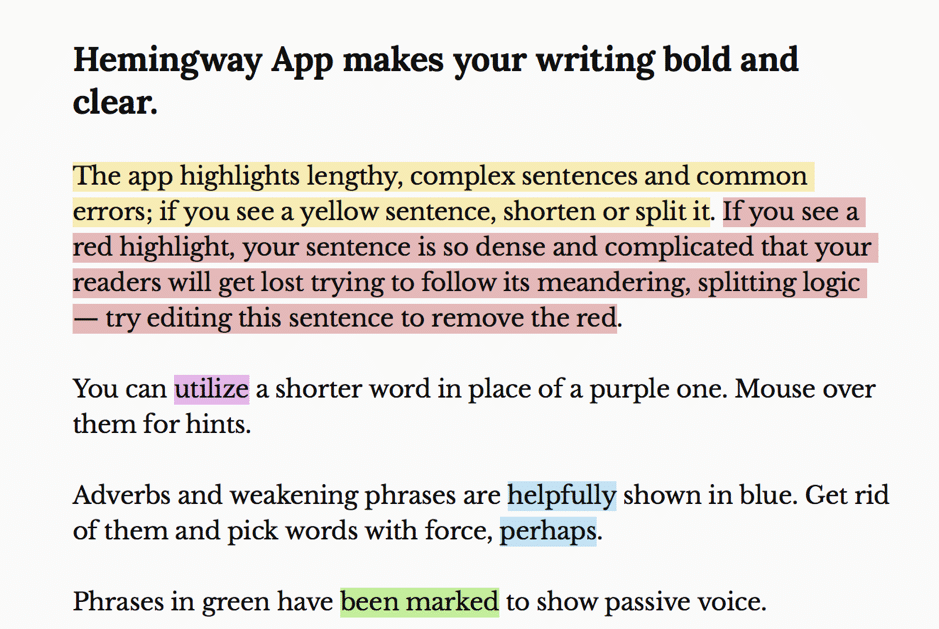 You’re never going to be Hemingway, but you can always try to be more like him. If you want to be a writer who is always clear and bold, use the Hemingway App to check your content’s readability and make it easier to read.
[clickToTweet tweet="50 #Free #content creation tools: @hemingwayapp" quote="50 #Free #content creation tools: @hemingwayapp"]
You’re never going to be Hemingway, but you can always try to be more like him. If you want to be a writer who is always clear and bold, use the Hemingway App to check your content’s readability and make it easier to read.
[clickToTweet tweet="50 #Free #content creation tools: @hemingwayapp" quote="50 #Free #content creation tools: @hemingwayapp"]
Readable
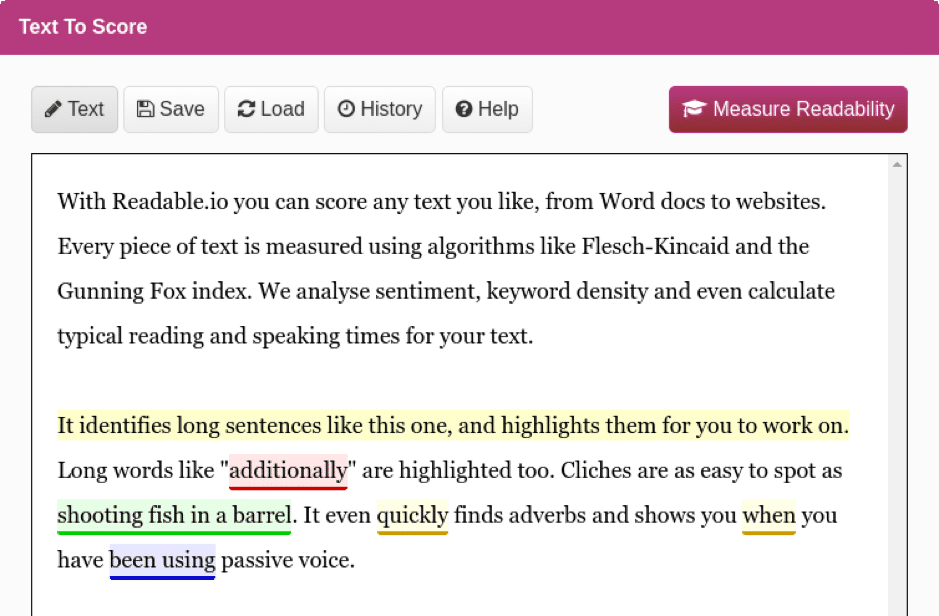 Readable helps answer the question: how readable is your content, really? The tool uses all kinds of popular readability tests to find out exactly how readable your content is and then also helps you understand what you need to improve in order to get a better score (and ultimately, provide a better reading experience).
[clickToTweet tweet="50 #Free #content creation tools: @readableio" quote="50 #Free #content creation tools: @readableio"]
Readable helps answer the question: how readable is your content, really? The tool uses all kinds of popular readability tests to find out exactly how readable your content is and then also helps you understand what you need to improve in order to get a better score (and ultimately, provide a better reading experience).
[clickToTweet tweet="50 #Free #content creation tools: @readableio" quote="50 #Free #content creation tools: @readableio"]
CoSchedule’s Headline Analyser
 As I’m sure you’ve heard time and time again, headlines are extremely important, and they can make a huge difference to your success. Quite simply, if your headline doesn’t capture peoples’ attention, then they won’t read your content. Use CoSchedule’s headline analyser to quickly check the quality of your headline – and optimise it for better results.
[clickToTweet tweet="50 #Free #content creation tools: @coschedule's headline analyser" quote="50 #Free #content creation tools: @coschedule's headline analyser"]
As I’m sure you’ve heard time and time again, headlines are extremely important, and they can make a huge difference to your success. Quite simply, if your headline doesn’t capture peoples’ attention, then they won’t read your content. Use CoSchedule’s headline analyser to quickly check the quality of your headline – and optimise it for better results.
[clickToTweet tweet="50 #Free #content creation tools: @coschedule's headline analyser" quote="50 #Free #content creation tools: @coschedule's headline analyser"]
Get in the mood for writing: noise generators
Hipster Sound
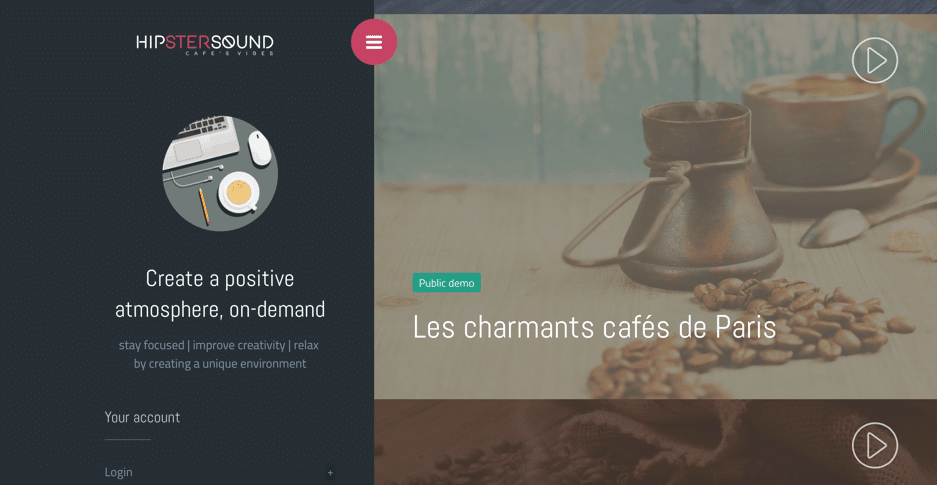 Do you work better in certain environments? Do you hate working in silence? One of your options is to get a tool like Hipster Sound to create a positive environment with sounds like busy Texas cafes, charming little Parisian cafes, rain, busy libraries, and more.
[clickToTweet tweet="50 #Free #content creation tools: @hipstersound" quote="50 #Free #content creation tools: @hipstersound"]
Do you work better in certain environments? Do you hate working in silence? One of your options is to get a tool like Hipster Sound to create a positive environment with sounds like busy Texas cafes, charming little Parisian cafes, rain, busy libraries, and more.
[clickToTweet tweet="50 #Free #content creation tools: @hipstersound" quote="50 #Free #content creation tools: @hipstersound"]
Noisli
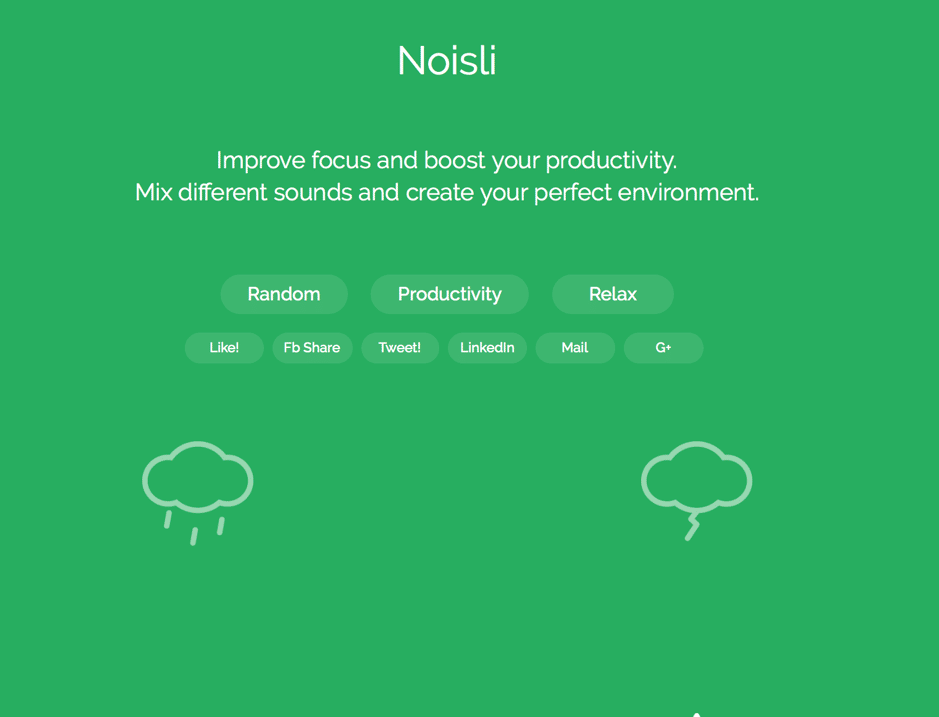 Like Hipster Sound, Noisli aims to help you become more productive and improve your focus by providing you with relaxing sounds, such as coffee shops, rain and thunder, and many more.
[clickToTweet tweet="50 #Free #content creation tools: @noisli" quote="50 #Free #content creation tools: @noisli"]
Like Hipster Sound, Noisli aims to help you become more productive and improve your focus by providing you with relaxing sounds, such as coffee shops, rain and thunder, and many more.
[clickToTweet tweet="50 #Free #content creation tools: @noisli" quote="50 #Free #content creation tools: @noisli"]
Free organizational tools for content creators
Evernote
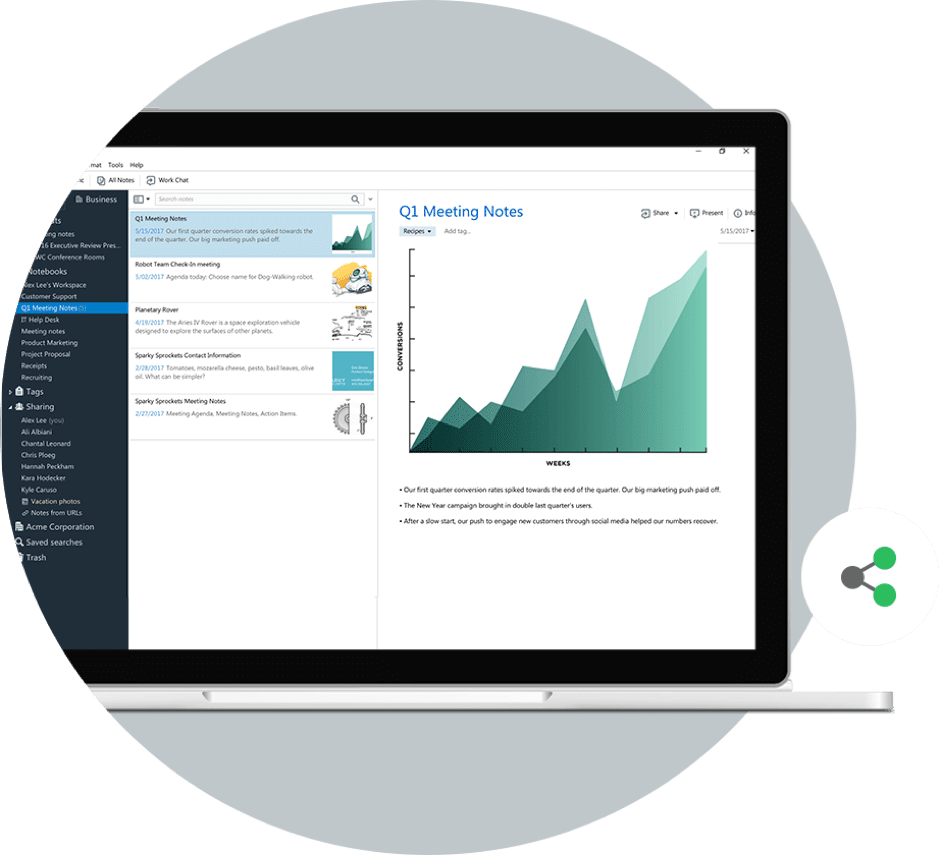 Creating content requires lots of research; with Evernote, you can make sure all your thoughts are well organised and plus, you can collect anything that attracts your attention online, in your Evernote app.
[clickToTweet tweet="50 #Free #content creation tools: @evernote" quote="50 #Free #content creation tools: @evernote"]
Creating content requires lots of research; with Evernote, you can make sure all your thoughts are well organised and plus, you can collect anything that attracts your attention online, in your Evernote app.
[clickToTweet tweet="50 #Free #content creation tools: @evernote" quote="50 #Free #content creation tools: @evernote"]
Trello
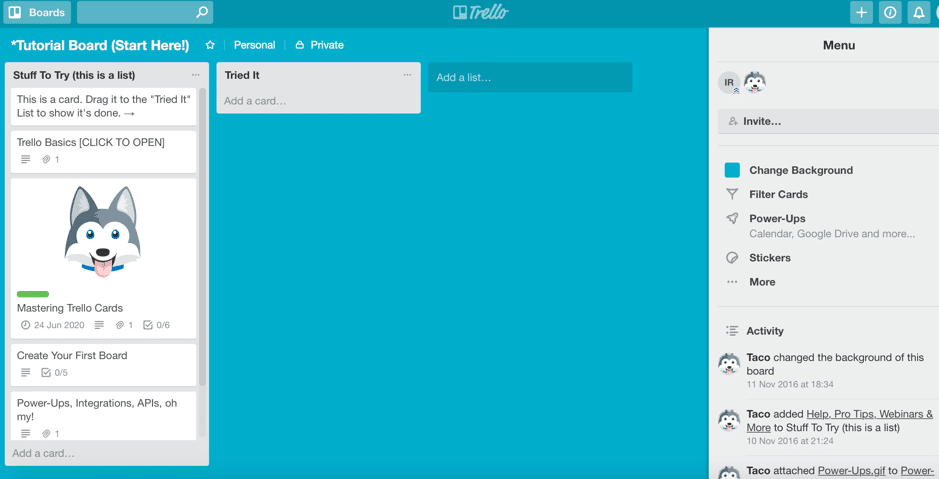 Trello is my personal favourite task manager; however, there are so many different ways that you can use it. For example, keep track of your content ideas, share content with your team, or create an editorial calendar and schedule.
[clickToTweet tweet="50 #Free #content creation tools: @trello" quote="50 #Free #content creation tools: @trello"]
Trello is my personal favourite task manager; however, there are so many different ways that you can use it. For example, keep track of your content ideas, share content with your team, or create an editorial calendar and schedule.
[clickToTweet tweet="50 #Free #content creation tools: @trello" quote="50 #Free #content creation tools: @trello"]
Other useful free content creation tools:
Checkli
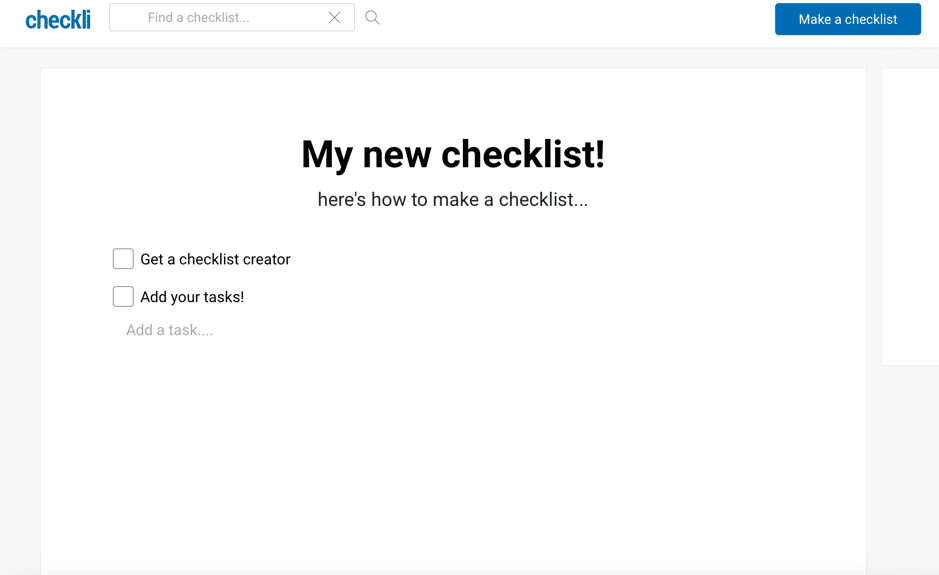 With Checkli, you can easily create and share fun and educational checklists. Once finished, you can share your checklist on social media, use the embed code to publish it or download it as a PDF.
[clickToTweet tweet="50 #Free #content creation tools: Checkli" quote="50 #Free #content creation tools: Checkli"]
With Checkli, you can easily create and share fun and educational checklists. Once finished, you can share your checklist on social media, use the embed code to publish it or download it as a PDF.
[clickToTweet tweet="50 #Free #content creation tools: Checkli" quote="50 #Free #content creation tools: Checkli"]
Word2CleanHTML
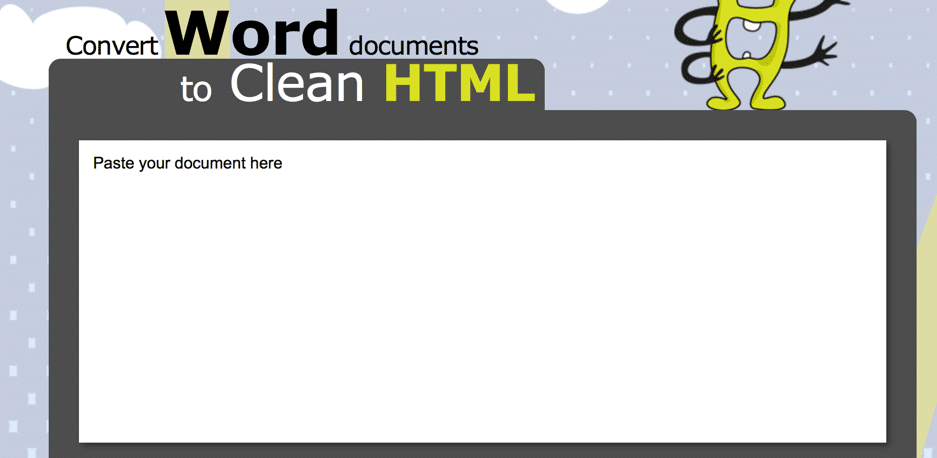 Word2Clean lets you easily convert your Word docs to clean HTML – for example, convert bold writing to <strong>, indent with tabs, remove empty paragraphs, and more.
[clickToTweet tweet="50 #Free #content creation tools: word2cleanHTML" quote="50 #Free #content creation tools: word2cleanHTML"]
Word2Clean lets you easily convert your Word docs to clean HTML – for example, convert bold writing to <strong>, indent with tabs, remove empty paragraphs, and more.
[clickToTweet tweet="50 #Free #content creation tools: word2cleanHTML" quote="50 #Free #content creation tools: word2cleanHTML"]
What are content creation tools?
Content creation tools are the apps and services you use to make marketing content: images, video, audio, written copy, presentations, infographics and social posts. The useful way to think about them is by job rather than by brand. Design tools (Canva, Adobe Express) make graphics and social images. Video tools record, edit and caption clips. Writing tools draft, rewrite and check copy. Planning tools hold your calendar and ideas. AI assistants now sit across all four, which is why a small team can run a content operation that needed an agency five years ago.
Free content creation tools cover most of what a small business needs. Where the paid tier earns its money is usually brand kits, team collaboration, longer video exports and removing watermarks. Start free, and pay only for the one tool you open every day.
Which content creation tools are worth using in 2026, by job?
The honest answer is: match the tool to the specific job you are doing that week, not to the tool with the most features. If you are writing, you want something built for drafting and rewording, not a general chat window you have to prompt from scratch each time. If you are designing, you want a template based tool, not a blank canvas app that assumes you already know layout and colour theory. If you are scheduling, you want something that posts to every platform you actually use, not most of them.
The practical way to pick is to list the five or six pieces of content you make most often (a social graphic, a newsletter, a short video, a client email) and find one free tool for each job, rather than one tool trying to do all of it. Test the export before you commit: open the file you would actually publish and check there is no forced watermark, no locked resolution, and no nag screen every time you save. That single check rules out a good chunk of tools that look free on the homepage.
The common mistake I see with small business owners is collecting five overlapping tools because each one was recommended somewhere, then never becoming fluent in any of them. Fluency with two tools beats familiarity with none.
My honest caveat: free tiers change their limits often, sometimes with no warning, so do not build a client facing workflow that depends entirely on one free tool staying free forever.
If you want people to click rather than scroll, try an interactive content builder.
Frequently asked questions
Which free content creation tool is the single best pick for a small business just starting out?
Canva's free tier is the one I recommend first to almost every small business client because it covers image creation, basic video editing, and presentations in one place without a steep learning curve. You can produce social media graphics, short promotional videos, and pitch decks before you ever need to consider paying. Once you outgrow the free template limits or need brand kit features, the Pro plan at around 100 pounds a year is really worth it, but most businesses can run on free for the first six to twelve months.
Are there free scheduling tools that really let you manage multiple social media accounts?
Buffer's free plan lets you connect up to three social channels and schedule ten posts per channel at any one time, which is enough for most small businesses posting consistently on Facebook, Instagram, and LinkedIn. Meta Business Suite is also completely free and covers scheduling across Facebook and Instagram with basic analytics, which many of my clients overlook because they assume it must cost something. If you need more channels or queue space, Later's free plan adds Pinterest and TikTok to the mix, so compare what channels matter most to you before choosing.
Want AI doing the heavy lifting in your marketing?
I build the systems that handle the boring 80 percent, so you get your week back. Done properly, with the human kept in.
How do I choose between so many free tools without wasting hours testing them all?
Start by listing the three content formats you produce most often, whether that is short video, static graphics, or written posts, and only test tools that directly serve those formats. Read the free tier limitations before you sign up, paying close attention to export quality, watermarks, and monthly usage caps, because those three things are where free tools most often catch you out. I always tell clients to trial one tool for two weeks before adding another, because stacking too many platforms at once means you end up half-using five things rather than getting results from one.
What are the most common mistakes small businesses make with free content creation tools?
The biggest mistake I see is choosing a tool based on what competitors use rather than what fits your own workflow and content format, which leads to wasted time and inconsistent output. Another common error is ignoring watermarks on free video exports, which looks unprofessional and can undermine trust with potential customers before they have even read your message. A third mistake is not checking whether the free tier lets you download in the file format you need, for example some tools only export to compressed formats on the free plan, which causes problems if you are supplying assets to a designer or printer.
Conclusion
As you can see, there are some amazing free content creation tools out there for all of us content creators. In fact, there’s something for every step of the content creation process, from coming up with ideas and topics for creating content to actually creating it. As you leverage these free content creation tools to enhance your digital presence, it's fascinating to see their application in various niche markets. For example, in the world of online gambling, platforms like 日本のオンラインカジノ.com utilize similar tools to create engaging and dynamic content tailored to their audience. This illustrates the versatility of these tools across different industries and their potential to elevate specialized content. What free content creation tools are you using? Any good ones that I haven’t included in my list? Let me know in your comments and please share 🙂Free content creation tools FAQ
What is the best free content creation tool in 2026?
It depends on the content type. For writing, the free tiers of Claude and ChatGPT are exceptional. For visuals, Canva's free tier covers almost every social and blog use case. For video, CapCut and DaVinci Resolve free are professional-grade.
Are free content tools good enough for business use?
For most small businesses, yes. The free tiers in 2026 produce content that is indistinguishable from paid output for typical marketing use cases. Limitations show up at scale (team collaboration, brand kit management) and in very specific high-end workflows.
I publish contributed articles on this topic too. See how to write for us on content marketing.
When should you pay for content creation tools?
Pay when you need: team collaboration features, brand kit consistency across many assets, removal of platform watermarks, higher resolution exports, priority customer support, or API access. For solo creators producing content for themselves, free tiers cover 80-90% of use cases.
Related reading: The AI Marketing Stack for a Solo Founder.
Related reading: Why ChatGPT Has Never Heard of Your Small Business.
Related reading: Why ChatGPT Has Never Heard of Your Business (And How to Fix That).
Writing about this yourself? You can write for us about small business.
Free resource: grab The Solo Founder Ops Stack Cheat Sheet from the resource library.
Related reading: How AI Tools Can Improve Your Resume Writing (Without Making It Sound Li.
Related reading: How to Make a Photo Collage for Your Instagram Story (Without It Looking.
Related reading: Is DaVinci Resolve Worth Learning for Small Business Video Editing?.