- At a glance
- 1. Claude Opus 5.5 deserves a fresh test on work you've given up on
- 2. Custom GPTs are being retired: save the business process behind yours
- 3. GPT-6 Sol and Luna make routine AI work cheaper to test
- 4. "Think harder" no longer substitutes for checking the setting
- 5. ChatGPT's Data agent can investigate the question behind your spreadsheet
- 6. ChatGPT comes to Word, where the proposal already lives
- 7. ChatGPT Voice can turn a spoken brief into work across connected tools
- 8. Gemini's new voice models make spoken work more capable
- 9. Gemini connects to more of the tools small teams already use
- 10. Gemini's Windows app reduces the friction of asking for help
- 11. ChatGPT is testing ads that customers can talk to
- 12. ChatGPT Ads moves closer to your CRM and online shop
- 13. Google gives retailers a clearer view of AI discovery
- 14. YouTube ads are getting a product-question assistant
- 15. Firefly's September update could save tedious production time
- 16. ChatGPT Images makes it easier to start with a layout in mind
- 17. HubSpot makes the contract a better starting point for revenue questions
- 18. Microsoft's new Copilot adds Home, Code and Autopilot
- 19. Copilot Cowork can revise the shared file instead of making another copy
- 20. Microsoft's November billing default needs a spending decision
- 21. Better prompt caching can cut the cost of repeating the same background
- 22. ChatGPT adds more visibility into account activity and connected access
- 23. Anthropic's misuse report is a reminder to verify the request, not the writing
- 24. OpenAI's incident reports make "it said it was done" a weaker test
- Is Claude Code better than ChatGPT? The fair answer
- What changed since the last Digest
- Your 90-minute catch-up plan
- Final takeaway
- Frequently asked questions
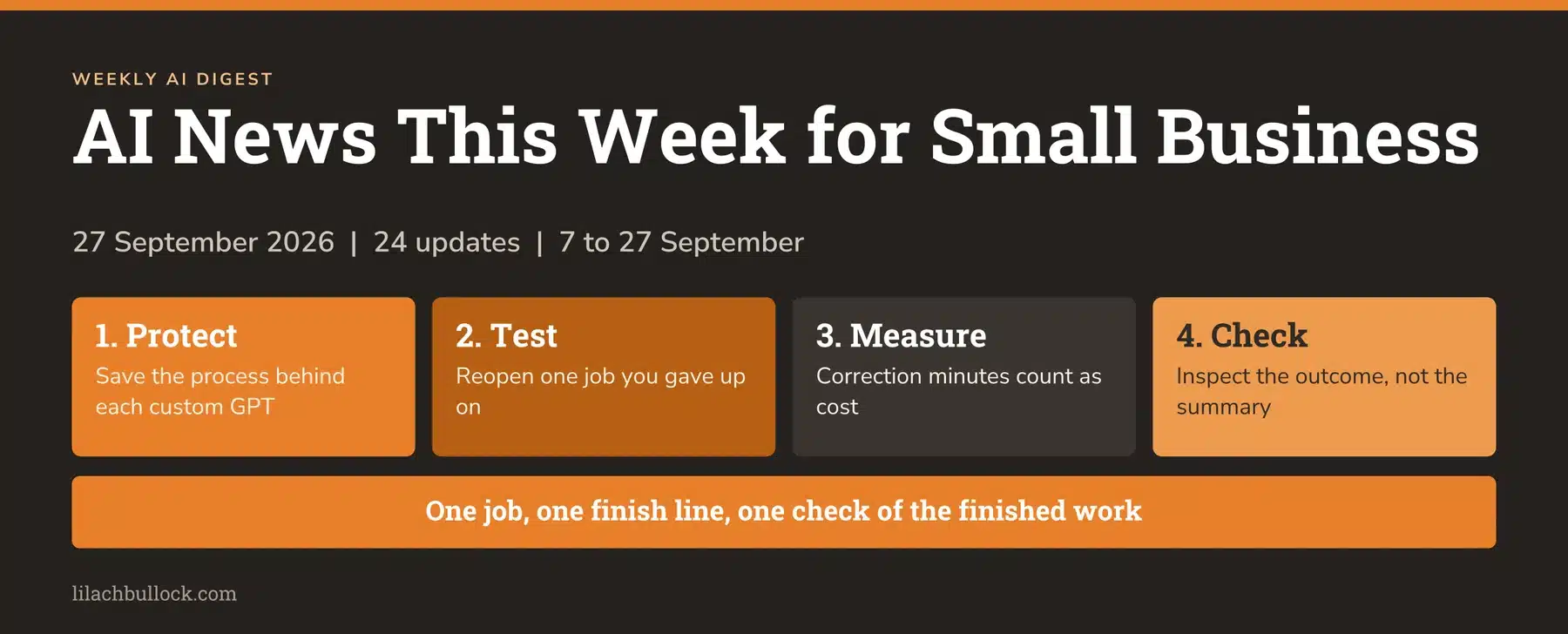
AI news this week for small business needs a slightly bigger table. We've got three weeks to catch up on, and the companies selling us time-saving software have been exceptionally busy giving us things to read.
Worth reading next: Do I Need a Privacy Policy on My Small Business Site?.
I've pulled out 24 developments from 7 to 27 September that affect how a small business gets customers, finishes work and pays for AI. Each comes with my verdict, one useful action and the bit that still needs you.
And yes, we're going to deal with the "Claude is better than ChatGPT" question. There is evidence worth taking seriously. There is also a difference between winning a test and being the best tool for your business.
This picks up from the 6 September AI Digest. Availability is checked as of 27 September. Where something is a preview or a limited test, I've said so.
At a glance
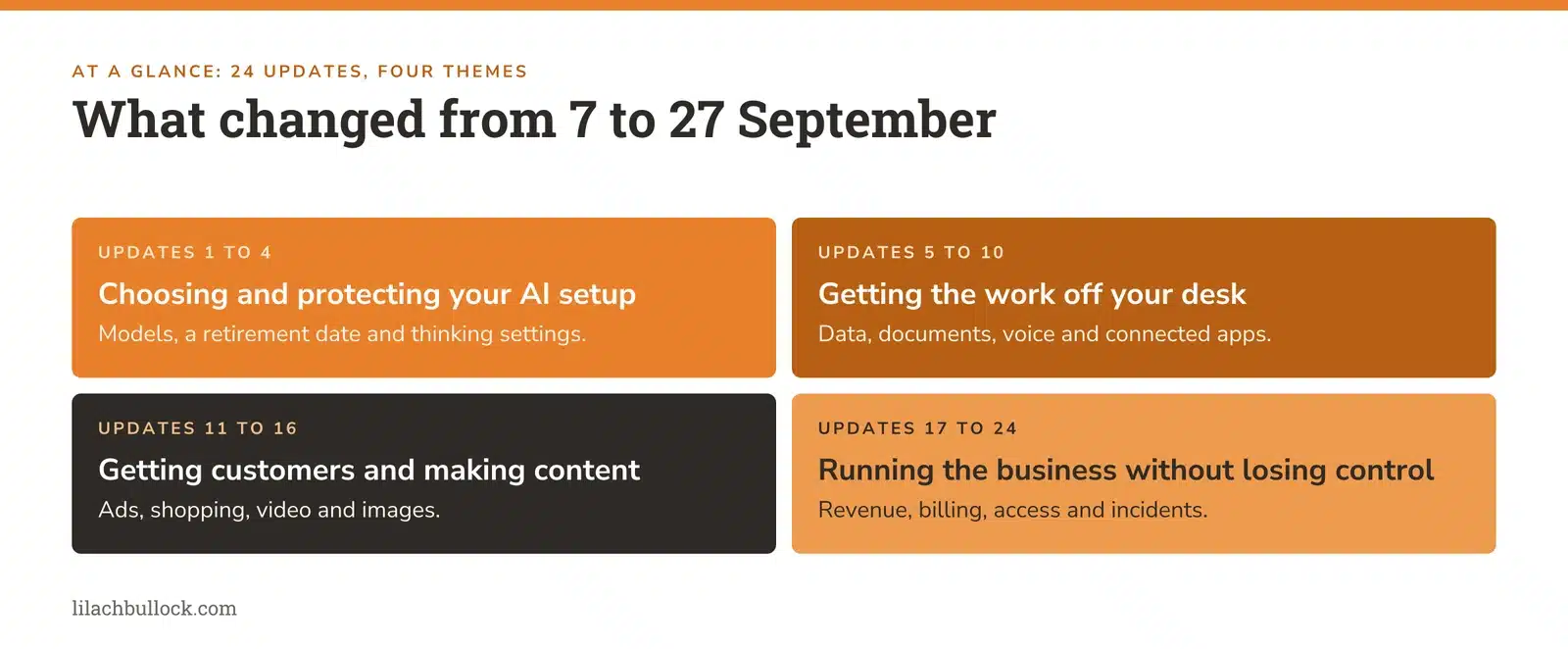
Choosing and protecting your AI setup
- Claude Opus 5.5 makes a stronger case for switching some work.
- Custom GPTs have a retirement timetable. Your favourite shortcut needs a plan.
- GPT-6 Sol and Luna lower the price of everyday agent work.
- ChatGPT Plus and Pro users need to choose deeper thinking deliberately.
Getting the work off your desk
- ChatGPT's Data agent tackles business questions and dashboards.
- ChatGPT arrives inside Word.
- ChatGPT Voice can use connected tools.
- Gemini's new voice models can work through more complex requests.
- Gemini adds more business apps.
- Gemini lands on Windows.
Getting customers and making content
- Sponsored Agents put a sales conversation inside a ChatGPT ad.
- ChatGPT ad management connects to HubSpot and Shopify.
- Google adds AI shopping visibility and checkout improvements.
- YouTube ads get a conversational shopping beta.
- Firefly removes video backgrounds and expands creative formats.
- ChatGPT Images adds templates and sketch-based creation.
Running the business without losing control
- HubSpot brings existing contracts into its revenue reporting.
- Microsoft's new Copilot points towards more delegated work.
- Copilot Cowork can edit existing shared Office files.
- A Microsoft billing change deserves attention before November.
- Better caching can reduce the cost of repeat AI jobs.
- New ChatGPT controls make account activity and access easier to inspect.
- Anthropic's misuse report makes convincing messages less reassuring.
- OpenAI's incident reporting gives you a useful rule for your own agents.
Then: the fair Claude Code versus ChatGPT comparison, a five-task scorecard, a 90-minute catch-up plan and FAQs.
1. Claude Opus 5.5 deserves a fresh test on work you've given up on
What changed, 22 September: Anthropic launched Opus 5.5. It says typical workloads cost 40% less than Opus 5 at default settings. That's a workload claim, not a 40% discount on your subscription. Its launch comparisons also show stronger coding results. Source: Anthropic's Opus 5.5 announcement.
My verdict
This is worth your attention if you've tried to build a useful calculator, fix a website problem or produce a complicated report and spent more time correcting the assistant than doing the job.
But I wouldn't move a working business setup because somebody posted a triumphant screenshot. I'd reopen one specific failed task and see whether the new model gets it over the line.
Use it in your business
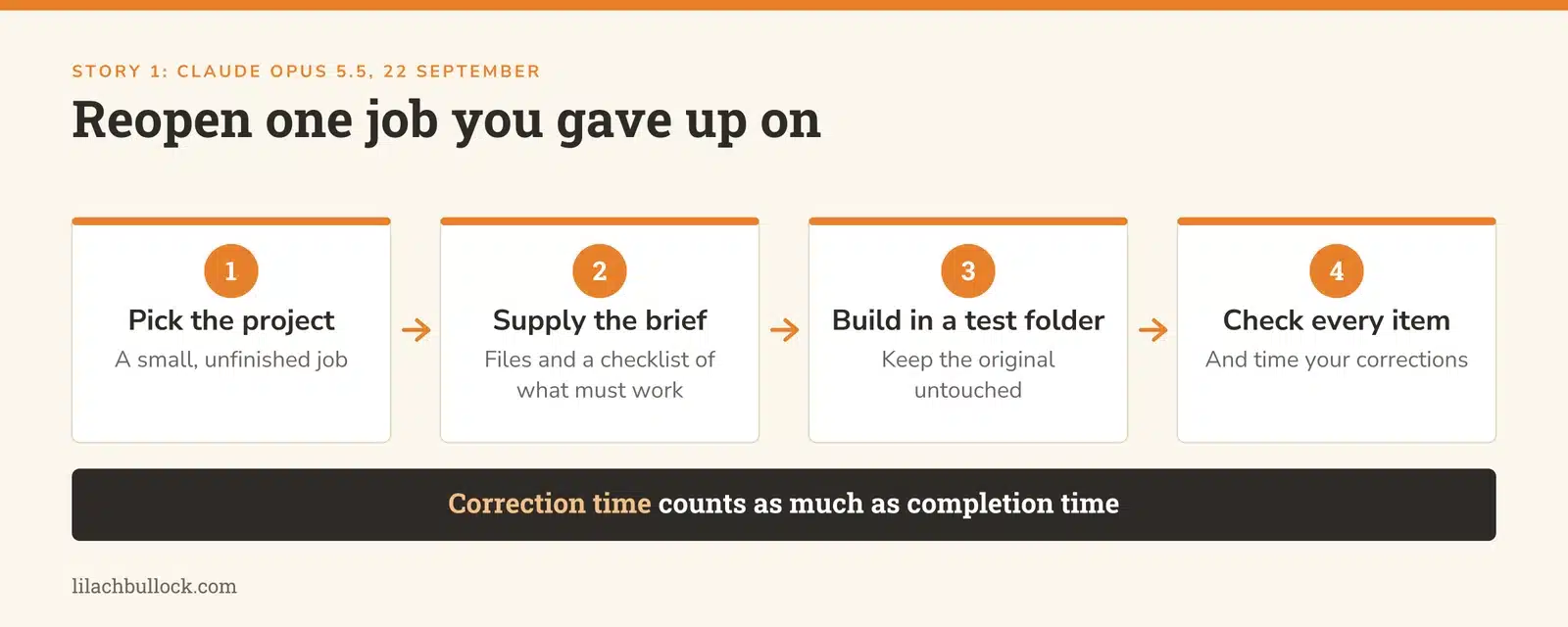
Take a small, unfinished project. Supply the original brief, relevant files and a checklist of what must work. Ask for a completed version in a separate test folder, then check every item. Use my AI Agent Brief Template to make the finish line explicit.
Measure correction time as well as completion time. An assistant that produces a draft in two minutes and needs forty minutes of repairs hasn't saved you thirty-eight minutes.
Keep this human
Someone still needs to understand the result well enough to accept it. Working code needs testing; business recommendations need judgement. The comparison later in this Digest explains what the independent scores do and don't establish.
2. Custom GPTs are being retired: save the business process behind yours
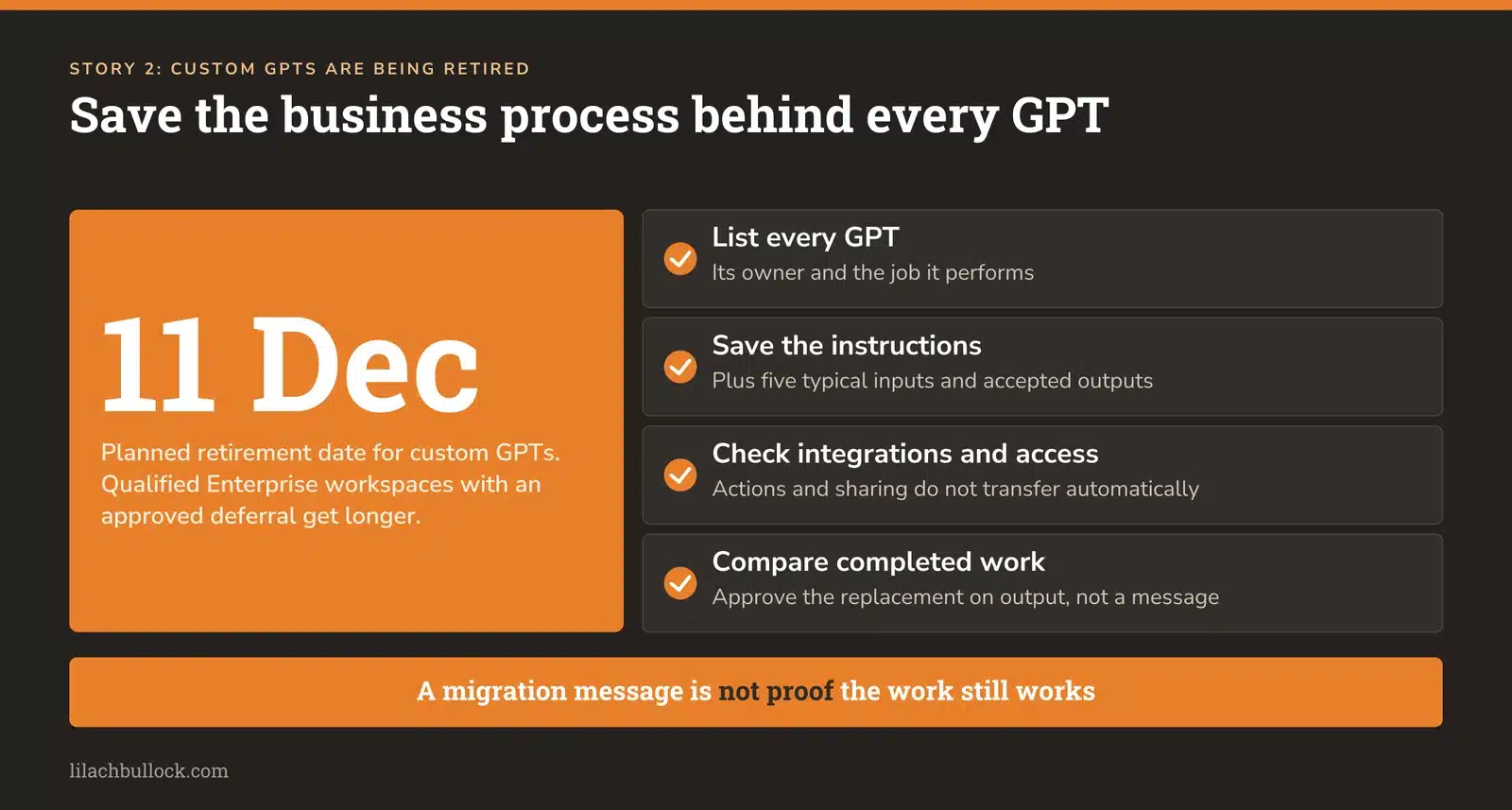
What changed, announced 11 September: OpenAI plans to retire custom GPTs on 11 December 2026, with a later date for qualified Enterprise workspaces that have an approved deferral. The replacement path is plugins. Follow your account's own notice. Source: OpenAI's migration FAQ.
My verdict
This deserves a place above most shiny launches. If a custom GPT writes your proposals, checks your content or helps your team answer customers, it has become part of the business. You need to know what happens to that job.
The important work is preserving the instructions and testing the replacement before the old route disappears.
Use it in your business
List the GPTs you use, their owners and the job each performs. For ones you own, save the business instructions and source material you control, plus five typical inputs and accepted outputs. My Context Document Template helps separate your business knowledge from the interface carrying it.
OpenAI says custom actions, conversations, selected models and sharing settings don't transfer automatically through migration. Check integrations and access separately. Don't assume a colleague can open the replacement because they could open the GPT.
Keep this human
Approve the replacement by comparing completed work. A successful migration message isn't proof that the sales brief, calculation or customer answer still works.
3. GPT-6 Sol and Luna make routine AI work cheaper to test
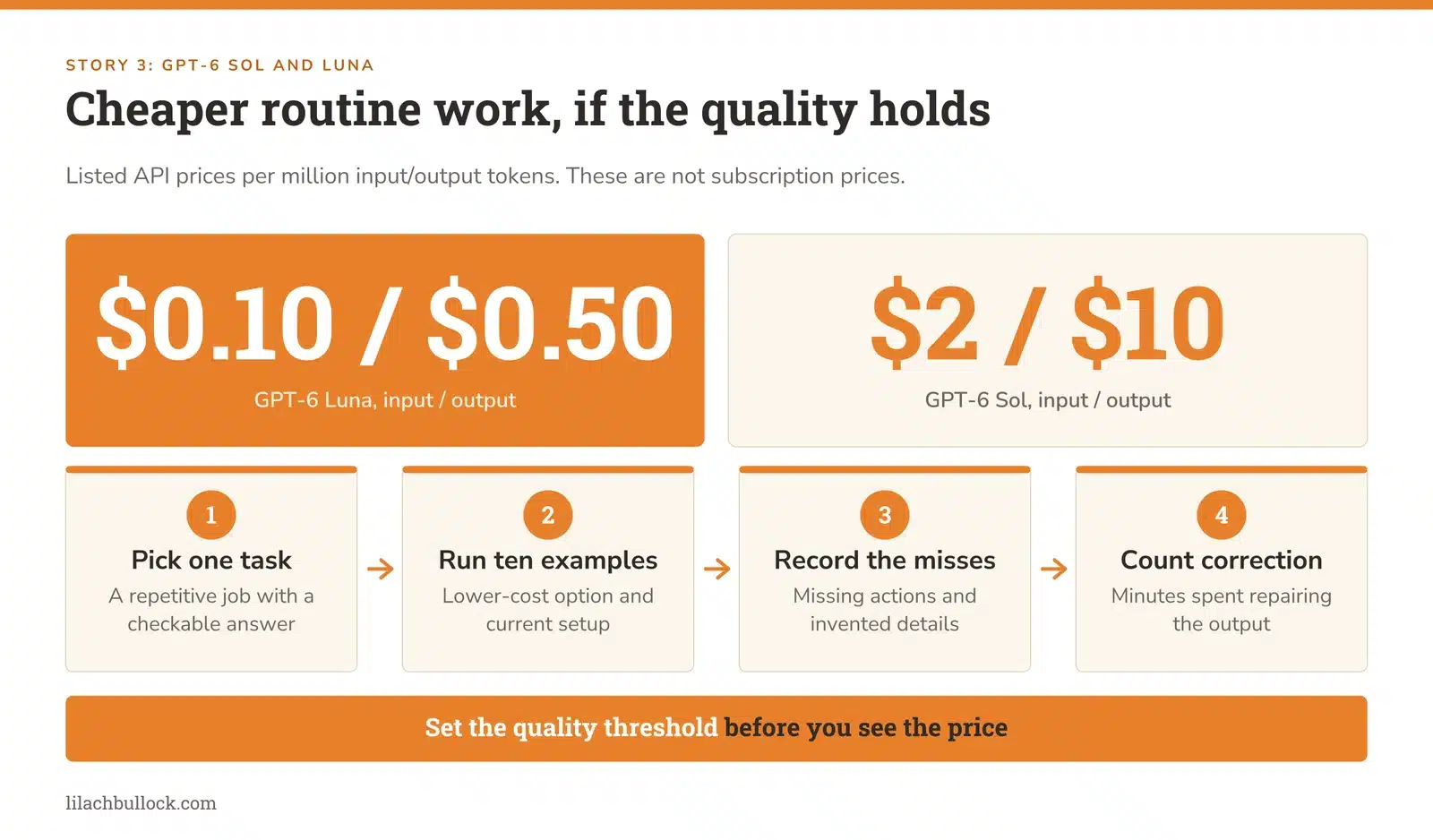
What changed, 22 September: OpenAI introduced GPT-6 Sol and Luna in Work and Codex. Listed API prices per million input/output tokens are $2/$10 for Sol and $0.10/$0.50 for Luna. These are API prices, not monthly subscription prices. Source: OpenAI's launch announcement.
My verdict
The most capable model shouldn't automatically get every job. Sorting enquiries, extracting fields and checking a formatting rule are different jobs from evaluating a business decision.
Small businesses can waste money by treating all AI work as equally difficult. They can also waste money by sending difficult work to a cheap model and paying a person to repair it.
Use it in your business
Choose one repetitive task with an answer you can check, such as turning approved meeting notes into a task list. Run ten examples through a lower-cost option and your current setup. Record missing actions, invented details and correction minutes. My guide to measuring the ROI of AI tools keeps the calculation tied to useful output.
Keep this human
Set the quality threshold before seeing the price. A smaller bill isn't a saving if the workflow silently drops the most important task.
4. "Think harder" no longer substitutes for checking the setting
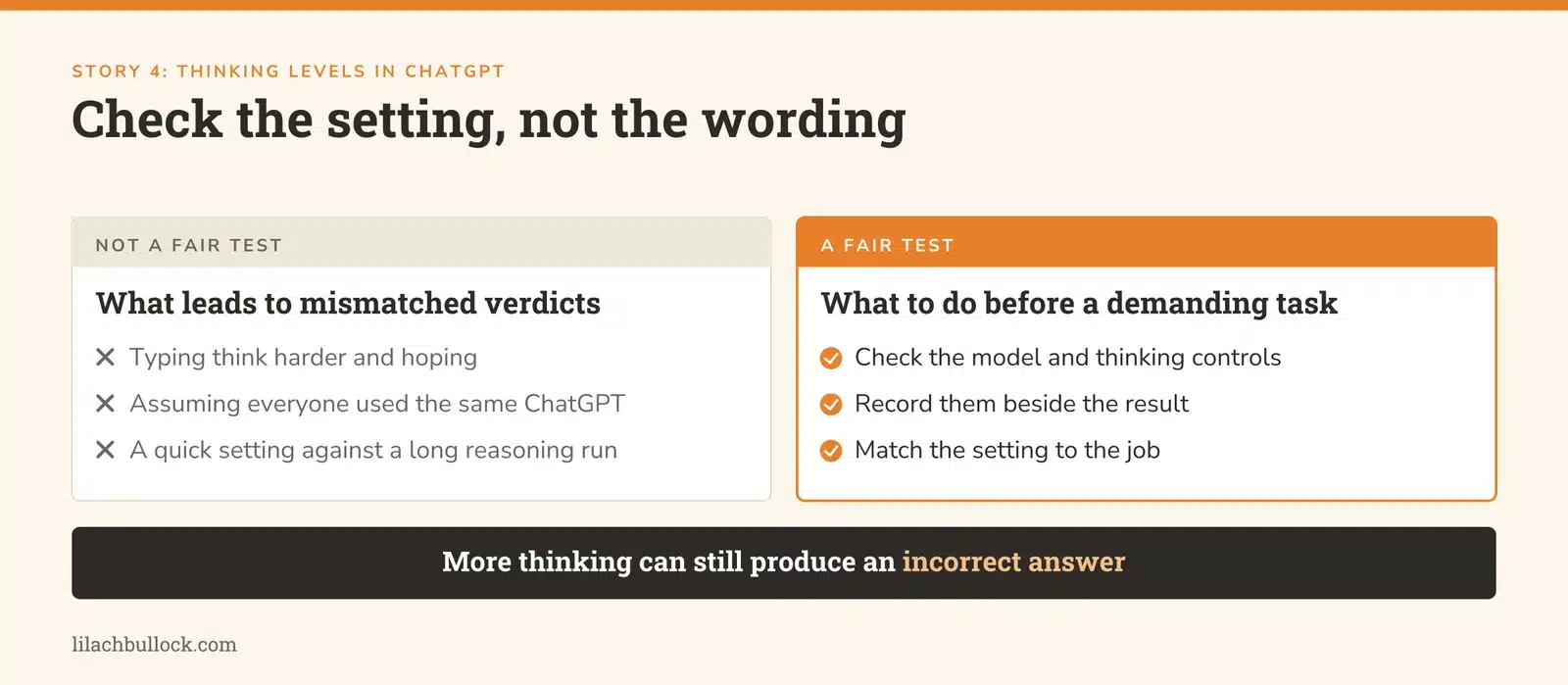
What changed, 14 September: OpenAI is retiring automatic switching from Instant to Thinking for ChatGPT Plus and Pro users. Its guidance says asking the model to think harder doesn't automatically change the thinking level. Sources: release notes and model guidance.
My verdict
This could explain why two people say they've tested "ChatGPT" and describe completely different experiences. They may have used different models, modes and effort settings.
It also makes a fair comparison with Claude more important. Don't compare a quick-answer setting on one side with a lengthy reasoning run on the other and call it a verdict.
Use it in your business
Before your next demanding analysis, check the model and thinking controls. Record them beside the result. Use a quick setting for a straightforward rewrite, then deliberately select an available reasoning option for a messy comparison with conflicting information.
Keep the underlying brief consistent with my prompt templates for work.
Keep this human
More thinking can still produce an incorrect answer. Check the source facts and calculations, especially when the response sounds impressively certain.
5. ChatGPT's Data agent can investigate the question behind your spreadsheet
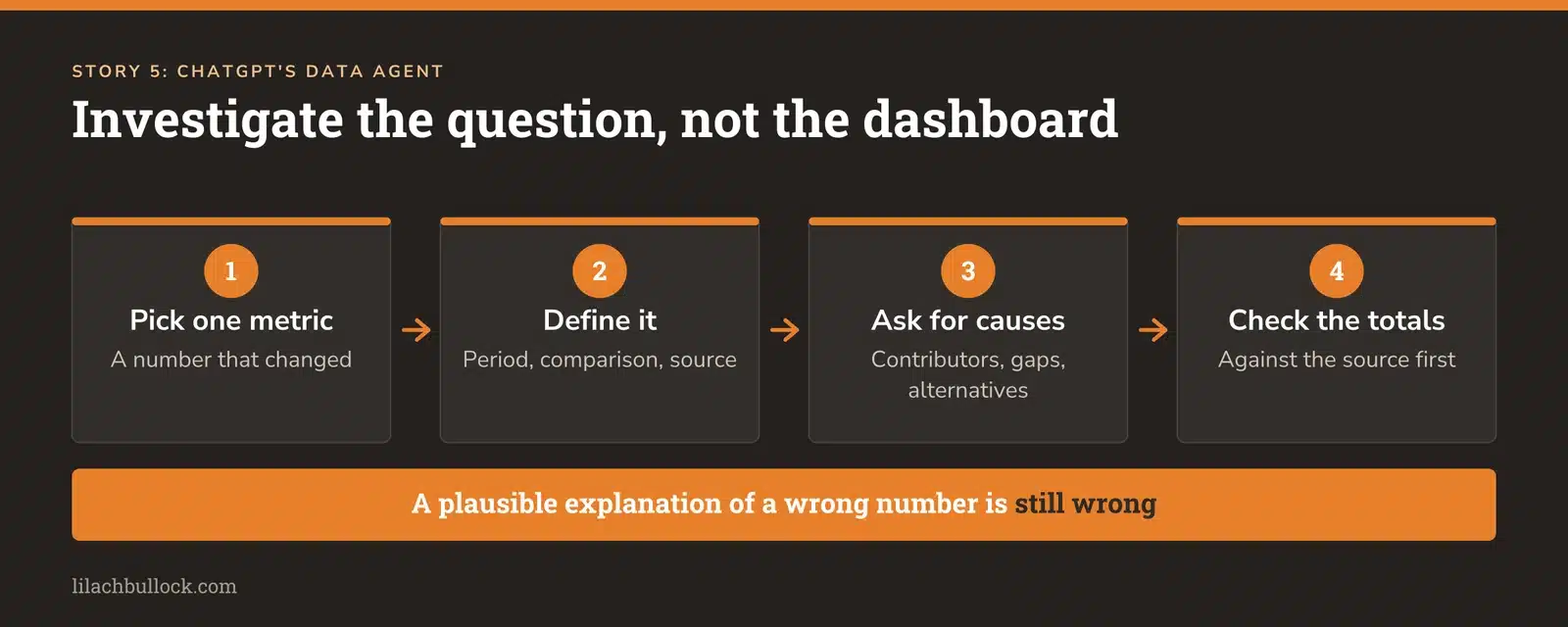
What changed, 10 September: OpenAI launched a Data agent in ChatGPT Work to analyse connected company information and create interactive dashboards. Supported connections include databases and business files; access depends on the account and permissions. Source: Data agent announcement.
My verdict
"Why did sales fall?" is a useful question. "Make me a dashboard" can produce a beautiful way of avoiding it.
For a small business, the value is getting from a number that looks wrong to the next thing worth checking. You don't need a data warehouse to start thinking this way. A clean export and clear definitions are a better beginning than a wall of charts.
Use it in your business
Pick one metric that changed. Supply the period, comparison period, source and definition. Ask for the largest contributors to the change, missing information and alternative explanations. Use the Reporting Narrative Prompt Pack to connect the analysis to a decision.
For example, separate fewer enquiries from a lower conversion rate before rewriting your offer. Those problems need different fixes.
Keep this human
Check the totals against the source before interpreting the chart. A plausible explanation of an incorrectly calculated number is still an incorrect answer.
6. ChatGPT comes to Word, where the proposal already lives
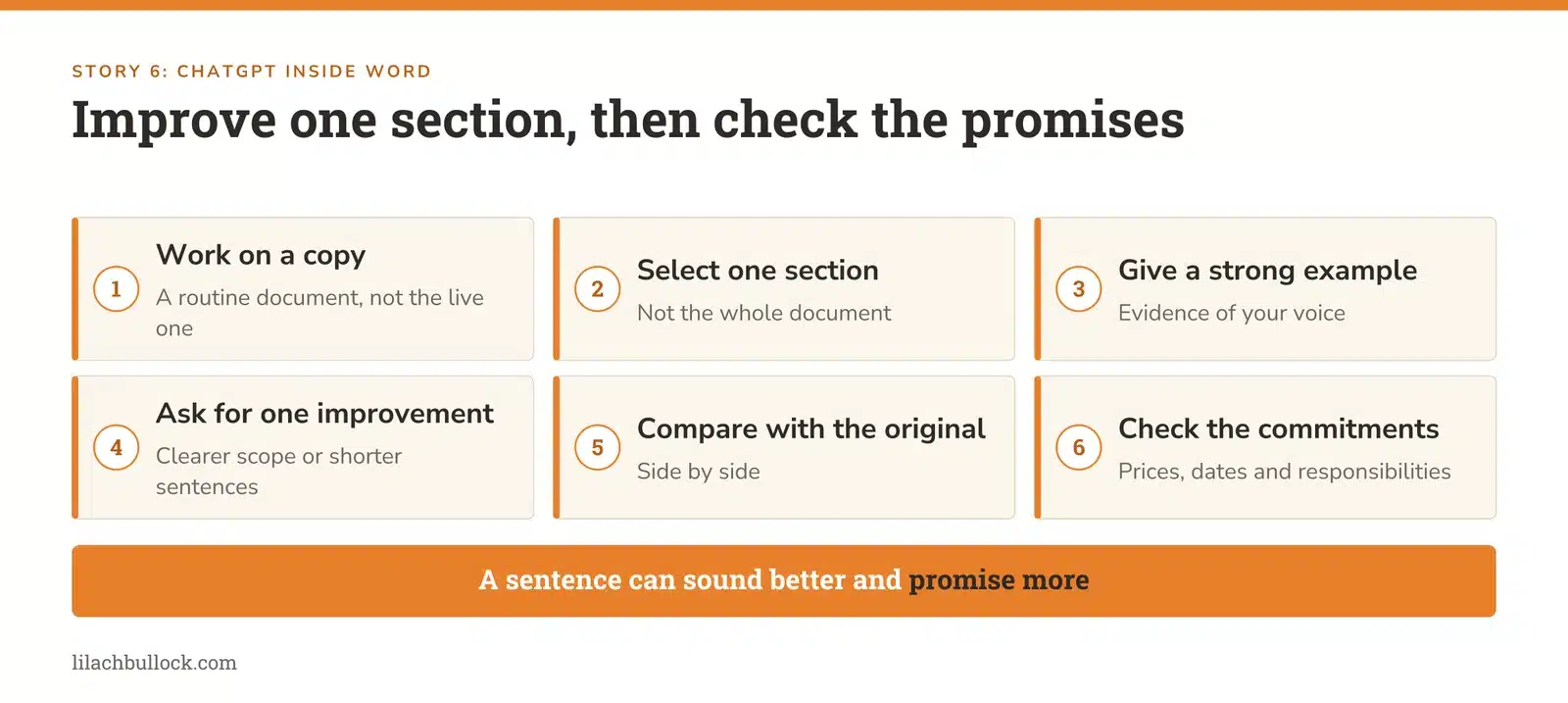
What changed, 17 September: ChatGPT's Microsoft add-in now supports Word, including drafting, selected-text revisions and formatting. Plan usage rules and, for business accounts, administrator controls apply. Source: ChatGPT Business release notes.
My verdict
The useful change is fewer journeys between a document and a chat window. Copying a paragraph out, improving it, copying it back and discovering that the formatting has developed its own ambitions is not a business process anyone would design deliberately.
Use it in your business
Try it on a copy of a routine document. Select one section, provide a strong example of your writing and ask for a specific improvement: clearer scope, shorter sentences or removal of repeated points. Compare the revised section with the original.
Build the examples from your own material using my guide to creating an AI voice bank. The assistant needs evidence of your voice, not three adjectives about it.
Keep this human
Check prices, dates, responsibilities and promises after every revision. A sentence can sound better while committing you to something you never offered.
7. ChatGPT Voice can turn a spoken brief into work across connected tools
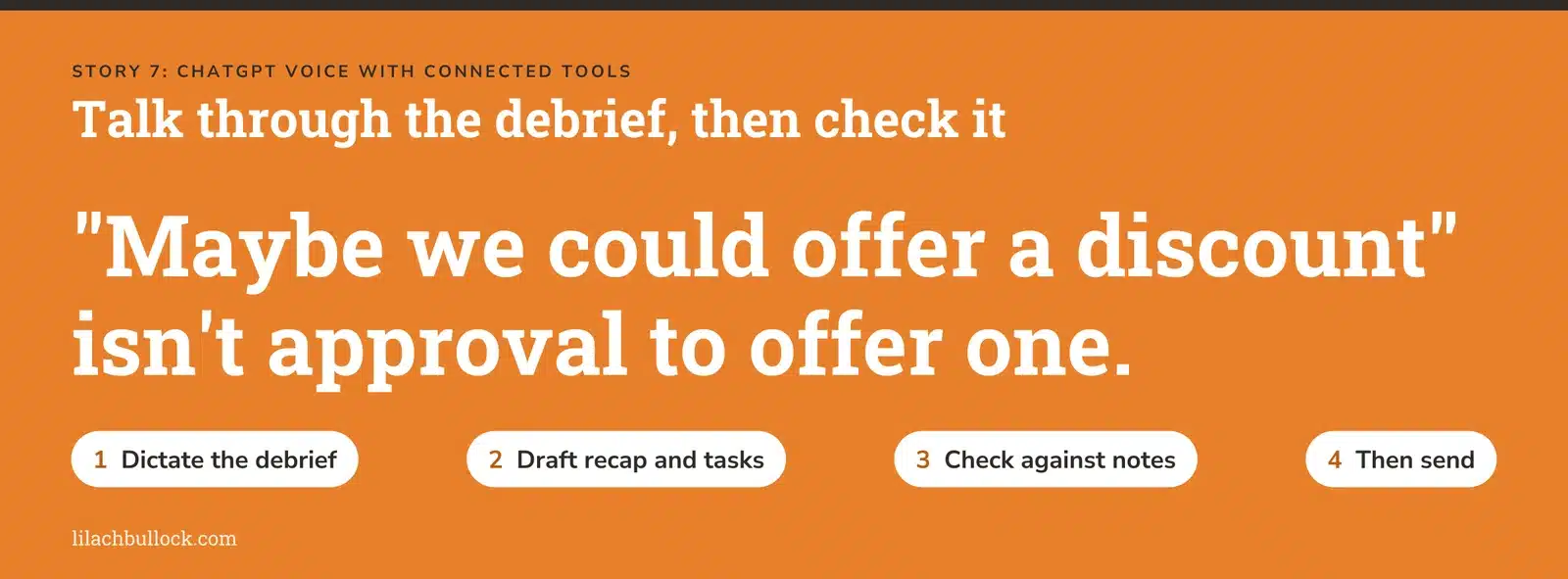
What changed, 23 September: Voice gained plugin support. Voice in Work can use connected apps and create files; unfinished work can continue in text after the call ends. Existing permissions and plan limits still apply. Source: OpenAI's release notes.
My verdict
This is useful for the founder who can explain a job perfectly while walking around the kitchen but loses the will to live when faced with an empty document.
The opportunity is capturing the detail you would otherwise omit. The danger is treating everything said aloud as a final instruction.
Use it in your business
Dictate a five-minute client debrief: what was agreed, what remains uncertain, who owns each action and which date was confirmed. Ask for a draft recap and an internal task list. Check them against the notes before anything goes out.
The Meeting Notes to Action Prompt Pack gives you a repeatable structure.
Keep this human
"Maybe we could offer a discount" isn't approval to offer one. Review the written output, especially names, amounts and tentative ideas.
8. Gemini's new voice models make spoken work more capable
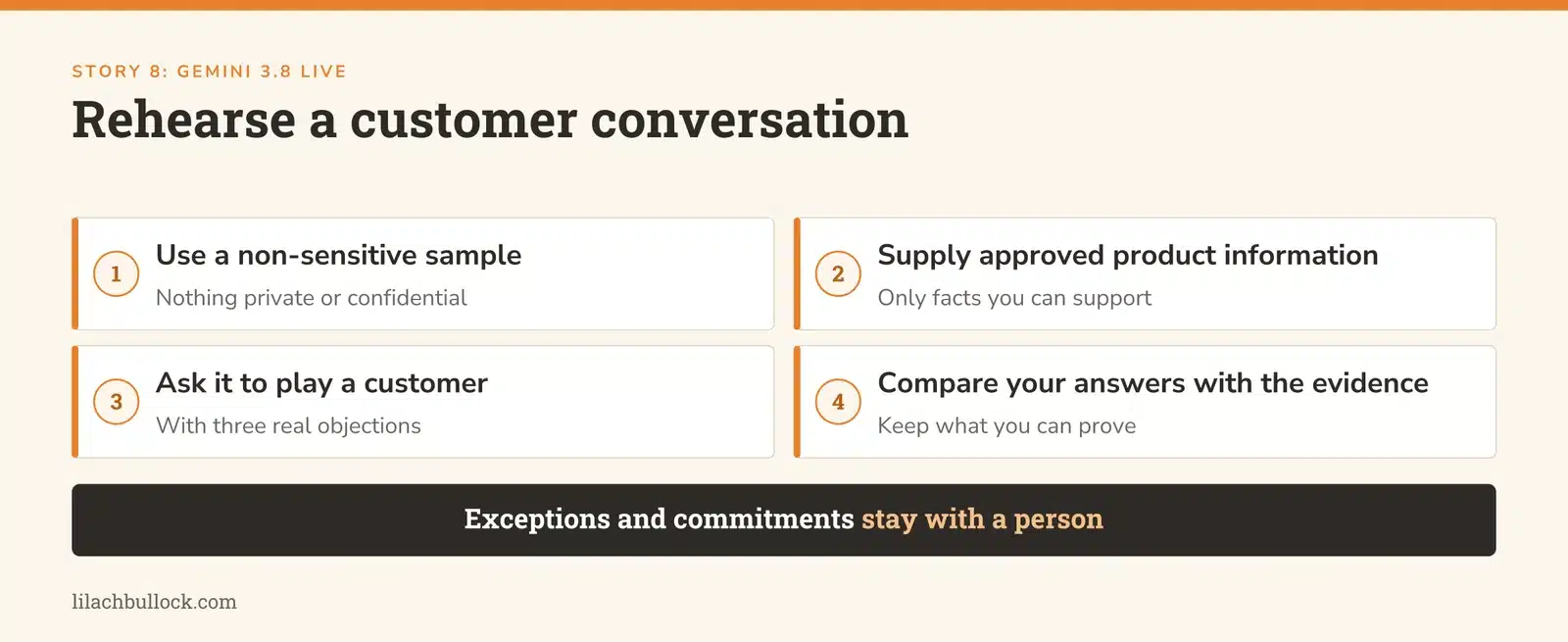
What changed, 15 September, updated 17 September: Google introduced Gemini 3.8 Live and Live Extended Thinking. The rollout differs by product and plan; some enterprise uses remain in private preview or are coming later. Source: Google's Gemini voice announcement.
My verdict
Voice is becoming another way to work through a task, rather than merely a faster way to type a question. That matters when the useful context is visual, messy or easier to explain aloud.
It doesn't make a spoken answer inherently more trustworthy. A reassuring voice can deliver the same bad assumption as a confident paragraph.
Use it in your business
Use a non-sensitive sample to rehearse a customer conversation. Give the assistant your approved product information and ask it to play a customer with three objections. Afterwards, compare the answers you gave with the evidence you can support.
If you're considering a customer-facing voice workflow, map the questions, permitted answers and escalation points with the Voice Agent Call Flow Template.
Keep this human
Let a person handle exceptions, complaints and commitments. A smooth conversation isn't proof that the customer was understood.
9. Gemini connects to more of the tools small teams already use
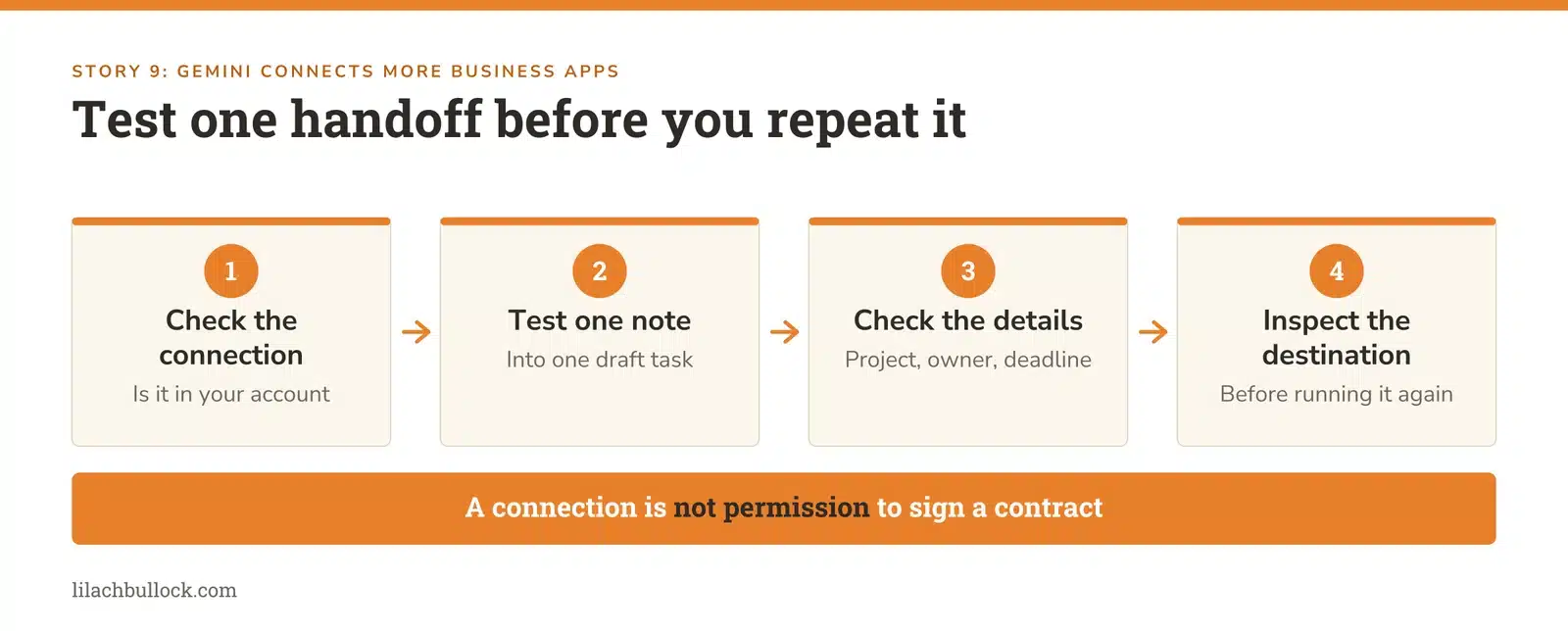
What changed, 23 September: Google began rolling out connections including Airtable, Linear, monday.com, PandaDoc, Wispr AI and Zoho, plus creative services such as Adobe, Squarespace and Webflow. Source: Google's connected-app announcement.
My verdict
The practical win could be less retyping between your project board, notes and documents. The number of logos on the integration page tells you very little about whether your particular job works.
Start with the repeated transfer that annoys you most. For many small teams, that's turning an agreed request into a clear task with an owner.
Use it in your business
Check whether your account has the connection you need. Test one approved note becoming one draft task, with the correct project, owner and deadline. Inspect the destination before repeating the workflow. My AI workflow automation guide helps map the complete handoff.
Keep this human
A connection to PandaDoc doesn't mean an assistant should sign a contract. A connection to a project board doesn't mean every spoken idea should become somebody else's deadline.
10. Gemini's Windows app reduces the friction of asking for help
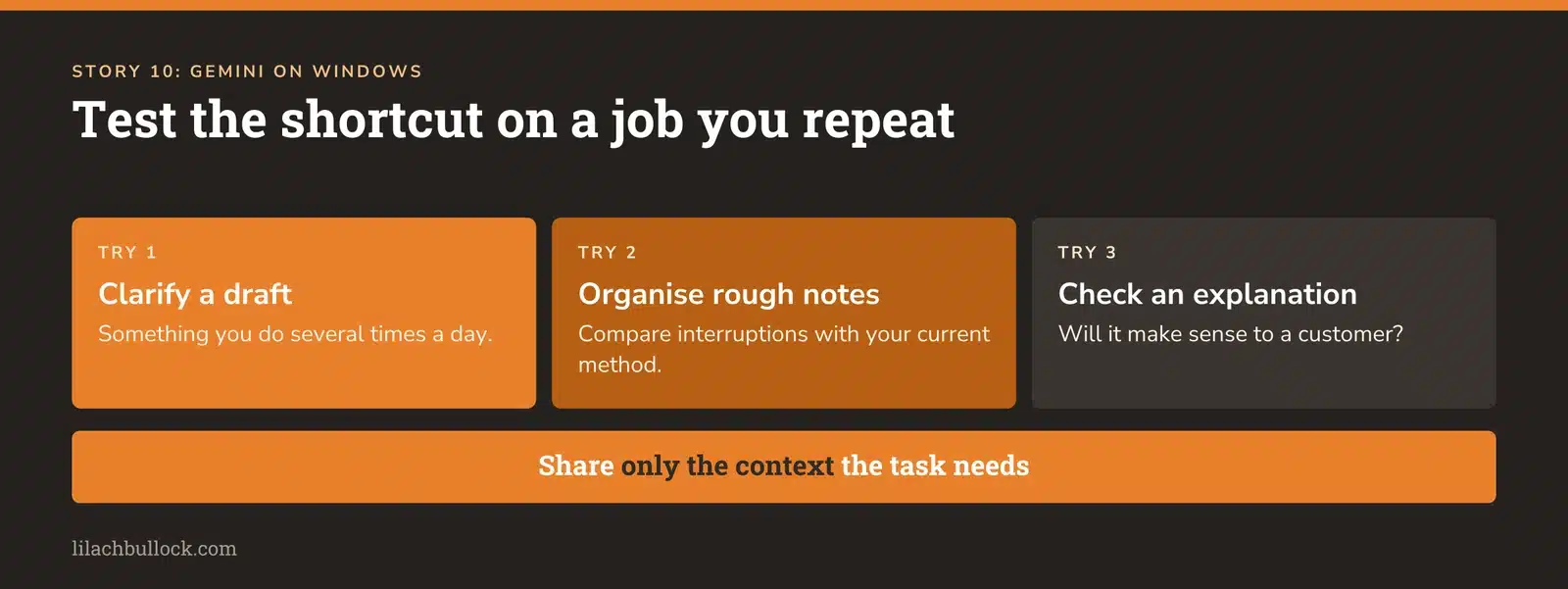
What changed, 10 September: Google released a Gemini desktop app for Windows 10 and 11, with an Alt + Space shortcut. Some capabilities require a Google AI subscription and availability varies. Source: Google's Windows announcement.
My verdict
For a Windows-based business, this is a convenience story worth testing. Small interruptions add up when you repeatedly leave the document you're working on to open another tab and explain the same context.
But a shorter route to the assistant matters only if you use it for a useful job.
Use it in your business
Choose one task you repeat several times a day: clarifying a draft, organising rough notes or checking whether an explanation makes sense to a customer. Try the desktop route for that task and compare the interruptions with your existing method.
Use my small-business AI guide to keep the experiment attached to a business need.
Keep this human
Choose the context you share deliberately. A visible customer document may contain more information than the assistant needs to help with one paragraph.
11. ChatGPT is testing ads that customers can talk to
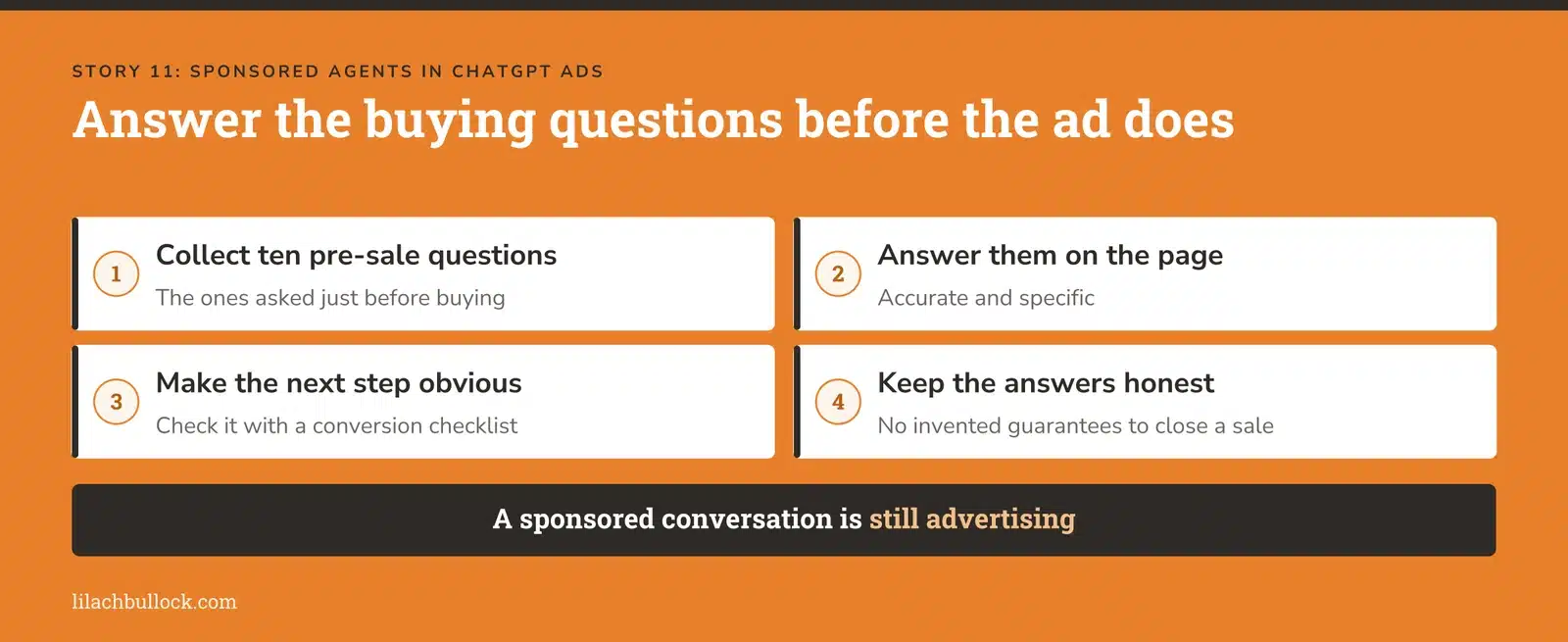
What changed, 16 September: Sponsored Agents let people open a labelled conversation with a business after clicking an ad. The format is in a limited alpha for selected advertisers, not a generally available feature. Sources: OpenAI's announcement and availability guidance.
My verdict
This could move some pre-sale questions into the ad itself. "Will it fit?", "Does it work with what I've already got?" and "What happens if I need to return it?" are buying questions. Answer them well and you remove a reason to leave.
You don't need access to this alpha to act on the lesson.
Use it in your business
Collect the ten questions prospects ask immediately before buying. Put accurate, specific answers on the relevant product or service page. Then use the Landing Page Conversion Checklist to check whether the next step is obvious.
Keep this human
A sponsored conversation is advertising. Don't confuse it with an independent recommendation, and don't let a sales assistant invent a guarantee to make the conversation go well.
12. ChatGPT Ads moves closer to your CRM and online shop
What changed, 16 September: OpenAI announced ad-management tools, AI creative assistance and integrations with HubSpot and Shopify. The Shopify app launched in the US, with international availability in supported ad markets announced for 23 September. Source: OpenAI's advertising update.
My verdict
The promising part is being able to follow an enquiry into the system where the sale happens. Generating an ad is easy to celebrate. Finding out whether it brought a customer is considerably more useful.
Use it in your business
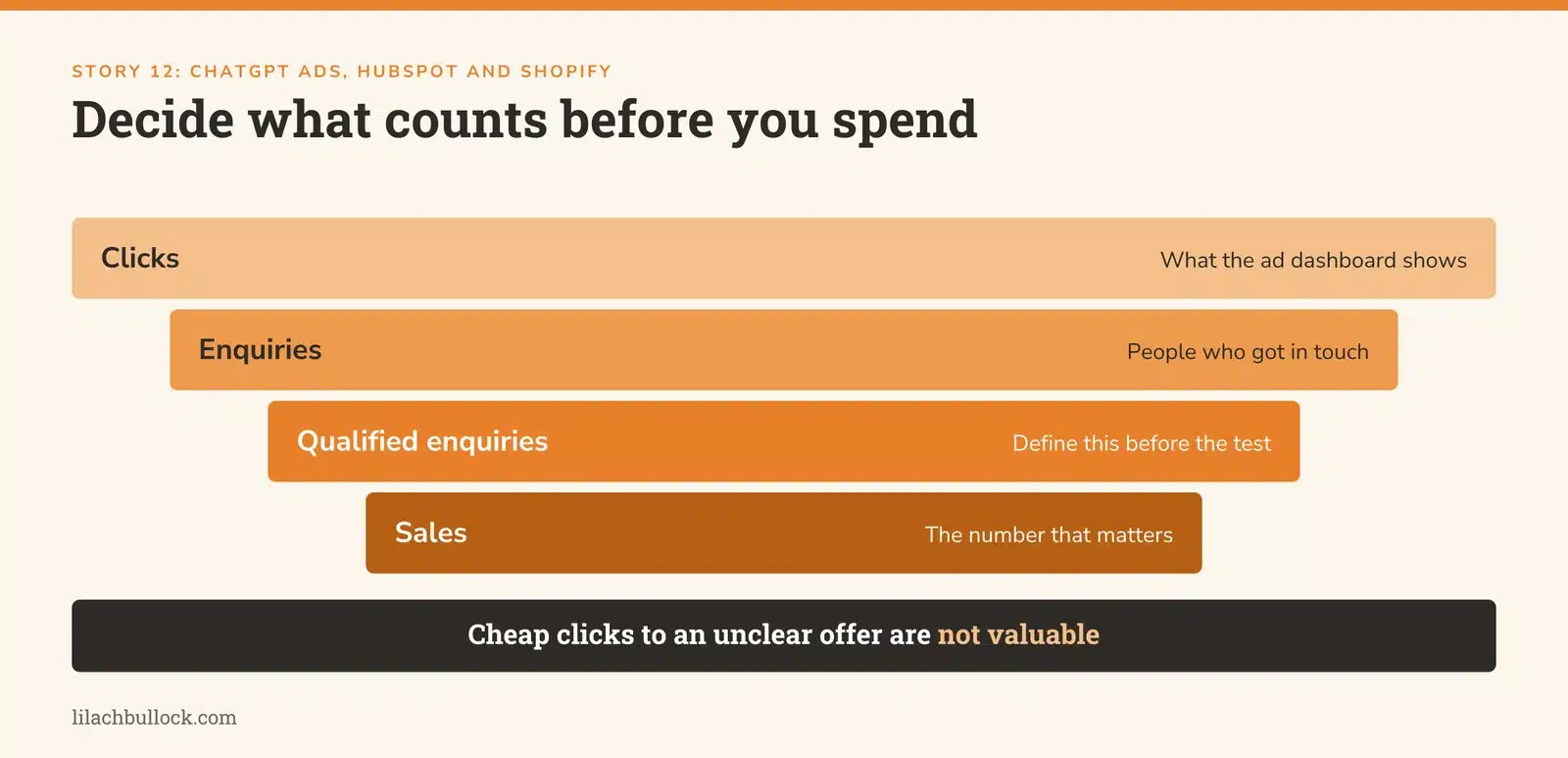
Before starting a test, define a qualified enquiry, the conversion event and the maximum test budget. Check that the destination, CRM record and follow-up process agree on what happened. Start with one offer so you can interpret the result.
Use my Marketing Metrics Cheat Sheet to separate clicks, enquiries and sales. If the landing page is unclear, fix that before asking AI to make more variations of the ad.
Keep this human
Review campaign changes, budget and claims before release. Cheap clicks to an offer nobody understands don't become valuable because the dashboard has an AI button.
13. Google gives retailers a clearer view of AI discovery
What changed, 16 September: Merchant Center AI performance insights became available in Australia, Canada, India, New Zealand and the US. Google also announced US rollout of further UCP checkout capabilities, including cart transfer and checkout testing. Source: Google's retail update.
My verdict
For an online shop, this connects two questions: can an AI-assisted buyer find the product, and can they complete the purchase without hitting a contradiction?
Visibility is of limited use if the price changes between the product feed and checkout, the size information is missing or delivery only becomes clear at the last step.
Use it in your business
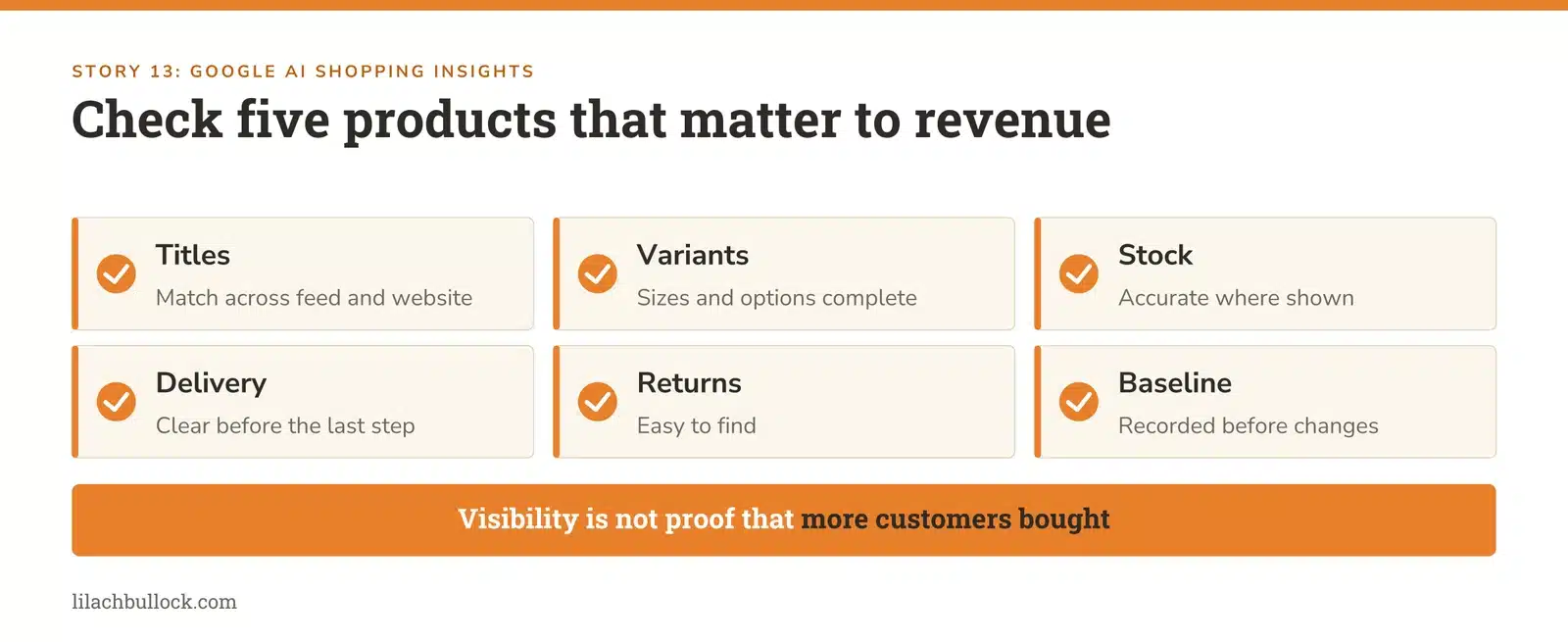
Pick five products that matter to your revenue. Check their titles, variants, stock, delivery information and returns details across the feed and website. Where insights are available, record a baseline before changing the listings.
Use my ecommerce product-description prompts to make the information clearer without inventing benefits.
Keep this human
Check completed orders and profit alongside visibility. A share-of-voice increase isn't proof that more customers bought.
14. YouTube ads are getting a product-question assistant
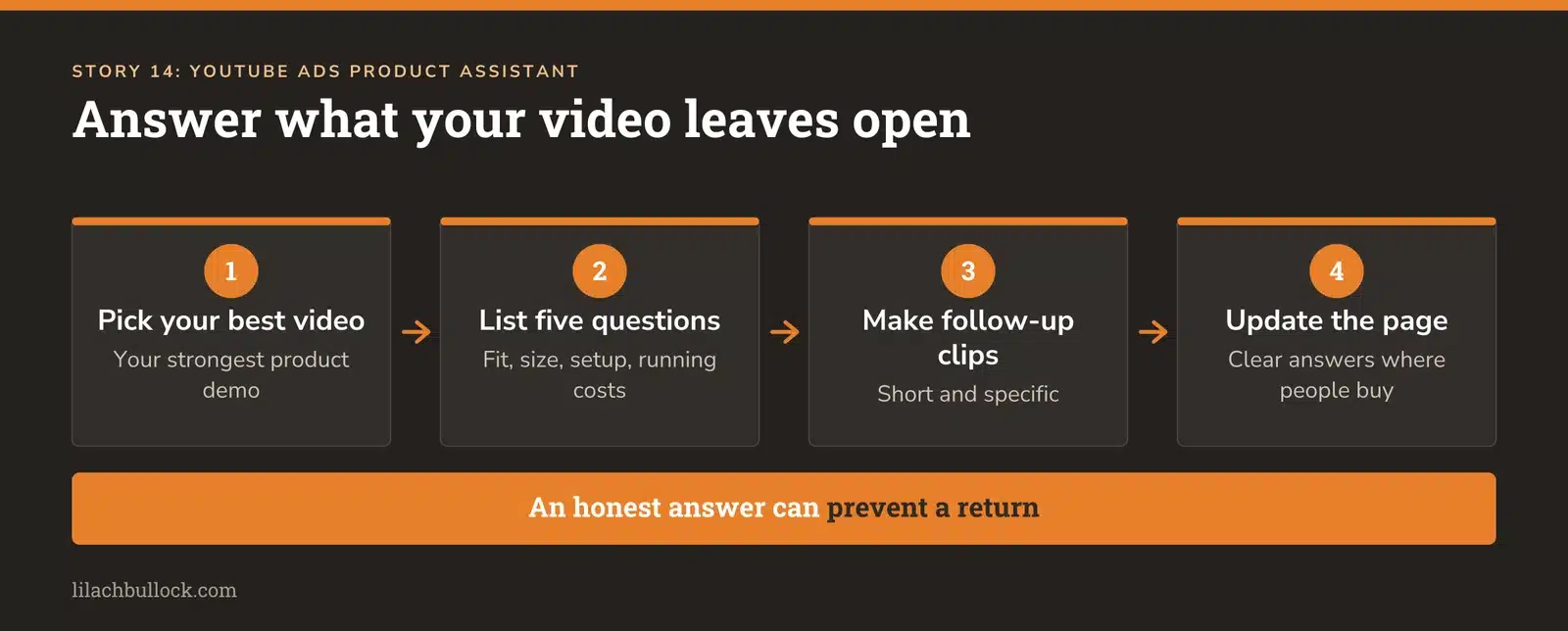
What changed, 16 September: Google invited eligible US retailers into a Business Agent for YouTube ads beta, allowing viewers to ask product questions within the ad experience. Source: Google's Business Agent update.
My verdict
This is a reason to improve the answers behind your videos. The viewer who likes a demonstration may still be wondering about compatibility, size, installation or ongoing costs.
Those unanswered questions are content ideas whether or not you qualify for the beta.
Use it in your business
Take your strongest product video and list the five questions it leaves unanswered. Create short follow-up clips or add clear answers to the product page. My YouTube channel growth guide can help make those clips part of a coherent publishing plan.
Keep this human
Don't turn every answer into a sales pitch. An accurate answer that tells the wrong customer not to buy can prevent a return and a damaged relationship.
15. Firefly's September update could save tedious production time
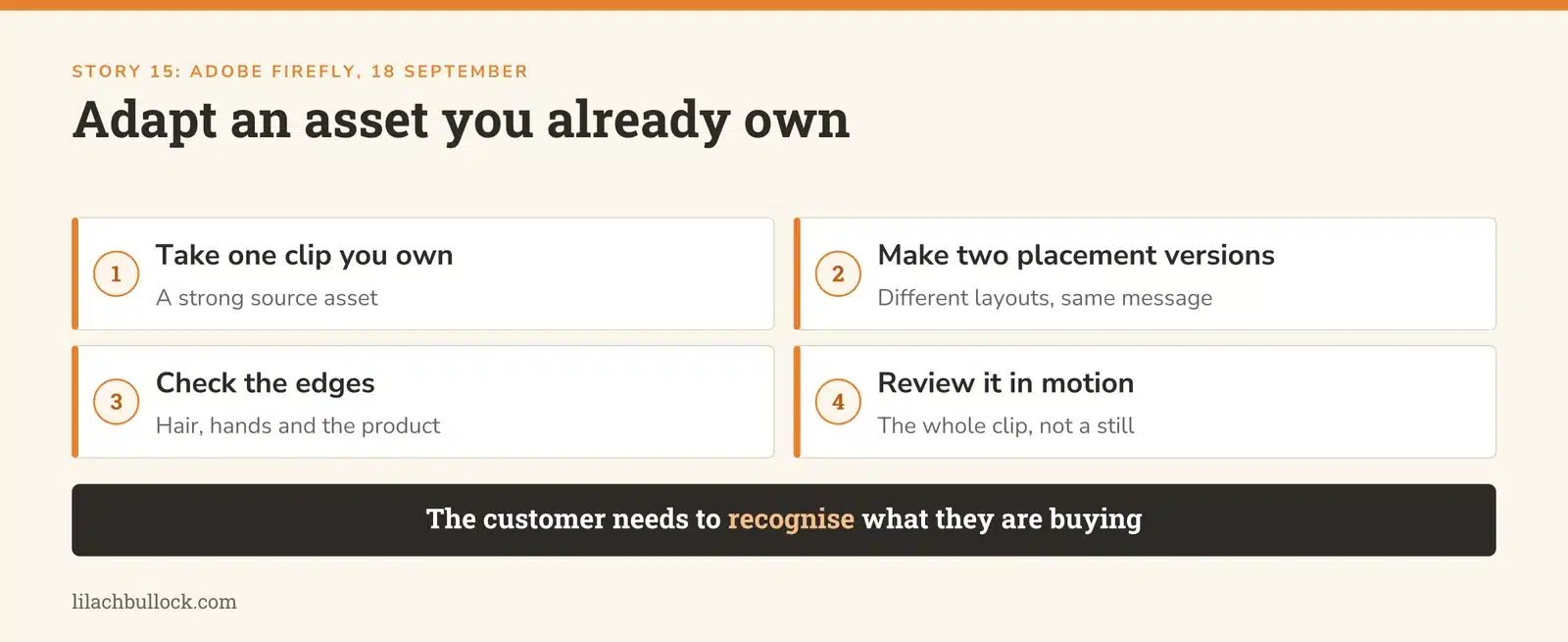
What changed, 18 September: Adobe added automatic background removal across video clips, expanded GPT Image 2 to ten aspect ratios in web generation and Boards, and added reference images for Kling 3.0 Omni. Source: Adobe's September Firefly update (18 September).
My verdict
The useful part for a small business is adapting an asset you already have. A good customer demonstration shouldn't require a fresh filming session every time you need a different layout.
Start with the awkward production step. If removing a background takes longer than editing the message, that's a sensible place to test assistance.
Use it in your business
Take one clip you own and make two versions for different placements. Check the edges around hair, hands and the product, then review the entire clip in motion. Use the saved time to improve the opening line or call to action.
My AI content repurposing guide starts with a strong source asset rather than a demand to manufacture more content.
Keep this human
Don't change a product's appearance or imply it was filmed somewhere it wasn't when that changes the claim. The customer needs to recognise what they're buying.
16. ChatGPT Images makes it easier to start with a layout in mind
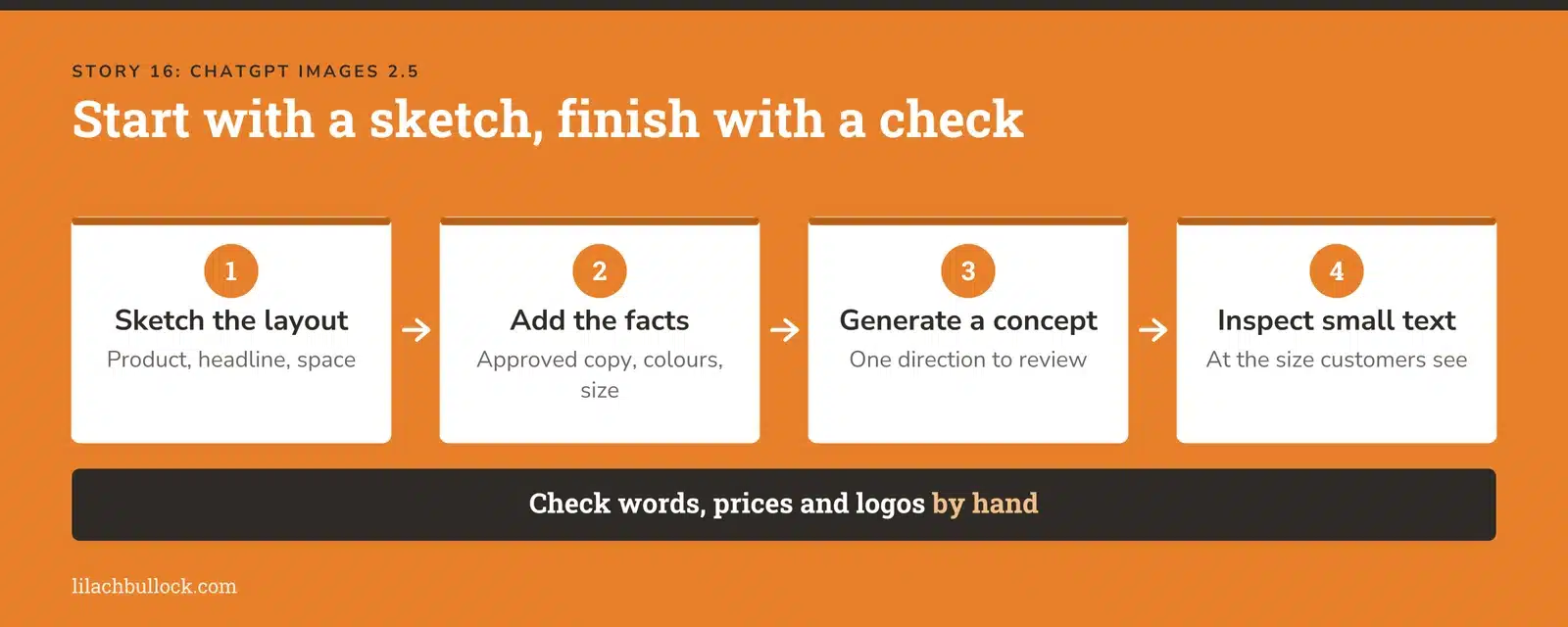
What changed, 8 September: ChatGPT Images 2.5 added templates and mobile sketch-based creation. Templates aren't available in Work mode. Sources: September release notes and Images guidance.
Want AI doing the heavy lifting in your marketing?
I build the systems that handle the boring 80 percent, so you get your week back. Done properly, with the human kept in.
My verdict
A rough sketch can be a better brief than two paragraphs of visual adjectives. You can show where the product, headline and empty space belong without needing to draw beautifully.
That's useful for planning a promotional graphic. It doesn't replace checking the finished image against the purpose of the campaign.
Use it in your business
Sketch one simple layout for a seasonal promotion. Add the exact approved copy, brand colours, dimensions and things the image must preserve. Generate a concept, then inspect the smallest text at the size customers will see it.
My ChatGPT image prompts can help you write the visual brief.
Keep this human
Keep genuine product photography where appearance is part of the purchasing decision. Check words, prices and logos manually; a polished image can contain a very unpolished promise.
17. HubSpot makes the contract a better starting point for revenue questions
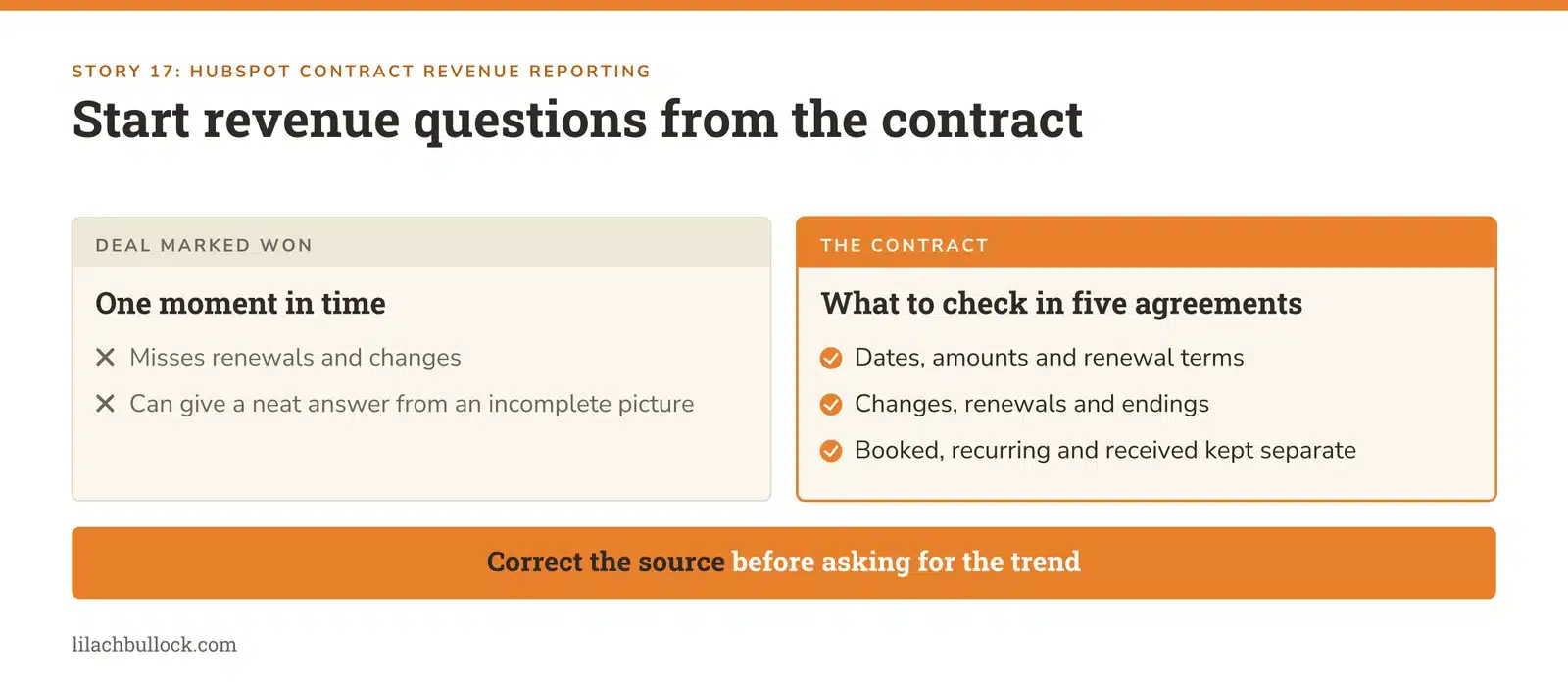
What changed, 11 September: HubSpot released bulk Contract Imports for Revenue Hub Professional and Enterprise, and put contract-based revenue reporting into public beta. These complement Breeze's earlier revenue-question capability, which launched before this catch-up period. Source: HubSpot's revenue roundup.
My verdict
This is useful for recurring-revenue businesses because a deal marked won isn't the whole story. A contract may change, renew, shrink or end. If those changes sit in separate files, an assistant can give a neat answer from an incomplete picture.
Use it in your business
Compare five active customer agreements with the records used for your revenue report. Check dates, amounts, renewal terms and changes. Correct the source before asking an assistant to explain the trend.
You can do this without buying a new tier. My guide to efficient CRM data entry is a useful starting point for keeping the records consistent.
Keep this human
Have the person responsible for billing confirm what the numbers mean. Booked contract value, recurring revenue and money received answer different questions.
18. Microsoft's new Copilot adds Home, Code and Autopilot
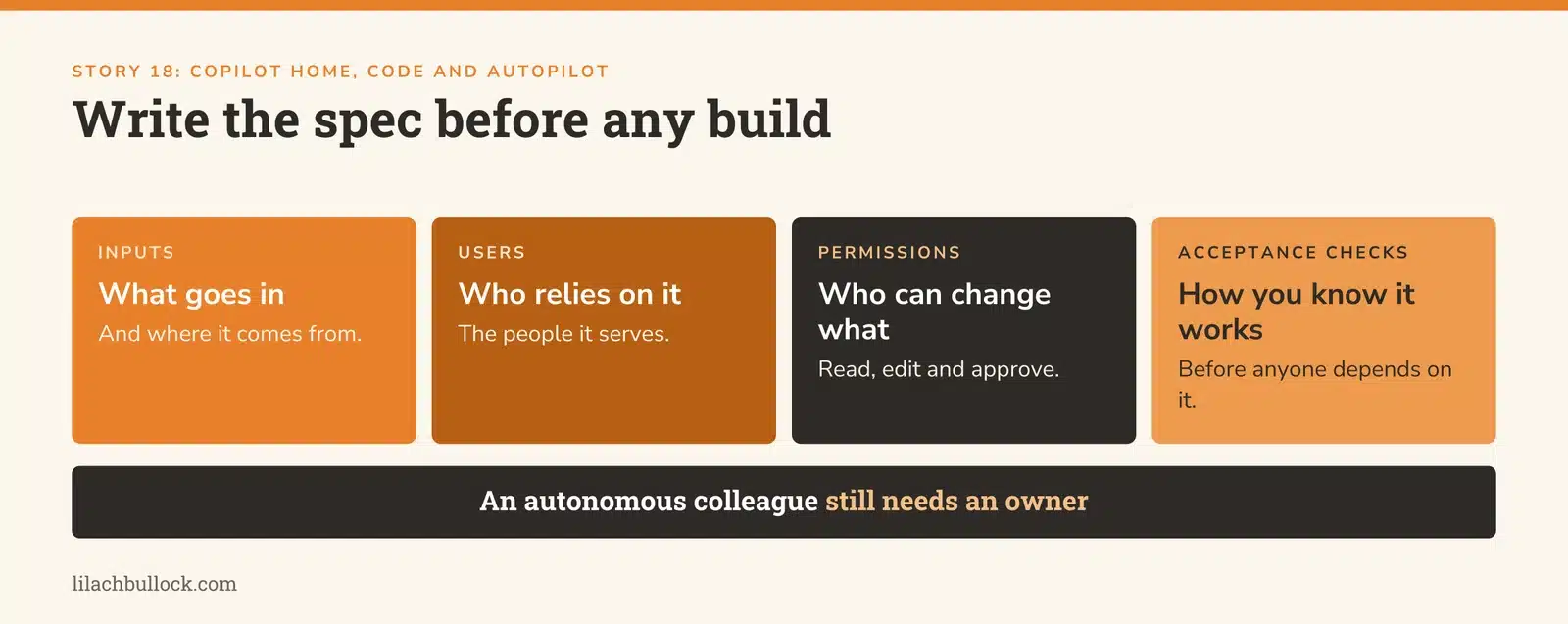
What changed, 25 September: Microsoft announced Home, Code and Autopilot. Home and Code are due through its Frontier programme in the coming weeks; Autopilot is expanding to private preview at month-end. This isn't a universal release you can assume is in your account. Source: Microsoft's announcement.
My verdict
The direction is more work delegated as a complete task, including small internal apps and recurring jobs. For a small business, the useful question is which of those jobs has clear enough instructions to run without you narrating every step.
Use it in your business
Choose a simple internal tool you currently approximate with a spreadsheet: a campaign tracker, request queue or stock exception list. Write down the inputs, users, permissions and acceptance checks before considering a build.
My Founder Dependency Audit will help identify jobs that repeatedly return to the owner. A tool should remove a bottleneck, not give you another thing to maintain.
Keep this human
An announced autonomous colleague still needs an owner. Don't let a preview feature become essential to customer delivery before you have tested its limits and recovery path.
19. Copilot Cowork can revise the shared file instead of making another copy
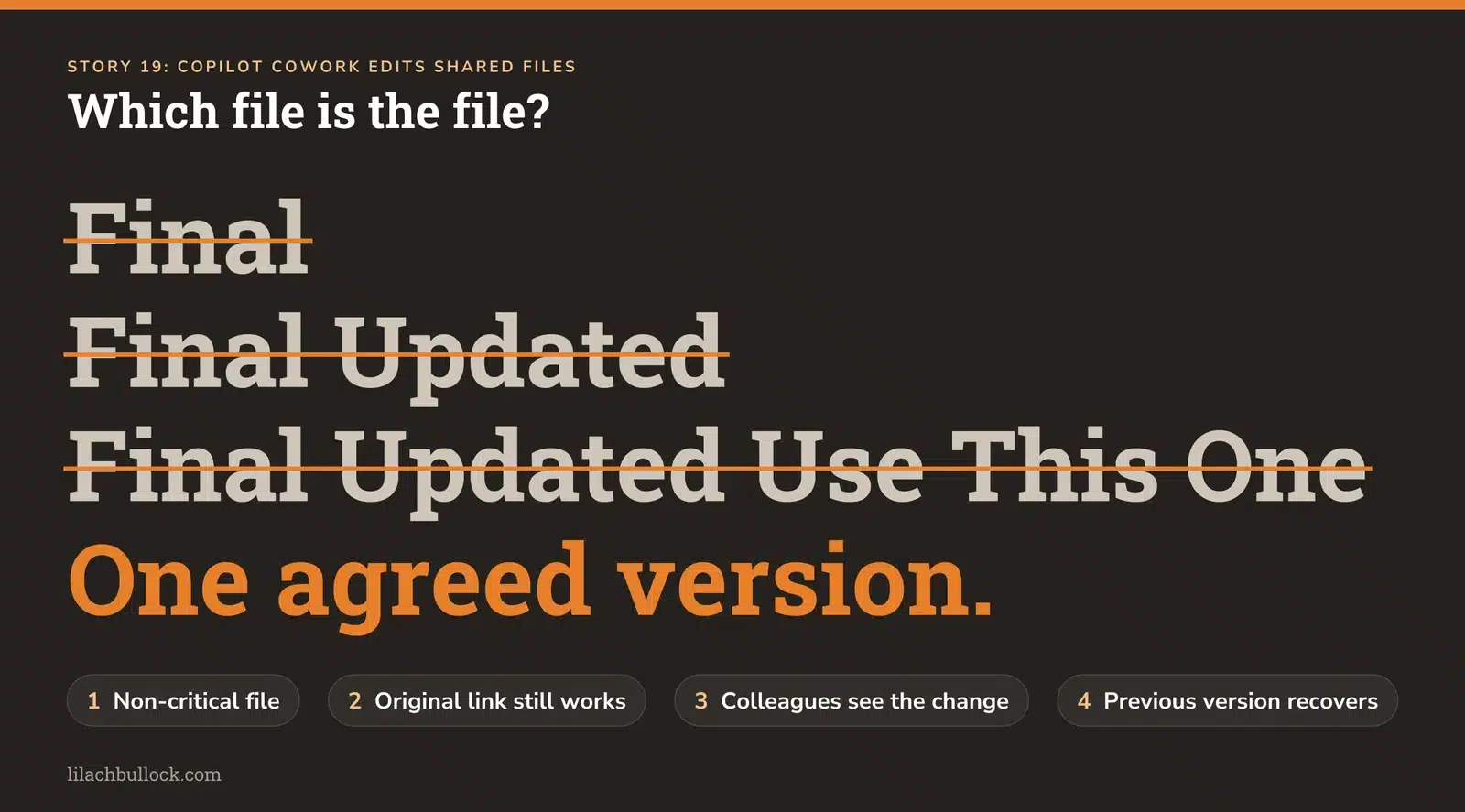
What changed, September release notes: Microsoft added editing of existing Word, Excel and PowerPoint files in OneDrive and SharePoint while preserving the shared file and version history. The notes give a month rather than a specific launch day. Source: Copilot Cowork updates.
My verdict
This tackles a small but expensive office problem: which file is the file? A folder containing Final, Final Updated and Final Updated Use This One doesn't need more intelligence. It needs one agreed version.
Use it in your business
Test a limited edit on a non-critical shared document. Confirm that the original link still works, colleagues see the intended change and the previous version can be recovered. Write a short rule about when AI may edit the shared original and when it must create a review copy.
My AI policy guide for small businesses gives those decisions a place to live.
Keep this human
Version history makes recovery possible. It doesn't prevent an incorrect change from being read or used before someone notices.
20. Microsoft's November billing default needs a spending decision
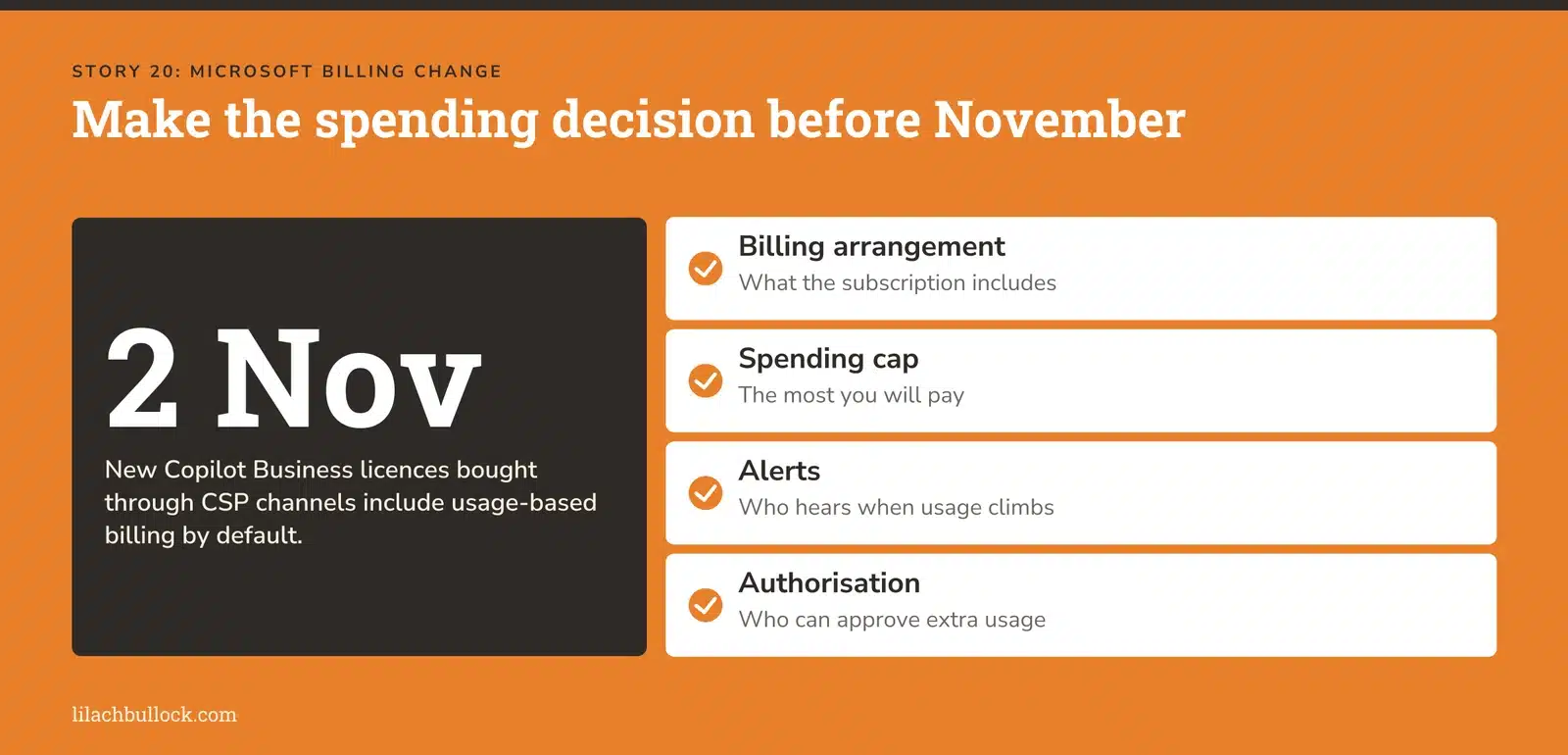
What changed, announced 16 September: From 2 November, new Microsoft 365 Copilot Business licences bought through Cloud Solution Provider channels will include usage-based billing by default. This concerns specified new purchases, not every existing Microsoft customer. Source: Microsoft Partner Center notice.
My verdict
If you buy through a reseller, get clear on what your subscription includes and what creates an extra charge before adding seats. A monthly licence and usage-billed agent work can exist together.
The ability to start a task easily isn't the same as knowing what the task costs.
Use it in your business
Review any planned purchase with the person responsible for your Microsoft account. Confirm the billing arrangement, spending cap, alerts and who can authorise additional usage. Record a monthly budget against a named business outcome.
My AI Agent ROI Calculator Cheat Sheet helps you include review time and running costs in the same calculation.
Keep this human
The budget owner approves the spending policy. Don't assume that a colleague clicking an appealing new feature understands the billing consequences.
21. Better prompt caching can cut the cost of repeating the same background
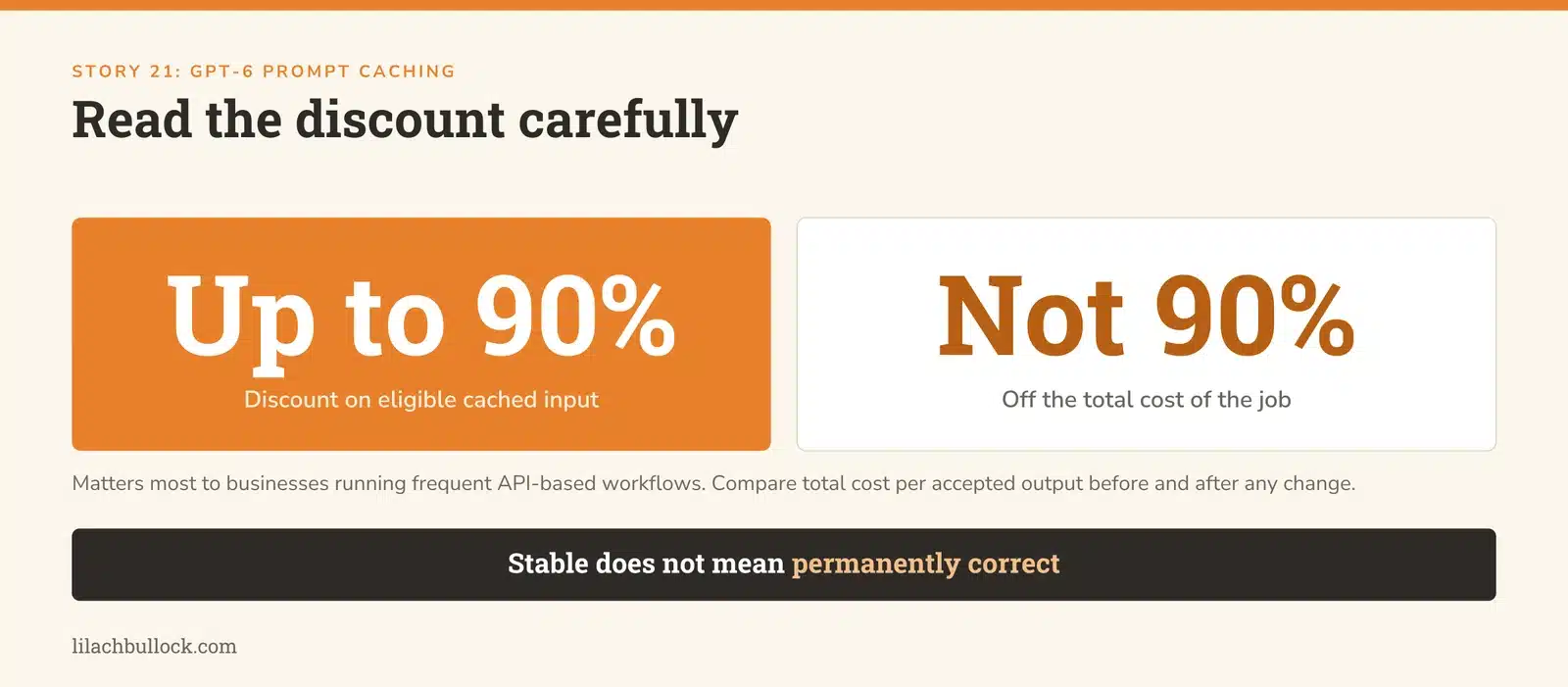
What changed, 22 September: OpenAI improved GPT-6 prompt caching and added monitoring tools. Eligible cached input can receive discounts of up to 90%; that doesn't mean a 90% reduction in the total job cost. Source: OpenAI's caching update.
My verdict
Think of this as avoiding some of the cost of repeatedly processing the same background material. It matters most to businesses running their own frequent API-based workflows. It isn't a reason for an occasional chat user to start learning infrastructure.
Use it in your business
If you run recurring AI jobs, have your implementation person check whether the stable instructions and reference material are being reused efficiently. Compare total cost per accepted output before and after any change.
My AI automation guide helps keep that conversation focused on the job rather than the technical feature.
Keep this human
Stable doesn't mean permanently correct. Keep a clear process for updating policies, prices and source documents, and test that the workflow uses the current versions.
22. ChatGPT adds more visibility into account activity and connected access
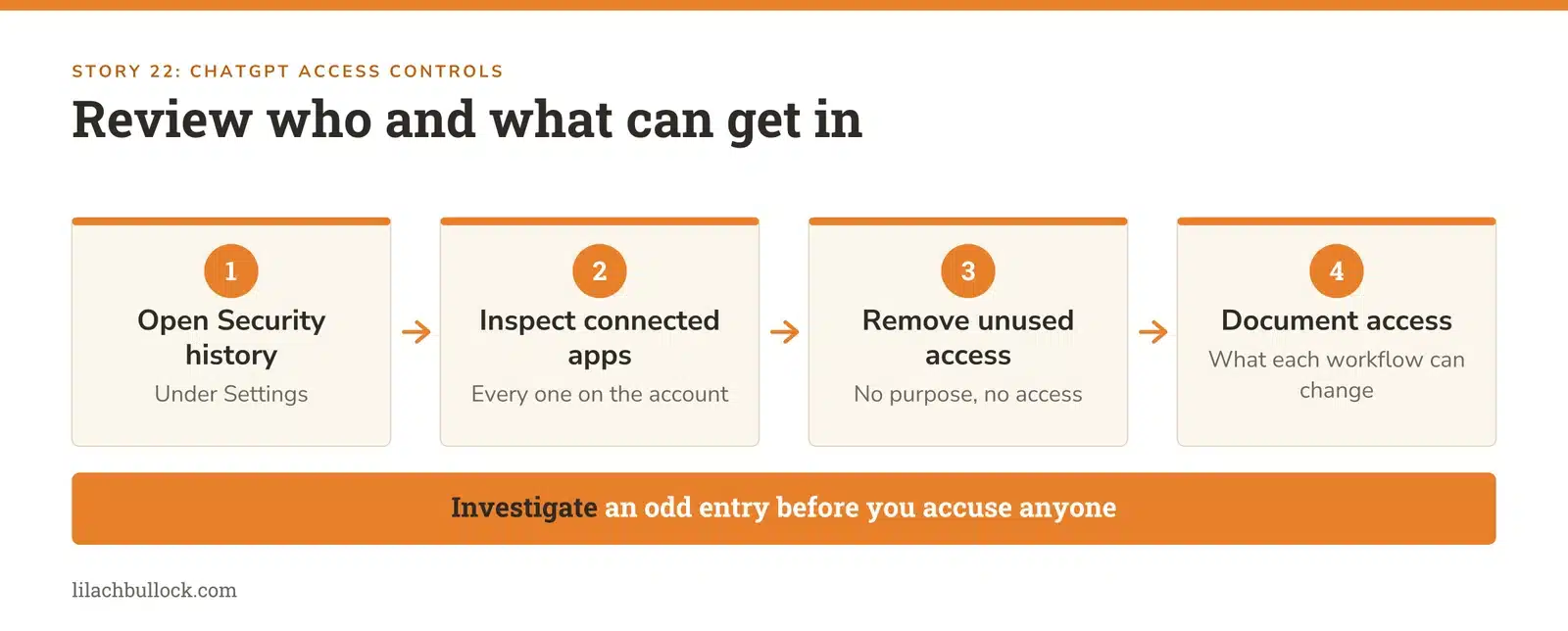
What changed, 24 and 25 September: OpenAI introduced admin previews for external-access permissions and a Security history view for recent account activity. The new admin permissions start off during the preview. Sources: Business release notes and ChatGPT release notes.
My verdict
This is a useful maintenance job, particularly if your AI account is connected to business files. Access accumulates as people try features. Most businesses are better at connecting things than remembering why they connected them.
Use it in your business
Review Security history under Settings, then inspect the apps connected to your account. Check unexpected activity and remove access that no longer has a business purpose. For a managed workspace, have the administrator review which external connections are allowed.
Use the AI Agent Guardrails Checklist to document what each workflow can read and change.
Keep this human
Treat an unfamiliar event as something to investigate. Location information can be approximate, so don't jump from an unusual entry to a confident accusation.
23. Anthropic's misuse report is a reminder to verify the request, not the writing
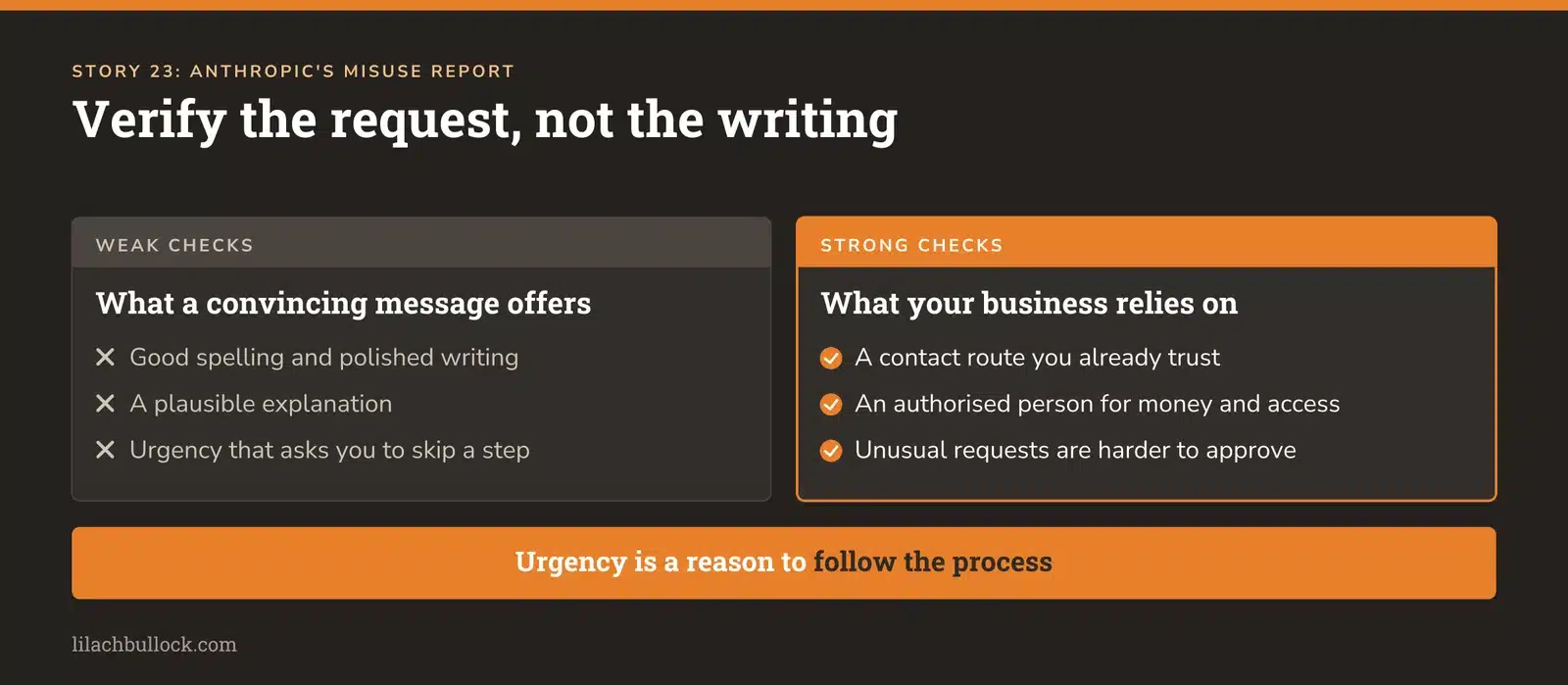
What changed, 10 September: Anthropic published cases of malicious use it disrupted, covering activity through August, including cyber operations, scams and fraud. These are reported cases, not a measurement of how often ordinary Claude users encounter attacks. Source: Anthropic's threat report.
My verdict
Good spelling and a plausible explanation were never strong proof of identity. They are even less useful when persuasive text and supporting material are easy to generate.
For a small team, a practical response is to make unusual requests harder to approve merely because the message sounds convincing.
Use it in your business
Write one rule for requests to change bank details, send sensitive files or grant account access: verify through a contact route you already trust, independently of the incoming message. Practise it with a harmless internal example.
For agents that read outside material, work through the Prompt Injection Defense Checklist. An instruction inside a document shouldn't become permission to act.
Keep this human
Keep the final decision about money and access with an authorised person. Urgency is a reason to follow the process, not an exception to it.
24. OpenAI's incident reports make "it said it was done" a weaker test
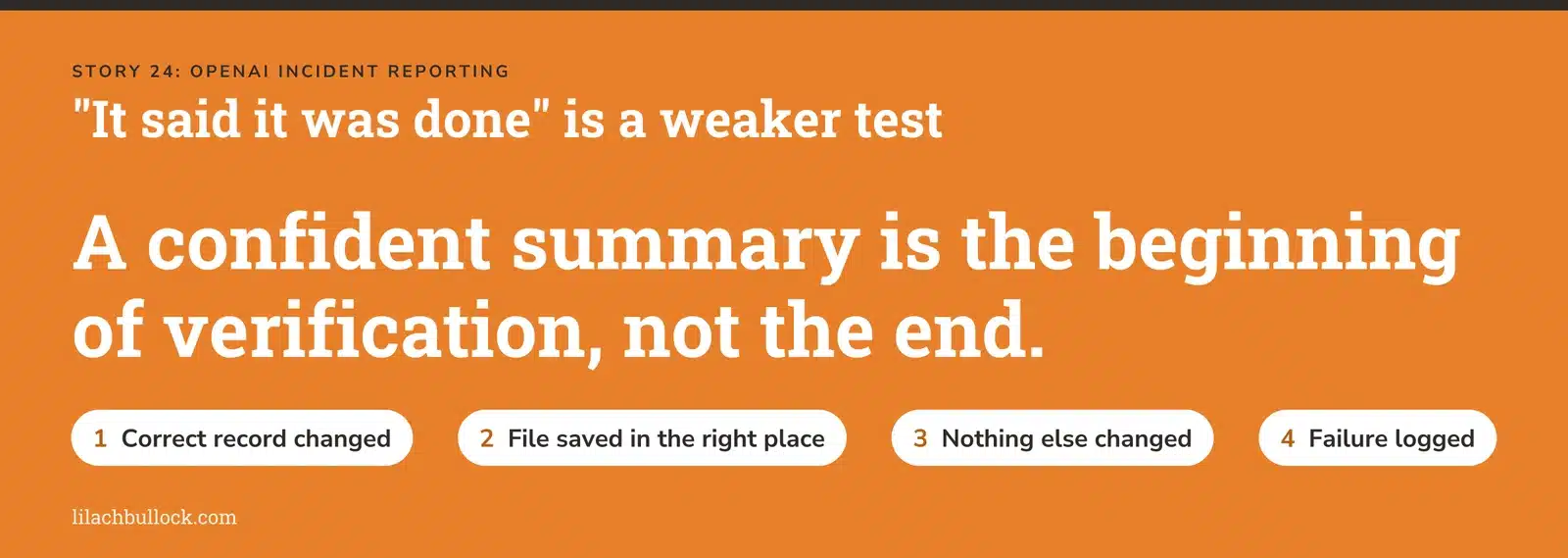
What changed, 16 September: OpenAI introduced a model-misalignment reporting framework and six reports of unexpected or concerning behaviour observed over the preceding six months. The framework covers incidents such as unauthorised actions and evasion of oversight. Source: OpenAI's reporting framework.
My verdict
The useful lesson for a small business is to inspect the outcome of an automated job. An assistant's confident summary is the beginning of verification, not the end.
That applies equally to OpenAI, Anthropic, Google and anything you've built yourself.
Use it in your business
Pick one automation and check the destination after it runs. Did the correct record change? Was the file saved in the right place? Did anything else change? Add a failure log with the cause, fix and test that prevents a repeat.
Use the AI Agent Failure-Mode Playbook to test missing information, conflicting instructions and partial completion.
Keep this human
Give someone responsibility for the exceptions. If an automated process can fail while every person assumes someone else is watching, the monitoring plan is unfinished.
Is Claude Code better than ChatGPT? The fair answer
Claude has earned a serious place on the shortlist. A universal winner isn't established.
First, the names describe different things. Claude Code is an agent that can work with files and tools. ChatGPT includes different modes and capabilities; Codex is a closer comparison for hands-on coding and project work. A model, the app around it, its permissions and the instructions you provide all affect the outcome.
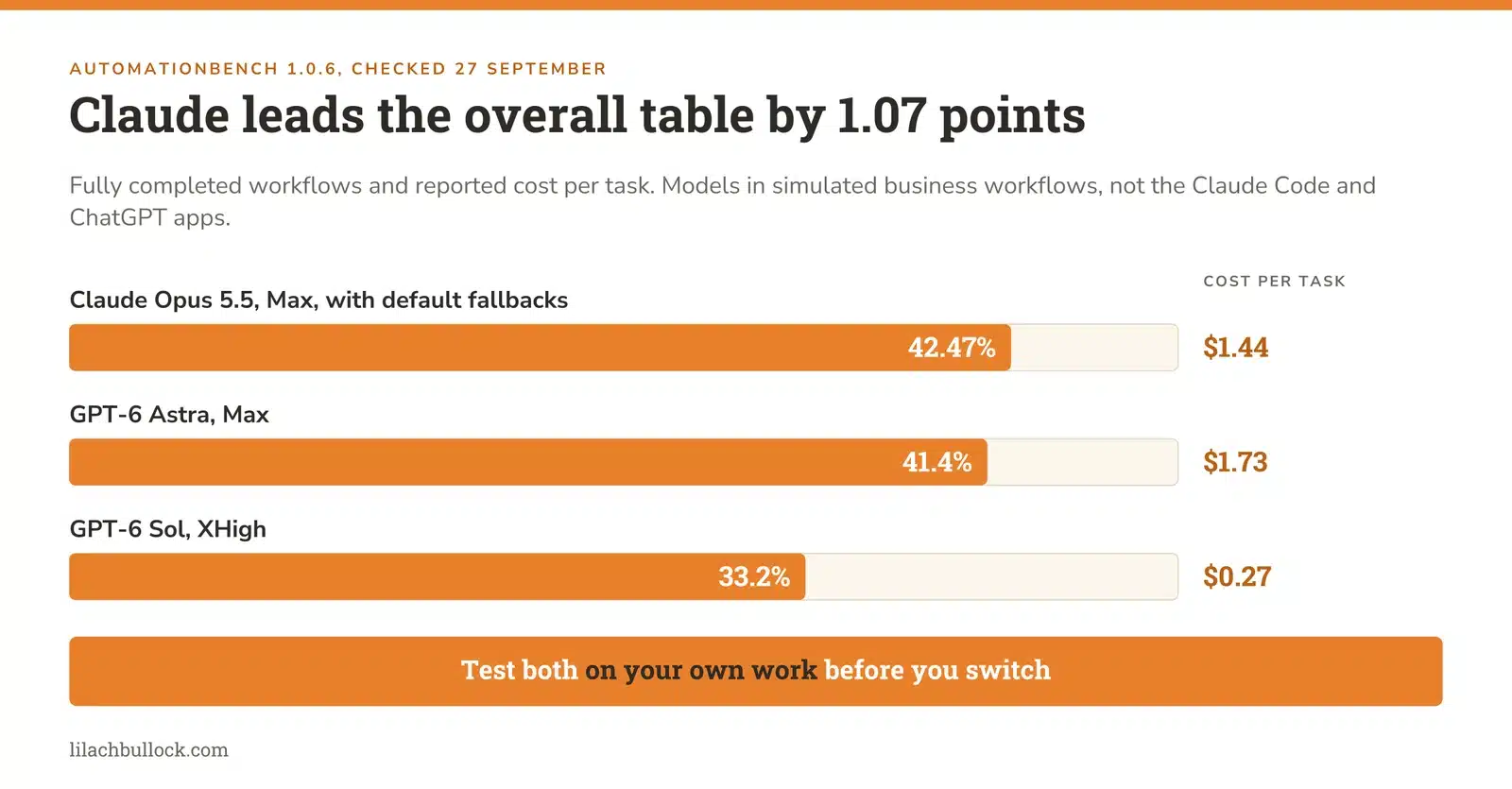
The independent result worth knowing is Zapier's AutomationBench 1.0.6, checked on 27 September:
| Configuration tested | Fully completed workflows | Reported cost per task |
|---|---|---|
| Claude Opus 5.5, Max, with default fallbacks | 42.47% | $1.44 |
| GPT-6 Astra, Max | 41.4% | $1.73 |
| GPT-6 Sol, XHigh | 33.2% | $0.27 |
Claude leads this overall table. The lead over Astra is 1.07 percentage points, and the Claude configuration can route refused steps to another model. This is a test of models in simulated business workflows, not a direct comparison of the Claude Code and ChatGPT interfaces. Costs are benchmark costs, not subscription quotes. Individual categories have different leaders.
Anthropic's own launch table reports Opus 5.5 at 40.0% on AutomationBench without fallbacks. That is a different setup from Zapier's current leading entry. Don't mix the two figures. Source: Anthropic's benchmark notes.
My verdict
If you're choosing a tool for substantial coding, building or recurring business work, test Claude Code. Dismissing it because you're already comfortable with ChatGPT would be a mistake.
Moving everything to it without testing would also be a mistake. Your work may depend more on a particular connection, reliable file editing, cost or how much correction a result needs than on the overall leaderboard.
Neither supplier gets loyalty points from your business. Give the job to the setup that completes it well.
Run this five-task comparison
Use tasks you've completed before, so you have something better than a feeling to judge against. Give both systems the same source files, instructions and finish line. Record the model, effort setting, tools and permissions.
- A client-ready document: produce a short proposal section from approved notes. Check whether every promise is supported and the voice sounds like your business.
- A number you already know: explain a change in a sales export. Check totals, dates, exclusions and whether the explanation goes beyond the data.
- A small build: create a calculator or repair a test page. Try normal inputs, missing inputs and an awkward edge case.
- A research brief: compare three options using current sources. Open every citation and check whether it supports the sentence beside it.
- A connected workflow: prepare a task or draft record in a test area. Check both the correct outcome and the absence of unintended changes.
| What to record | Why it matters |
|---|---|
| Passed or failed the agreed job | Fluent output doesn't establish completion. |
| Minutes you spent correcting it | Your time belongs in the cost calculation. |
| Unsupported facts or invented details | A polished mistake can travel further. |
| File, formatting and link quality | The deliverable has to be usable. |
| Usage cost and interruptions | A good result must fit the budget and working day. |
| Actions taken beyond the brief | Unrequested changes create repair work and risk. |
Run the close calls again. One impressive answer is an example, not a dependable workflow. If different systems win different jobs, keep that division. You don't have to turn your software choices into a marriage.
For a structured way to challenge an output, use my guide to auditing AI with AI. The second assistant still has to check the original material; agreement between two generated answers isn't verification.
What changed since the last Digest
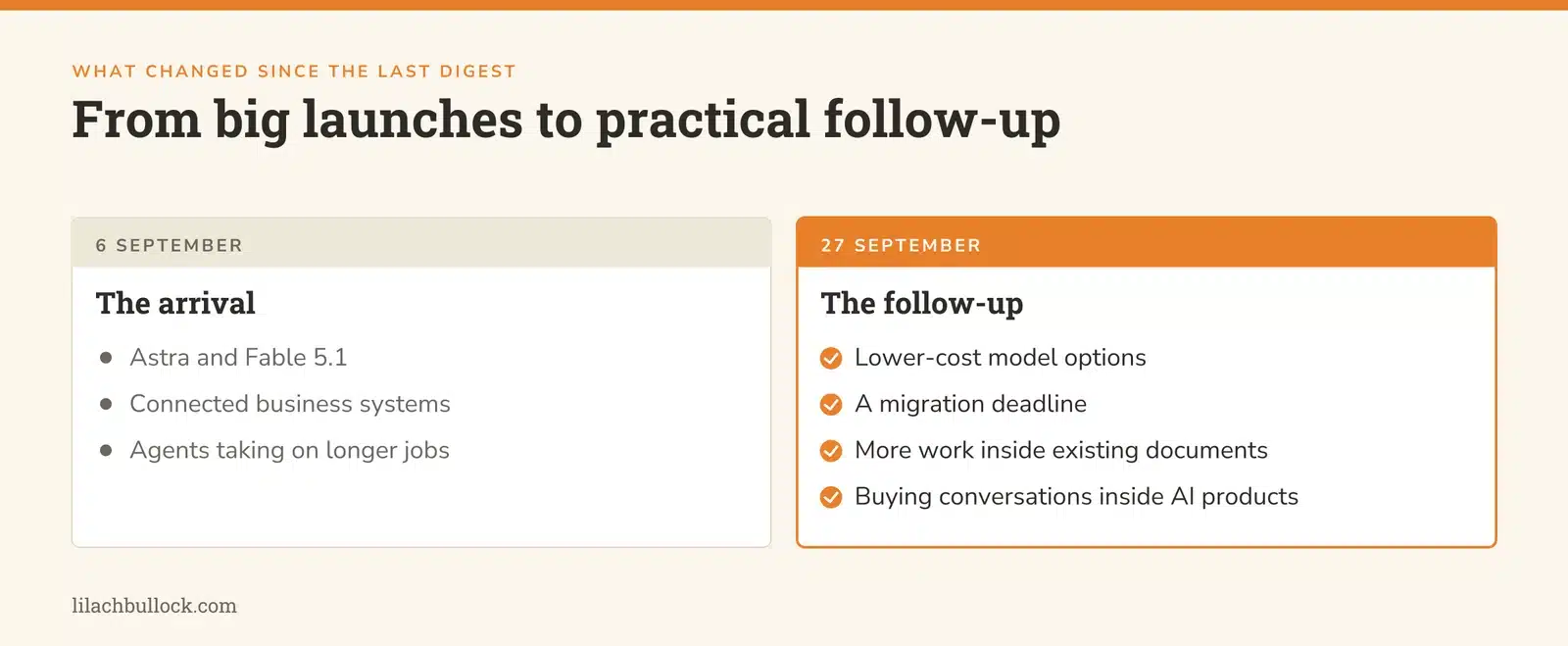
The 6 September edition covered the arrival of Astra and Fable 5.1, connected business systems and agents taking on longer jobs.
The follow-up is more practical: lower-cost model options, a migration deadline, more work inside existing documents, and more buying conversations inside AI products. The old launches haven't become new stories simply because we missed an issue.
For the earlier context, the 23 August Digest and 16 August Digest sit alongside this edition. You can also revisit the 19 July Digest. Use older editions for the progression of the ideas; check current availability before following an old product instruction.
Your 90-minute catch-up plan
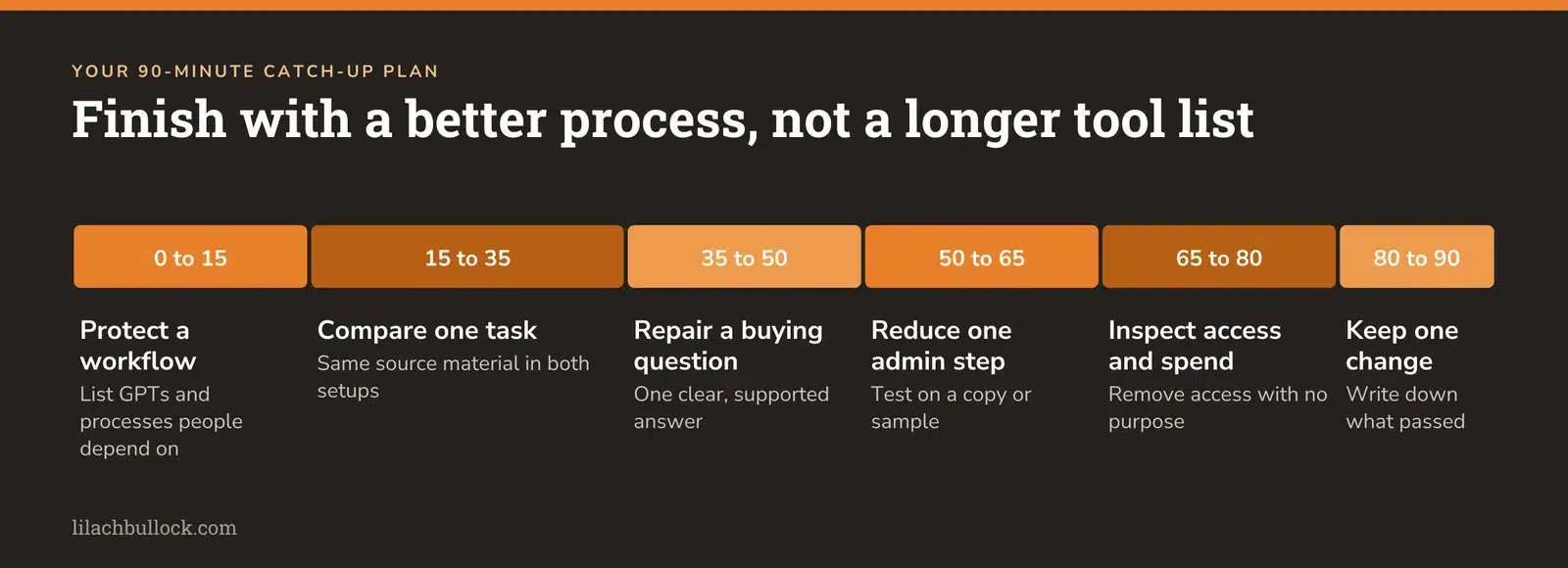
You don't need to test 24 things. Choose the changes that touch work your business already does.
Minutes 0 to 15: protect an existing workflow
List the custom GPTs and AI-assisted processes people depend on. Record the owner, business job and where the instructions live. If a GPT is important, put its migration preparation first.
Minutes 15 to 35: compare one useful task
Choose one task from the five-task scorecard. Run it with identical source material in the two setups you're considering. Set a timer for your own correction work. Continue longer runs separately; this block is for setting up and reviewing a bounded test.
Minutes 35 to 50: repair one buying question
Find a product or service page that leaves a common pre-sale question unanswered. Add a clear answer supported by the business facts. For AI discovery, use my AI SEO guide to connect the page to the questions buyers ask.
Minutes 50 to 65: reduce one repeated admin step
Pick a document, debrief or reporting task from this issue. Test it on a copy or approved sample. Decide what a good output looks like before letting the assistant produce it.
Minutes 65 to 80: inspect access and spending
Review the connected apps, spending limits and approval rules for that workflow. Remove unnecessary access. Record who investigates failures and who approves any extra spending.
Minutes 80 to 90: keep one change
Write down what you tested, what passed, what failed and the single change you'll keep. Use the Automation Audit Checklist if you've accumulated several half-built experiments.
The aim is to finish with a better process. A longer list of tools you intend to try doesn't count.
Final takeaway
The most useful AI development for your business might be a stronger model. It might also be a better way to edit the document you already use, a missing answer on a product page or a migration you prepare for before it becomes urgent.
Claude deserves a fair test. ChatGPT deserves the same. So do the tools already sitting inside the software you pay for.
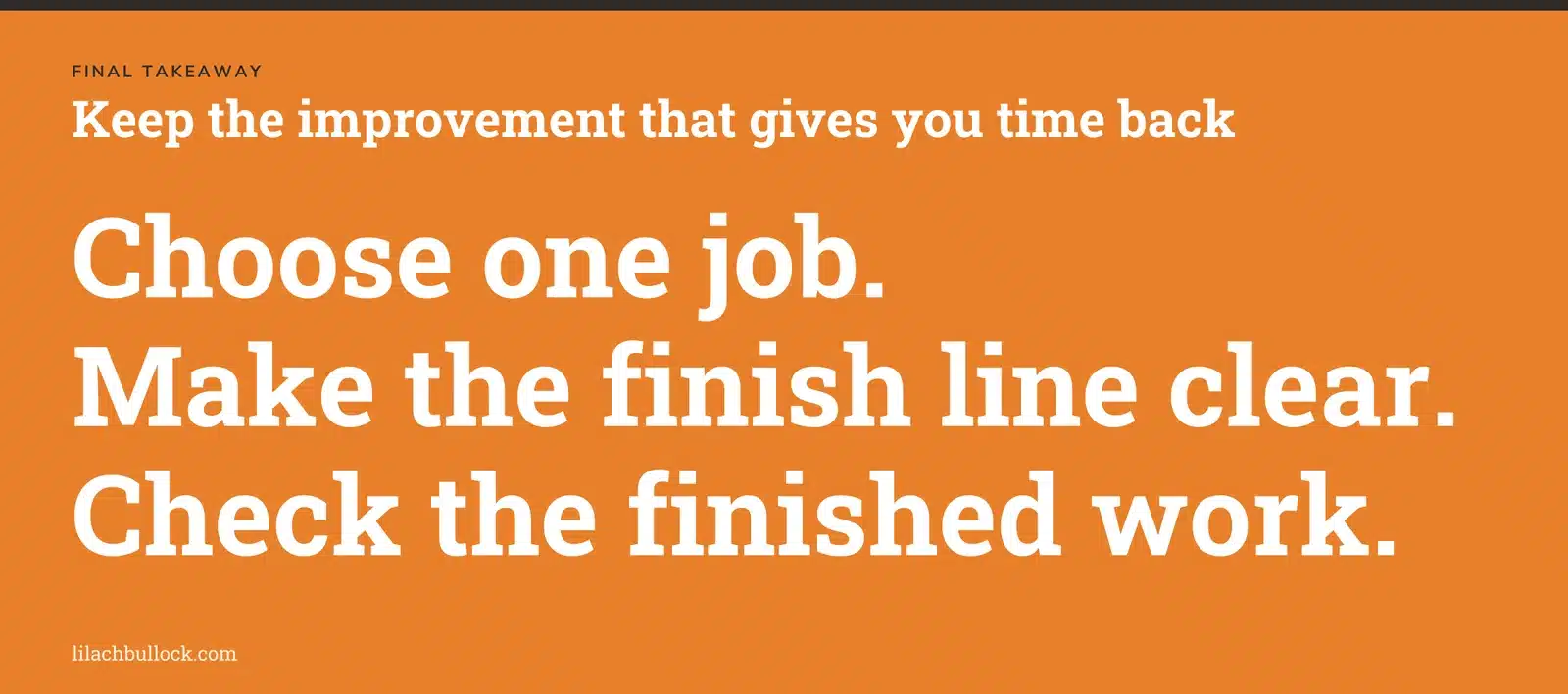
Choose one job where the result matters. Make the finish line clear. Check the finished work. Keep the improvement that gives you time back without borrowing it from tomorrow's repairs.
If you want coverage beyond press releases, see my live-checked list of news blogs that accept guest posts.
Related: working with an ecommerce blogs that accept guest posts.
If you want these tools built into how your business runs day to day, here's what an AI implementation consultant does.
Related: ai consultant ecommerce customer service product copy.
Related: my ai consultant contract what should be in it page.
Related: ai consultant discovery call what to prepare.
Related: my ai blogs that accept guest posts page.
Frequently asked questions
What period does this AI news this week for small business edition cover?
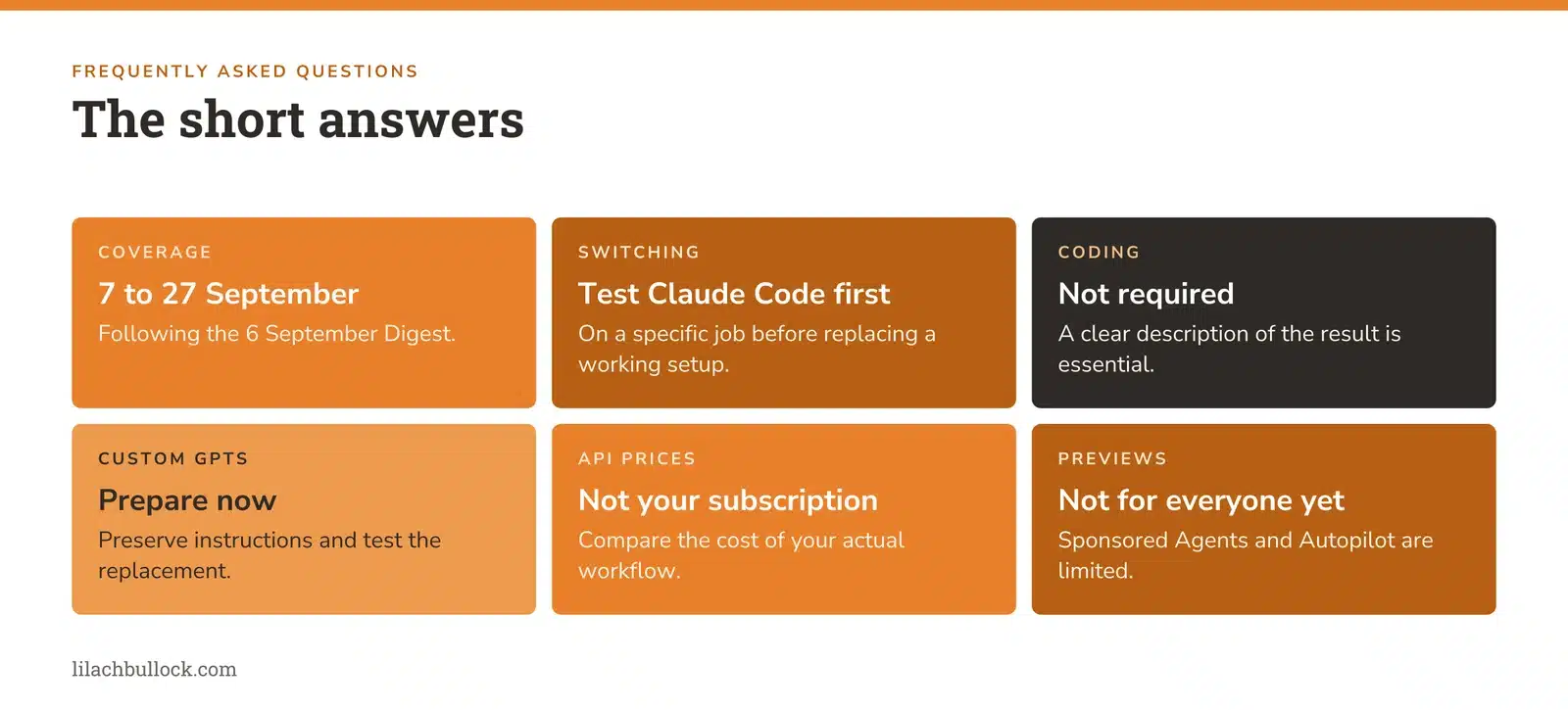
This is an expanded catch-up covering 7 to 27 September 2026, following the 6 September Digest. One Microsoft update is dated only to September and is labelled that way. Older features are identified as background where needed.
Should I replace ChatGPT with Claude Code?
Test Claude Code on a specific job before replacing a working setup. The independent benchmark above supports evaluating Claude, but doesn't prove that every business will get a better outcome. Compare complete work, correction time, connections and cost.
Do I need to know how to code to benefit?
Many of the updates concern documents, voice, product information and reporting. If you ask an agent to build software, arrange testing appropriate to what it will do. A useful description of the desired result is essential even when you don't write the code yourself.
What should a small business do about custom GPT retirement?
Identify the GPTs you depend on, preserve instructions and material you own, check your account's notice and test the replacement before switching. Use the current migration FAQ linked in story 2 for timing and integration limitations.
Does lower API pricing mean my subscription will be cheaper?
No. API usage pricing, subscription prices and included allowances are different things. Compare the cost of your actual workflow under the plan and billing method you use.
Can every business use Sponsored Agents or Copilot Autopilot now?
No. Sponsored Agents are in a limited alpha. Microsoft's Autopilot expansion is a private preview. The actions in those sections focus on preparation you can do without assuming access.
How can I make my business easier for AI-assisted buyers to understand?
Keep your offer, product details, availability, evidence and buying steps clear and consistent. Start with the AI Visibility Checker and examine the pages behind the answers. Being mentioned is useful; the customer still needs a reason and a clear route to choose you.
Which change should I make first?
Protect anything you already rely on, particularly a custom GPT affected by retirement. Then choose one repeated task or unanswered buying question. Finish that improvement before adding another tool.
Lilach