Higher email deliverability with Email List Validation
Email List Validation is a tool that identifies poor email addresses that you need to remove from your email campaign lists. In a moment, I’ll go through the various aspects of this email list checker and how it can improve your email marketing campaigns.Verification
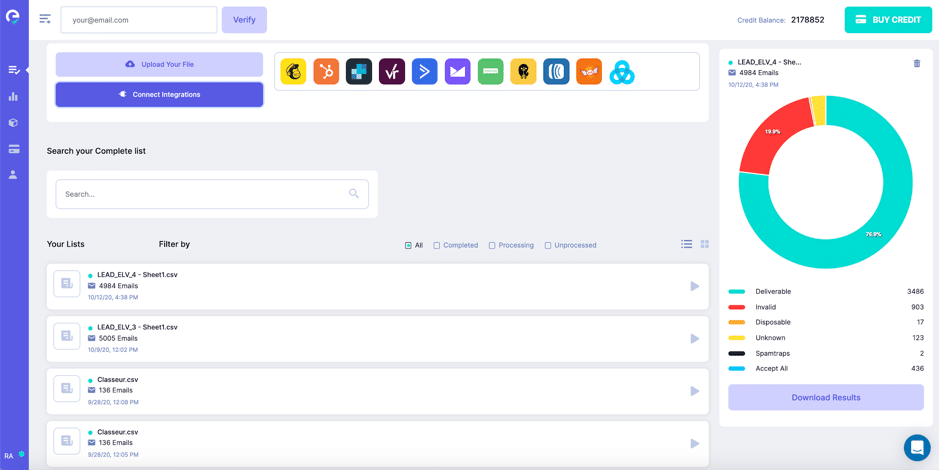
Once you log in to your account, the first page you see is the verification page.
- Entering email addresses into the bar at the top left corner
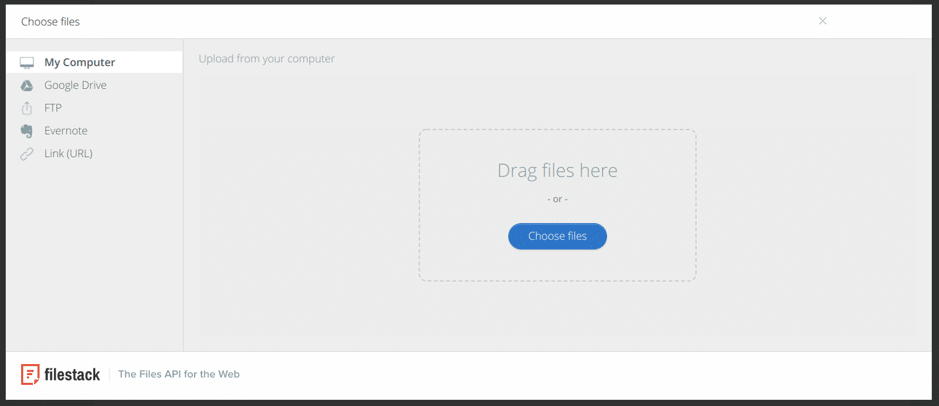
- Uploading an email list through the “Upload Your File” button
- Connecting to your CRM or email marketing tool through the “Connect Integrations” button

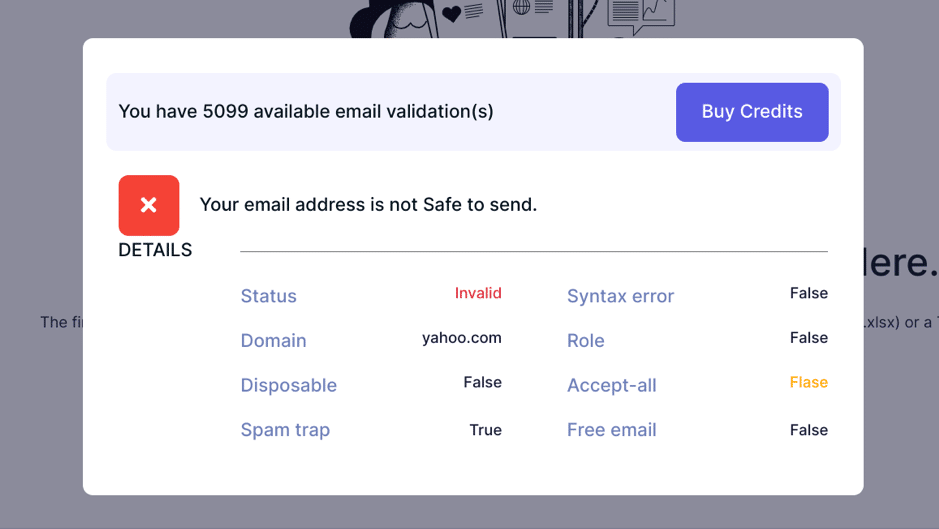
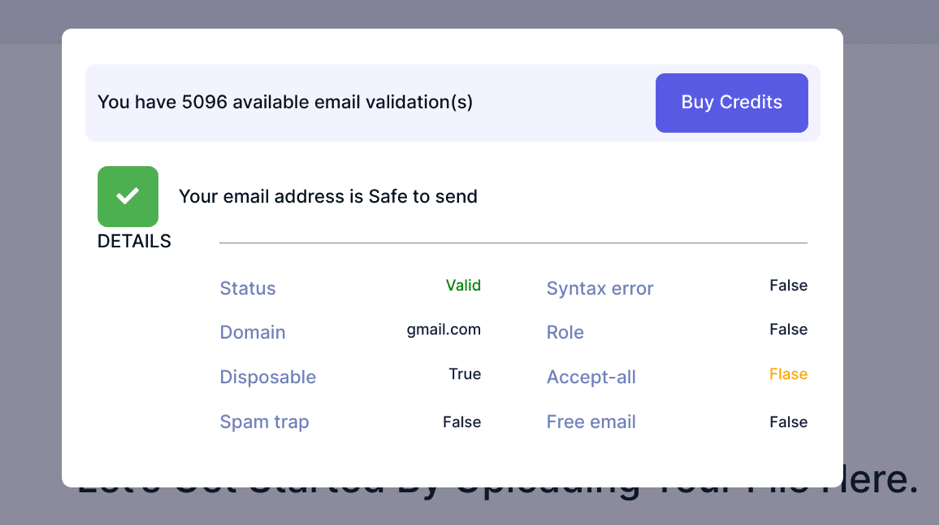 When I entered an old email address that I’ve not used for a long time, this is the analysis I got from Email List Validation:
Integrations
Talking about integrations, it makes your life easier when validating your lists. If you already run email campaigns, you have a CRM system or email marketing tool to launch your campaigns. Beyond that, you probably have more than a single email list. With automated email marketing in most tools, you can have many segmented lists based on your subscribers’ interests. Therefore, it will be a hassle to export those lists one at a time into Email List Validation. That’s why integrating this email checker into your CRM solves that problem. Currently, Email List Validation has 11 integrations with email marketing and CRM tools.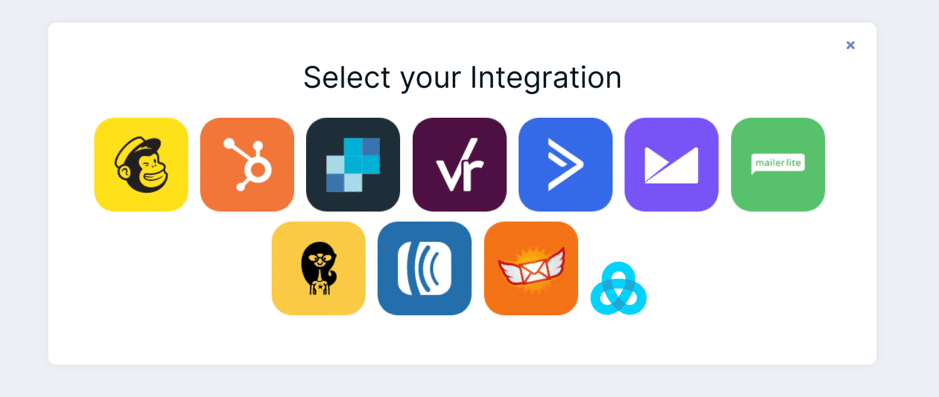
API
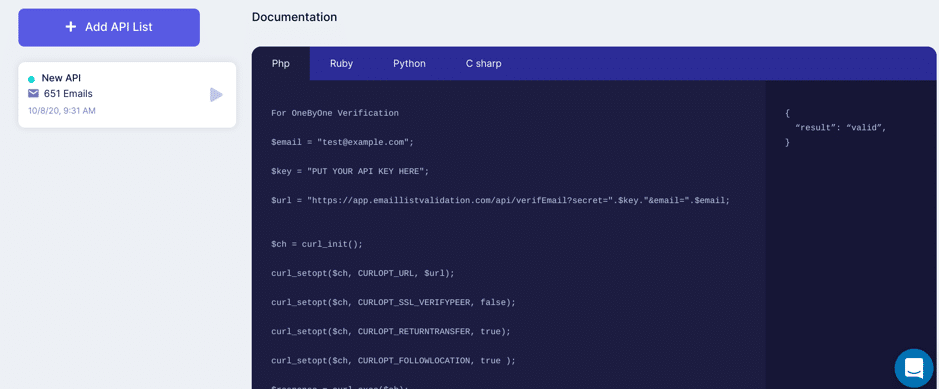
What if you can validate emails on your website before they even get on your email list? Or, in another case, guide subscribers when they make spelling mistakes of their email addresses? Email List Validation allows you to achieve this through its API. You can integrate Email List Validation API into your websites, applications, or marketing platforms. This feature will ensure that any email that goes into any of those channels is a clean email address. To install Email List Validation API, go to the left sidebar in the dashboard and click “API.”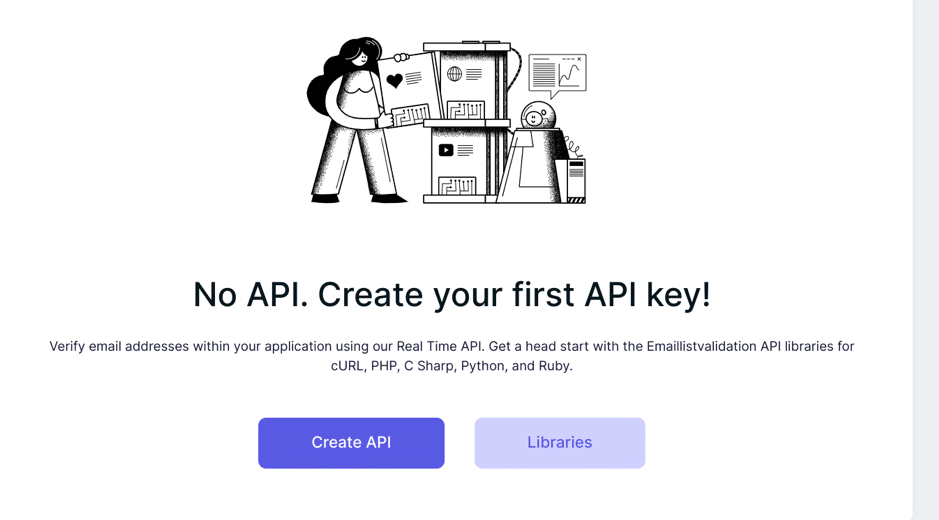
Statistics
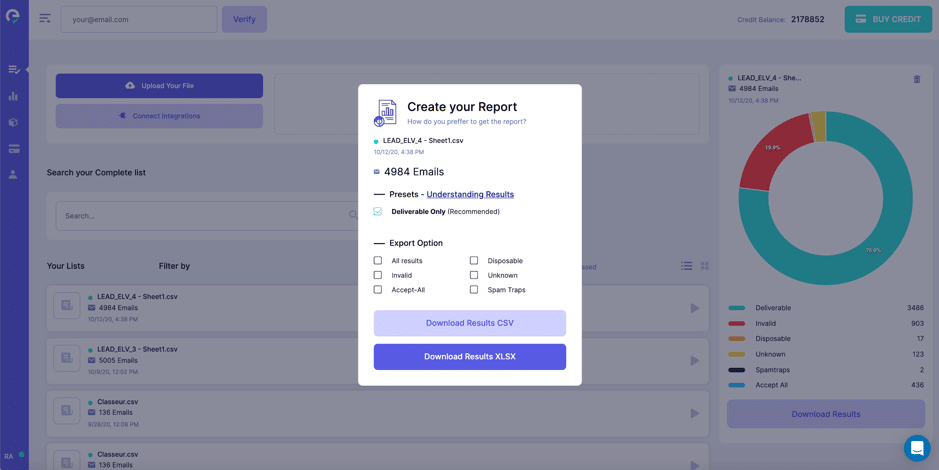
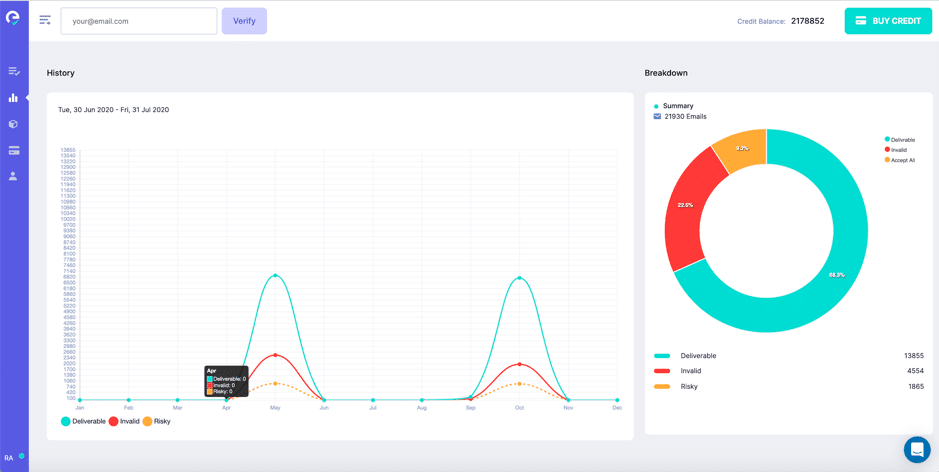
If you want to get the numbers about your subscribers’ list validation, you can do this in the statistics section. Click on the statistics icon at the left sidebar to get started.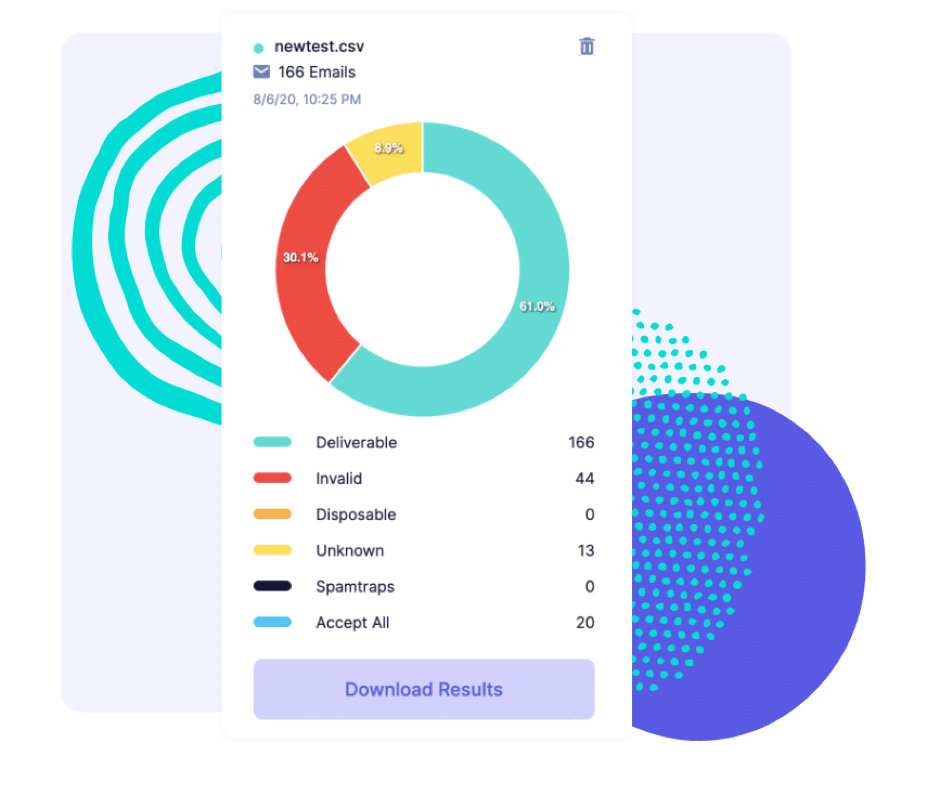 Here, you’ll find your email addresses are separated into categories such as:
- Deliverable
- Invalid
- Disposable
- Unknown
- Spamtraps
Settings
In this section, you can set up various aspects of your Email List Validation account. To launch the settings page, click on the settings icon at the left sidebar. First, you have the general settings where you can enter details such as name, company name, email address, zip code, and more.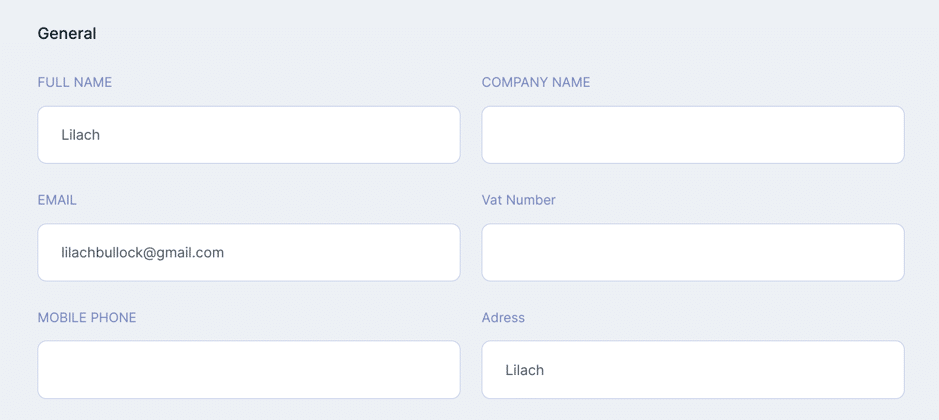
Support
Even for the best tools, there’s a time when users need help to solve a problem. In light of this, Email List Validation offers support through two main channels:- Live chat
Pricing
How much does Email List Validation cost? Email List Validation’s pricing plans have two structures:- Pay as you go
- Monthly
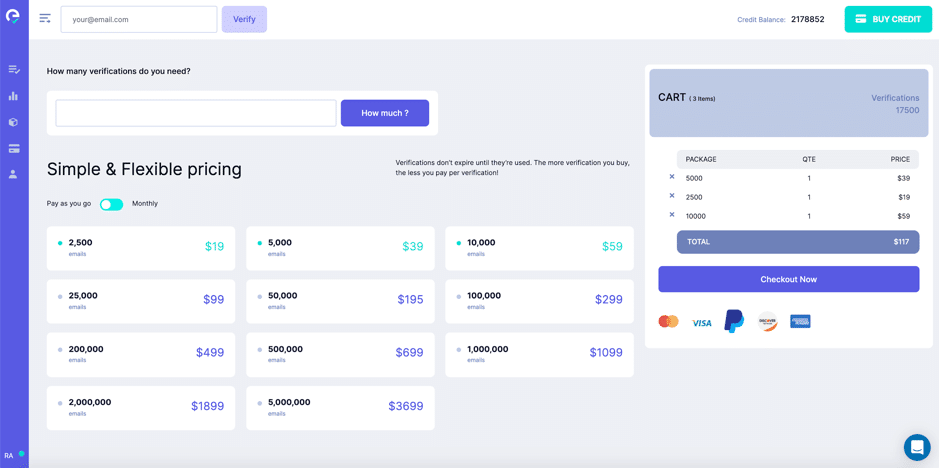
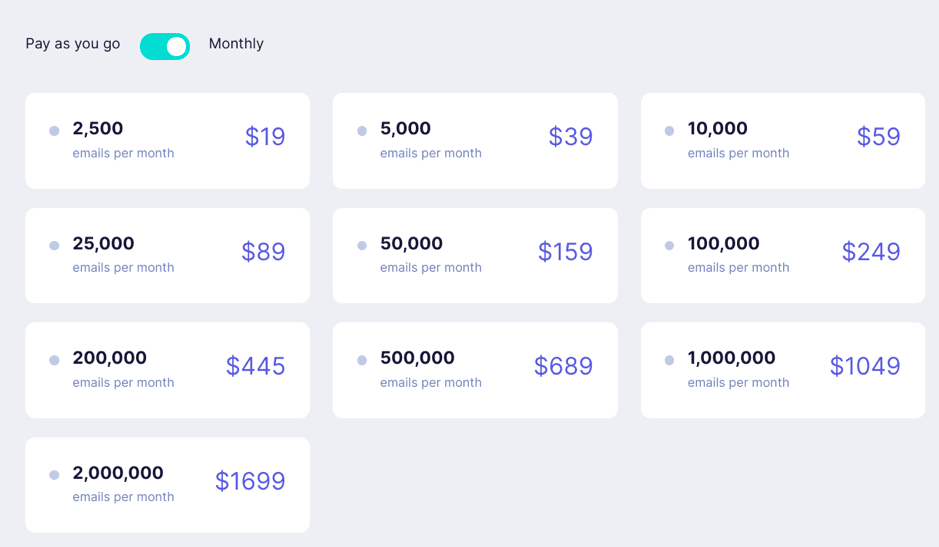 As of Nov 2026, the monthly plans are $14 a month for 2,500 emails, $49 a month for 10,000, $899 a month for 1,000,000 and $1,399 a month for 2,000,000.
What's changed with Email List Validation since this post
Pricing has shifted a little (see the updated figures above), and the vendor's pricing page now lists a few extras worth knowing about as of Nov 2026:
- New accounts start with 100 free credits, so you can test it on a small list first
- Pay-as-you-go credits never expire
- All 12 verification tools are included
- Team accounts can share credits
- Every purchase comes with a 100% money-back guarantee
The core reason to clean your list hasn't moved either: the same page still says that if over 10% of your emails are bad, less than 44% get delivered. My verdict: run a check before your next big send, especially on an older list.
Conclusion
You can only derive the benefits of email marketing when you have high deliverability. With low deliverability, you’ll fail to reach your audience, or even worse, get blocked by email service providers (ESPs). Email List Validation is a powerful and intuitive tool that provides the fastest way to clean up your current subscribers’ lists and ensure automatic email verification for your future leads. With my experience using this tool and understanding the value of having a clean email list, I highly recommend that you check them out and start getting better results from your email marketing.Related reading
- 12 Tips for Writing Killer Email-Marketing Copy That Converts
- How to write a cold email that get response?
- Email Marketing: 7 Proven Ways to Increase Conversion
- How can a cold email be written to get a response?
- how to organise your email inbox
Related: Week 6: I Spent This Week Conquering My Inbox Instead of My Blog Posts (And I'm Not Even Sorry)
Worth reading next: Phone Number Verification APIs in 2027: How HLR, MNP and Real-Time Validation Improve.
Related reading: Data Privacy and Email Deliverability: Compliance and Best Practices and Introducing GetEmails: 10x Your Email List Growth in a Totally New Way.
Bottom line: A clean email list is the single biggest factor in whether your emails land in the inbox or the spam folder. Regularly removing inactive subscribers, fixing typos, and using double opt-in keeps your sender reputation strong and your open rates climbing.
Want AI doing the heavy lifting in your marketing?
I build the systems that handle the boring 80 percent, so you get your week back. Done properly, with the human kept in.
Frequently asked questions
How often should I clean my email list?
Aim to clean your list every three to six months. If you send frequently or notice a drop in engagement, do it monthly to keep your sender reputation intact.
What's the difference between hard bounces and soft bounces?
A hard bounce means the email address is invalid or doesn't exist, and you should remove it immediately. A soft bounce is temporary, like a full inbox, and can be retried a few times before removal.
Will removing subscribers hurt my overall numbers?
Your list size may shrink, but your open rates, click rates, and deliverability will improve. Internet service providers care more about engagement than raw numbers.
Can I use a free tool to verify my email list?
Some free tools offer basic checks, but paid verification services catch more invalid, risky, and duplicate addresses. For larger lists, the investment pays off through better deliverability.