Last updated: May 2026. This guide has been substantially expanded with a new section reflecting the 2026 landscape.
With as much content as you’re competing with for your audiences’ attention, it’s worth looking into differentiating your content and standing out. There’s a simple way to do this: with interactive content. In this blog post, I’m going to show you how to show you how to engage your audience and generate more leads with interactive content.Why interactive content?
One of the big reasons, as I mentioned earlier, is that interactive content helps you differentiate yourself amongst your competition. But, there’s a lot more to it than that:- It gets your audience to actually engage with you. More than skimming through a blog post and writing a comment, or liking a social media update because it popped up in their update. People will take the time to use your interactive calculators, provide you with all kinds of useful information while responding to your polls, or to have a laugh and test their knowledge with one of your trivia tests.
- It’s great for research. With interactive content, you can ask your audience all kinds of useful questions – including questions about themselves, that can help you better understand your audience, what they like, and what they don’t, and so on.
- It’s great for lead generation. Interactive content can help you attract a broader audience and generate more leads for your business as you collect their contact information.
- It drives traffic. Reaching a broader audience can also lead to more traffic to your website and blog. Just look at Buzzfeed – their polls and quizzes were an integral part of their success.
What is interactive content?
Interactive content can take up a lot of forms; basically, any content that users can engage with:- Personality tests
- ROI calculators
- Cost calculators
- Opinion polls
- Interactive webinars
- Interactive e-books/white papers
- Interactive infographics
How to use interactive content
There are numerous ways of using interactive content to your advantage, mainly depending on what your end goal is:- To educate: one of the golden rules of content marketing (at least as far as I’m concerned), is that you need to offer some kind of value to your audience. That’s why educational content is so popular; but, why not take it a step ahead and turn it interactive? It will not only impress your audience, but it will also make for a better reading experience for them. For example, you could create an interactive PDF; then, add animations to improve the experience, and use the opportunity to insert a lead form in it to collect more information from your audience.
- To entertain: another way of using to interactive content is simply to generate more awareness and drive more traffic by giving your audience a good reason to visit your website: with a fun quiz, poll, or personality assessment, for example.
- To research: if you want to learn more about your audience, polls and survey tools for research are the best way to go.
How to get started with interactive content
SnapApp is one of the top interactive content tools on the market; the reasons for that are, it provides an easy to use software (designed with marketers in mind, not designers or developers) that allows you to create multiple types of interactive content:- Opinion polls
- Product pickers
- Personality tests
- Opinion polls
- Customer and market research surveys
- Interactive product demo videos
- Interactive webinars
- Interactive ebooks, white papers, and infographics
- ROI and cost calculators
- Knowledge tests
- And plus, there’s also a free to use tool for creating interactive PDFs
Building an interactive content app
If you want to start an app, you have 2 options: start one from scratch (using a template, or completely from scratch), or import one of your own PDFs. Before getting started, you can use your Asset Library to get all your media and other assets uploaded and ready to use; for example, your logo and other branded media, your font, and so on. [clickToTweet tweet="How to engage your audience and generate more leads with #interactive #content using @snap_app" quote="How to engage your audience and generate more leads with #interactive #content using @snap_app"]Creating polls, quizzes, and other interactive content with SnapApp
Getting started with SnapApp is extremely easy; the builder is quite similar to PowerPoint, in fact. It was built with marketers in mind, so the goal was clearly to make it as easy and intuitive to use as possible. Once you click on create an app from scratch, you’ll see there are numerous options to choose from: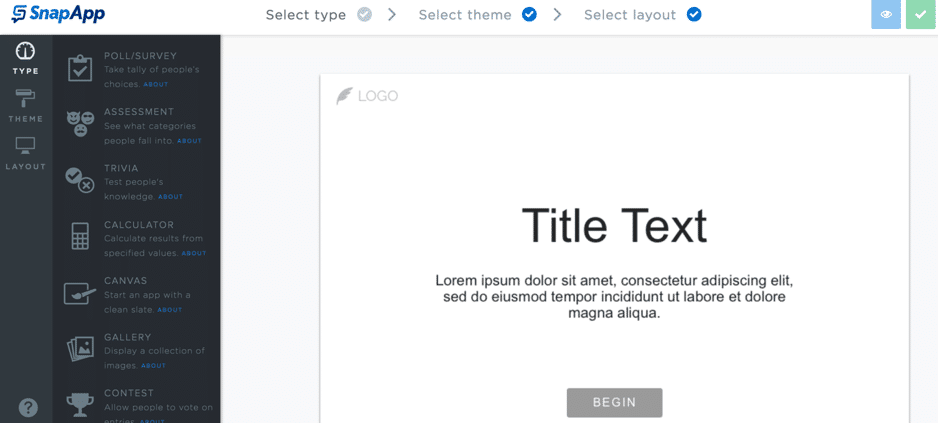
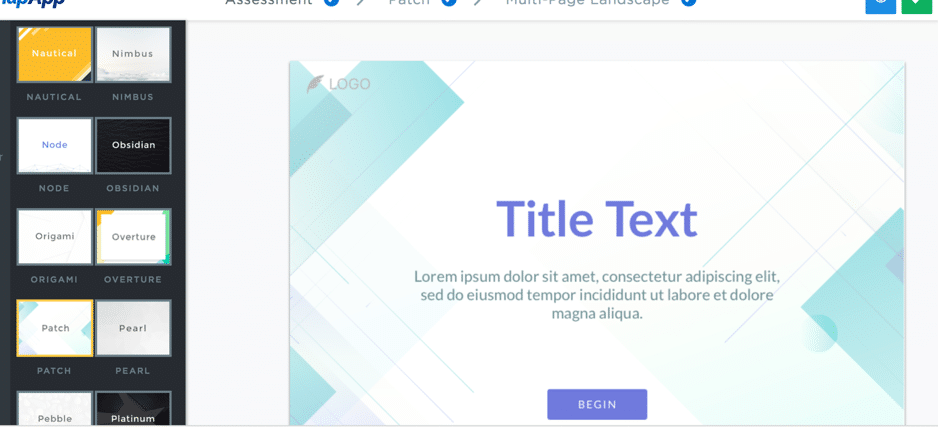
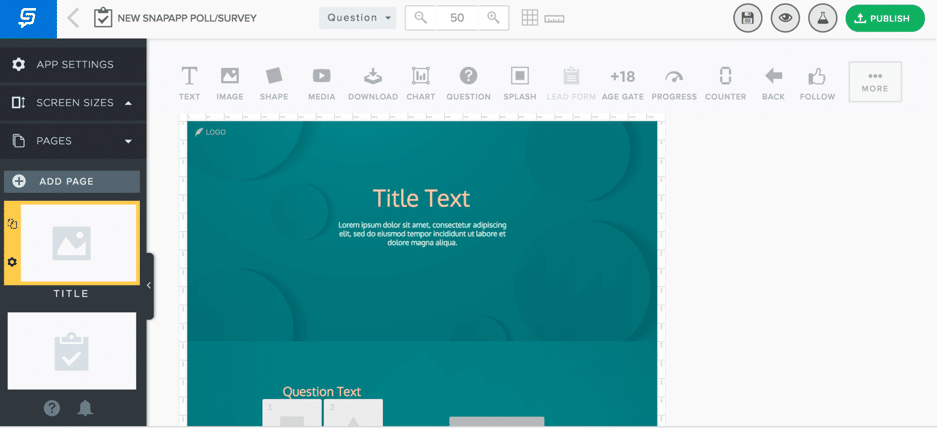
Analytics
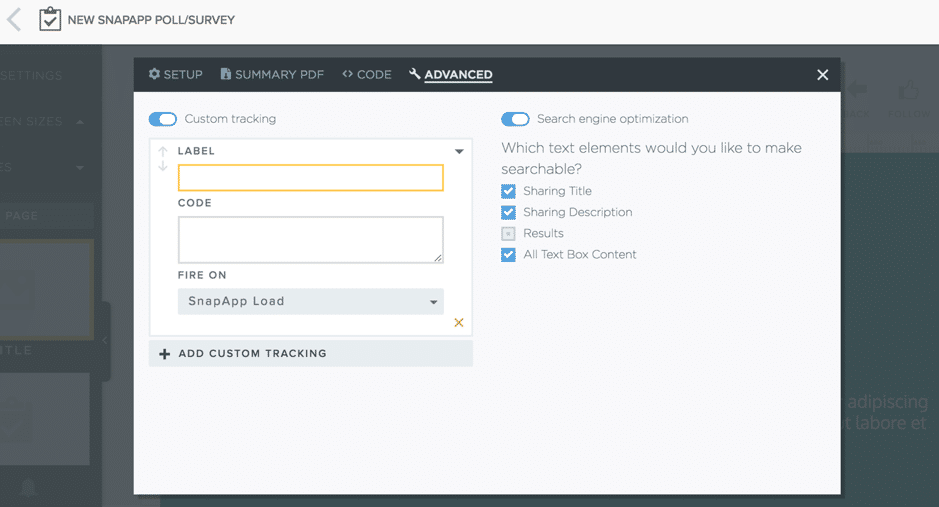
As well as creating interactive content, you can use your account to track your results as well. If you’re a regular reader, you know I love analytics and always preach their importance; without analytics, you can’t understand what works and what doesn’t. And how else can you improve your results if you don’t know all this? With SnapApp, you can set up Google or Adobe Analytics to track your interactive contents’ results: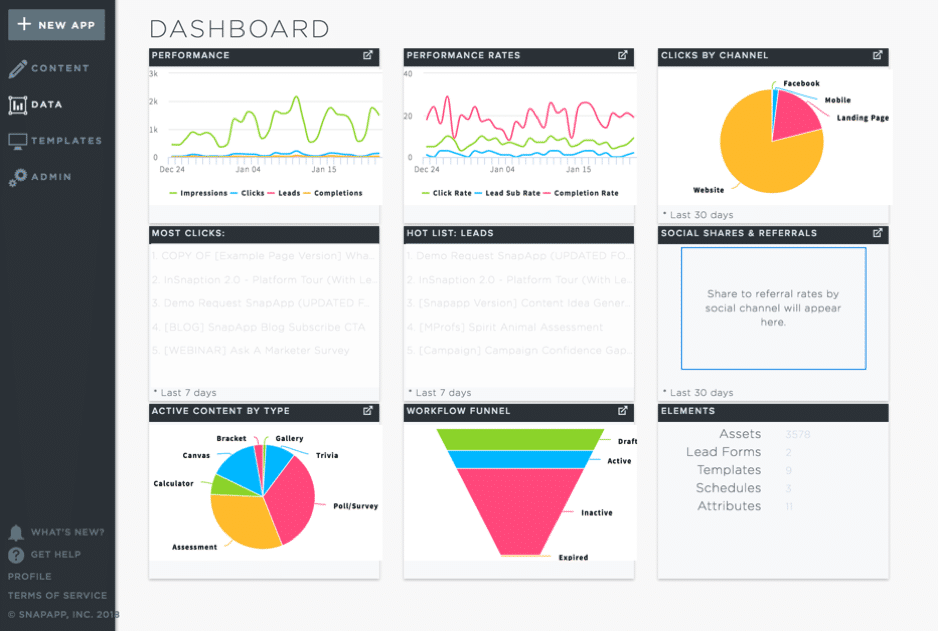
Creating an interactive PDF:
As I mentioned earlier, you can also create an interactive PDF using the free tool from SnapApp, LeadRev.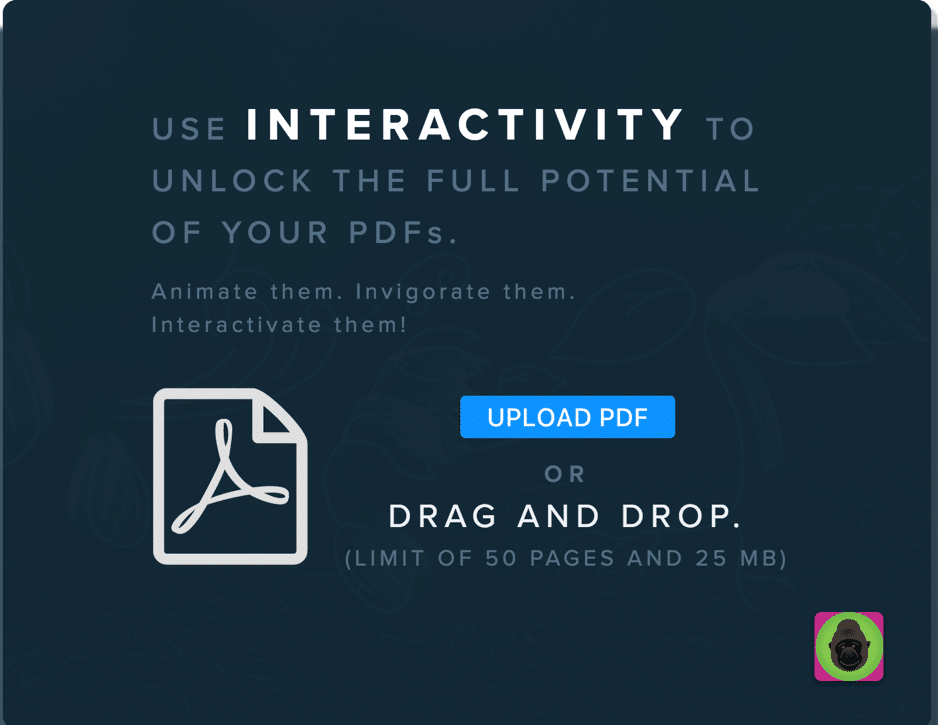
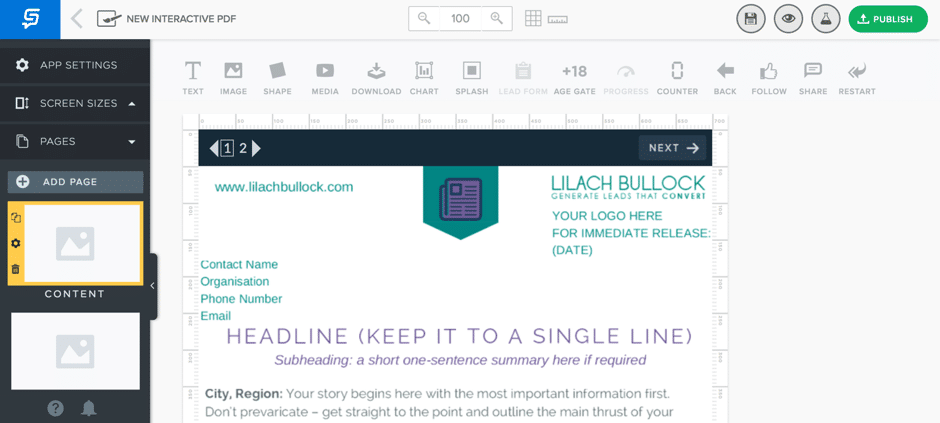
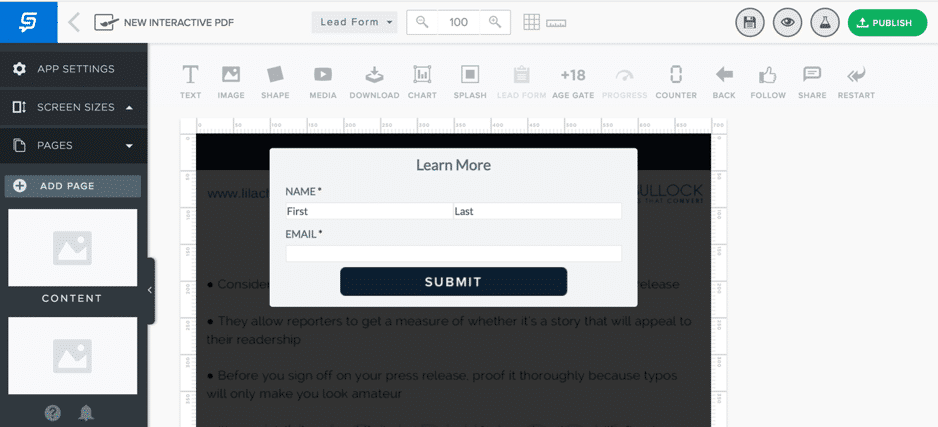
- Adding a Follow button for Facebook, Twitter, LinkedIn, or Google+:
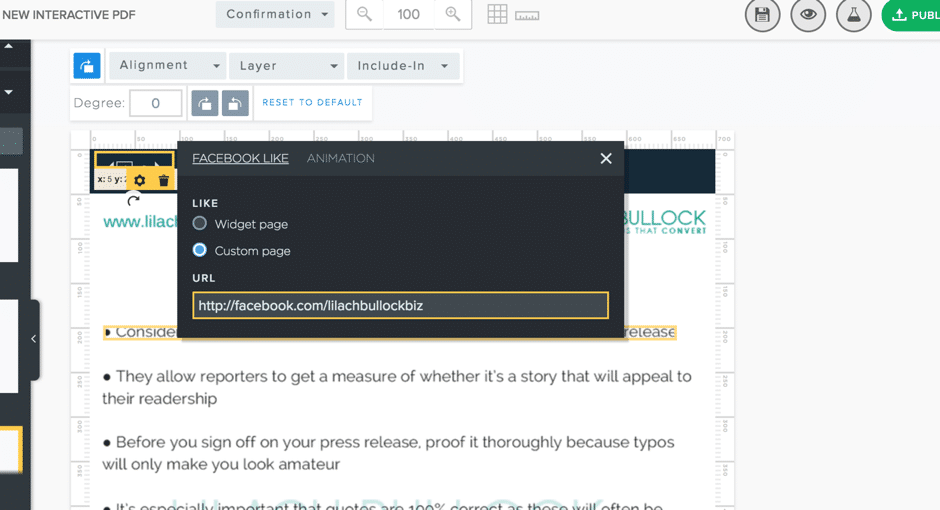
- A social sharing button for the same 4 previously named social networks
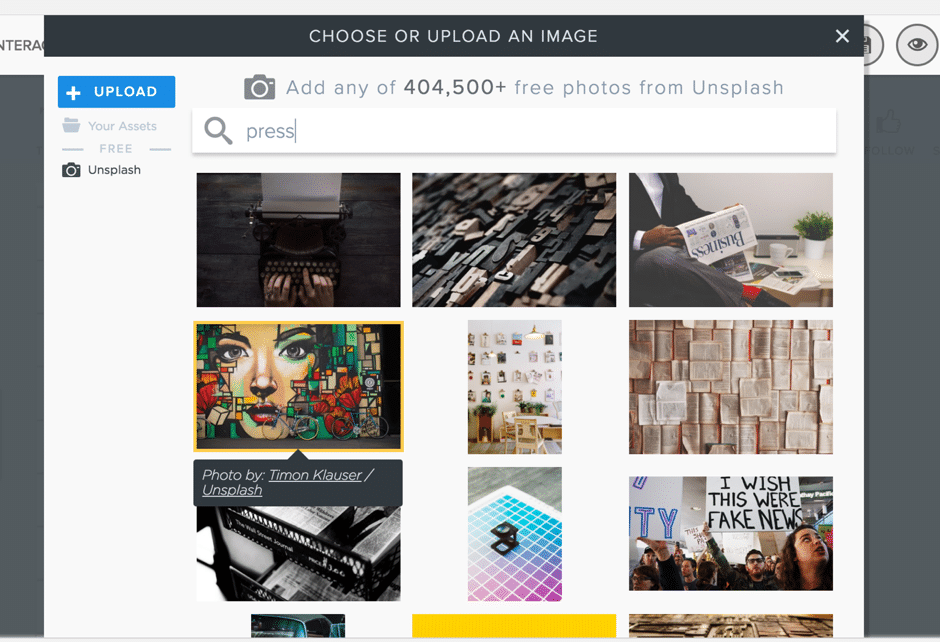
- Images and other media (plus, you can browse through royalty-free images from Unsplash in-app)
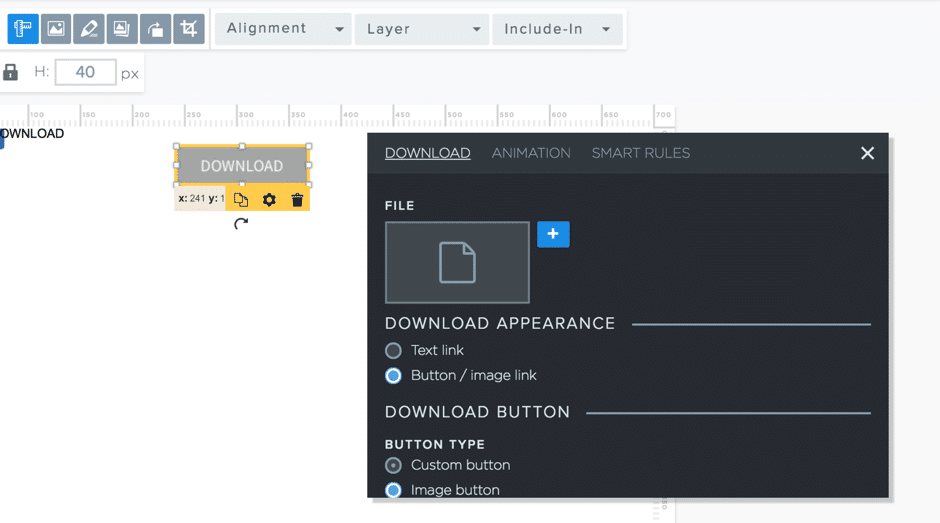
- Add a Download button within your PDF (you can also make it so only those who completed your lead form will see it, or even only those who didn’t complete it):
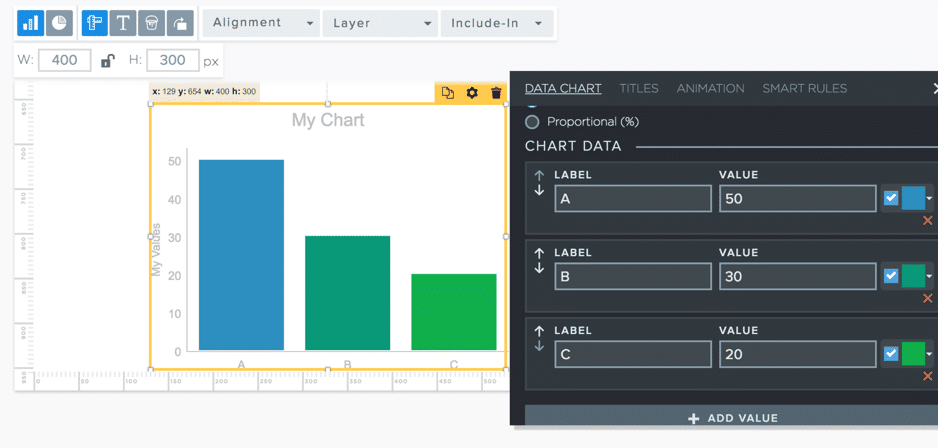
- Add a chart and customise it as you wish (and once again like previously, you can create ‘smart rules’ so that only certain people see it):
Conclusion
There aren’t that many tools with the full functionality of SnapApp – or that are as easy to use. With SnapApp, you can:- Create interactive content easily, in minutes
- Create interactive PDFs for free, with LeadREV
- Create quizzes, polls and surveys, assessments, calculators, videos, and much more – all interactive
- Check your interactive content’s analytics and success for continuous optimisation
What's changed by 2026: Updated context
The fundamentals in this guide hold up well, but the operational landscape has shifted enough since publication that some updated context is worth flagging.
AI has compressed operational work
By 2026 most operational tasks that occupied meaningful time when this guide was written can be handled by AI: drafting emails, summarising documents, basic research, repurposing content across formats. What's left for humans: judgement, strategy, voice, and the specific calls that pattern-matching can't make.
Trust signals matter more
In an AI-saturated content landscape, specific trust signals — named examples, specific numbers, real client work, distinctive voice — have become competitive advantages rather than nice-to-haves. The bar for what reads as "actually human and credible" has risen.
Refresh cadence as a signal
Content that's regularly refreshed with updated examples and current context outperforms content that was written brilliantly once and never touched. Google's freshness algorithm in 2026 actively favours actively maintained guides.
Want AI doing the heavy lifting in your marketing?
I build the systems that handle the boring 80 percent, so you get your week back. Done properly, with the human kept in.
Specificity as competitive advantage
Generic advice has been commoditised by AI. Specific, named, situation-aware guidance — with real examples, real stakes, and real failure modes — is what stands out. The 2026 reader has read the generic version of this guide many times; what works is the version with specific texture.
Related reading
- Why content curation is useful for your business
- Remote Hiring for Content Writers: How to Find the Best Talent for Your Niche
- Content Marketing Trends to Watch in 2026
- Why Content Marketing Is The Heart Of Your Customer Acquisition Strategy
- how to make money blogging
Related reading: [Trending Topic 2020] How to engage and convert more visitors with interactive calculators and How an Interactive Content Builder Turns Visitors Into Leads.