Last updated: May 2026. This guide has been substantially expanded with a new section reflecting the 2026 landscape.
Content curation is a huge part of strong content marketing and social media marketing strategies – for a variety of reasons. And in this blog post, I’ll show you why exactly content curation is useful for your business and provide you with the tools needed to get you started.Here’s why content curation is useful and should be an integral part of your content marketing strategy:
- Become a thought leader (and give people what they want/need): audiences are constantly looking for new content to read, see, hear, and so on. Sometimes, deliberately, other times, just browsing and seeing what pops up. One of the ways to stand out and be there with the right content, at the right time, is to curate quality content and share it with your audience, whether it be on social media, on your website or blog, or via email. This is one of the things that has helped me too in increasing my popularity and visibility on social platforms: sharing great content. Not just my own, but others’ as well.
- Offer a wider variety of content and save resources on creating new content: by using other people’s content as part of your strategy, you can cut down some on your own content creation. That’s not to say you should stop creating original content (definitely don’t – you have to create a mix of original and curated content to keep audiences interested), but that you won’t have to create new content as frequently.
- Engage and grow your audience: as I mentioned before, audiences are always on the lookout for great new content. If you provide it, it gives them a reason to follow you on social media, read your blog regularly, and engage with you.
Share on social media
With content curation, you can make sure you’re constantly posting something new, even if it’s not an original piece of content. Make sure to insert your own comments when posting something, and don’t just post a link. Why is that post interesting? Is there a quote that attracted your attention? Is it a controversial topic that you can share your opinion on? This way, you’re giving people a reason to engage with you on social media, and not just filling your content schedule. This can be especially useful to small businesses that don’t have the budget for constant content creation. [clickToTweet tweet="Why content curation is useful for your business #contentcuration #content @wakelet " quote="Why content curation is useful for your business #contentcuration #content @wakelet "]To keep evidence of all your published content
Content marketing campaigns usually involve a lot of content, most of it spread out across different websites and channels. Use content curation to keep evidence of all this content in one place, for future reference. Plus, you can also use it to collect all content that mentions you or your business.For research
The content being shared in your industry is like a window into the current trends happening in your niche. Use content curation to collect relevant articles and media in order to use for your research; for example, use it to inform your content marketing strategy (i.e. to find out what your audience is currently reading/seeing/hearing, and what they want/need), to get ideas for new content and new blog posts.Use internally
Did you find a really useful blog post that someone from your team could benefit from? Or maybe there’s been a huge development in your niche that your entire team needs to know about? To save time and make sharing easier, curate content in one place and share it with your team – I’ll show you a tool that can do that in a bit.To analyse your marketing campaigns
If you’ve had any marketing campaigns lately (influencer campaigns, awareness campaigns, and so on), use a content curation tool to collect all content related to the campaign – this will then help you evaluate your campaigns’ success. Here’s what to use to help:Wakelet
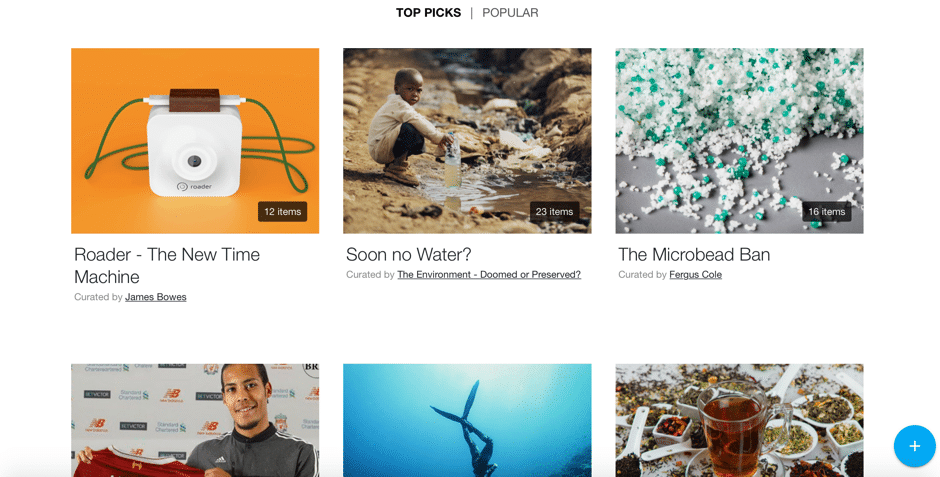
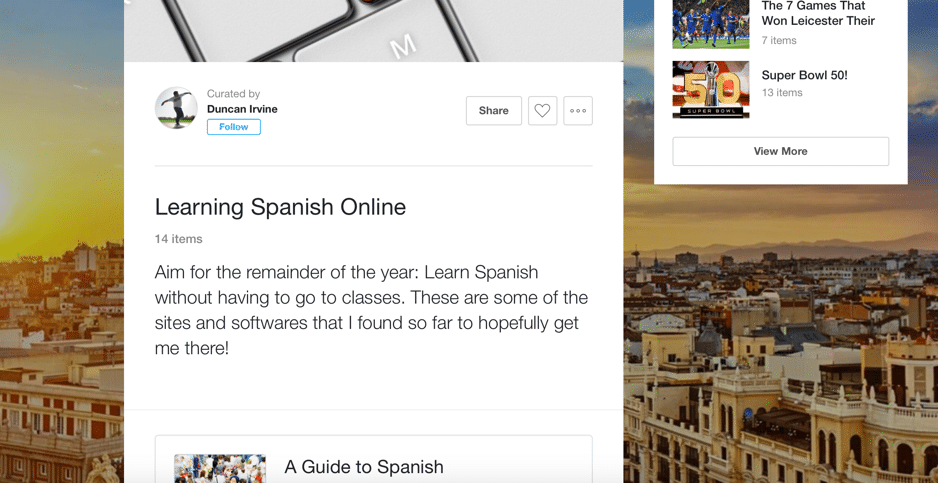
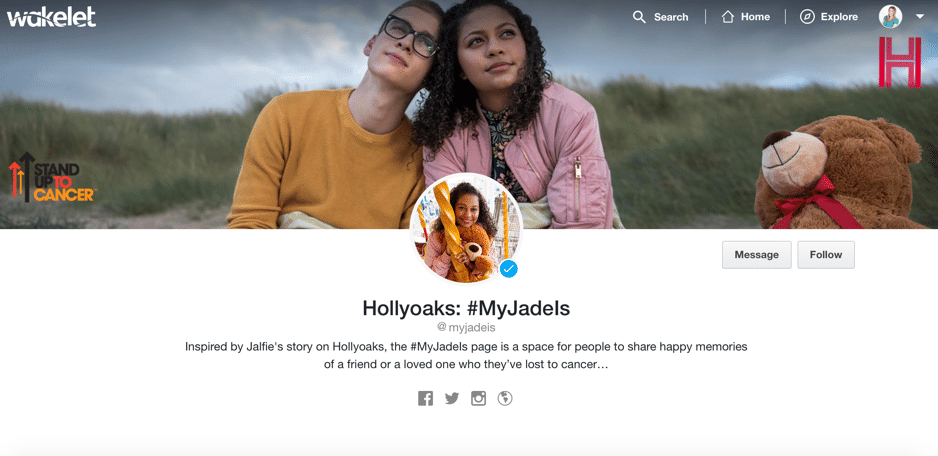
One of the content curation tools to stand out to me is Wakelet. What it does is pretty straightforward: it helps you collect awesome content (articles, media of all kind, tweets, and so on), create collections of the content you find, and share it all with others: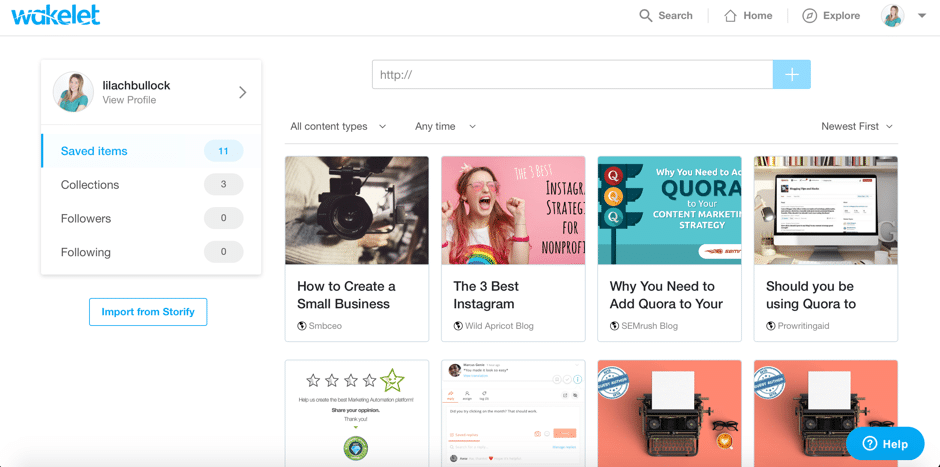
- You add new content to your library, either by copying and pasting the link to the piece of content (the source really doesn’t matter – it can be a blog, website, social network, and so on) on the items page of your Wakelet account, or getting the Wakelet Chrome extension so that you can easily collect content to your account with a couple of clicks, and add the post to one of your collections (quite similar to pinning something from the web)
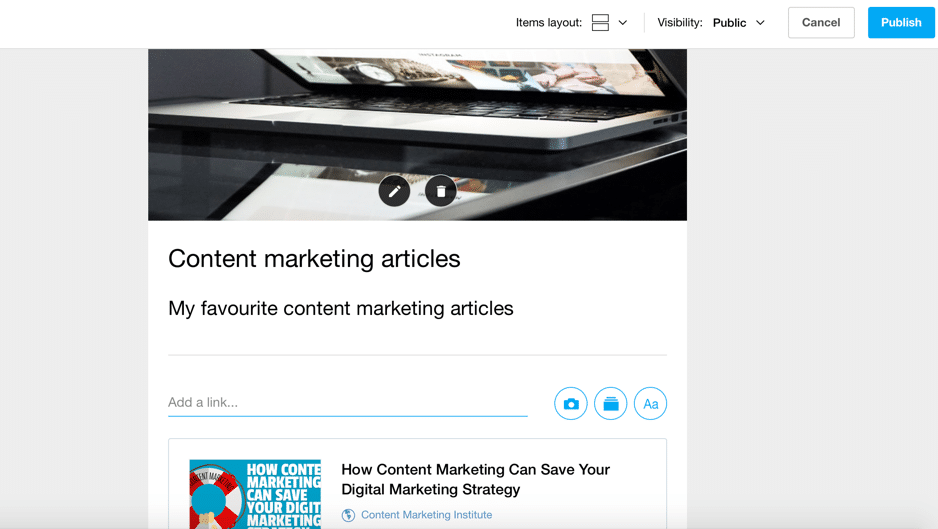
- Build collections of your content: all the content you add to your Wakelet, can be quickly added to different collections which you can customize:
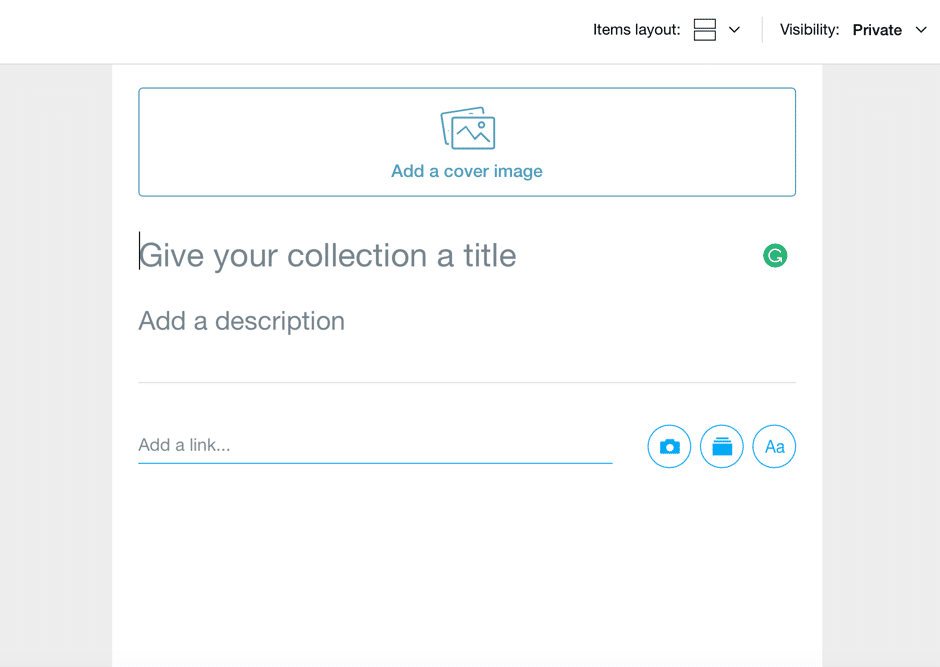 Give it a title, a description, add a link, change the layout of the content in your collection, and even write something in it. Plus, add a cover image to make it more compelling.
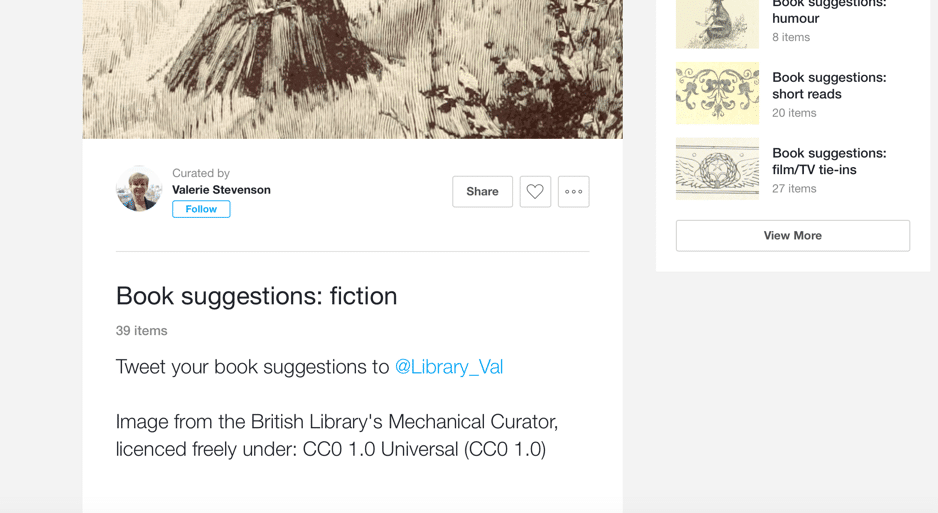
You can then make your collection private or public; private, for using internally, sharing content with your team, or saving and organising your own content in a safe place, and public, for sharing with your fans and followers, or with the Wakelet community.
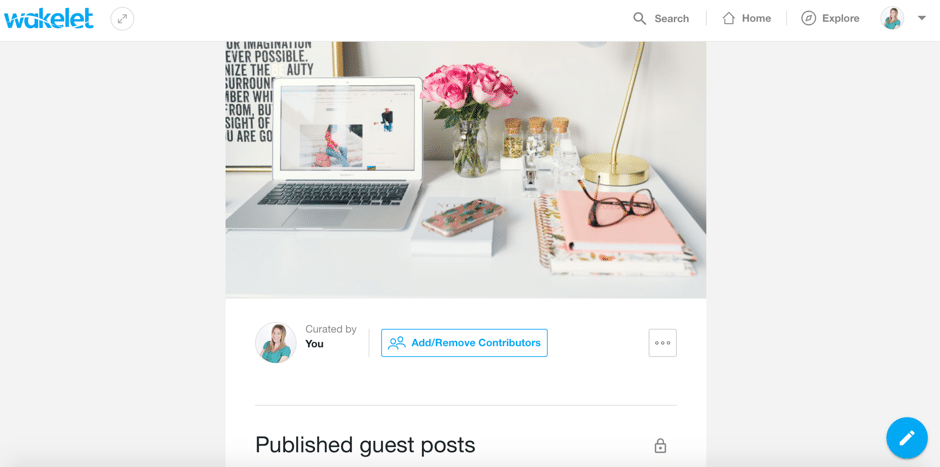
For example, I’ve started a private internal collection to help me keep track of all my published guest posts:
Give it a title, a description, add a link, change the layout of the content in your collection, and even write something in it. Plus, add a cover image to make it more compelling.
You can then make your collection private or public; private, for using internally, sharing content with your team, or saving and organising your own content in a safe place, and public, for sharing with your fans and followers, or with the Wakelet community.
For example, I’ve started a private internal collection to help me keep track of all my published guest posts:

Conclusion
There’s no denying the value in a strong content curation strategy; what I love about Wakelet is that it allows you to take it a few steps further and really stand out. You’re not just sharing an interesting article on Facebook; you’re actually creating an entire collection of related articles and media, all so that you can help solve the readers’ pain point (just like in the example I gave earlier with the business consultant). I’ve only started using it recently, but I am loving it so far, and I can see so much potential for how businesses and entrepreneurs can use it to their advantage. Have you tried Wakelet yet? Leave your comments below and please share ☺What's changed by 2026: Updated context
The fundamentals in this guide hold up well, but the operational landscape has shifted enough since publication that some updated context is worth flagging.
AI has compressed operational work
By 2026 most operational tasks that occupied meaningful time when this guide was written can be handled by AI: drafting emails, summarising documents, basic research, repurposing content across formats. What's left for humans: judgement, strategy, voice, and the specific calls that pattern-matching can't make.
Trust signals matter more
In an AI-saturated content landscape, specific trust signals — named examples, specific numbers, real client work, distinctive voice — have become competitive advantages rather than nice-to-haves. The bar for what reads as "actually human and credible" has risen.
Refresh cadence as a signal
Content that's regularly refreshed with updated examples and current context outperforms content that was written brilliantly once and never touched. Google's freshness algorithm in 2026 actively favours actively maintained guides.
Want AI doing the heavy lifting in your marketing?
I build the systems that handle the boring 80 percent, so you get your week back. Done properly, with the human kept in.
Specificity as competitive advantage
Generic advice has been commoditised by AI. Specific, named, situation-aware guidance — with real examples, real stakes, and real failure modes — is what stands out. The 2026 reader has read the generic version of this guide many times; what works is the version with specific texture.
Related reading
- Remote Hiring for Content Writers: How to Find the Best Talent for Your Niche
- Content Marketing Trends to Watch in 2026
- Why Content Marketing Is The Heart Of Your Customer Acquisition Strategy
- The easy platform to meet your content needs without breaking the budget
- how to make money blogging
Related reading: Useful paraphraser tools for content writers to avoid plagiarism and How to Build an AI Content Brief That Gets You Useful Output (Not Generic Slop).