


Tailor Brands: How to Design an Amazing Logo & Create Your Brand
Benefits of a professional logo for your business
As they say, a picture is worth a thousand words. So, check out some benefits of a professional logo: You probably know this company already. And seeing that logo brings all the memories you have about this company.
But just so we're clear, I'll spell out some of the benefits of a professional logo below:
You probably know this company already. And seeing that logo brings all the memories you have about this company.
But just so we're clear, I'll spell out some of the benefits of a professional logo below:
- Creates a strong first impression: a customer starts judging your business as soon as they land on your website. A great logo creates a great first impression and helps to pull your visitors in. It piques their curiosity and they want to know more about your business.
- It's your brand identity: if you have a store or sell a product, the main thing people see is your logo. You have no opportunity to write stories about your brand. But a great logo will do that and bring up memories in your customer. It also shows how you're different from your competitors.
- Increases brand loyalty: having a professional logo creates consistency for your customers. When they see your logo, they know they can expect the stellar service you've always provided. Therefore, they stick around.
How to create your business logo
Let's get this out of the way: there's no single way to create a logo that's best for everyone. You have to understand your brand and pick a logo that best represents your voice. In most cases, logos are done in 3 forms:- Name of the company (for example, Coca-Cola)
- Icon (for example, Apple)
- Company initials (for example, IBM)
- Find a logo maker: will you use a designer? Are you going for an online logo maker? You have to decide which of these options to go for.
- Simplicity is the key: a simple logo gets stuck in people's brains because they're easily recognizable. Build a logo that your visitors will be able to draw after seeing it once.
- Integrate your company's voice: does your company want to be known as modern, or reliable, or conservative, or innovative? This will affect your logo's design and style.
Stress-free and effective logo design with Tailor Brands
As a business owner or marketer, three questions that come to your mind about your business logo is:- How do I find a logo designer?
- How long will the design process take?
- How much will it cost?
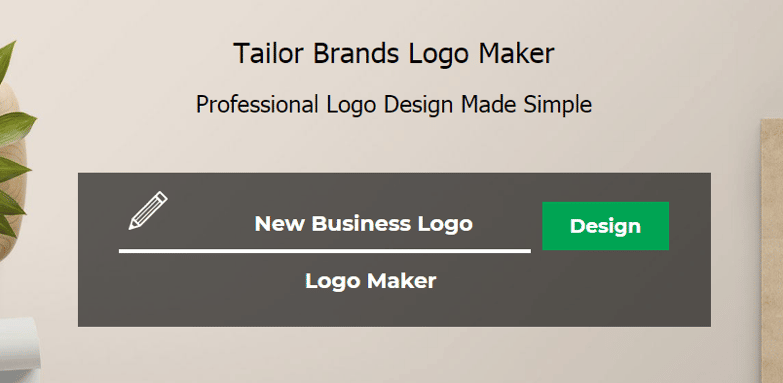
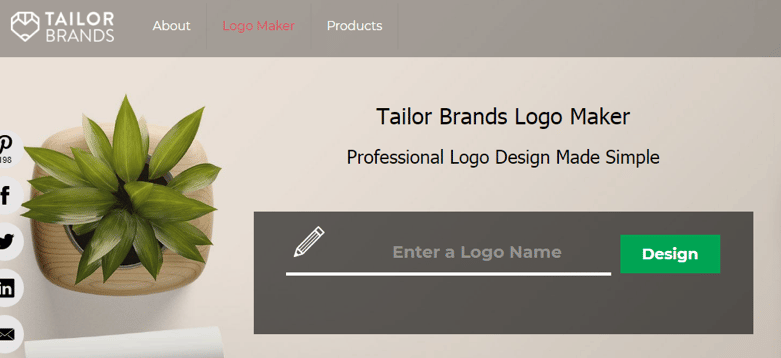 Enter your logo name and your tag. Then click on the "Design" button.
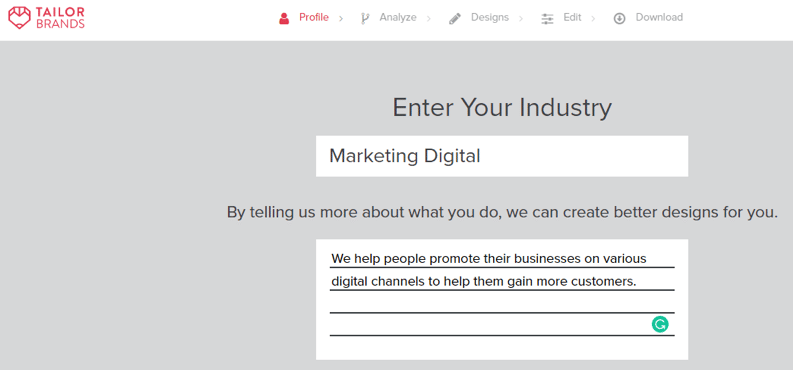
 On the next page, you can enter your industry and the service you render. This will help Tailor Brands pick a suitable design for you.
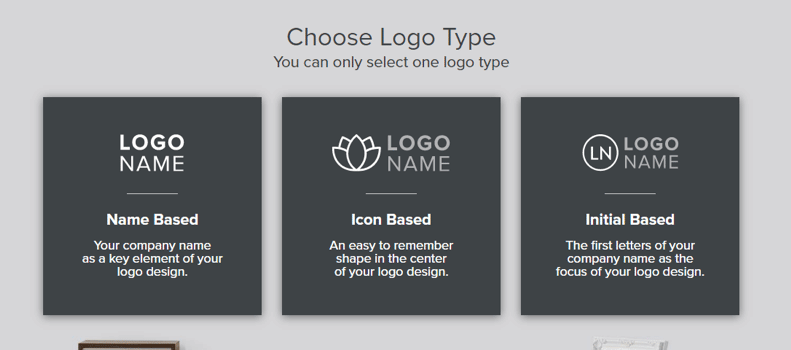
 Once you're done with this, go to the next page where you can select the type of logo you want to create. I've selected initial-based for my design here.
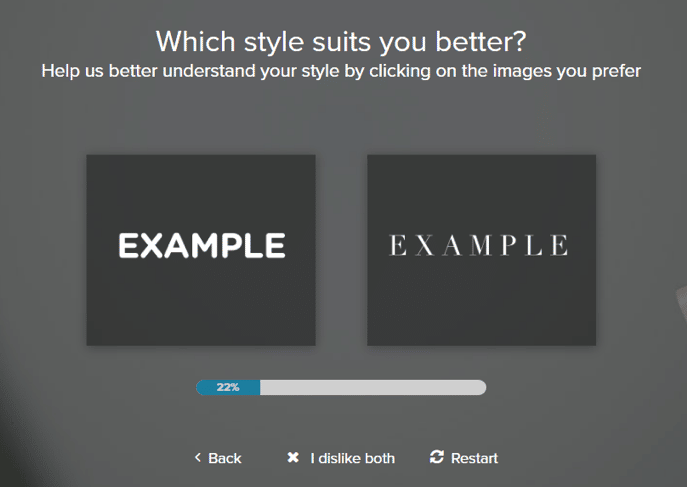
 After this, you'll see different styles and pick those you like. You'll continue doing this until the bar reaches 100%. This will determine the recommended designs later on.
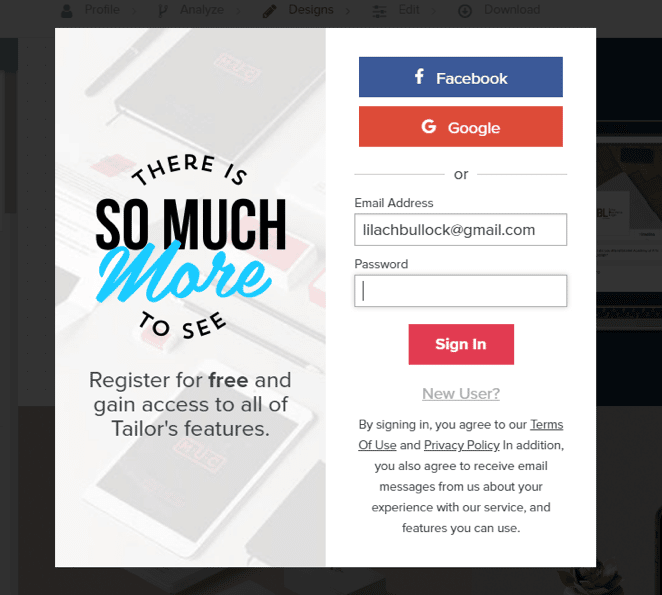
 After this, you'll see a page showing progress as Tailor Brands creates branding elements for your brand. At the end of this process, you'll be asked to register if you're a new user. If you already have an account, you can log in to continue.
 We're now in the third of the 5 stages. And that's the design stage. Here, you can let your creative mind run wild. You can see many designs here based on the styles you've selected earlier.
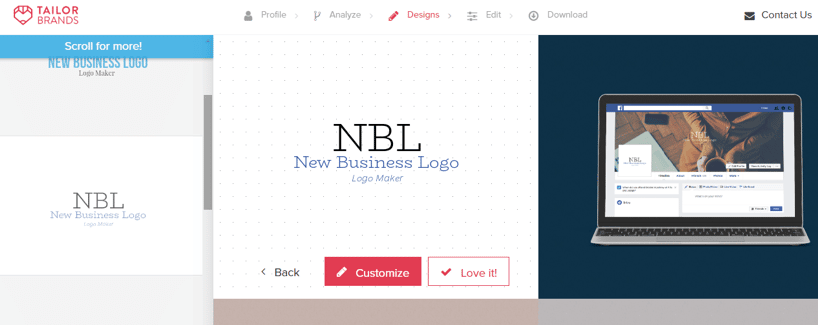 Scrolling down, I can see another design:
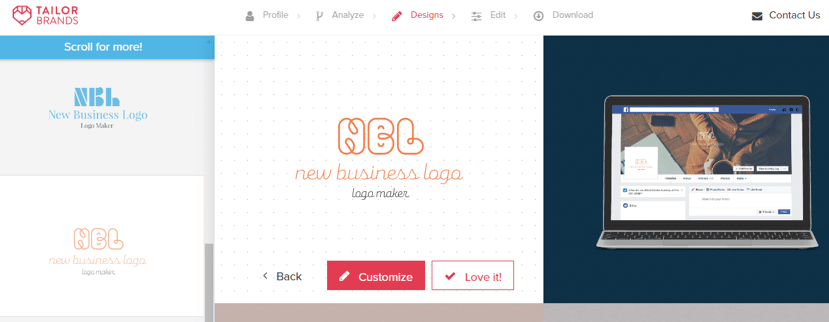 You can customize it to give it a better look or click on "Love it!" Apart from your design, you'll see similar or different designs based on where you move the bar.
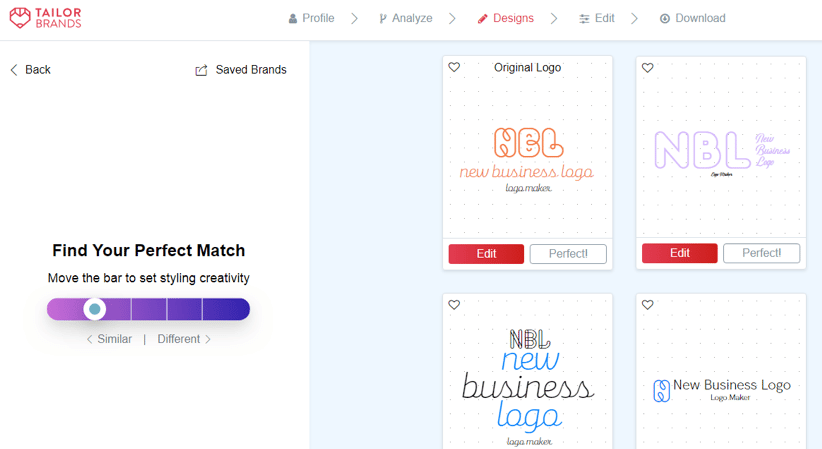 Click on "Edit" to redesign the different parts of your logo.
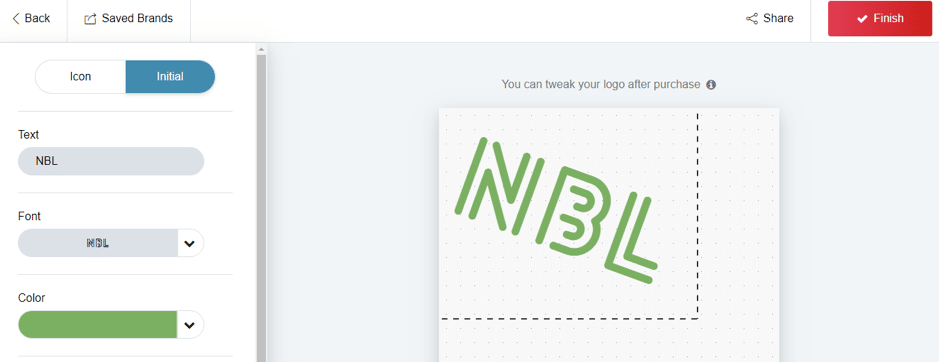
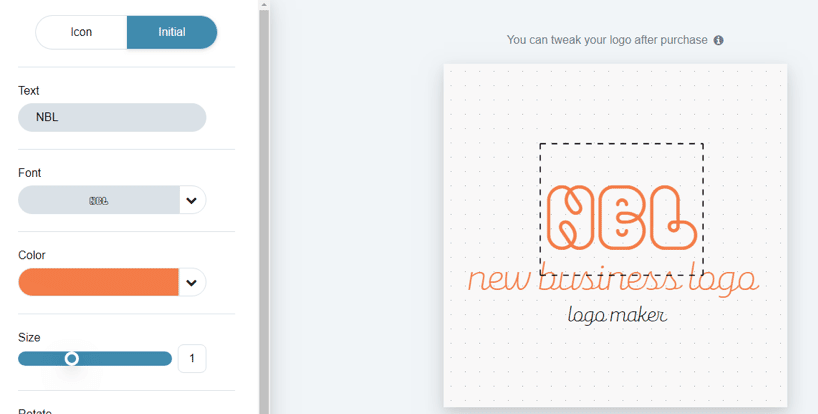 You can also click on "Icon" if you prefer to use it instead of the initials.
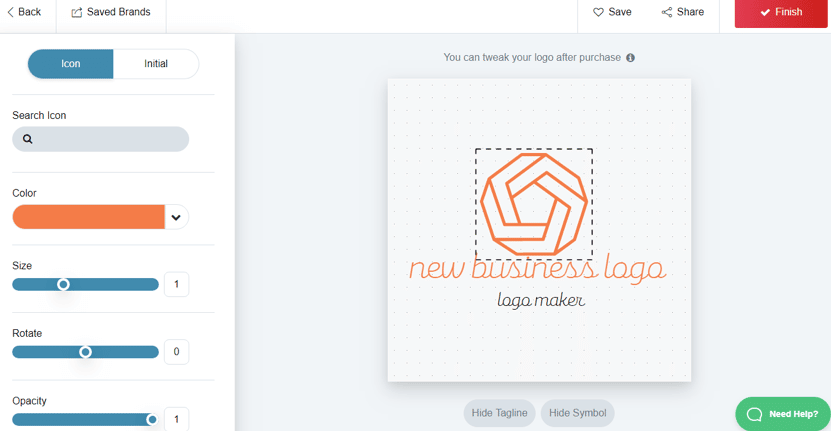 You can hide the tagline. Here, I want to remove the "logo maker" text from my logo. You also have an option to hide your symbol which is the "NBL" text.
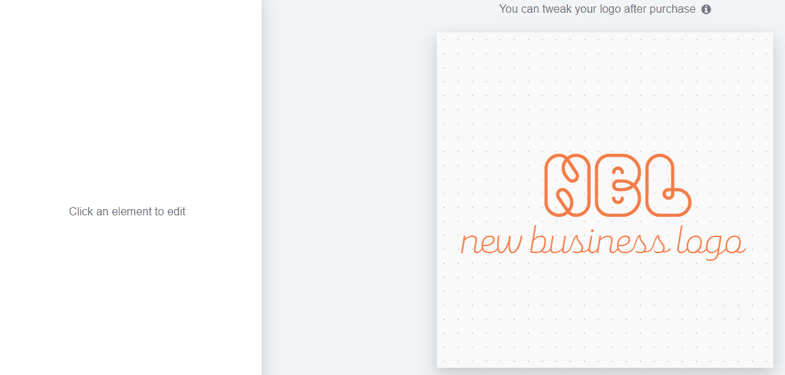 Here, I want to remove the "new business logo" text too just to make the logo as simple as possible. But since there's no direct way to remove it here, what I've done is click on the text and change its opacity from 1 to 0. And the result is that I only have the "NBL" symbol now.
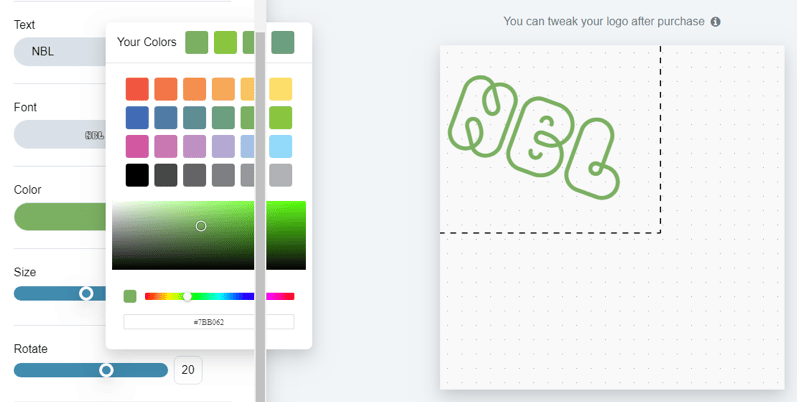
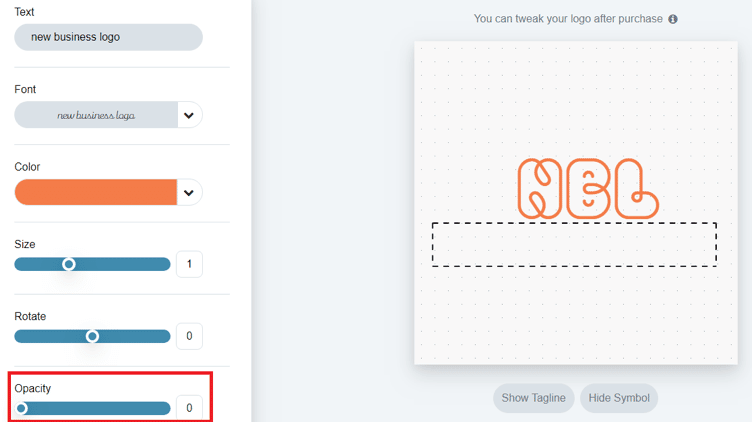 You can now customize the symbol further. You can rotate the symbol, change the size, colour, and even the font.
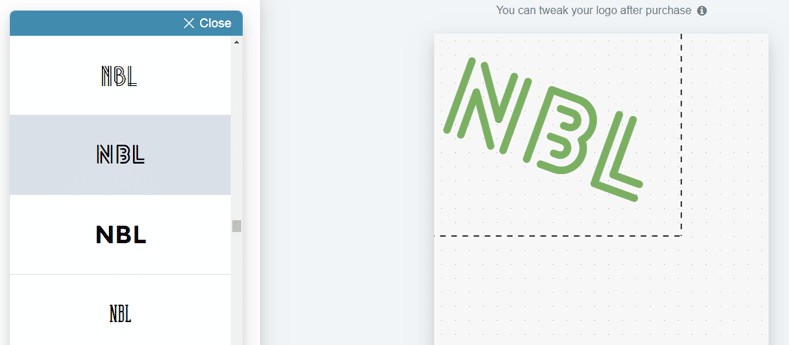
 I've seen a beautiful font here that I've decided to use.
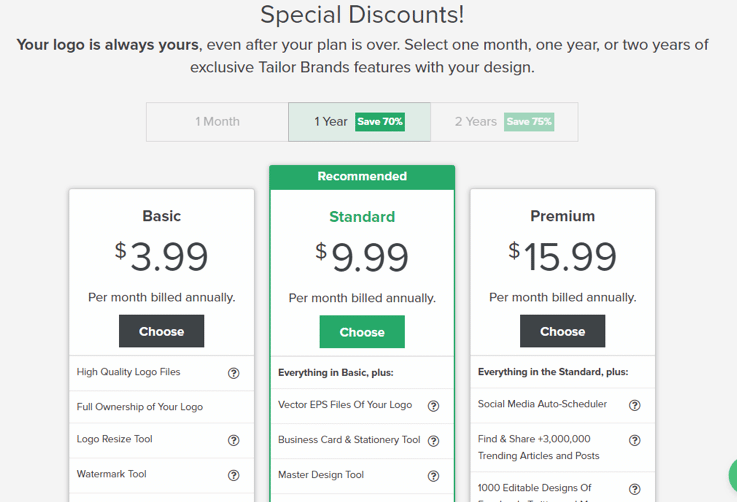
 After doing this, you can now click on "Finish" at the top right corner. This will take you to Tailor Brands plans where you can select one of 3 plans. You have the Basic, the Standard, and the Premium plan.
[click_to_tweet tweet="How to Design an Amazing Logo & Create Your Brand with @tailorbrands #brandingtips #logocreation " quote="How to Design an Amazing Logo & Create Your Brand with @tailorbrands #brandingtips #logocreation "]
You'll also see the features for each plan. You can get 70% off on Tailor Brands plans if you pay annually and 75% off if you pay once in 2 years compared to monthly plans. The basic plan goes for $3.99 per month if you pay annually. The standard plan goes for $9.99 while the premium plan goes for $15.99.
After doing this, you can now click on "Finish" at the top right corner. This will take you to Tailor Brands plans where you can select one of 3 plans. You have the Basic, the Standard, and the Premium plan.
[click_to_tweet tweet="How to Design an Amazing Logo & Create Your Brand with @tailorbrands #brandingtips #logocreation " quote="How to Design an Amazing Logo & Create Your Brand with @tailorbrands #brandingtips #logocreation "]
You'll also see the features for each plan. You can get 70% off on Tailor Brands plans if you pay annually and 75% off if you pay once in 2 years compared to monthly plans. The basic plan goes for $3.99 per month if you pay annually. The standard plan goes for $9.99 while the premium plan goes for $15.99.
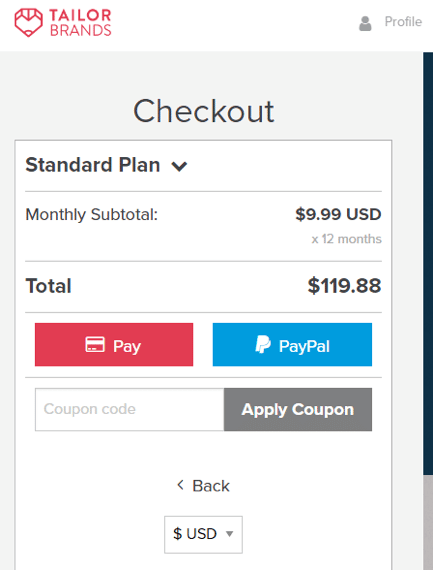
 I've selected the standard plan here. You can either pay with your Mastercard or PayPal. If you have a coupon, you can apply it here to get a lower price.
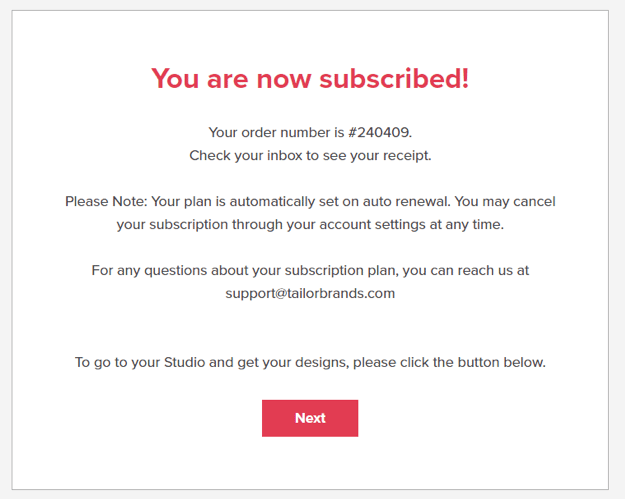
 When you're through with the payment, you'll see a notification of successful subscription.
Websites
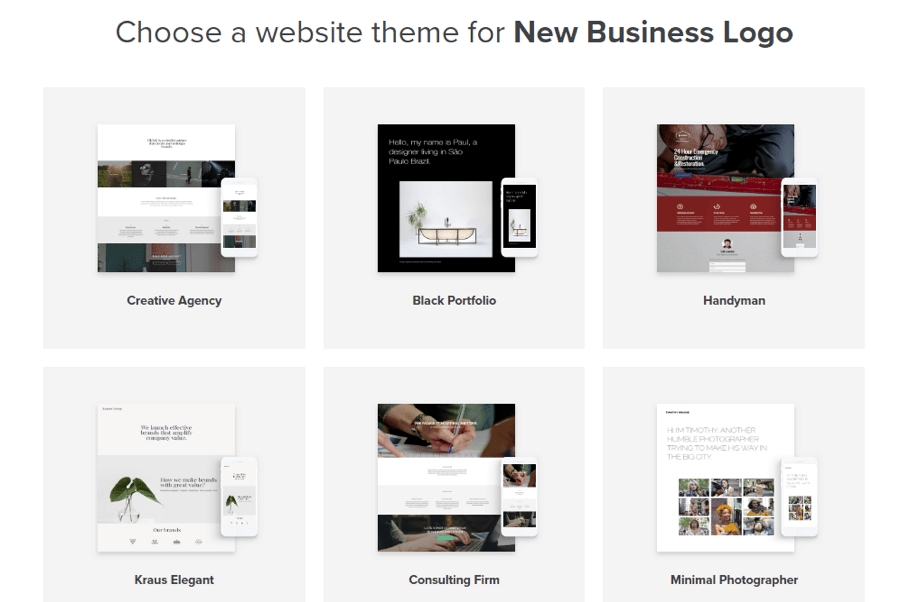
When you click on the "Next" button, you'll see a Tailor Brands page with more functions in the navigation bar.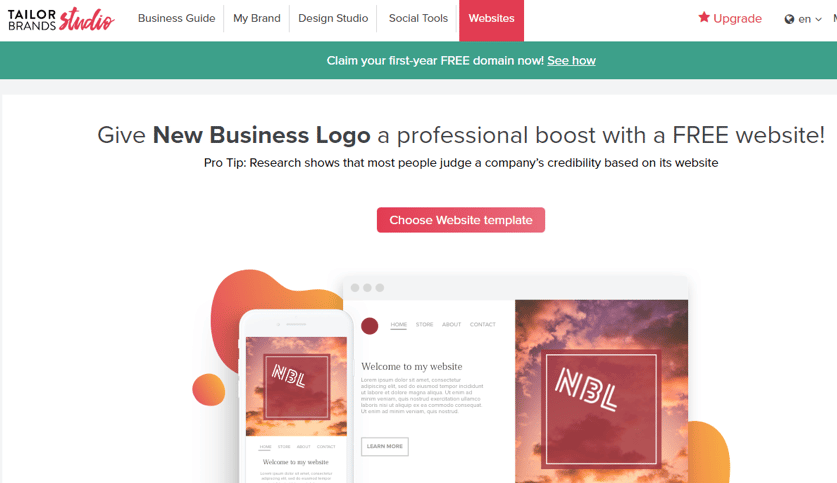 If you have no website yet, Tailor Brands can help you through the design process. If you click on the "Choose Website template" button, you'll see many templates you can use to create your website.
Business Guide
On your Tailor Brands dashboard, you can click on “Business Guide” to see the steps in creating your brand: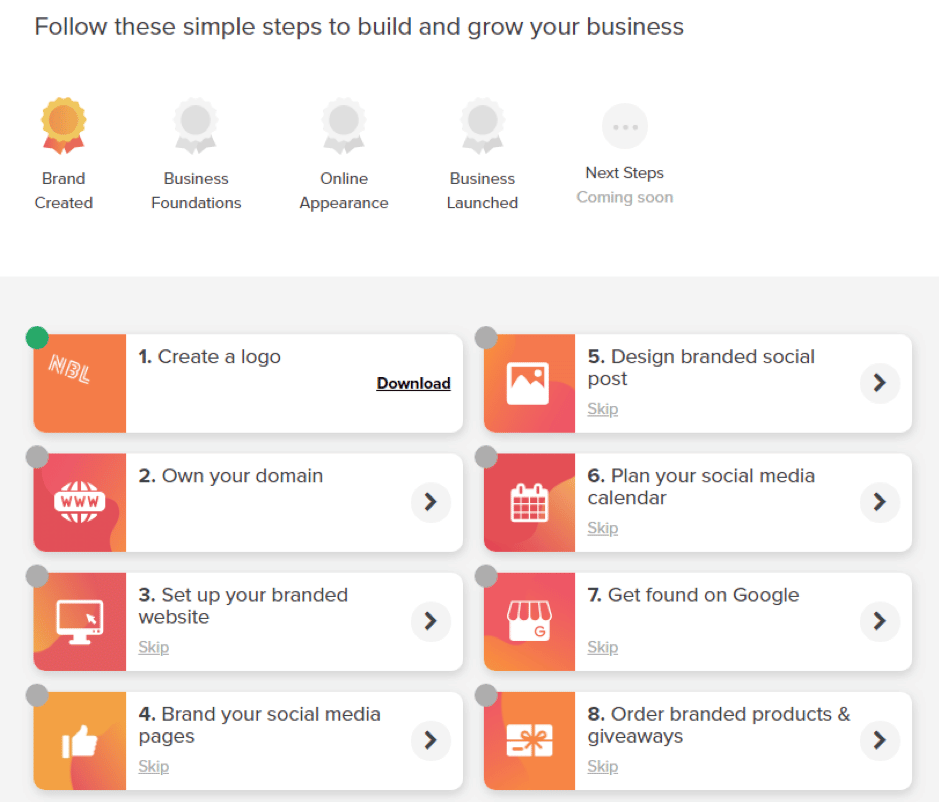
My Brand
If you click on "My Brand," you'll see the logo I was working on earlier and other options. The first set of options you see are your brand assets. Here, you can download your logo using any of the 2 options.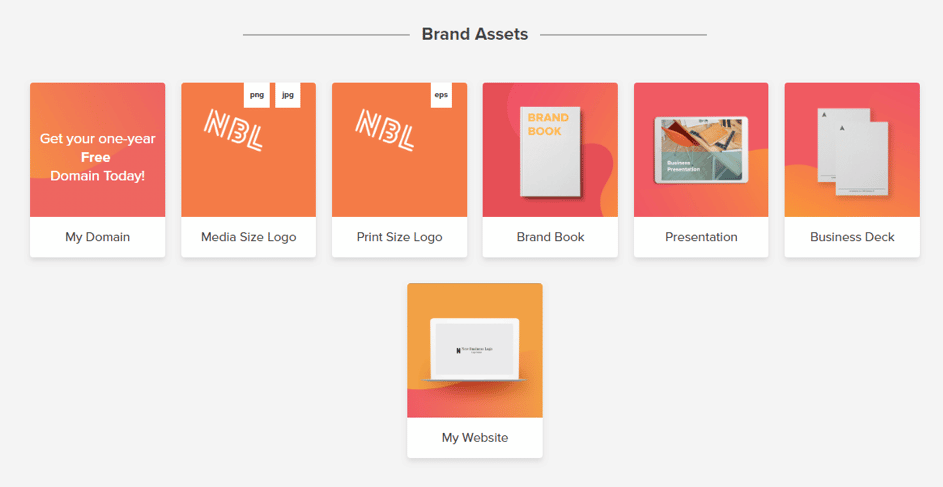 If you scroll down, you'll see tools for the digital marketing industry. These are templates in the right sizes to help design beautiful banners for social media networks.
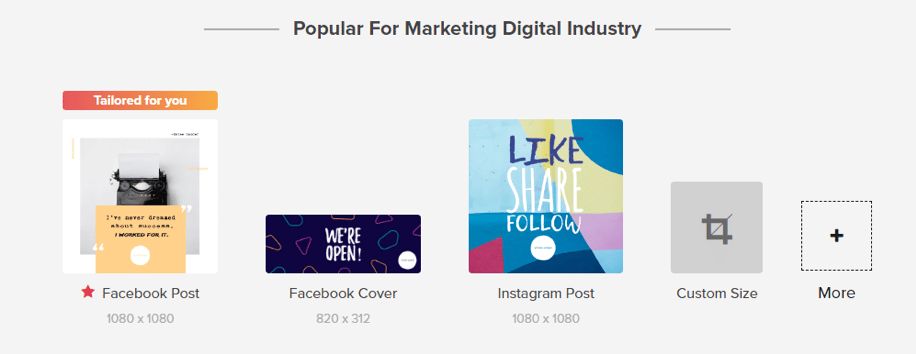 If you scroll further down, you'll see brand tools that you can use to create other branding elements. You can see the logo editor, the business card tool, the watermarking tools, and others.
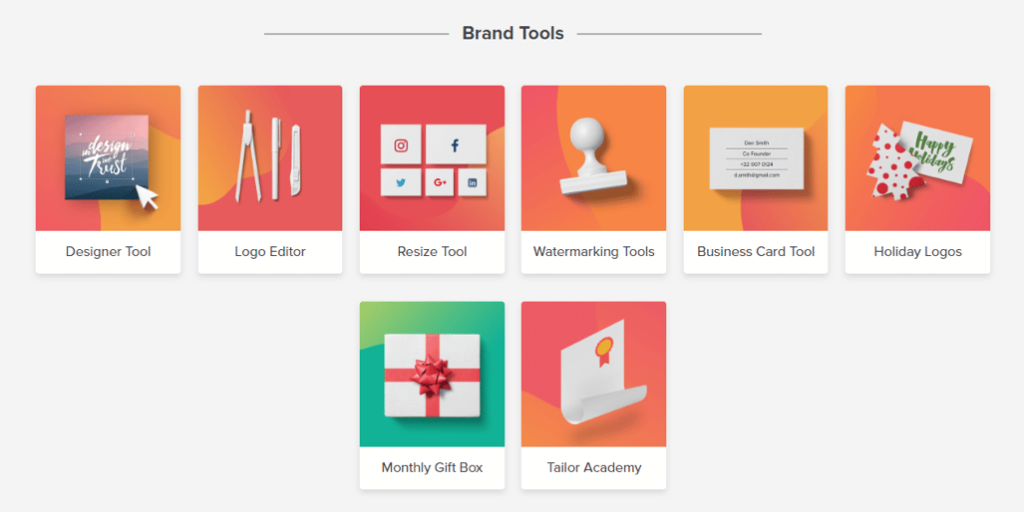 To continue editing your logo, click on “Logo Editor.”
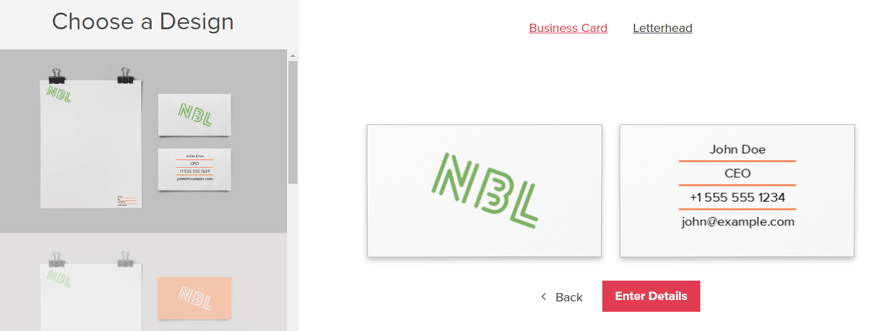
 If you click on the business card tool, you'll land on the next page where you have business card and letterhead designs. You'll notice that the logo created earlier has been transferred to the business card.
You can change the details on the card when you click on "Enter Details."
If you click on the business card tool, you'll land on the next page where you have business card and letterhead designs. You'll notice that the logo created earlier has been transferred to the business card.
You can change the details on the card when you click on "Enter Details."
 Here, you can replace those details with yours. When you're through with that, you can preview to see the results. After that, click on "Finish."
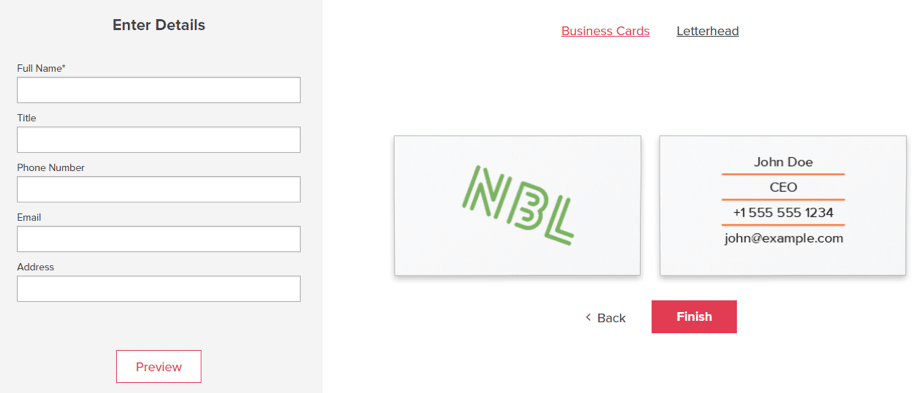 Then Tailor Brands will ask you to confirm the design and details.
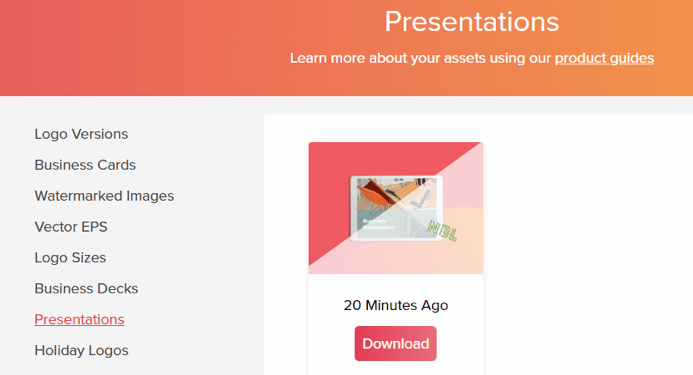
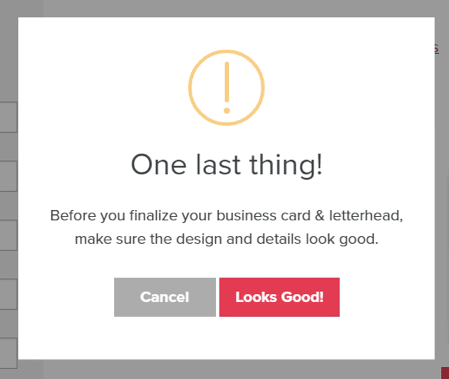 You'll get a printable version of your business card and letterhead. You can also download your presentation when you click on "Presentation" in your brand assets.
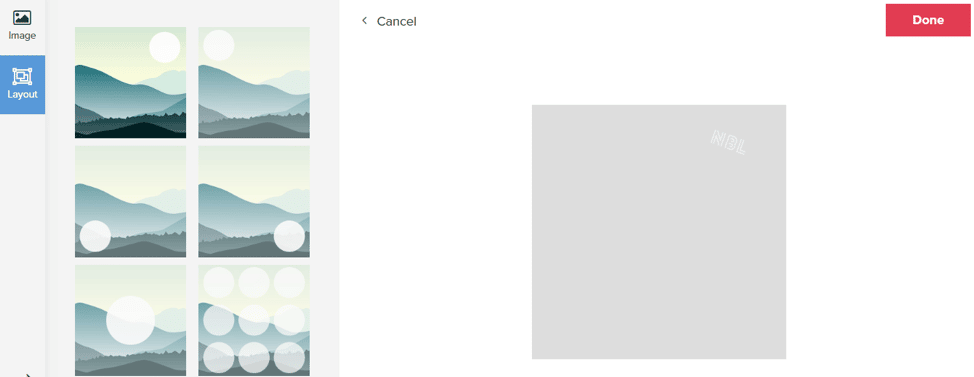
 Another handy tool is the watermark tool. You can upload an image and also use one of the templates that are available.
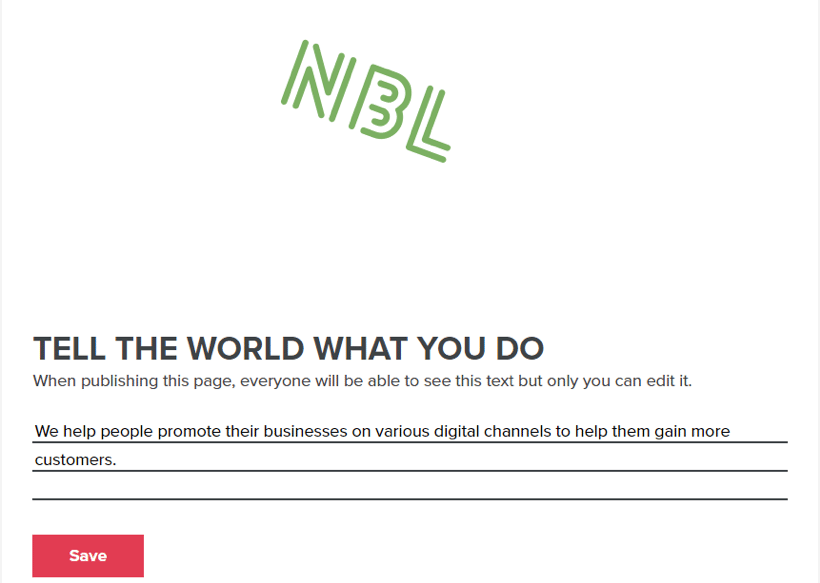
 The brand book tool is also great for your business. You can say more about your business.
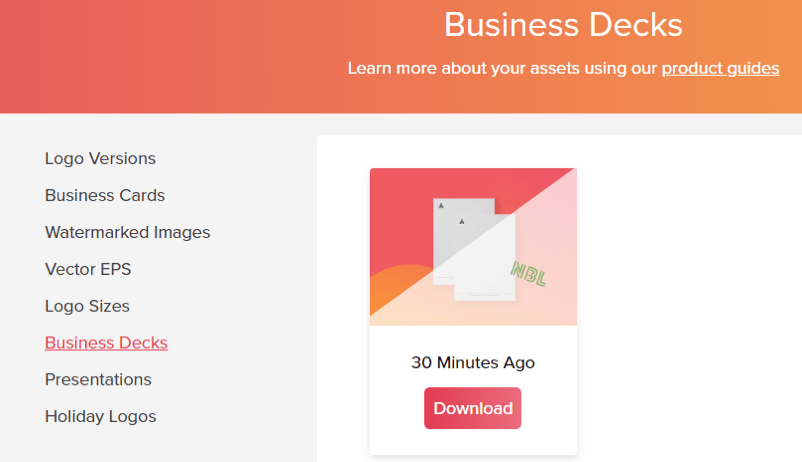
 And when you scroll down, you'll see the best use cases for your logo and the worst use cases. This includes the type of background your logo can fit in. Another tool you'll find is the business decks. You can download it on the page.
 [click_to_tweet tweet="How to Design an Amazing Logo & Create Your Brand with @tailorbrands #brandingtips #logocreation " quote="How to Design an Amazing Logo & Create Your Brand with @tailorbrands #brandingtips #logocreation "]
Design Studio
If you click on "Design Studio" at your navigation bar, you'll get design templates you can use for your social media pages and other campaigns.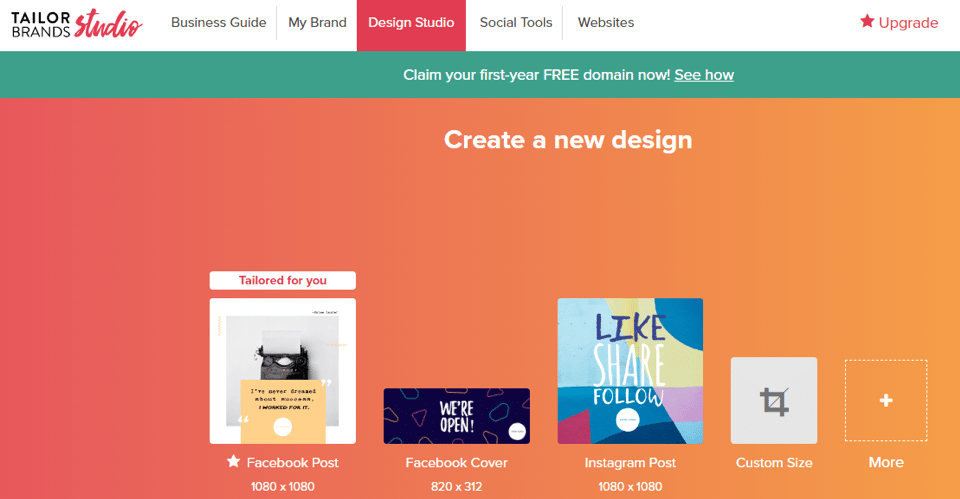 When you click on "More," you'll find other design templates including marketing templates.
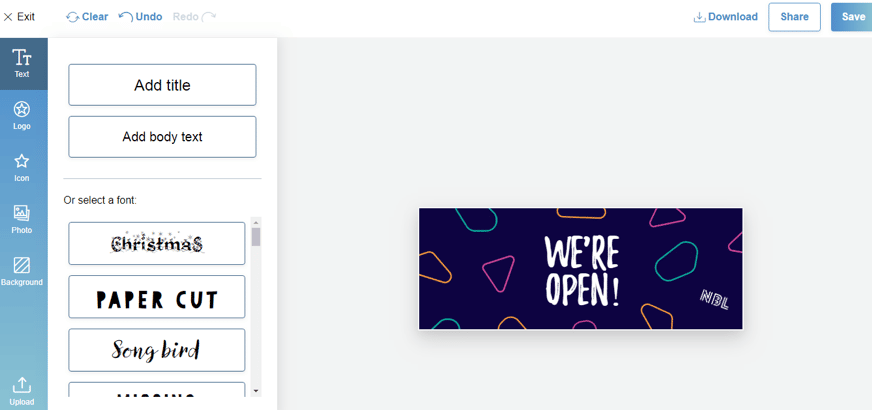
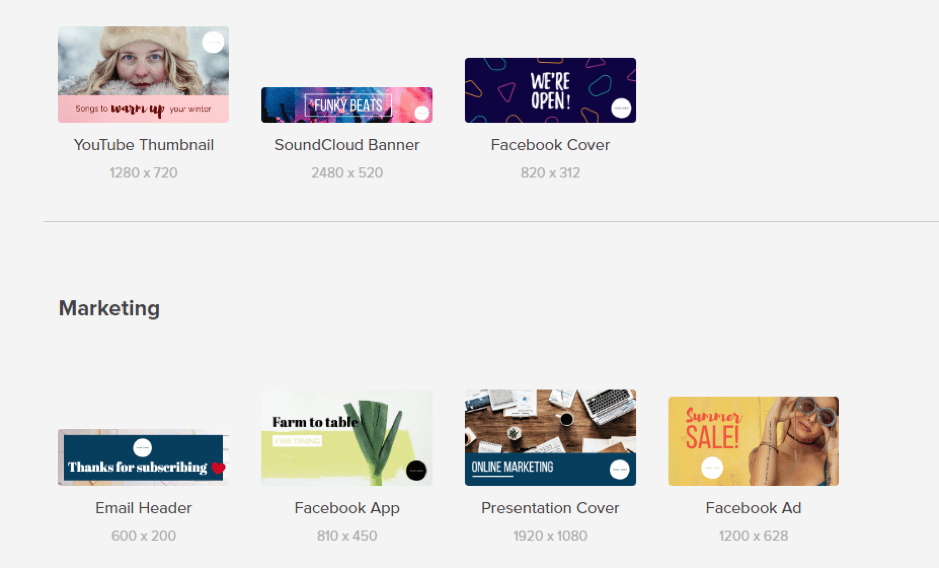 If you click on one of these templates, you get the option to design it and add other elements until it suits your taste.
Social Tools
If you click on “Social Tools,” you’ll see Tailor Brands’ social media scheduler where you can manage your Facebook and Twitter accounts.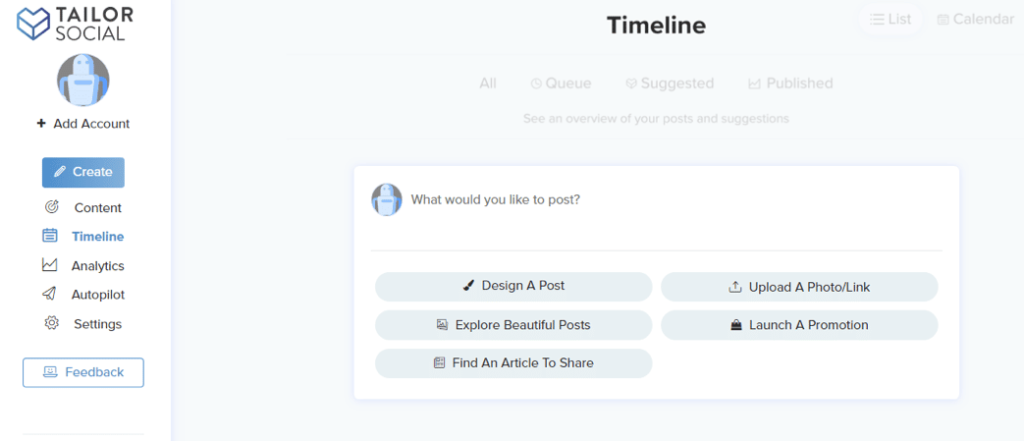 So not only can you create your content, but you can also schedule it out using the same tool.
Conclusion: Tailor Brands Review
Branding your business starts with creating a logo that embodies your vision. When people see your logo, they think of everything they know about your business. After your business name, your logo is the next identifier. Without exaggerating, your logo and other brand elements are vital to how customers and potential customers see your business. Having said that, Tailor Brands is a tool that can help you create these brand elements within a few minutes. And at a low cost compared to the huge benefits. Do you plan to create a brand logo soon? Let me know in the comments and please share if you found this review useful 🙂Related reading
- THE ROLE OF SAAS IN MODERN LABORATORY MANAGEMENT
- How To Optimize Your Sales Funnel With Superior Calls-To-Action
- How to convert lost website visitors to customers
- Promo.com: the effortless way to make effective short videos and gain customers
- more marketing and business articles
Related: How to Use AI for Lead Generation in 2026
Related: these Facebook Messenger hacks
The short version: Tailor Brands gives small business owners a fast, affordable way to generate a professional logo and build a consistent brand identity without hiring a designer. You answer a few questions about your style and industry, and the AI produces logo options you can customize and use across your website, social media, and print materials. It is one of the most beginner-friendly branding tools available today.
Frequently asked questions
What exactly does Tailor Brands do?
Tailor Brands is an AI-powered branding platform that creates logos, brand kits, and business assets based on your answers to a short style quiz. Once your logo is ready, you can use the platform to build a website, design social media posts, and manage your brand from one dashboard.
Is Tailor Brands good for complete beginners?
Yes. The platform walks you through each step with clear prompts, so you do not need any graphic design experience. Most users have a working logo ready within minutes of signing up.
Want AI doing the heavy lifting in your marketing?
I build the systems that handle the boring 80 percent, so you get your week back. Done properly, with the human kept in.
Can I customize the logo Tailor Brands generates?
Absolutely. You can adjust colors, fonts, icons, spacing, and layout inside the built-in editor until the design matches your vision. Changes are saved automatically and high-resolution files are available for download once you choose a paid plan.
How much does Tailor Brands cost?
Tailor Brands offers a free preview so you can see your logo before paying anything. Paid plans start at around $3.99 per month when billed annually, with higher tiers unlocking full file ownership, the website builder, and additional brand tools.



