- AI news this week for small business at a glance
- 1. Gemini can create and edit the file inside your conversation
- 2. Gemini in Google Slides can edit a whole deck
- 3. GPT-6.1 Terra gives routine computer work another model option
- 4. Gemini in Sheets shows sources for individual AI-filled cells
- 5. ChatGPT is changing how some users receive praise and long answers
- 6. Claude for Nonprofits adds workflows for small charity teams
- 7. Claude's new cost analytics can help locate expensive automation
- 8. Claude repaired calendar and Gmail connector errors this week
- Frequently asked questions
- Your one-hour action plan
AI news this week for small business should help you finish something. Preferably the thing you keep moving to tomorrow while reading about tools that will change everything.
I've picked eight developments announced or resolved between 25 October and 1 November. Each has a job attached. Where a rollout began earlier, I've said so.
AI news this week for small business at a glance
- Gemini file editing: make and refine a working document inside the conversation.
- Google Slides: change a whole presentation without editing every slide separately.
- GPT-6.1 Terra: test a routine computer task with a lower-cost model.
- Gemini in Sheets: inspect the sources behind AI-filled cells.
- ChatGPT's response update: revisit a task that produced too much praise and padding.
- Claude for Nonprofits: give a small charity's recurring admin some structure.
- Claude's cost analytics: find which automated jobs consume the budget.
- Claude connector repairs: check whether this week's inbox or calendar work missed anything.
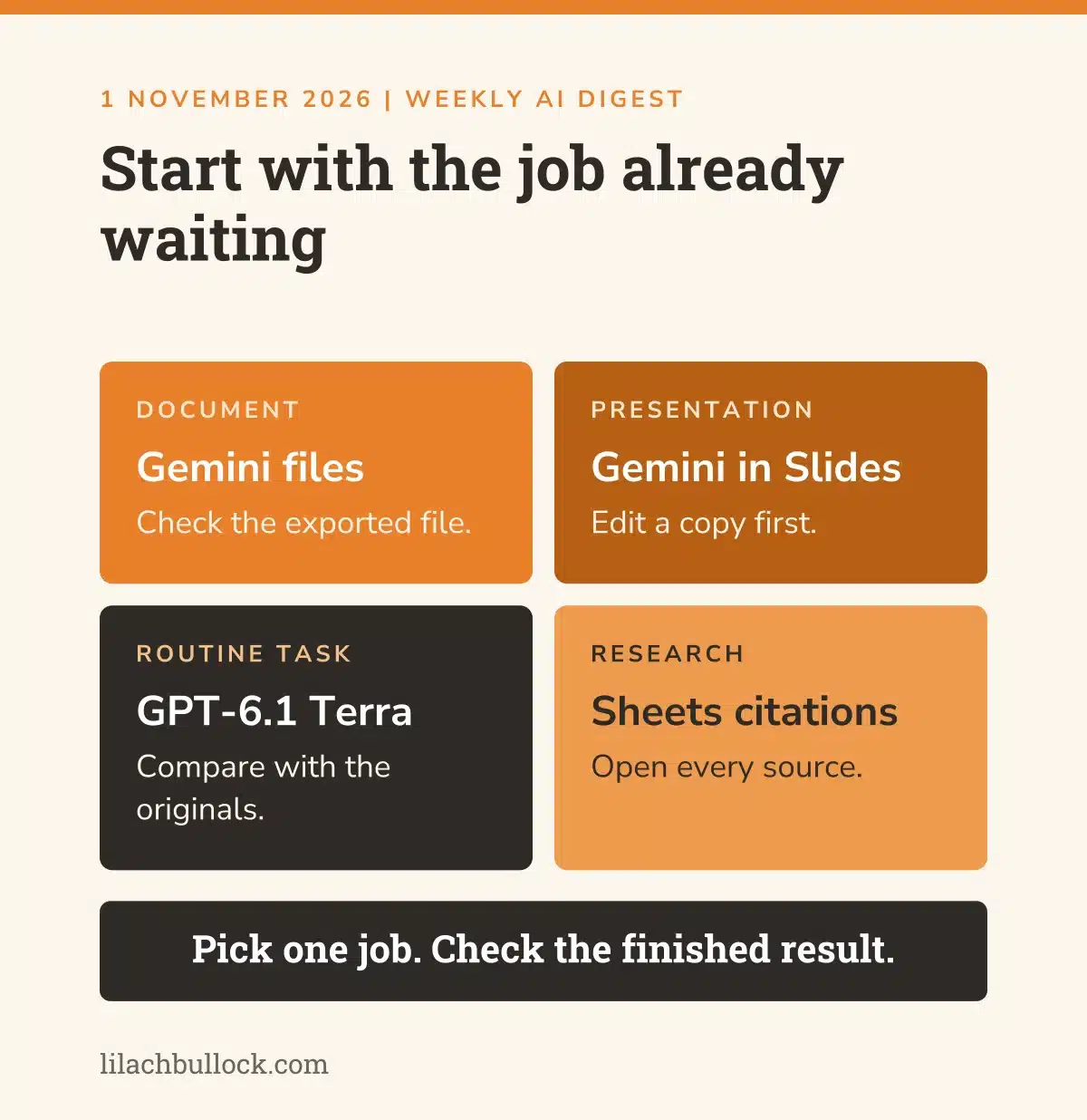
Start with a job already waiting. If you're wondering whether that job needs AI at all, my Hire or Automate guide helps you make the decision.
1. Gemini can create and edit the file inside your conversation
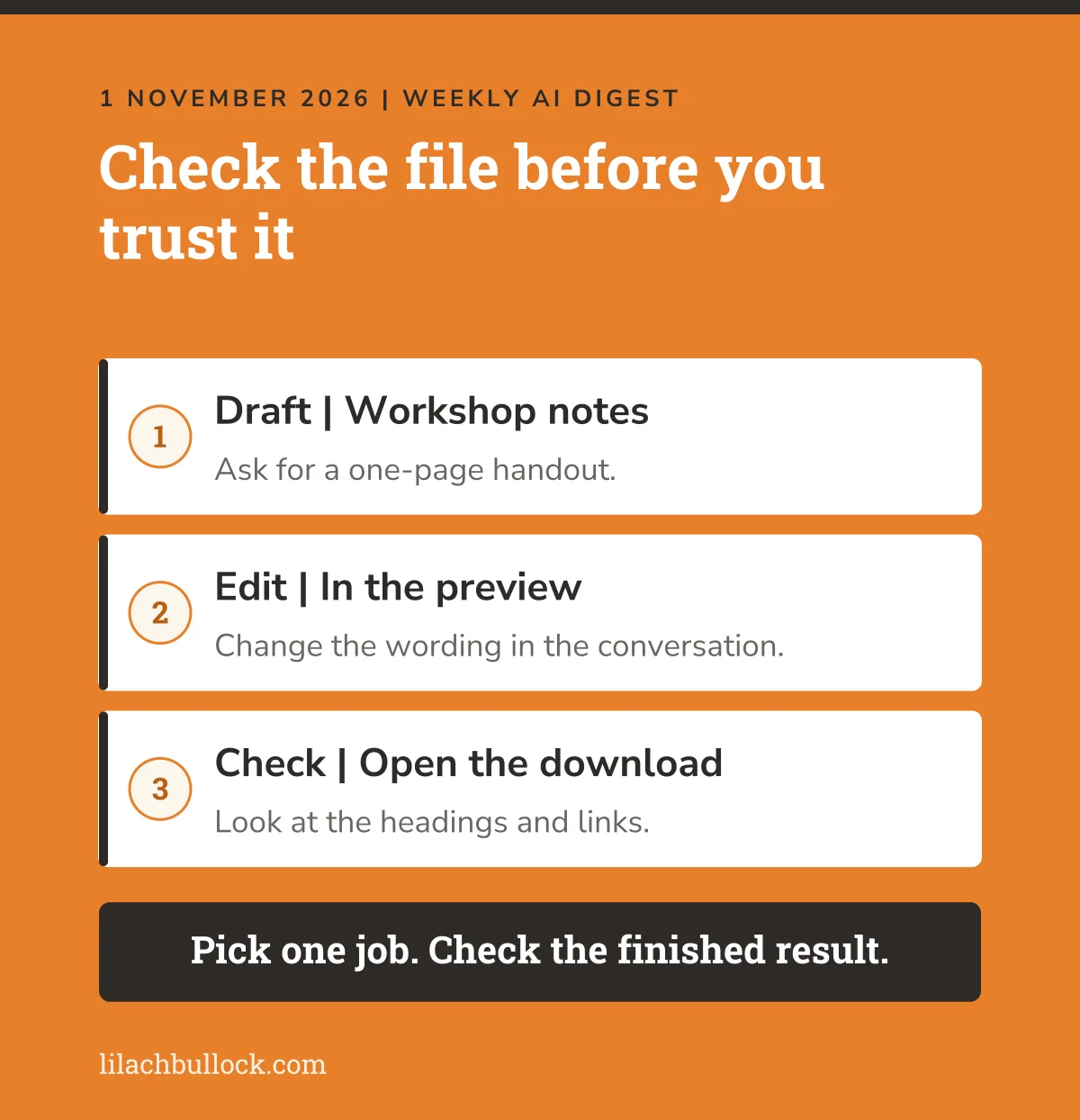
What happened, 29 October: Google announced file creation, previews and editing inside Gemini. PDF preview and editing work on web and mobile; other supported formats work on the web. Google says the features are available across supported languages to users with Gemini access. Source: Google Workspace's file editing announcement.
My verdict
Useful for the owner who gets a decent draft, then spends another half-hour turning it into a usable document. Check the exported file before celebrating.
Use it in your business
Take approved workshop notes. Ask Gemini for a one-page customer handout, edit the wording in the preview and export it. Open the download separately and check the headings and links.
Keep this human
Approve the claims and instructions yourself. A document that opens successfully can still contain nonsense with excellent margins.
2. Gemini in Google Slides can edit a whole deck
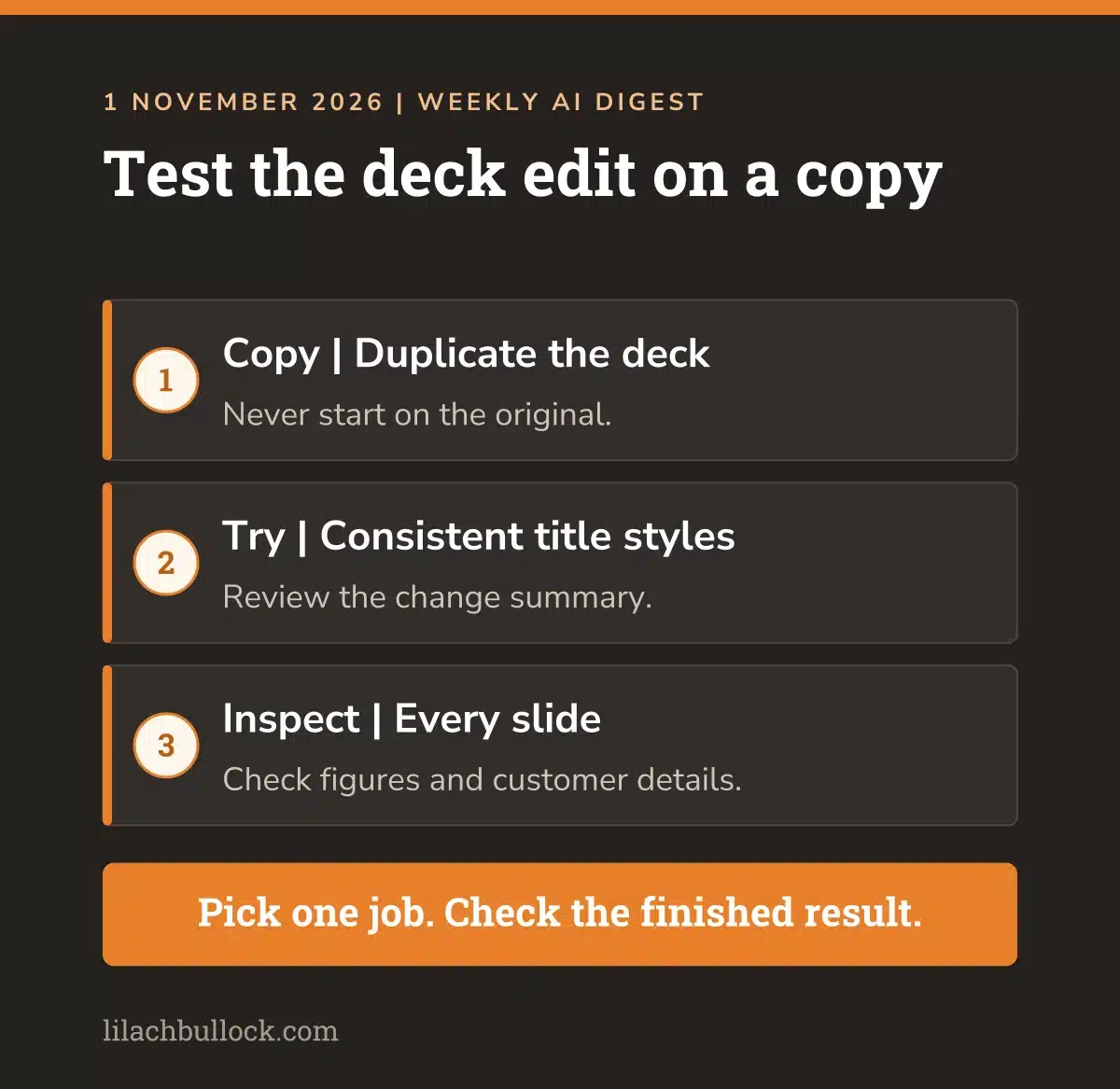
What happened, 30 October: Google's announcement describes edits across several slides or an entire presentation, including content and visual style. The extended rollout began on 29 October and may exceed 15 days. English launches first. Eligible plans include Business Standard and Plus, with other qualifying plans listed in the Google Workspace announcement.
My verdict
This could help with the presentation you keep updating one slide at a time. Availability is still rolling out, so don't make a deadline depend on it appearing.
Use it in your business
Duplicate an existing deck. Ask Gemini to make the title styles consistent across it. Review the change summary, then inspect every slide before trying a content rewrite.
Keep this human
Check figures, customer details and anything that commits your business to work. A bulk edit can spread one mistake very efficiently.
3. GPT-6.1 Terra gives routine computer work another model option
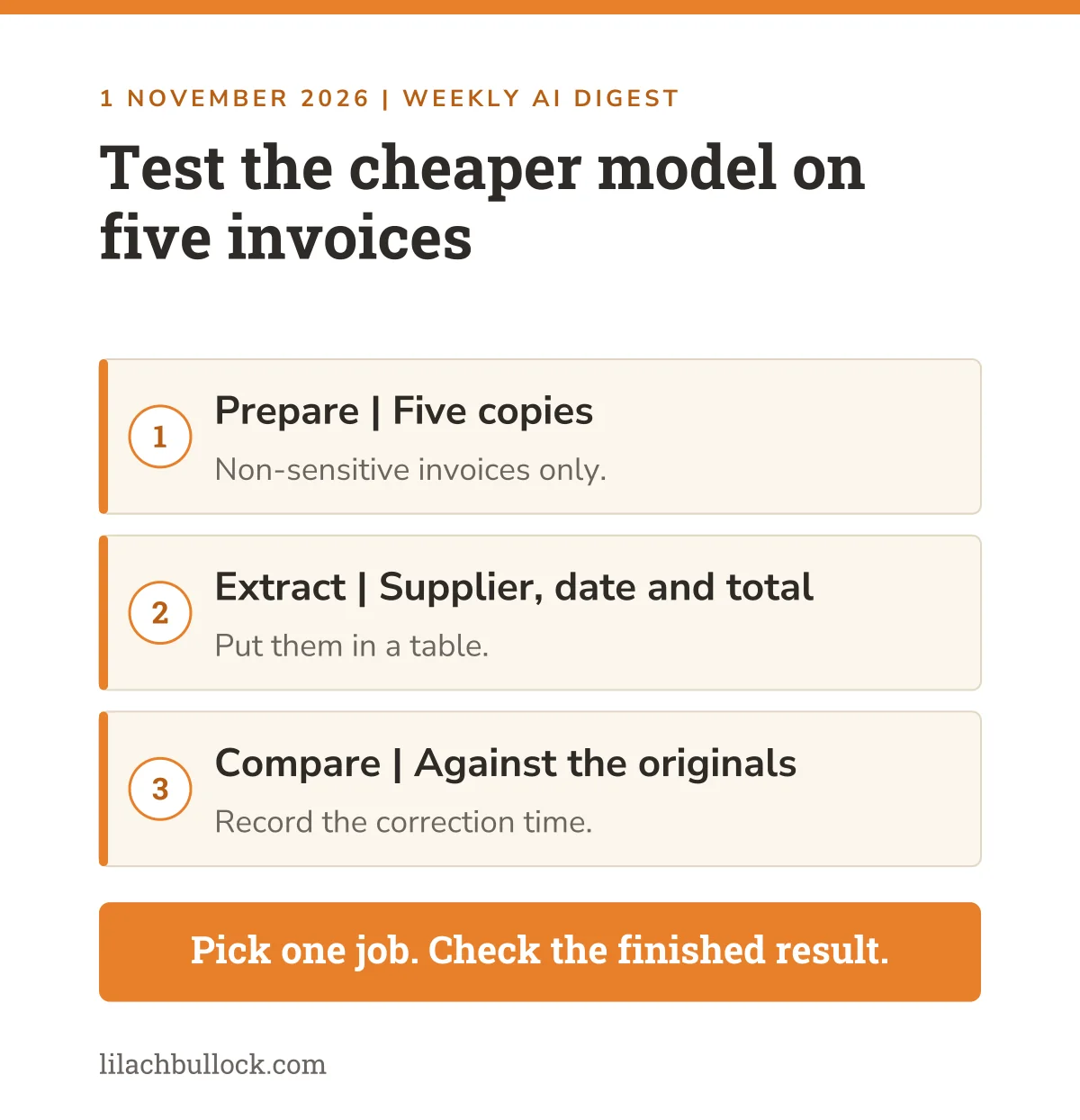
What happened, 26 October: OpenAI introduced GPT-6.1 Terra for writing, visual reasoning and computer use. It is available through the API and eligible paid access in ChatGPT Work and Codex. It isn't available in ordinary Chat. API billing is separate from a ChatGPT subscription. Sources: OpenAI's launch announcement and model release notes.
My verdict
Try it on a repeatable task where you can check the result. A cheaper model earns its place when the completed job, including corrections, costs less.
Use it in your business
Use copies of five non-sensitive invoices. Ask it to extract the supplier, date and total into a table. Compare every entry with the originals and record the correction time.
Keep this human
Keep payment and accounting changes under your control. Reading an invoice and paying it are separate decisions.
4. Gemini in Sheets shows sources for individual AI-filled cells
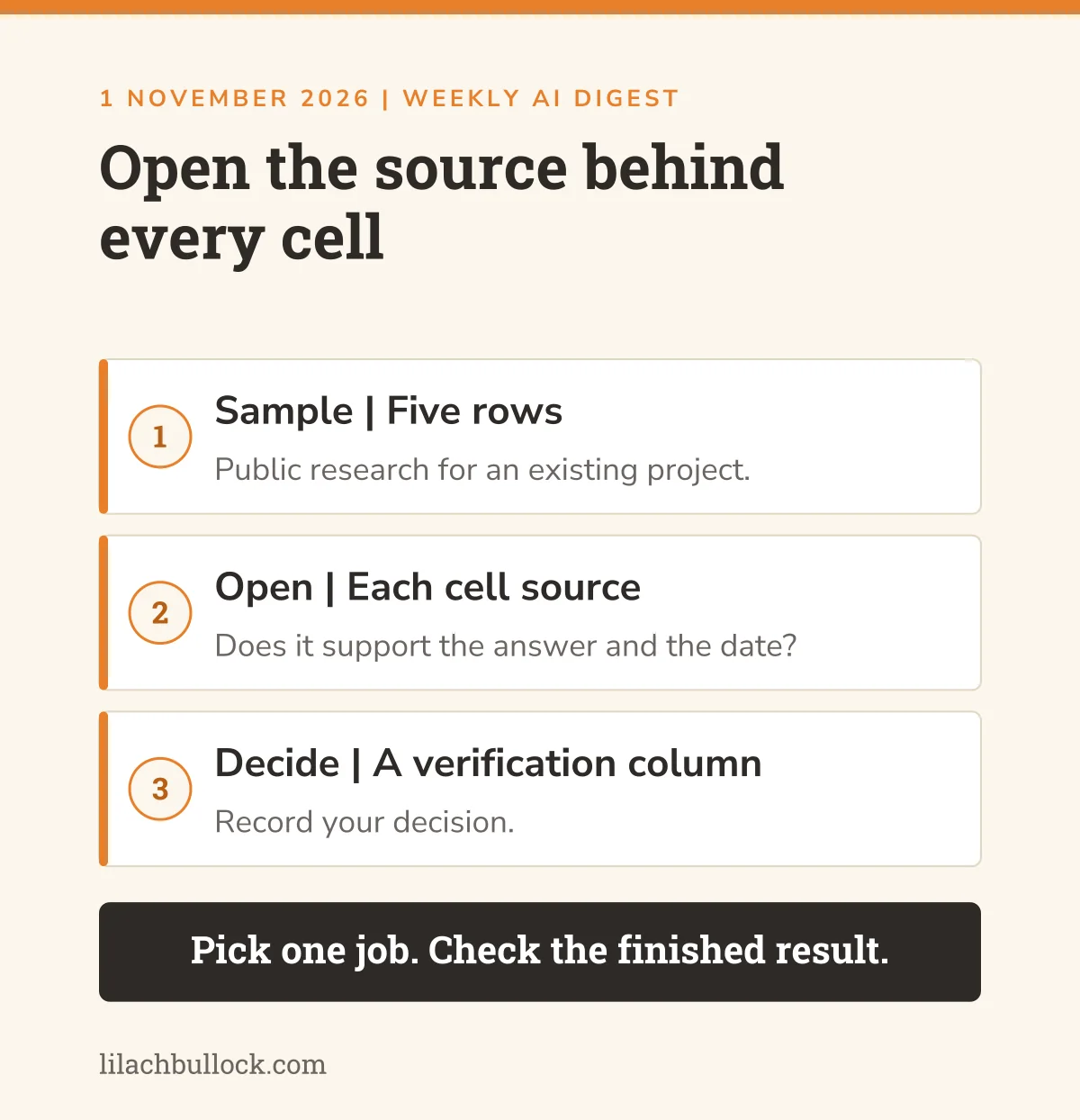
What happened, 28 October: Google announced web-source citations within individual AI-generated cells and capacity for requests of up to 3,000 cells. The rollout began on 20 October, before this reporting week. Availability includes Business Standard and Plus and other eligible plans. Source: Google Workspace's Fill with Gemini update.
My verdict
The citation is the useful bit. Producing a larger spreadsheet is easy. Finding which cells you can trust takes more care.
Use it in your business
Try five rows of public research for an existing project. Open each cell's source and check that it supports the answer, including the date. Keep a column for your verification decision.
Keep this human
A source link doesn't prove the answer is correct. Verify anything you will use in a proposal or customer-facing document, especially numbers that affect a decision.
5. ChatGPT is changing how some users receive praise and long answers
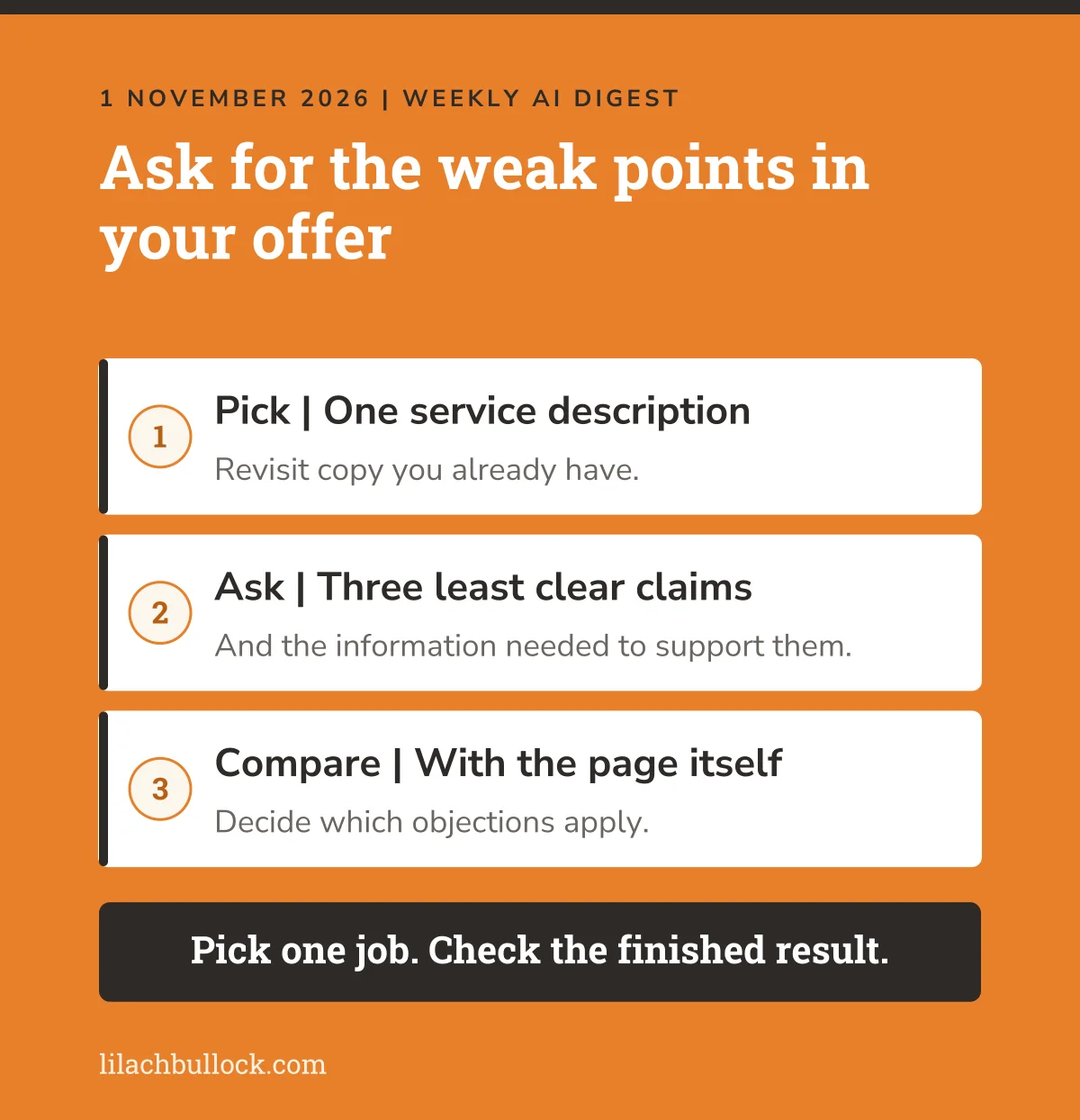
What happened, 29 October: OpenAI updated GPT-6 in Chat to give shorter answers with less excessive flattery. The change applies to Free, Go and signed-out use. On Plus and Pro, it applies to the fallback model after GPT-6 message limits, rather than the main GPT-6 model. Source: OpenAI's model release notes.
My verdict
Useful if your assistant keeps applauding a weak idea. Still ask for criticism explicitly. Enthusiasm is a poor substitute for checking whether your offer makes sense.
Use it in your business
Revisit one service description. Ask for its three least clear claims and the information needed to support them. Compare the response with the page itself.
Keep this human
Decide which objections apply to your buyers. A more restrained tone doesn't make an answer accurate, and this update doesn't reach every paid-plan model.
Want AI doing the heavy lifting in your marketing?
I build the systems that handle the boring 80 percent, so you get your week back. Done properly, with the human kept in.
6. Claude for Nonprofits adds workflows for small charity teams
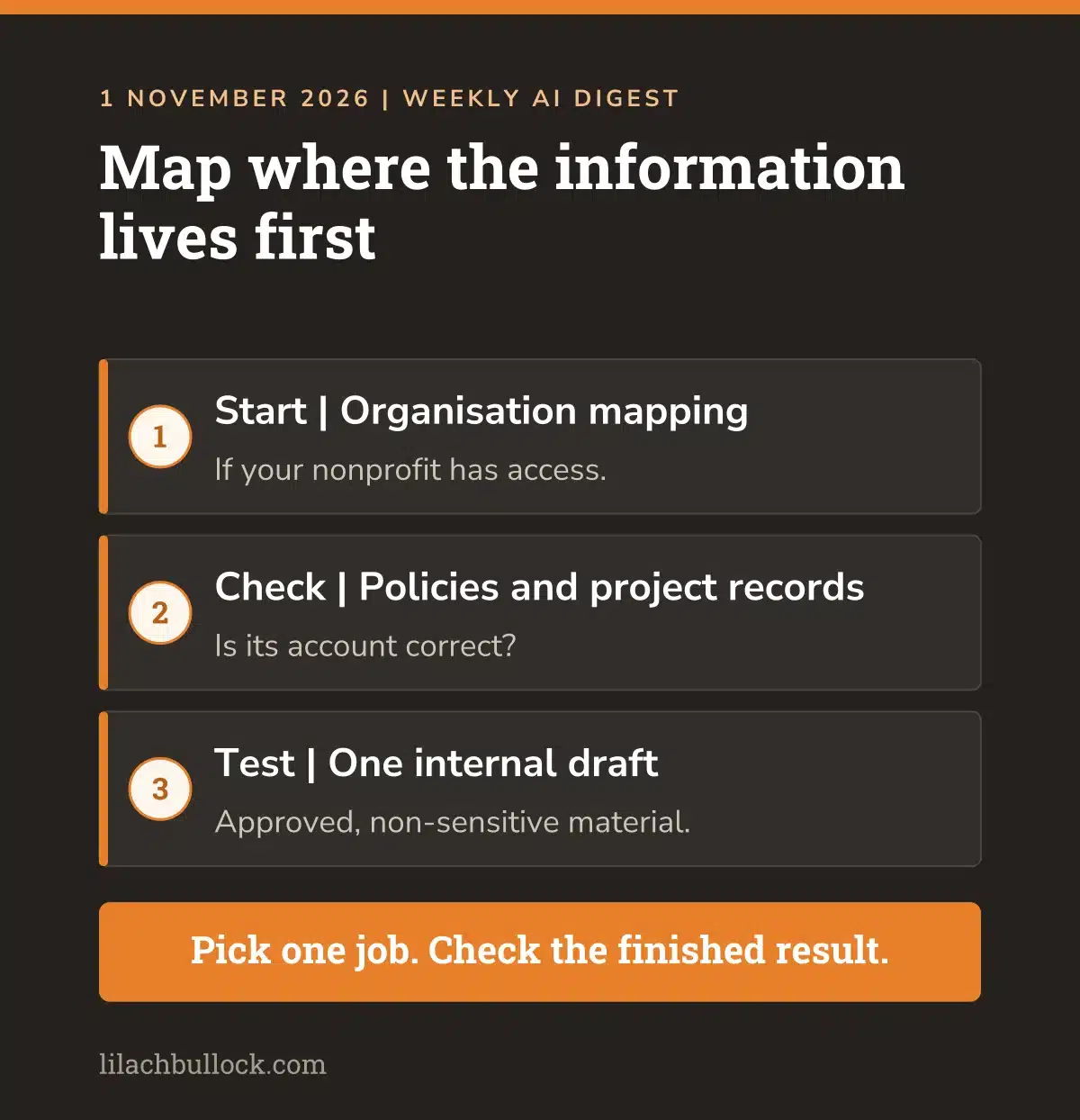
What happened, 26 October: Anthropic released a nonprofit plugin with skills and connectors for organisational context, fundraising and operational work. It is installed automatically for nonprofits on Team and Enterprise plans at no additional cost. Source: Anthropic's nonprofit announcement.
My verdict
This earns a place for readers running small charities. The useful starting point is mapping where information lives before asking for a fundraising draft.
Use it in your business
If your nonprofit has access, start with the organisation-mapping task. Check its account of where policies and project records live. Then test one internal draft using approved, non-sensitive material.
Keep this human
Protect donor and beneficiary information. Have someone check eligibility and every figure before a grant submission. The plugin supports work; it doesn't decide what your organisation should promise.
7. Claude's new cost analytics can help locate expensive automation
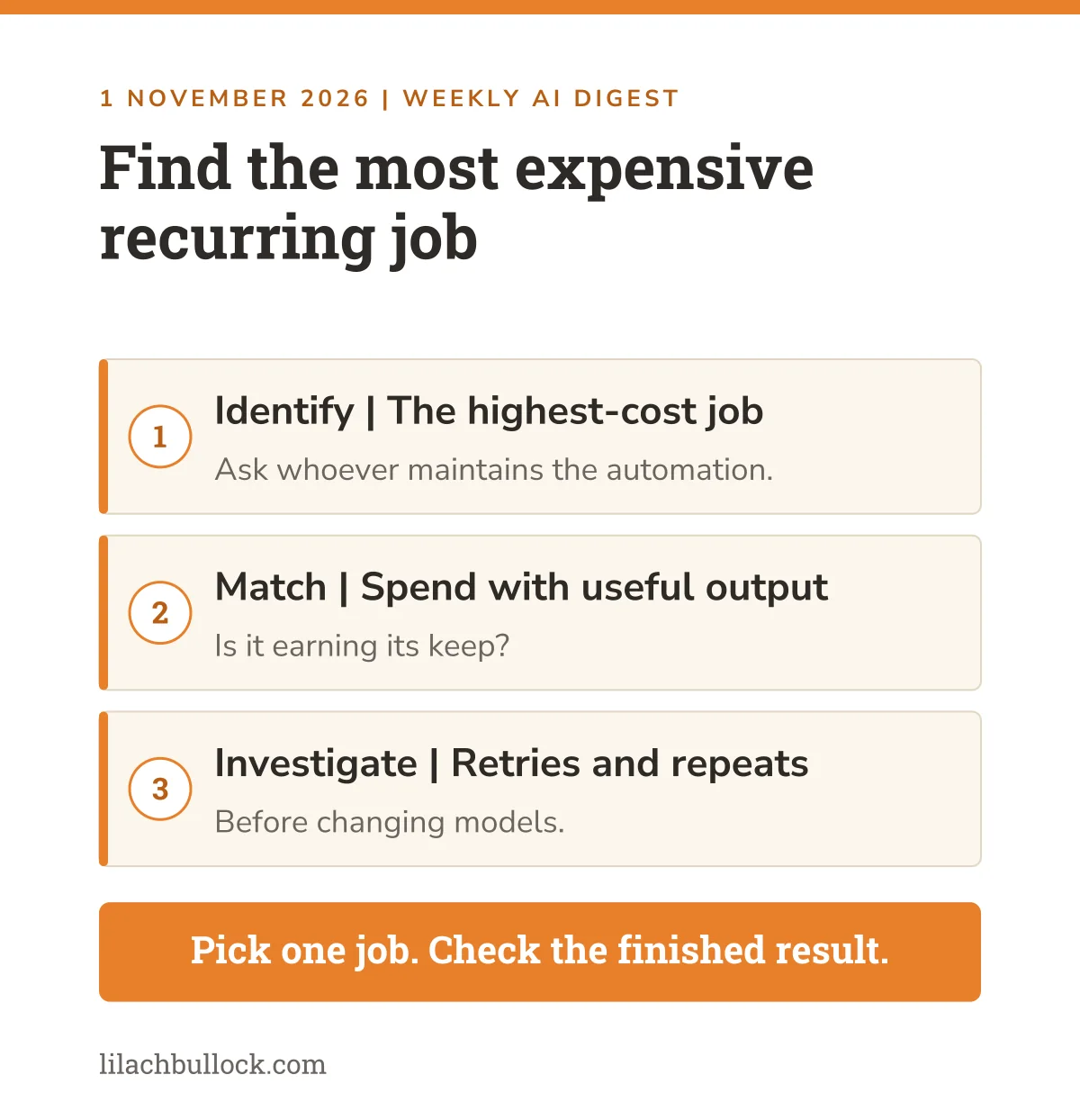
What happened, 29 October: Anthropic launched a beta Usage and Cost Analytics API for Claude Console and Enterprise organisations. It supports breakdowns including model, workspace, API key and user or service account. The older reporting APIs remain supported. Source: Claude Platform release notes.
My verdict
This is for businesses already running Claude automations with technical support. If you only use the chat app, skip it. You don't need an API project to feel current.
Use it in your business
Have the person maintaining your existing automation identify its highest-cost recurring job. Match the spend with the useful output, then investigate retries or unnecessary repeated work before changing models.
Keep this human
Set the acceptable quality level before cutting costs. A cheaper reply that needs rescuing by the owner may be a poor bargain.
8. Claude repaired calendar and Gmail connector errors this week
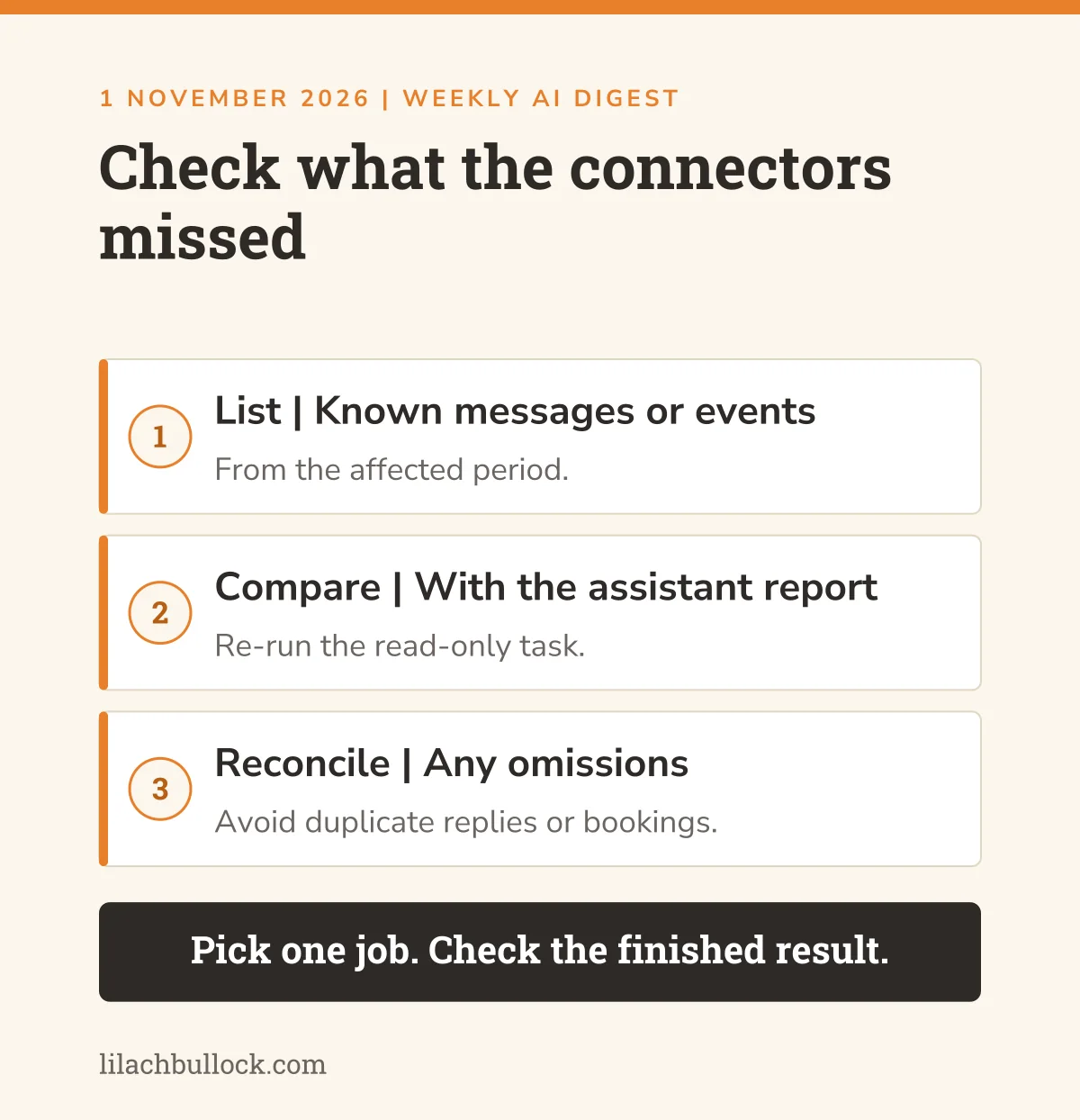
What happened, 28 October: Anthropic marked two connector incidents resolved. Calendar listing and search were affected from 26 to 28 October. Gmail search and reading were affected from late 27 October into 28 October, using UTC dates. Sources: calendar incident report and Gmail incident report.
My verdict
Check this before blaming your instructions for a missing meeting or message. A successful run afterwards doesn't establish that earlier work was complete.
Use it in your business
If you rely on those connectors, compare a short list of known messages or events from the affected period with the assistant's report. Re-run the read-only task and reconcile omissions.
Keep this human
Avoid duplicate replies or bookings while repairing gaps. My enquiry workflow article explains why the steps after an enquiry deserve as much attention as attracting it.
Frequently asked questions
Which update should I try first?
Choose the one connected to work you already need to finish. For many owners, that will be a document or presentation. If an existing automation depends on Claude's affected connectors, check its recent output before starting a new experiment.
Are all these features available now?
No. The Slides feature has an extended rollout, and several updates require eligible plans or technical access. The Sheets announcement falls within this week, while its rollout started earlier. Check the source and your account before planning work around a feature.
Do I need another subscription?
Start with what your business already has. Test whether an available feature completes a useful job with less checking and repair. A new announcement is a reason to investigate a relevant task, rather than an instruction to add another monthly bill.
How should I measure whether an AI task helped?
Record the time spent briefing, checking and correcting, as well as running the task. Compare the finished result with your usual method. For customer-facing work, include accuracy and suitability. Fast production of an unusable document hasn't saved the business any time.
Your one-hour action plan
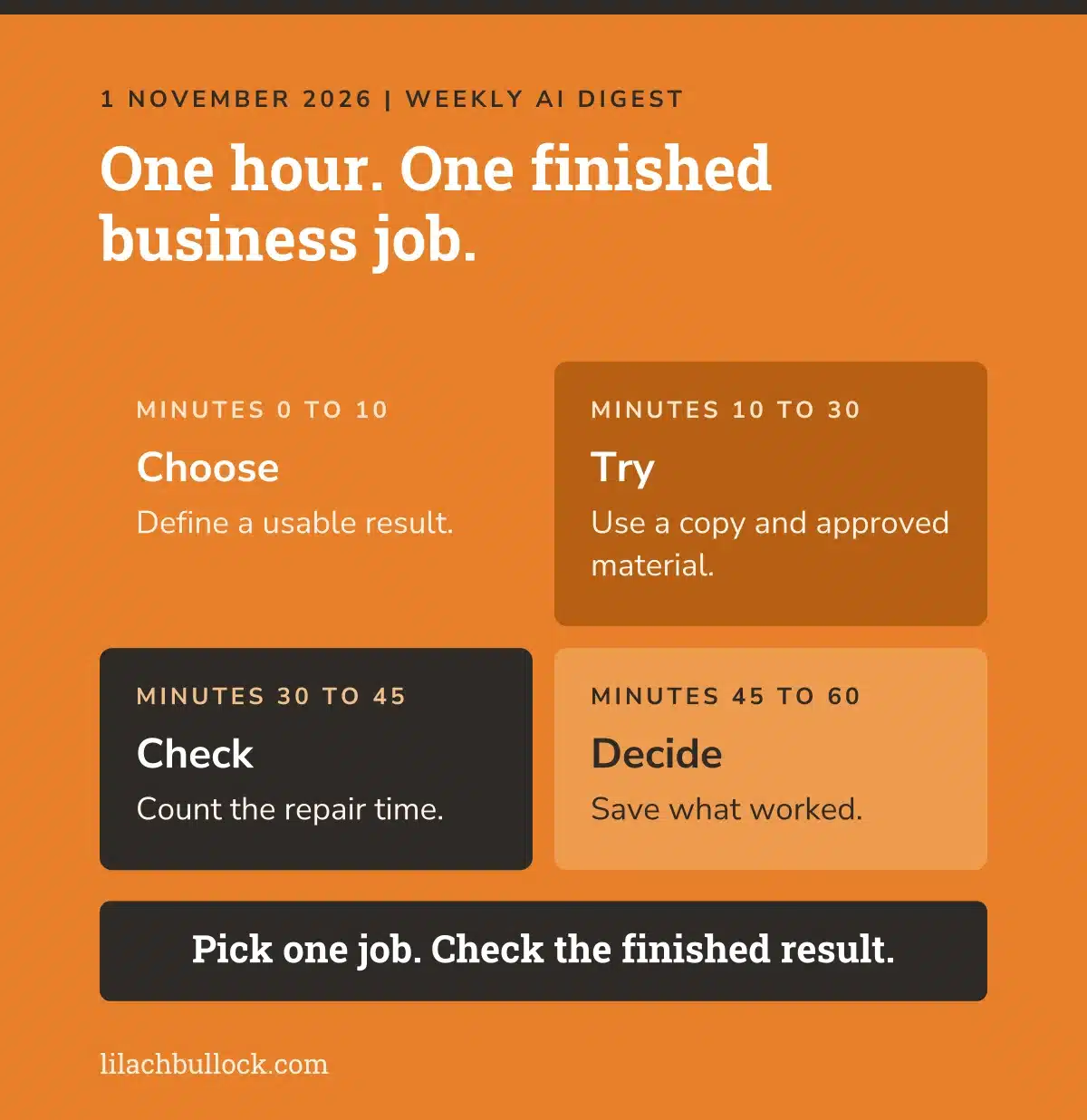
Minutes 0 to 10: Choose one waiting task and write down what a usable result must contain. Pick a document, deck or a small research table. Check access before committing the rest of the hour.
Minutes 10 to 30: Run one test on a copy using approved material. Keep the source beside the output. Avoid adding unrelated tasks halfway through because the tool offered to be helpful.
Minutes 30 to 45: Check the result against the original. Correct errors and count the repair time. Open exported files outside the chat, or check every source in your small research sample.
Minutes 45 to 60: Decide whether to repeat the method. Save the instructions that worked and note what still needs human checking. If it created more work, keep your current method and record why.
An hour that finishes one useful job beats an afternoon collecting features you'll never use.