


Keep videos short:
You already know that Instagram videos are short. Videos on the network can only be 60 seconds long. Unless you post them on IGTV where they can be up to 60 minutes long. But what I mean by the sub-head is that you don’t need to use the full 60 seconds to create the video. Creating a video that is even less than 30 seconds will do. As this report shows, videos that are 26 seconds long generate the most comments.
It gets straight to the point. They don’t try to beef up the video with any unnecessary introductions. You too should create short videos that get to the point quickly. Try to get your message across in as little footage as possible.
Share links on IGTV videos:
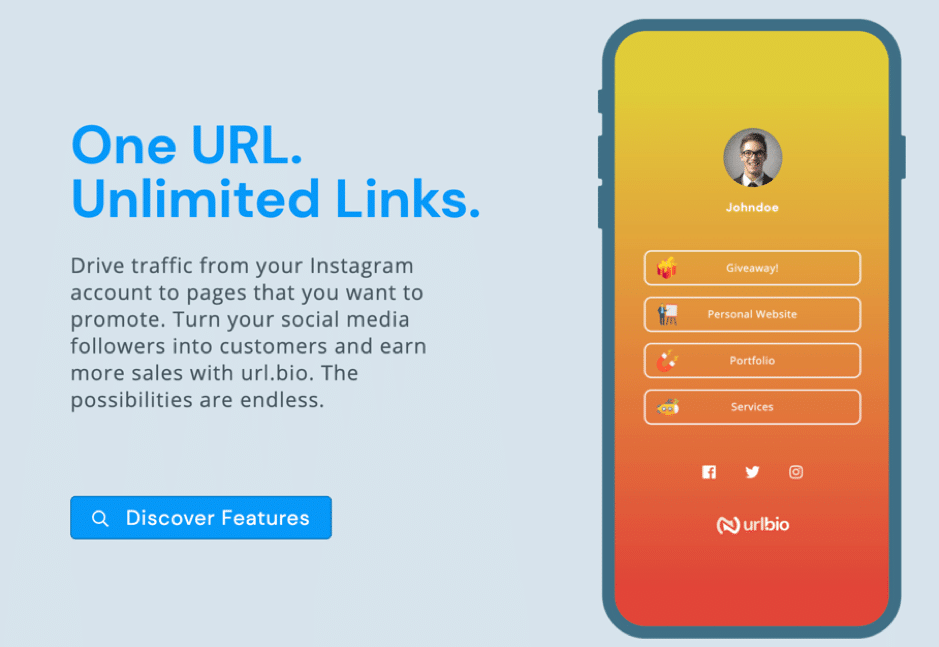
One of the biggest problems with Instagram is that you cannot share links in your descriptions. You can share links in stories, but your Instagram account needs to have a minimum of 10,000 followers for this to work you can buy followers. Most people get their followers to visit their website by placing the link to the landing page in the bio and adding a message to the caption that asks them to click on the link. This can be a tedious task that can deter several followers from taking action. If your aim is to drive traffic or generate sales, a better alternative for you would be to create an IGTV video and share the link in the description. As you can share links in IGTV video descriptions. An example is this video from Nordstrom.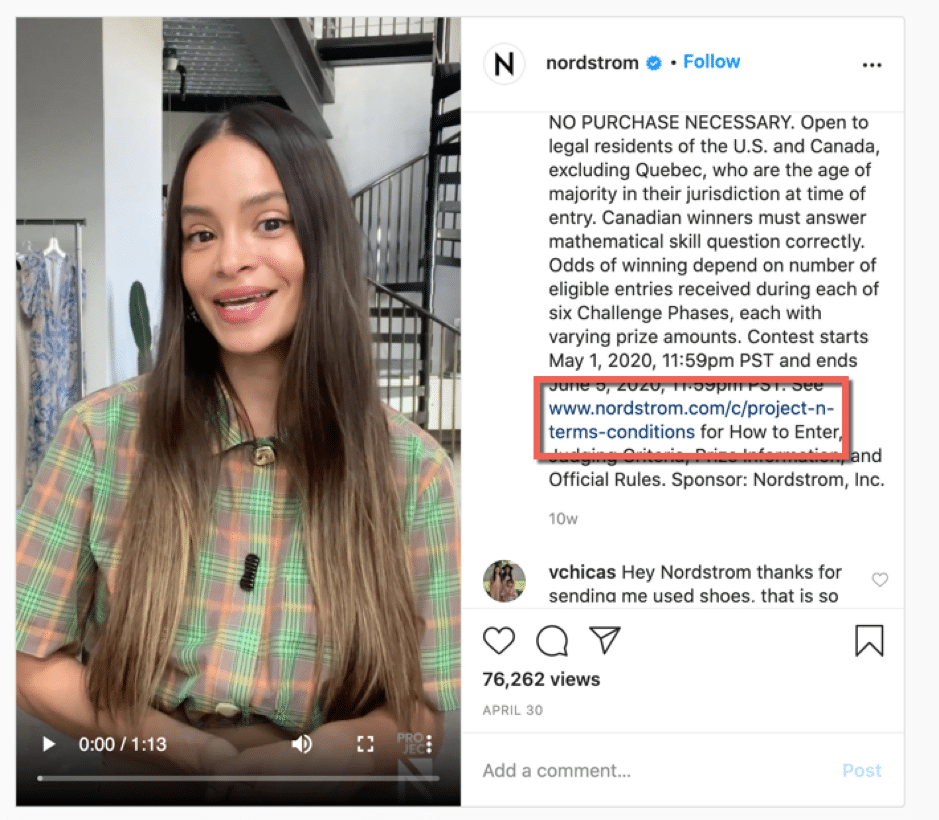

Add subtitles:
83% of people watch videos in mute. This is why if you want more complete views, you need to optimize your videos for people who watch videos in silent mode. The best way to do this is to add subtitles to video. Subtitles will make it easy for people to follow along and understand what is happening even if there is no sound. Also, remember that there will be plenty of viewers who might have a hard time with the language (and accent) the video is recorded in as it might not be their first language. Subtitles will make it easy for these people to follow the video too. To add your subtitles you can use Screencast-O-Matic video editor. It will automatically convert the speech in your video to text and place it on the video.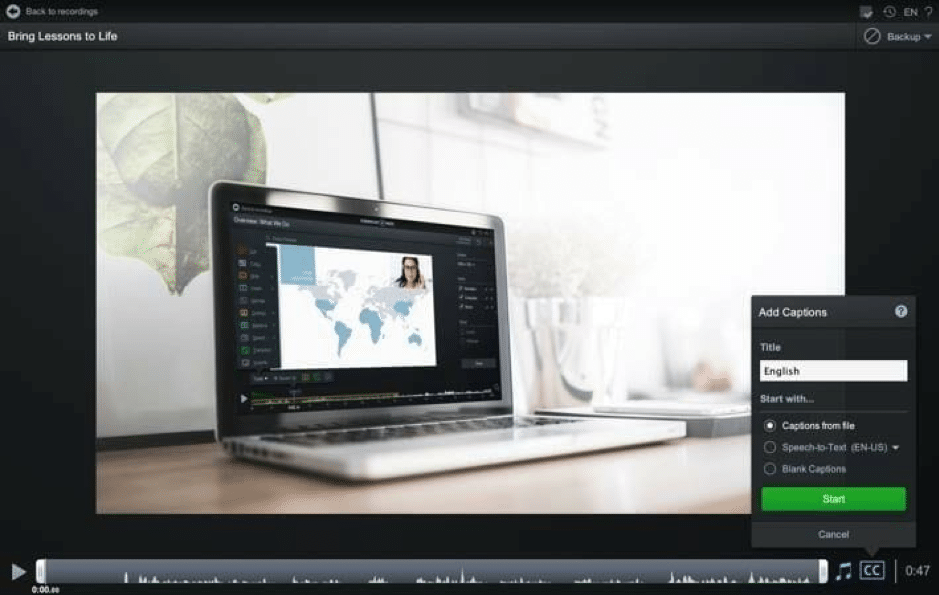
Use thumbnails:
By default, Instagram videos are set to autoplay. But some users can turn off autoplay when on mobile data. These users will see a thumbnail instead of the start of the video. This is why you should create a persuasive thumbnail for your videos. A simple way to do this is by taking a still from the video, then uploading it onto a background remover, and removing the background.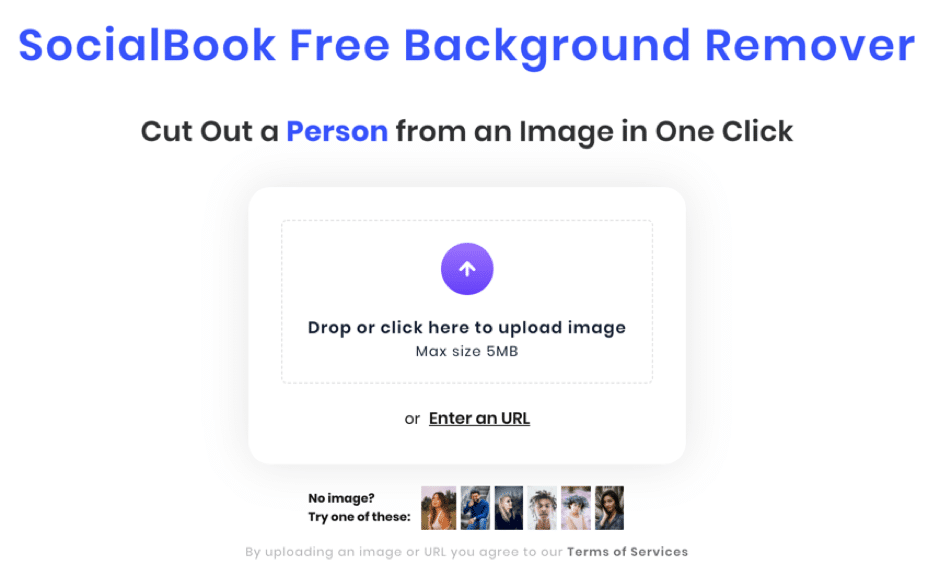
As you can see they just took a still from the video and added the title of the video as overlay text.
Accompany with better captions:
The video will help you generate good engagement, but if you want even better results you need to put some effort into writing the captions. You can add quite a bit of information here as a study from Mention found that Instagram posts with captions that are 1001 to 2000 characters long generate the highest engagement.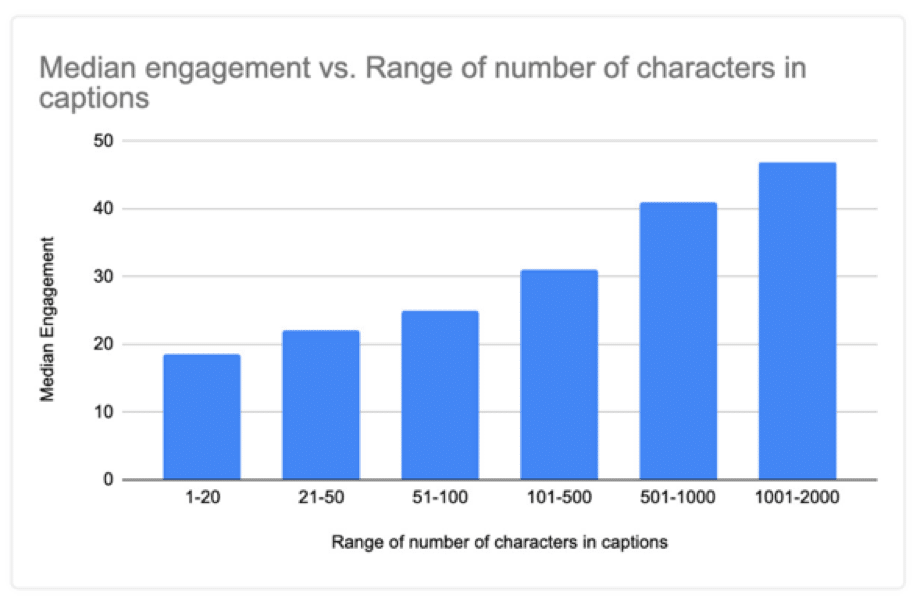
Tag products in sales videos:
As I mentioned earlier, you can’t share links in your Instagram feed posts. But there’s one alternative method you can use if you are running an ecommerce store. This is to tag products in your videos. When you tag products in videos, a shopping cart icon will appear on the video indicating that products have been tagged. People can click on this icon, see all the products tagged in it, and directly visit the product pages from the post. This can boost up traffic and sales as NativeUnion were able to increase their Instagram traffic by 2,666% with this technique.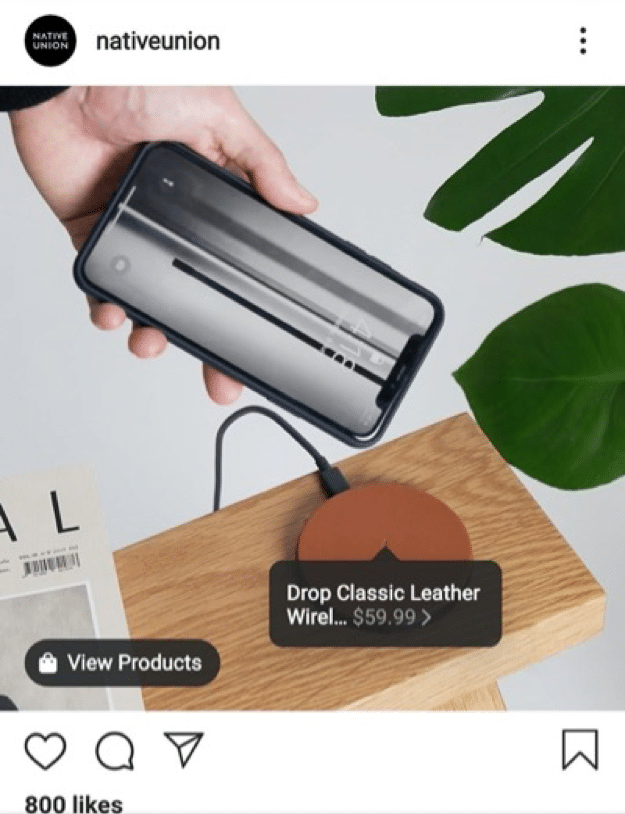
Run live videos:
Live videos generate a lot of engagement on Instagram. This is because they have the same effect as webinars. Like webinars, they are something live and happening at that moment. People can attend it and ask all the questions they have and get the answers live. So, more people will want to take part in it. This can really boost up your engagement levels. But to get the best results, make sure you plan your live videos ahead of time. Decide beforehand when you would like to organize it, what you will cover and how long it will last. Then promote it using feed posts, stories, and other networks. Your aim should be to get as many people as you can to attend. You can also record and edit the live video and post it on other social media.Keep an eye on your Instagram insights:
As you consistently post videos, you will gather plenty of insights. These Instagram insights will show you when is the best time to post videos, videos on which topics work best, videos of which length drive the most engagement, what’s the best video posting frequency, etc. You can use all the data to create better videos in the future and generate more engagement and sales. Make sure you use a combination of your Instagram account’s built-in insights and a third party tool as both of them together will provide a lot of useful data you can use.Conclusion:
These are some of my top Instagram video marketing tips. You don’t have to use all of them at once. You can experiment with a few at a time. If you get good results from them you can continue using them long term and incorporate more in the future. Did I forget to add any important Instagram video marketing tips? Which ones have worked best for you? Please leave your comments below.About the author:

Related: how to make money on Instagram with 1k followers
The short version: Instagram video works best when you hook viewers in the first three seconds, caption for sound-off viewing, and mix formats like Reels, Stories, and IGTV to match how people browse. Consistency and clear calls to action matter more than perfect production quality.
Related: video marketing (this site).
Want AI doing the heavy lifting in your marketing?
I build the systems that handle the boring 80 percent, so you get your week back. Done properly, with the human kept in.
Frequently asked questions
How long should an Instagram marketing video be?
Reels perform well between 7 and 15 seconds for reach, while Stories work best as quick 5 to 10 second segments. Longer IGTV or feed videos can run a few minutes if the content earns the extra watch time.
Do I need captions on Instagram videos?
Yes. Most viewers watch with sound off, so burned-in or auto-generated captions keep your message clear and improve watch time and engagement.
What's the best type of video to post on Instagram right now?
Reels currently get the most organic reach because Instagram prioritizes them in discovery. Behind-the-scenes clips, quick tips, and trend-based content tend to perform especially well.
How often should I post video content on Instagram?
Posting 3 to 5 times a week is a reasonable starting point for most brands. What matters more than frequency is staying consistent so the algorithm and your audience know when to expect new content.
There is one page of Instagram answers, each guide with a one-line answer.



