Inventory is where small businesses lose the most money, and the scary part is nobody really sees it happen. Buy too much, and your cash is dead on a shelf. Buy too little, and you turn away customers who had their wallets out. Inventory management automation closes that gap, but only if you build the right workflow first.
So treat this as an order of operations, not a to-do dump. I will cover why this beats almost any other project, then the 7 inventory management automation workflows I would build first. I will also show you the mistakes that ruin them. Good inventory software helps, sure, but the workflows are the part that actually pays you back.
Why Inventory Management Automation Belongs at the Top of Your List
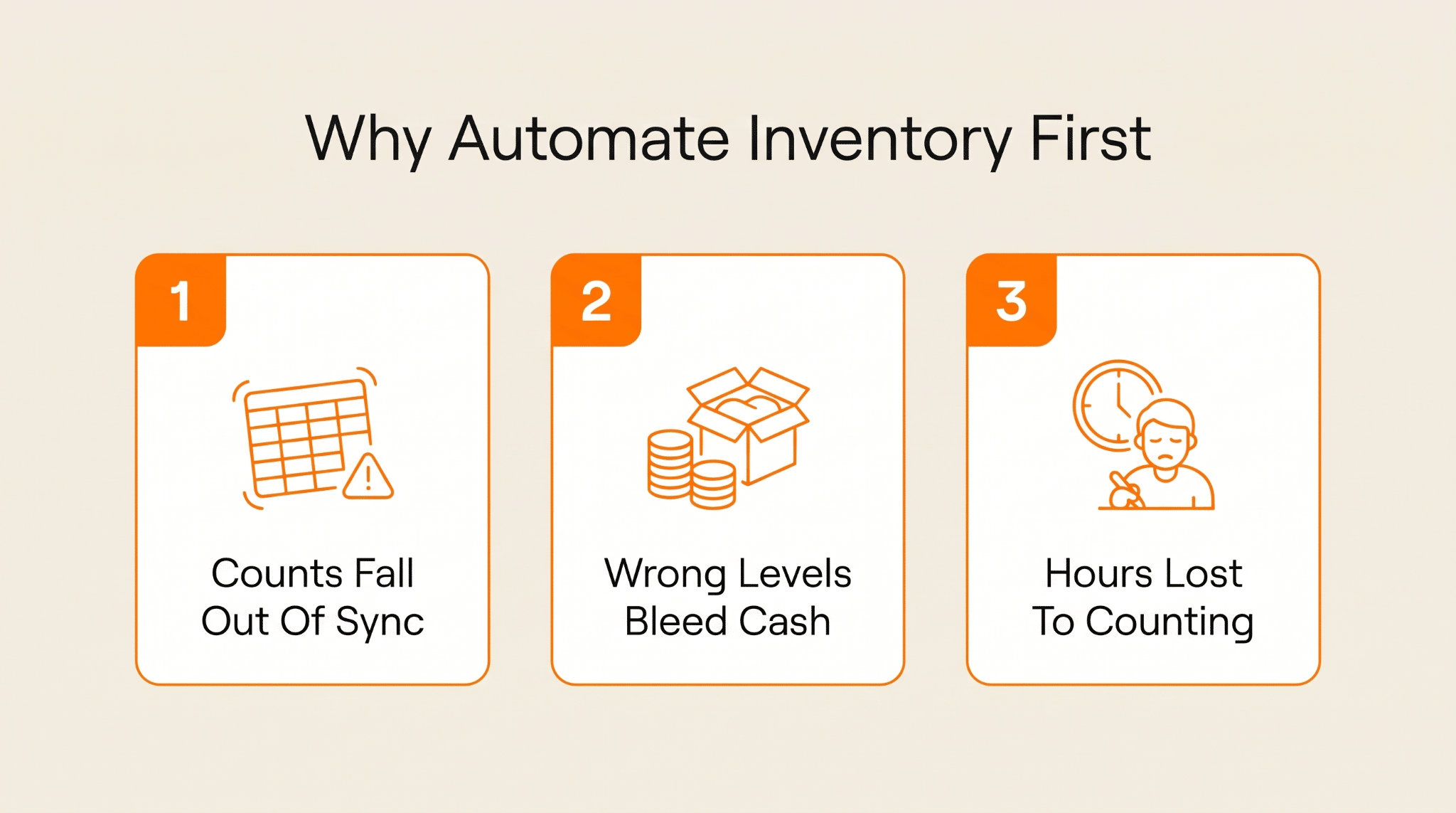
Automating your stock is not exciting, I know. But I honestly can't name another project that pays you back in saved time and recovered cash this fast. Three reasons it earns the top slot.
1. Manual Tracking Falls Out of Sync Fast
Track stock by hand, and the numbers start lying to you almost right away. One sale goes unrecorded or one box gets miscounted, and by Friday, your system shows you have 40 of something when there are really 31 on the shelf. Now every reorder and every promise to a customer rests on a number that isn't true.
And most small shops have no clue here. Roughly 43% of them either don't track inventory at all or do it by hand, which about doubles how often their counts are wrong. Automation won't make you a genius. It just stops the gap creeping open between the screen and the shelf.
2. Getting Stock Levels Wrong Wastes Money Both Ways
The cruel part is there is no safe direction to miss in. Overshoot and your cash is stuck in things that are gathering dust and storage fees, heading for the clearance bin. Undershoot and a ready-to-buy customer clicks over to a competitor, usually for keeps.
The numbers on this are almost hard to believe. Add up the overstocks and the stockouts, and bad inventory costs retailers around $1.77 trillion a year worldwide. That is roughly $970 billion in sales that never happened and another $800 billion frozen in stock nobody wants. Guess by hand, and you end up on one side or the other.
3. Your Best People Lose Their Days to Robotic Counting
Then there is the human cost nobody puts in a budget. Someone good at their job is wasting half their week on shelf counts and spreadsheet entry, chasing a figure that was already outdated when they started. It is dull and easy to get wrong. Worst of all, it wastes someone sharp who should be out selling or sourcing.
Give all that counting and reordering to software, and two things happen. The errors mostly vanish, and you give a real person their week back. That is time they can spend on the things software can't do, like actually talking to your suppliers and your customers.
7 Inventory Management Automation Workflows to Build First
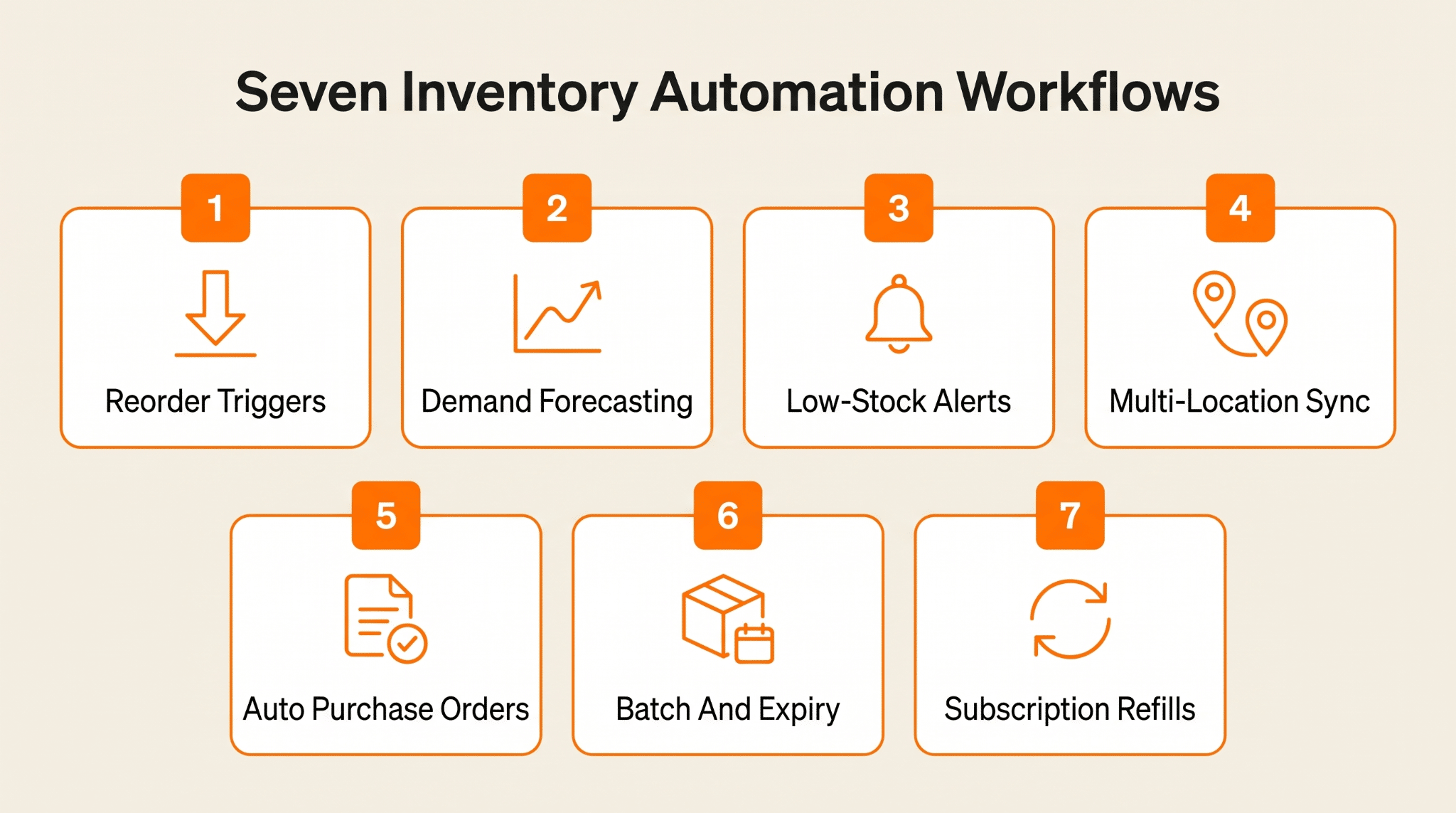
Okay, the build list. I have put these roughly in the order I would tackle them, and each one fixes a different issue.
1. Automatic Reorder-Point Triggers
Start here. This is the automation that watches each product and acts the second it drops to a level you have set. Nobody has to remember to check anything, and there is no Monday-morning panic. Stock hits the floor, and the system either flags it or writes the order itself.
The trigger was never the tricky bit. It is picking the floor, because a smart reorder point mixes how quickly a product sells with how long your supplier makes you wait. Get that number right once, and a tool like Zapier or n8n will watch it for you forever, no salary required.
- Set a reorder point per SKU using its sales velocity and lead time
- Add safety stock for your least reliable suppliers, not a flat buffer
- Trigger a draft purchase order automatically the instant stock runs low
- Review and adjust each reorder point whenever a supplier's lead time changes
2. Demand Forecasting That Sets the Right Quantities
Reorder points tell you when to buy. They say nothing about how much. That answer is already hidden in your store's own analytics, in last year's holiday rush and the dead weeks right after. Forecasting reads that pattern so you order on evidence, not a hunch.
Go too generous, and you will end up with excess. Right now, 55% of small and midsize businesses are holding at least 20% more stock than they need. A forecast worth its salt keeps that number honest, so you buy what the data actually predicts instead of padding every order out of nerves.
- Pull at least 12 months of sales history before you trust a forecast
- Break demand down by season and promo spikes, not one flat average
- Forecast steady sellers and erratic ones separately, never with one blunt rule
- Re-run the forecast every month so a new trend never blindsides you
3. Real-Time Low-Stock and Stockout Alerts
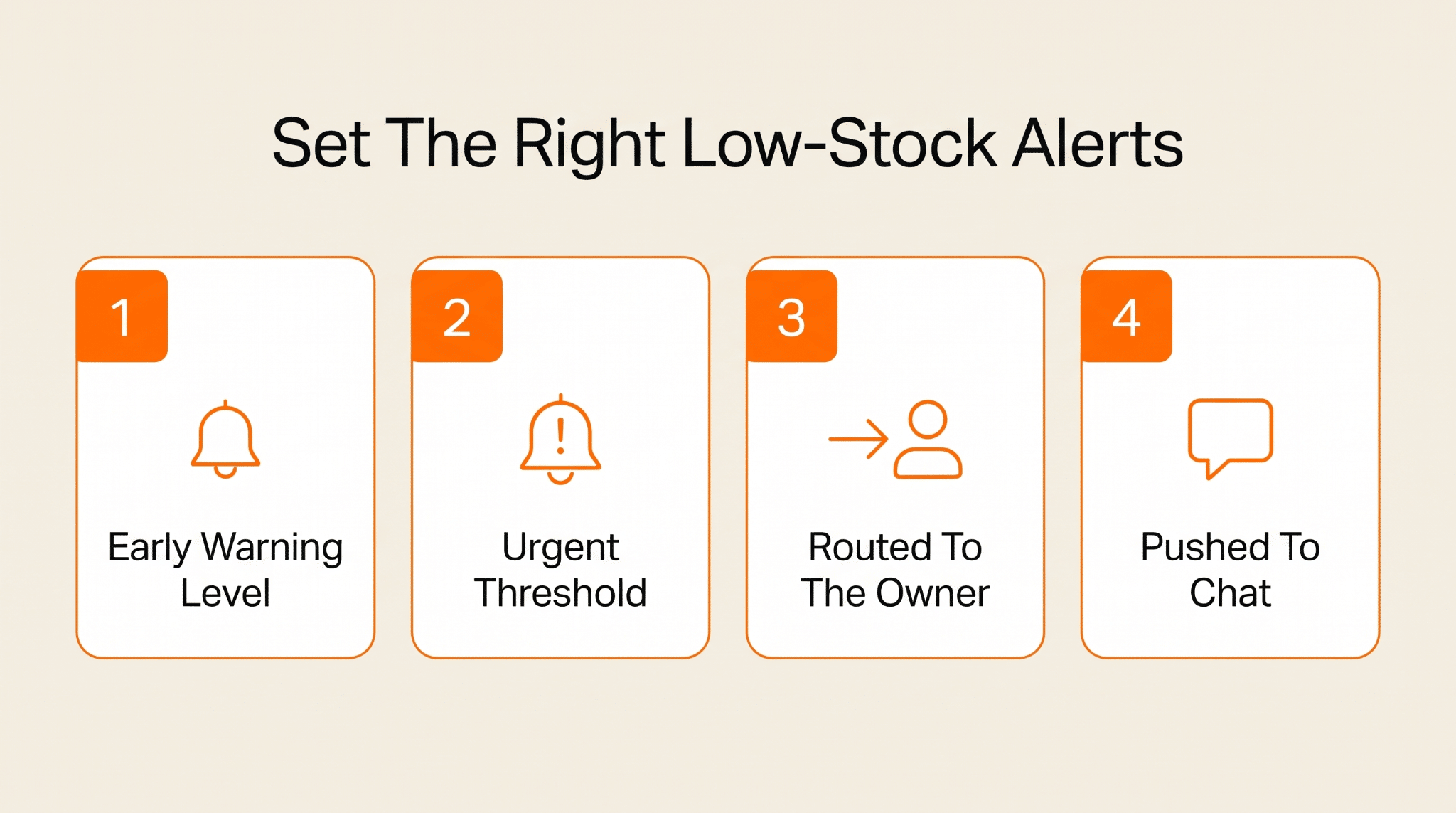
Triggers and forecasts run on their own, but sometimes a human just needs a heads-up. A low-stock alert notifies the right person the moment a product dips under a set line, well before it turns into that cringey sorry-we-are-out email to someone who was ready to pay.
The trick is who gets pinged, and how loud. Your warehouse lead cares about different things than your buyer, and your bestseller deserves a far louder warning than some slow mover. A simple automation tool can send each alert to the one person who can actually do something about it.
- Set two thresholds per SKU, an early warning and an urgent one
- Route every alert to the person who can actually place the order
- Push the urgent alerts to chat or SMS, not a hidden email
- Flag any product that stocks out so the gap never repeats silently
4. Multi-Location and Van-Stock Sync
Things get problematic the moment your stock is in more than one spot. Say your warehouse and a second location both list the same item online. Sell it twice in the same hour, and you have just promised one unit to two people. Syncing fixes that by making every location read off a single, live count.
One shared number is the whole trick. iPaaS that connects your systems keeps the warehouse and the shop floor looking at the exact same figure.
Now picture a business where part of the warehouse is actually driving around town. Field-service companies keep a portion of their stock on trucks, and each truck is its own little stockroom. When the office can't see what is loaded on those trucks, the whole same-day promise gets shaky in a hurry.
Take this water heater replacement service. A water heater is not one SKU. It is dozens of them, split by tank size and fuel type. A tech diagnoses a dead 50-gallon gas unit on site, and whether that job wraps up today depends on one thing: does a nearby truck already carry that exact model plus the anode rod and fittings to finish it?
If the dispatcher is clueless about van stock, they either roll a second truck out or bump the install to another day. Both ruin the one thing that wins home-services work, which is showing up and finishing the job the same afternoon. So you make each truck its own stock location.
Remove the plumbing specifics, and it is the exact problem every multi-location seller faces: stock across spots that can't see each other, with one shared count as the only thread tying them together.
- Give every location and vehicle a unique code so transfers stay traceable
- Set per-van par levels tuned to each route's most common repair jobs
- Block any channel from overselling the moment the shared count hits zero
- Run a weekly cycle count on the vans to expose quiet shrinkage
5. Purchase Orders and Supplier Payments on Autopilot
A triggered reorder is not worth much if someone still has to type the actual order. This workflow takes that flag from the first workflow and turns it into a real PO, already filled in with the right supplier and quantity at the price you agreed. Ready to fire off.
Payment is usually where this jams. Plenty of suppliers want paying up front, and if your cash is tied up in this month's stock, the restock waits while you run low. For a business holding crypto, a fast way to turn crypto to cash the same day beats a three-day wire while a supplier holds your slot.
The PO is also where you decide how hard to chase a volume discount. Buying a bigger batch to drop the unit price looks smart right up until that extra stock is quietly aging in the back. Let the automation flag the tier for you, then keep the final call human.
Automate both the paperwork and the payment, and the whole cycle closes on its own. From a low-stock flag through to a paid supplier and a delivery at the door, nobody has to watch a single step.
- Set clear approval limits so small orders auto-send and big ones pause
- Match each invoice against both the PO and the delivery note before paying
- Keep a same-day backup payment method for suppliers who hold your slot
- Auto-send the PO to the right supplier the moment a reorder fires
6. Batch, Lot, and Expiry Tracking
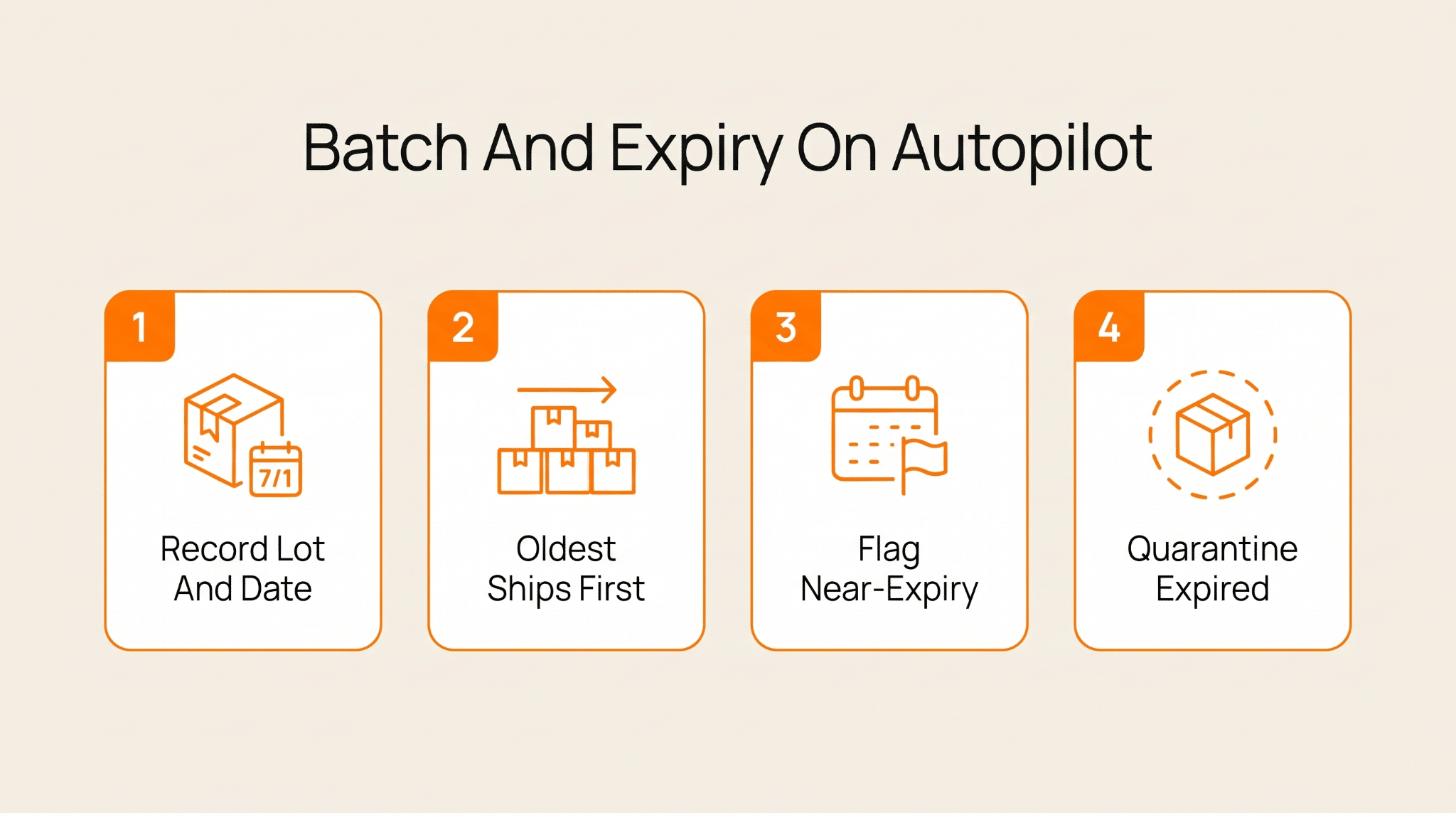
For a lot of products, one box is not the same as the next. Each shows up with its own batch number and a shelf life already ticking. Sell the freshest first, and the older one ages out on the shelf, a write-off. This stock has to be tracked by the lot, not just the SKU.
Want AI doing the heavy lifting in your marketing?
I build the systems that handle the boring 80 percent, so you get your week back. Done properly, with the human kept in.
Automation here enforces a rule you would never keep perfectly by hand: oldest sellable lot goes out first, every single time. It also notifies you about any batch creeping toward its date while there is still time to shift it. Do that well, and write-offs become a rare surprise.
This gets serious the moment a product is something people put in their body. Think supplements or anything carrying a potency claim on the label. Those come with dates and lab records that customers and regulators actually check. A bad lot there is not a lost sale; it is a recall.
Look at these Lion's Mane mushroom supplements. Every batch comes with its own lab test and a real best-by date. That gives you two jobs at once. Push the oldest in-date lot out first, and know exactly which orders were pulled from a given batch, in case a test result comes back off.
By hand, that is spreadsheets and a prayer, and something is always missed. Automate it, and every incoming batch gets tied to its test and its date on arrival. The system then picks lots in the right order and notifies you weeks before anything expires. Better still, it can trace one bad batch straight to the buyers who got it.
The product on the shelf never changes. But a dated item run off a calendar in someone's head is just money rotting in the back room.
- Scan each lot in at receiving so nothing ever enters stock untracked
- Attach the supplier's lab certificate to the batch, not a separate folder
- Auto-quarantine any expired lot so it can never be picked or sold
- Discount a short-dated batch early, while it still has shelf life left
7. Subscription and Recurring-Order Replenishment
Most demand is lumpy and genuinely hard to call. But part of it is pretty predictable: the standing orders from subscriptions and contracts. When you know who is reordering and roughly when, you can have that stock ready in advance.
So this workflow plans against your live subscriber list, not whatever happened to sell last month. Count your active subscriptions and multiply by how often they refill. Next month's floor of demand is then right there in front of you before a single new order even comes in.
The clearest version I have seen is not in a normal store at all; it is in subscription services. You are reading a list of real people when your customers are on a fixed refill schedule, each with a date they will need more, as close to certainty as demand ever gets.
A good example comes from men's health. This low testosterone treatment program is an ongoing protocol, so every active patient comes back for a refill on a set flow, month after month. Their next quarter is not really an assumption; it is closer to arithmetic: active patients times refill frequency, read straight off the roster.
Here is the wrinkle, and it is where people get lazy. That demand is not flat. It climbs as new patients start and settle into their doses, and tails off as some lapse or skip a refill. A stockout here is a course of treatment interrupted, the fastest way to lose someone for good.
So you don't replenish off a stale average. You project the roster forward, adding new sign-ups and removing the ones likely to lapse, then stock to exactly that. Any business with a subscription line is sitting on this same signal. Most just ignore it and order off last month, which is the trap.
- Map each subscriber's next refill date and total them by SKU weekly
- Build a ramp curve for new sign-ups instead of assuming day-one volume
- Hold a little extra for the dose or plan upgrades that hit mid-subscription
- Treat any subscriber stockout as urgent, well above a normal one-off reorder
3 Inventory Management Automation Mistakes That Cost Small Businesses Money
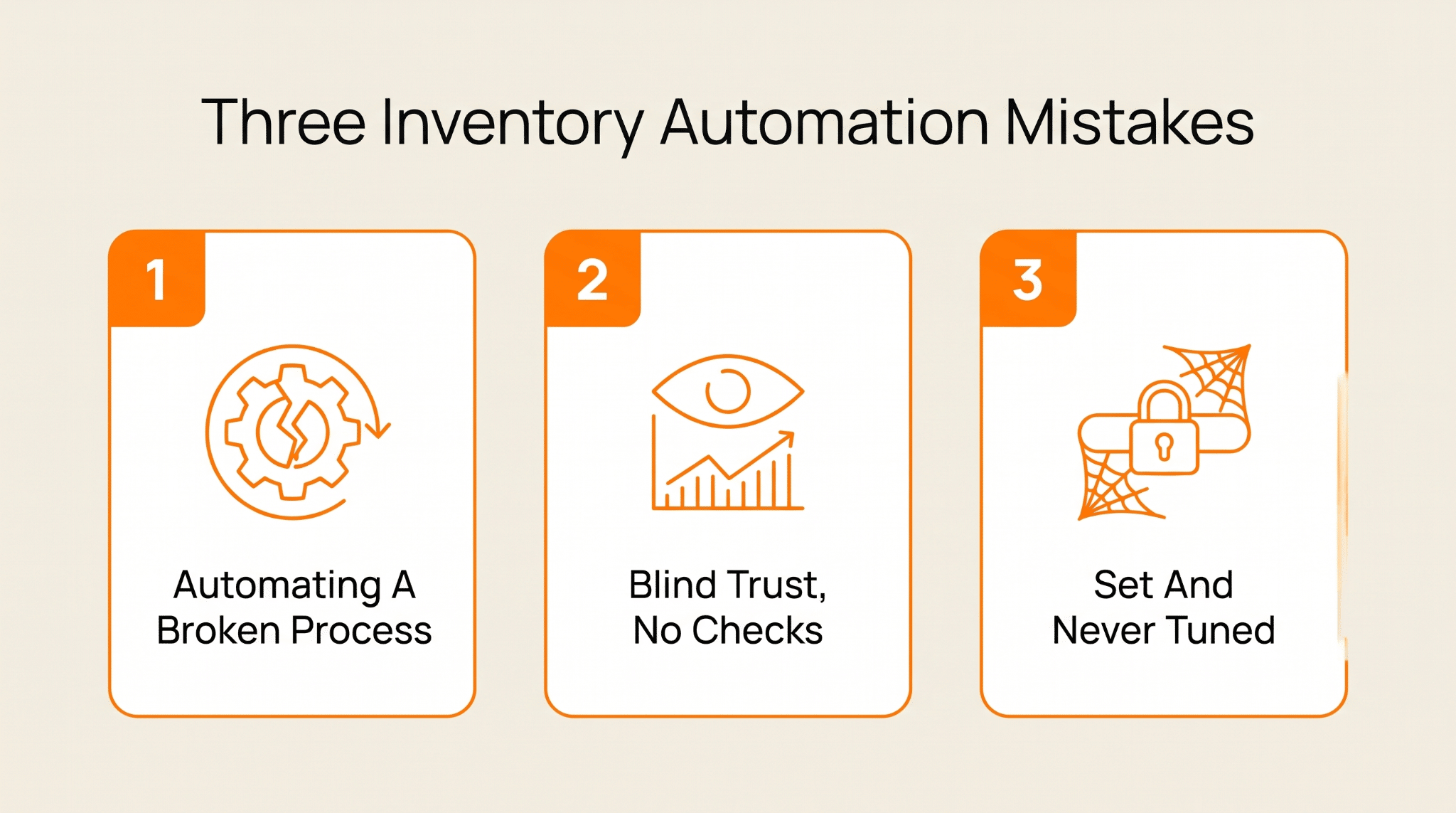
Automation can just as easily blow up in your face. You can't just shove new technology into your team's workflow and expect everyone to get on board. That is not always how it works. After all, 38% of teams have difficulty adjusting to new technology in the workplace.
These three mistakes are the ones I watch people make most, and each is simple enough to dodge once you know it is coming.
1. Automating a Broken Process Before Fixing It
The classic one is adding automation on top of a process that was already a shambles. If your counts are off and your reorder logic is really just guessing, automating it only means you now make the same wrong calls faster and far more often. Rubbish in, rubbish out, now on a dependable schedule.
And the fallout is trust. One confidently automated bad order, and your team stops believing the system, then adds their old manual checks right back on top, so you pay for both. Far better to sketch the whole process out first and fix the logic before any tool gets near it.
How to Fix: Fix the data first. Do a real physical count to reset your baseline, so you are not automating fiction. Then walk the actual process and cut the plainly broken steps instead of hard-coding them. Roll the clean version out in one small corner, prove it holds, then widen it from there.
2. Trusting the System Blindly With No Human Check
The other side is giving the robot the keys and wandering off. You set it up and treat every number as gospel. Then you stop looking. But a sync dies in the night or a supplier short-ships you, and the system cheerfully keeps reordering against a count that stopped being true weeks back. Nobody is any the wiser.
Automation with no eyes on it doesn't kill errors; it just hides them until they get expensive. A phantom stockout here, a slow bleed of accuracy there that nobody flags until it bites. It is worth genuinely knowing what your automation tool is doing, and where it tends to break, rather than trusting a sealed box.
How to Fix: Keep cycle counting. Audit a small portion of SKUs every week so problems surface early. Put guardrails in that pause any order that looks mad, say 10 times the usual amount. And keep a human signing off the big or weird purchases, so software handles routine while people handle judgment.
3. Setting the Rules Once and Never Tuning Them
You set your reorder points beautifully in January, then the business moves on. A supplier gets slower or a product suddenly takes off. Your old rules keep firing away against a world that shifted underneath them.
Stale automation might be worse than none, because it looks so authoritative. It confidently orders the wrong amounts. The output looks so official and hands-off that nobody questions it until the excess is building up or the shelves run bare.
How to Fix: Book a standing review every quarter to revisit your reorder points and forecasts. Feed real results back in, so a supplier who is now slower automatically gets a wider safety buffer. And auto-flag any SKU whose sales have swung hard for a hands-on retune.
Conclusion
You really don't need all 7 running by next week. Pick the one that is hurting most, usually the reorder triggers. Build it properly and let it earn your trust. Inventory management automation compounds nicely, each piece making the next one simpler, until most of it just ticks over on its own.
And if setting all this up sounds exhausting, that is genuinely the bit I do for people. I build these automations in no-code tools like Make and n8n for small businesses - the thing that swallows the boring 80% of your operations. Want it done without the endless trial and error? Come say hi at lilachbullock.com.