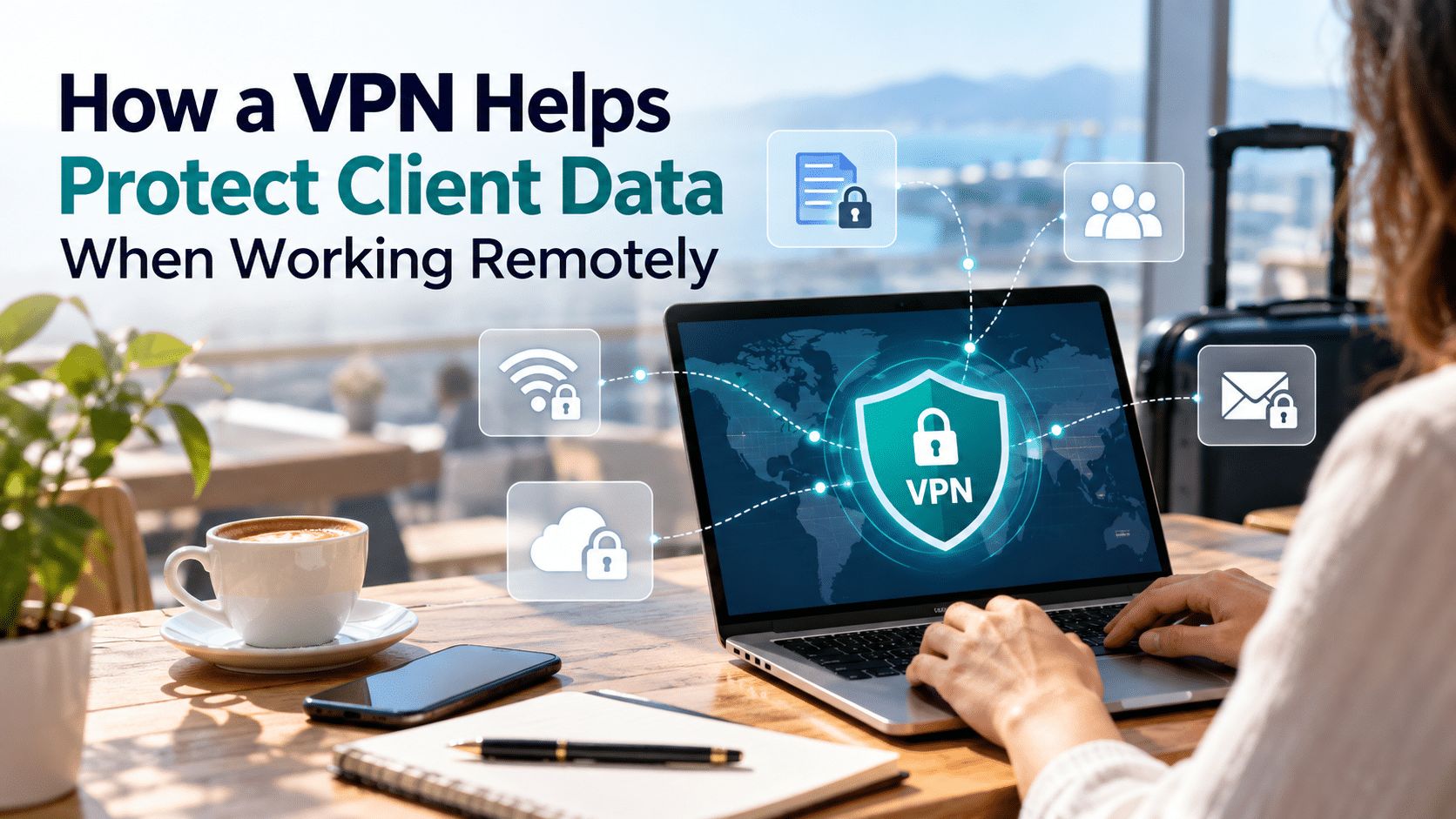
Remote work has changed how businesses handle information. A freelance marketer might review campaign reports from a café, while a consultant accesses confidential documents during a business trip. With cloud-based tools, almost any location can become a workplace.
But working from different locations also means connecting through networks you don't always control. When client contracts, financial records, customer details, and business accounts are involved, keeping those connections secure becomes part of everyday work.
A Virtual Private Network (VPN) adds a useful layer of protection by encrypting traffic between your device and a VPN server. For freelancers and small business owners, a free VPN tool can be a practical starting point for protecting network traffic while working outside the office.
Understanding how a VPN works, when to use it, and how it fits into your existing security habits can help you handle client information more confidently.
Why Client Data Needs Extra Protection During Remote Work
Sensitive client information moves through many applications during a typical workday.
You might download a customer report, update a shared spreadsheet, access an advertising account, or discuss an upcoming product launch through a messaging platform.
Each activity involves information that clients expect you to handle carefully.
Working Across Different Networks
At home, you may have a private network with familiar security settings. When traveling, your connection could come from a hotel, airport, shared workspace, or public café.
These networks may have different configurations, and you usually have little visibility into how they're managed.
A VPN creates an encrypted connection between your device and its server, providing more consistent network-level privacy as you move between locations.
Working With International Clients
Remote professionals often support clients across multiple countries. This can involve checking local websites, reviewing region-specific campaigns, or accessing services while traveling.
For example, a marketing consultant working with an Australian business might use a free Australia VPN service to connect through an Australian IP address when reviewing a locally targeted website from overseas.
This can be useful for checking location-dependent content while maintaining an encrypted VPN connection.
For professionals managing several international projects, having a reliable way to protect their connection makes everyday collaboration easier.
How Does a VPN Help Protect Sensitive Client Data?
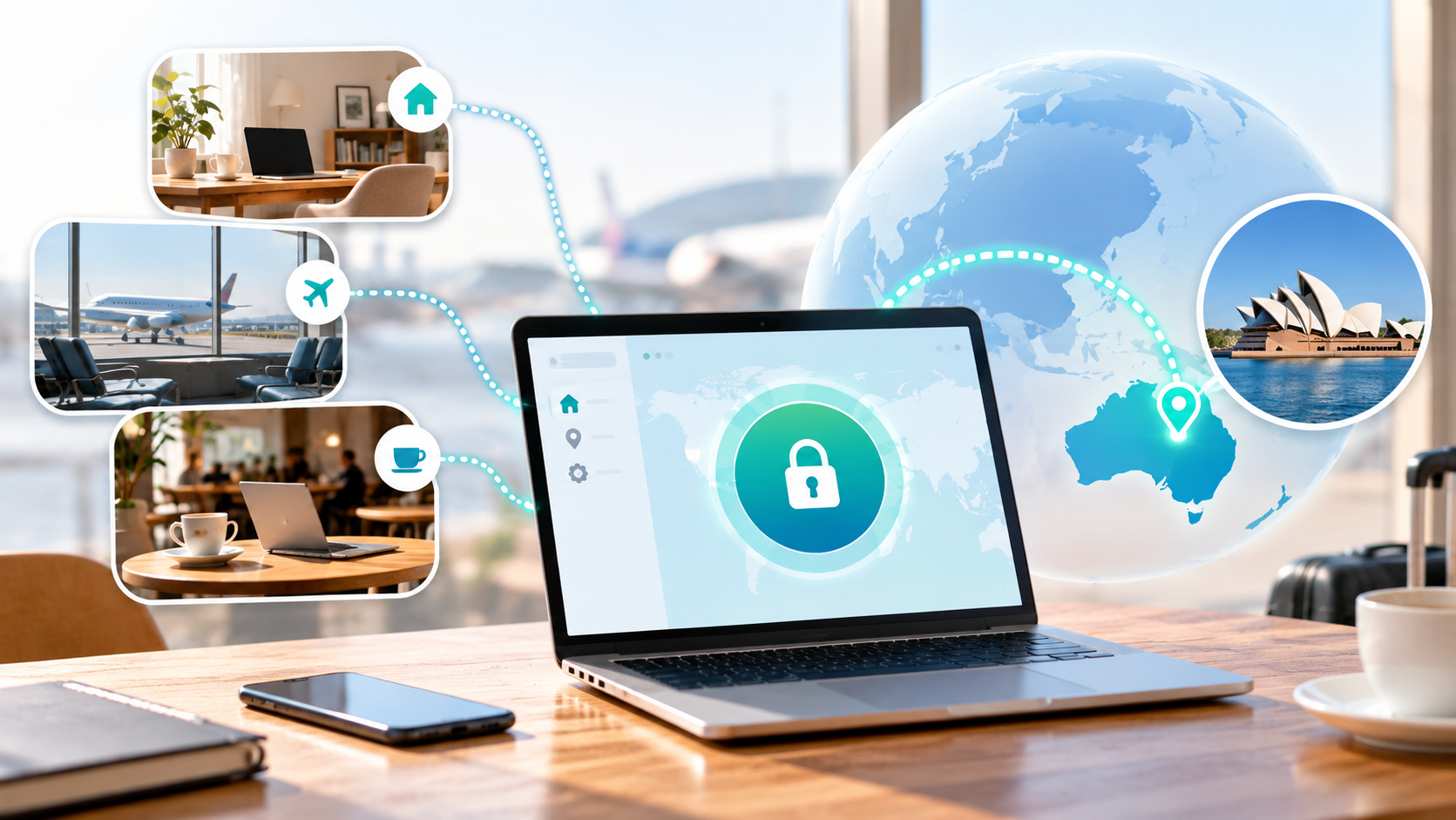
A VPN works by creating an encrypted tunnel between your device and a VPN server. Internet traffic passes through this tunnel before continuing to its destination.
Here are three ways this helps with remote work.
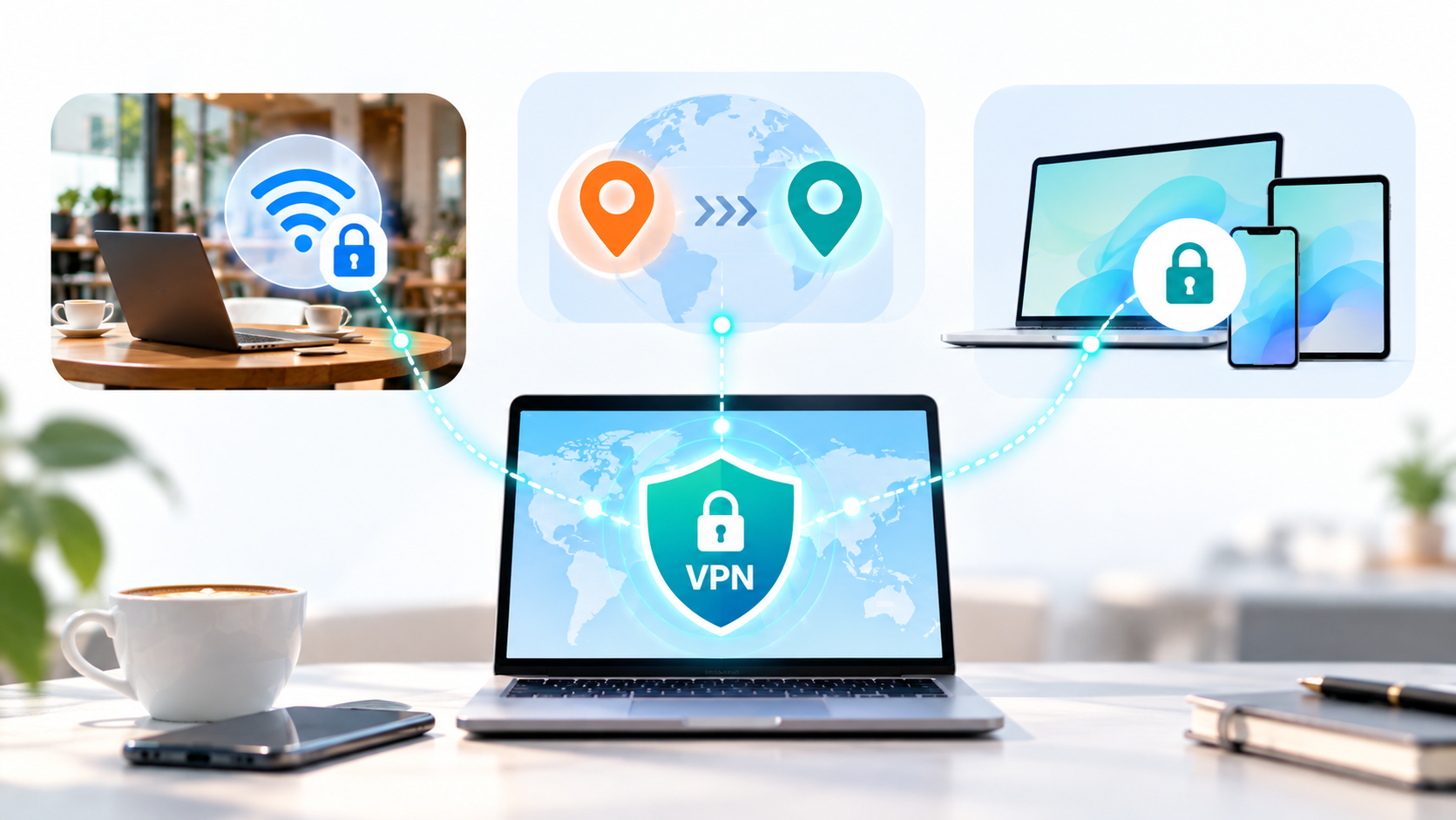
1. Encrypts Your Connection on Public Wi-Fi
Public Wi-Fi is convenient, but you rarely know who manages the network or how its security settings are configured.
A VPN encrypts traffic between your device and the VPN server, reducing the information that someone monitoring the local network can inspect.
For example, when you access a client's project management platform from a hotel, a VPN provides additional network protection alongside the website's existing HTTPS encryption.
2. Helps Keep Your IP Address Private
Your IP address can reveal general information about your internet connection, including its approximate geographic location.
When you connect to a VPN, websites generally see the VPN server's public IP address instead of your regular public IP address.
This can help reduce direct exposure of your network identity while researching competitors, browsing industry websites, or working from different locations.
3. Protects Connections Across Work Devices
Remote work increasingly happens across laptops, tablets, and smartphones.
You might start writing a report on your computer, then use your phone to reply to client messages or approve a document.
An iOS VPN adds network-level encryption to your iPhone's internet connection, making it useful when accessing work-related services over unfamiliar Wi-Fi.
Using a VPN across your work devices helps maintain a consistent approach to network privacy throughout the day.
How to Protect Client Data While Working Remotely
A VPN is one part of a secure remote-working setup. The following steps can help you build a practical routine for handling sensitive information.
Step 1: Identify the Sensitive Information You Handle
Start by reviewing the types of client information you access regularly.
This could include financial reports, customer contact details, advertising account credentials, contracts, or internal business documents.
Consider where this information is stored, who can access it, and which devices you use to work with it.
For example, client contracts may belong in a dedicated cloud workspace rather than a personal downloads folder.
Organizing sensitive information makes it easier to choose appropriate security measures.
Step 2: Install and Configure a VPN
Choose a reputable VPN provider with clear privacy practices, modern encryption, and support for your work devices.
Download the official application and connect to a suitable server before working on unfamiliar networks.
If your VPN includes a Kill Switch, consider enabling it. This feature can help block internet traffic if the VPN connection unexpectedly drops.
Some VPN applications also offer automatic connection features for unfamiliar Wi-Fi networks, which can be helpful when traveling frequently.
Step 3: Secure Your Business Accounts
Account security matters just as much as connection security.
Use strong, unique passwords for your email, cloud storage, financial platforms, and client management tools.
Want AI doing the heavy lifting in your marketing?
I build the systems that handle the boring 80 percent, so you get your week back. Done properly, with the human kept in.
A password manager can help you generate and organize credentials without reusing them across services.
Enable multifactor authentication whenever possible, particularly for accounts containing confidential business information.
These measures reduce the risk of unauthorized access even if a password is exposed.
Step 4: Build Safer Public Wi-Fi Habits
Before joining a public network, confirm its name with the business or network provider.
Avoid connecting to unfamiliar networks that imitate legitimate Wi-Fi services.
Once connected, activate your VPN before accessing work accounts or transferring sensitive files.
Keep your device's operating system and applications updated, and lock your screen whenever you step away.
For especially sensitive tasks, a personal mobile hotspot may offer a more controlled connection than an unfamiliar shared network.
Step 5: Use Secure File-Sharing Tools
Remote teams often exchange documents through email, cloud storage, and collaboration platforms.
Choose services that support encrypted transfers and detailed access permissions.
When sharing client files, limit access to the people who need them. Set expiration dates for temporary links when available, and remove outdated sharing permissions.
For highly confidential documents, additional file-level encryption may be appropriate.
It's also useful to establish clear rules with clients about where documents should be stored and when they should be deleted.
Step 6: Review Your Security Settings Regularly
Your security setup should evolve alongside your work.
New clients may introduce different platforms, account permissions, and data-handling requirements. You might also start using additional devices or working from new locations.
Review your VPN connection settings, installed applications, account access, and software updates regularly.
Check that your VPN reconnects correctly after changing networks, especially if you frequently move between Wi-Fi and mobile data.
A short monthly review can help keep your remote-working environment organized and secure.
What Else Should You Use Alongside a VPN?
A VPN protects network traffic, while other security tools help protect your devices, accounts, and stored information.
For example, multifactor authentication helps secure business logins. Antivirus and endpoint protection tools help detect malicious software, while encrypted cloud storage supports safer document management.
Human habits matter, too.
A phishing email can appear to come from a familiar client, and an incorrectly configured sharing link can expose confidential files. Checking unexpected requests and reviewing document permissions are essential parts of daily security.
For larger remote teams, businesses may also require company-managed VPNs, device management policies, or zero-trust access tools to control access to internal systems.
Combining these measures creates a more complete approach to protecting sensitive client information.
How to Choose the Right VPN for Remote Work
When selecting a VPN, focus on the features that support your actual working habits.
Look for a provider that offers reliable connections, modern encryption, and applications for the devices you regularly use.
Privacy practices are equally important. Review the provider's logging policy and check whether independent assessments have examined its security or privacy claims.
If you frequently work from public Wi-Fi, features such as a Kill Switch and automatic connection options may be particularly useful.
Connection stability also matters. A VPN that works consistently during video meetings, cloud uploads, and everyday browsing will fit more naturally into your workflow.
Finally, consider your clients' security requirements. Some businesses specify approved connection methods or tools for accessing internal resources.
Choosing a VPN that works with those requirements helps you maintain both security and productivity.
Final Thoughts
Protecting sensitive client data is an everyday responsibility for freelancers, consultants, and remote teams.
A VPN provides an additional layer of network privacy, particularly when you're working on public Wi-Fi or moving between different locations.
Combine it with strong authentication, secure file sharing, updated devices, and careful access management.
With these habits in place, you can work more confidently from almost anywhere while keeping your clients' information better protected.