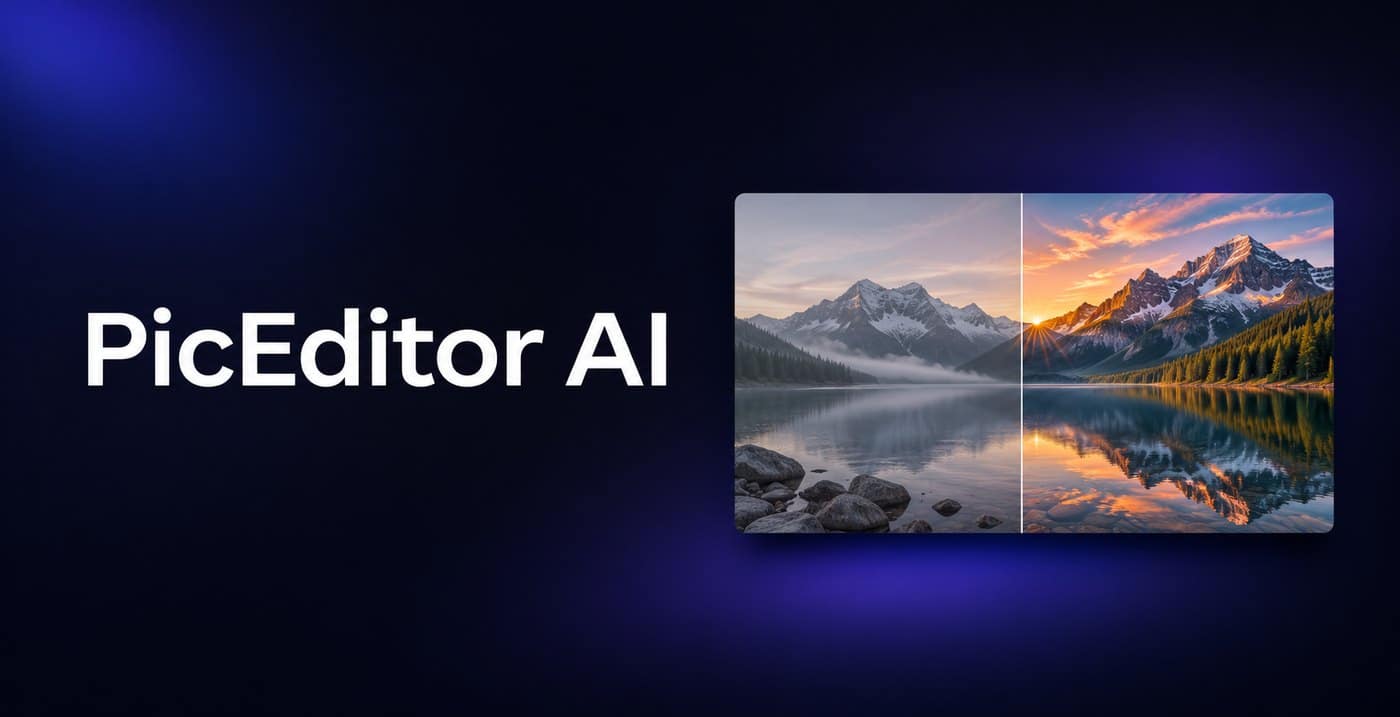
Marketing teams rarely lose an afternoon to one difficult retouch. They lose it paying for heavy desktop seats just to clean webinar headshots, fix case-study color casts, or swap banner backgrounds before launch, which is why PicEditor moves routine campaign edits into one fast browser tab without local installs or manual masking.
Desktop Suites Add Friction To Routine Campaign Edits
Desktop retouching suites are built for layered compositing and print pre-press, so they force simple marketing tasks through a slow setup loop. Opening a multi-gigabyte application, downloading raw assets from a shared drive, building adjustment masks, and exporting separate web sizes creates friction that compounds across dozens of client deliverables every week.
That friction rarely shows up on an invoice as a line item, because agencies absorb it as internal turnaround time. A paid-social specialist waiting for a designer to remove a distracting coffee cup from a founder portrait delays an entire ad split test. When the team tries to bypass the bottleneck with free single-purpose web tools, they end up with inconsistent output quality, random watermarks, and five separate logins that nobody tracks when a contractor leaves.
For recurring digital marketing work, the real bottleneck is rarely artistic complexity. It is the gap between spotting a minor visual flaw in a campaign deck and exporting a clean, watermark-free file ready for publication. A social media coordinator who spends twenty minutes hunting down an original layered file, waiting for a colleague to export a resized PNG, and re-uploading it to a scheduler loses momentum on five other deliverables waiting in the same afternoon queue.
Multiply that small delay across six active client retainers, and the hidden labor cost quickly outweighs the subscription price of the software itself. Most marketing teams do not need another creative suite with two hundred brush settings. They need a fast, predictable way to clean everyday visual assets without pulling a senior designer off high-value brand work.
Comparing Browser Workspaces And Desktop Licenses On Marketing Tasks
Evaluating an online workspace against an installed desktop suite requires looking at total operational cost rather than raw feature counts. A consultant auditing visual workflows should weigh onboarding speed, licensing flexibility, watermark policy, and how well one interface covers everyday marketing deliverables without forcing extra subscriptions.
| Evaluation Factor | Browser Workspace (PicEditor) | Traditional Desktop Retouching Suite |
|---|---|---|
| Setup And Access | Runs in the browser; accepts JPEG, PNG, or WEBP up to 30 MB | Requires local installation, updates, and hardware resources |
| Everyday Marketing Tasks | Background removal, object erasure, color correction, and text edits in one library | Full manual layer control; simple tasks require multiple steps or plugins |
| Billing And Rollover | Starter at $8.3/month or Pro at $25/month; cancel anytime; unused credits roll over | Fixed annual per-seat commitment regardless of monthly volume |
| Commercial Readiness | Paid plans export with no watermark | No watermark, but tied to active per-seat license |
| Best Operational Fit | Fast ad creative cleanup, headshots, and non-designer campaign updates | Complex multi-layer print layouts, custom typography, and RAW color grading |
This comparison highlights why many agencies end up running a hybrid stack instead of replacing every desktop seat overnight. Heavy brand designers keep their local suites for flagship key visuals, while strategists, content marketers, and social leads handle fast turnarounds inside a browser photo editor that removes the wait for design tickets.
Billing Flexibility And Credit Rollover For Seasonal Agencies
Agency production volume swings sharply between product launches, seasonal promotions, and quieter retention months. Fixed per-seat desktop contracts charge the exact same fee during a slow month as they do during a major campaign push. Under PicEditor's published plans, Starter sits at $8.3 per month and Pro at $25 per month, both with cancel-anytime flexibility and rollover for unused credits. When a client pauses paid ads for three weeks, the remaining credits do not vanish at the end of the billing cycle.
That rollover structure changes how an account director budgets for visual assets. Instead of hoarding unused desktop licenses "just in case" a client sends last-minute event photos, the team can maintain a lean browser plan and draw from accumulated credits when a landing-page refresh hits the schedule.
Commercial Cleanliness Without Scattered Single-Purpose Subscriptions
Free online utilities often look tempting during an urgent deadline until a campaign manager notices a faint corner watermark or a compressed export that breaks on retina displays. Paid plans on PicEditor include no watermark on exports, which protects brand standards across paid LinkedIn ads, email headers, and blog hero images. Consolidating tasks inside one Tools library, covering background removal, object erasure, AI Auto Color Correction, Edit Text in Image, and an AI LinkedIn Photo Generator, also eliminates the shadow-IT habit of expensing four different micro-tools on personal company cards.
Want AI doing the heavy lifting in your marketing?
I build the systems that handle the boring 80 percent, so you get your week back. Done properly, with the human kept in.
Where A Browser Workflow Replaces Design Tickets Directly
PicEditor operates as an all-in-one browser editing workspace where marketers upload a JPEG, PNG, or WEBP file up to 30 MB and route it directly to focused cleanup tools without building manual layer masks. That architecture pays off most on repeatable marketing chores that normally clog a creative team's intake queue.
Consider three everyday scenarios that show up in almost every digital marketing retainer:
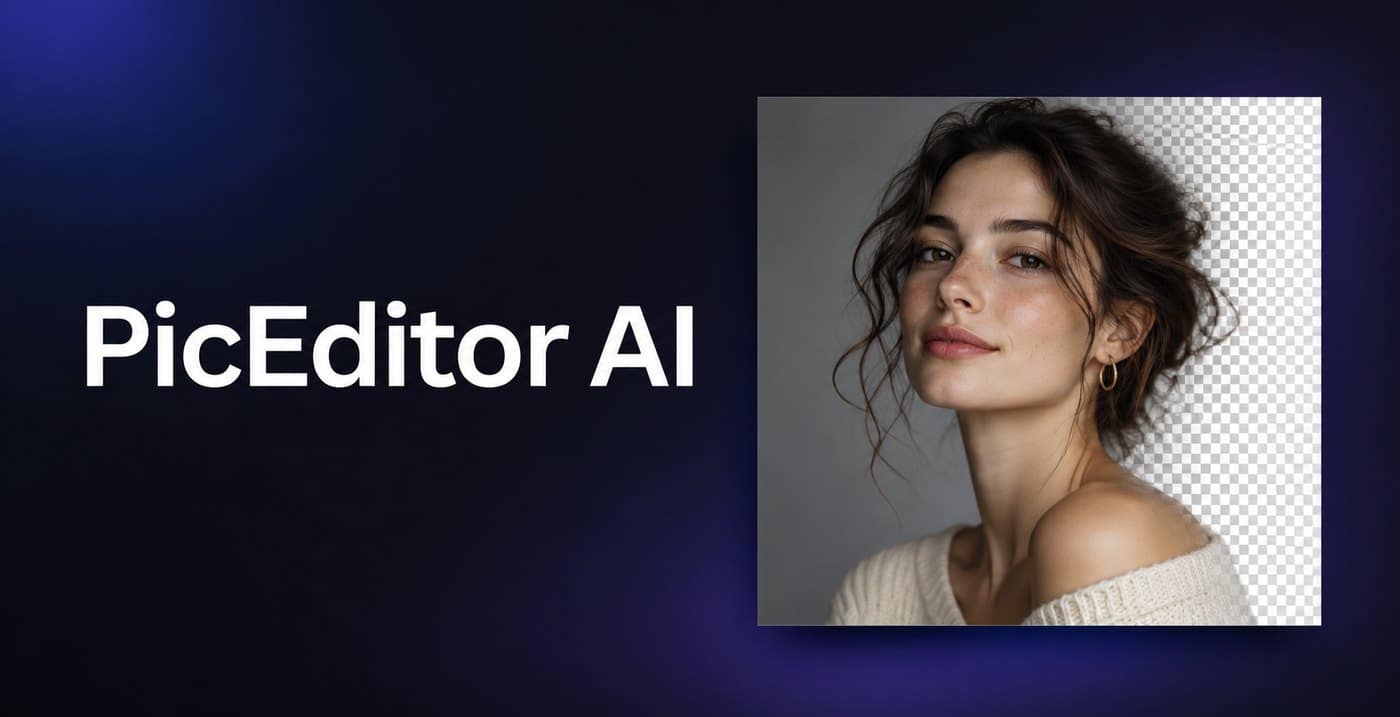
- Executive and speaker headshots: A guest webinar banner arrives with mismatched office lighting and a cluttered bookshelf behind the speaker. Running AI Auto Color Correction and background removal turns an inconsistent webcam or phone shot into a cohesive profile asset.
- Localization and offer updates on static creatives: A seasonal promo banner needs a date or headline tweak, and the original layered source file is missing. Using Edit Text in Image inside the Design Tool row lets the campaign owner update the copy directly rather than rebuilding the layout from scratch.
- Product and case-study photography: Client-supplied photos often include stray cables, exit signs, or harsh shadows. Quick object erasure cleans the distracting element so the visual can move straight into a landing page or newsletter draft.
Quality Checks Before Publishing Client Assets
Speed only helps a marketing team when the exported asset passes client review on the first try. Before uploading an edited visual to an ad manager or CMS, check three concrete failure points at full display size: hair and shoulder edges after a background cutout, lettering alignment after an in-image text edit, and skin tone consistency after color correction. If a hair edge looks jagged against a dark landing-page header or a swapped numeral sits slightly off-baseline, discard that pass and rerun with a cleaner source photo rather than shipping an obvious patch.
Teams should also check how compressed source files behave before starting an edit. Uploading a heavily downscaled thumbnail pulled from a messaging app leaves very little detail for any automated tool to work with. Starting from the original camera JPEG, PNG, or WEBP file, well within the 30 MB upload ceiling, prevents smeared edges and saves a second round of client revisions.
Practical Limits Of Browser Photo Editing For Agencies
A browser workspace is not a drop-in replacement for every creative department need. Print brochures that require CMYK color profiles, 16-bit RAW camera processing, or intricate multi-layer brand templates with strict Pantone rules still belong in desktop software. Teams handling sensitive pre-embargo packaging files under strict offline-only NDAs should also keep those masters on local drives rather than browser uploads.
Who Gains Most From Moving Routine Edits To The Browser
Digital marketing consultants, lean in-house content teams, and client-facing account leads gain the clearest return from shifting everyday cleanup out of heavy desktop suites. When most weekly tasks involve cleaning backgrounds, correcting color casts, refreshing static ad copy, or polishing speaker headshots, PicEditor removes software overhead while keeping costs predictable with rollover credits and watermark-free paid exports.
Full-time brand designers producing high-resolution print campaigns or complex multi-layer composites should keep their local suites as their primary station. For everyone else on the marketing calendar, keeping routine visual fixes in the browser shortens review cycles and saves dedicated design hours for work that genuinely needs manual craft.