


Twitter have recently released an update to their iOS and Android apps that allows their users to broadcast live video, just like with Facebook Live. While before you had to get a different app, Periscope, in order to do this, Twitter has now finally joined the likes of Facebook – finally! In this post, we’ll be going through the latest update for Twitter users, Twitter Live, and what it means for businesses.
There’s no denying that 2016 has been the year of video, and particularly, live streamed video. While Periscope had a huge part in starting this trend, it was Facebook’s launch of Live a little over a year ago that has really brought it to the mainstream. Facebook has been massively pushing Live this year, filling tube stations, buses and more with a plethora of advertisements. Instagram have also gone beyond Stories to add a new live video streaming feature, although only in the US for the moment. Now, Twitter are finally catching up with the trend, by allowing users to broadcast live video, without having to download and use the Periscope app.
We're making it easier for you to share what's happening in your world. Now you can #GoLive on Twitter!https://t.co/frWuHaPTFJ pic.twitter.com/Xpfpk1zWJV
— Twitter (@twitter) December 14, 2016
To be honest, this integration has been a long time coming – since Facebook and Instagram both have similar features that are extremely popular, the fact that with Twitter you had to use two different apps to create a live stream was too much of a nuisance to most users. Not to mention, Twitter is all about seeing “what’s happening now” so live broadcasting actually makes more sense on this platform than it does on Facebook.
[clickToTweet tweet="Twitter Live video streaming is here: are you ready to #GoLive? via @lilachbullock" quote="Twitter Live video streaming is here: are you ready to #GoLive? via @lilachbullock"]
How to create your first live broadcast on Twitter
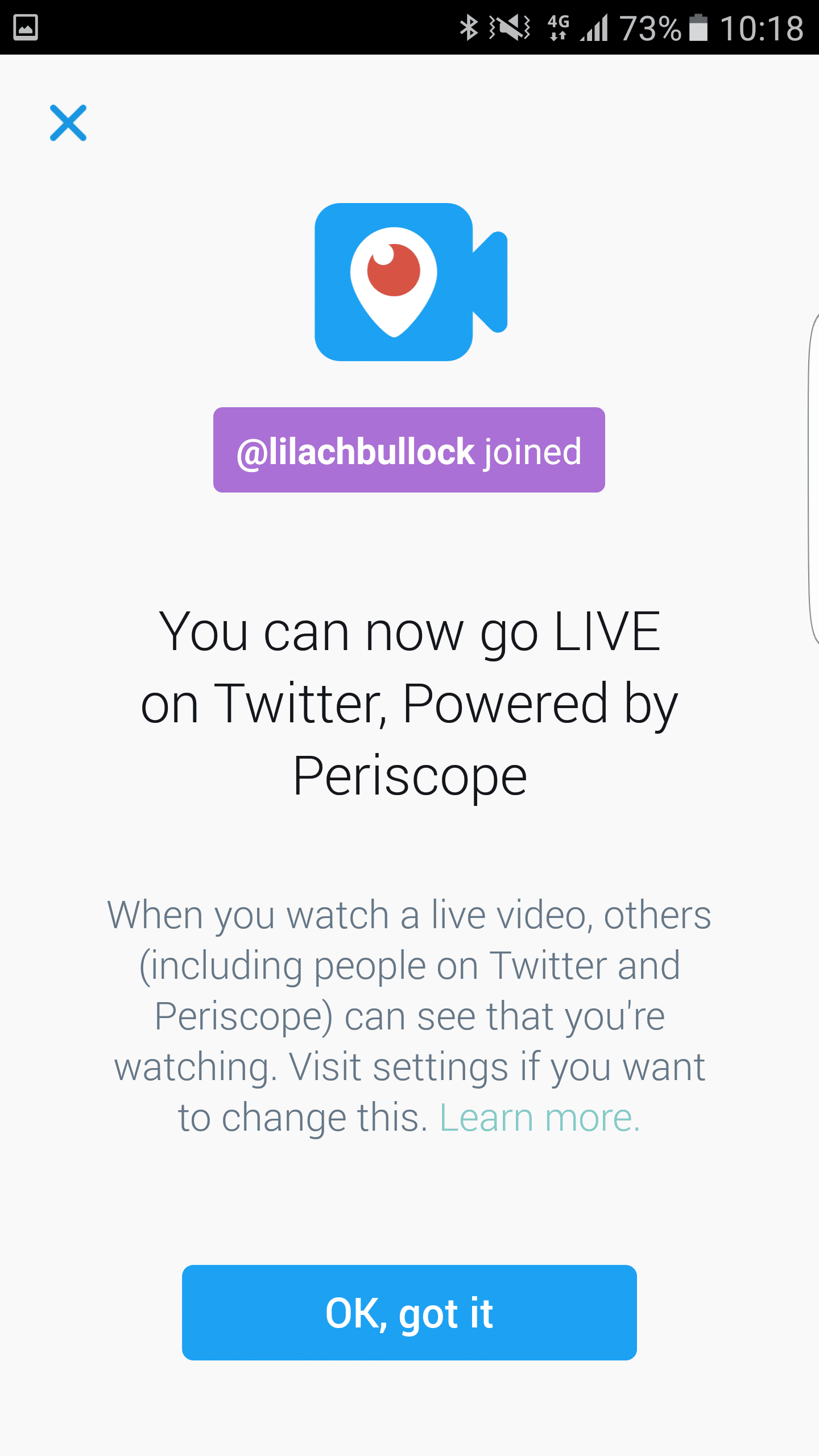
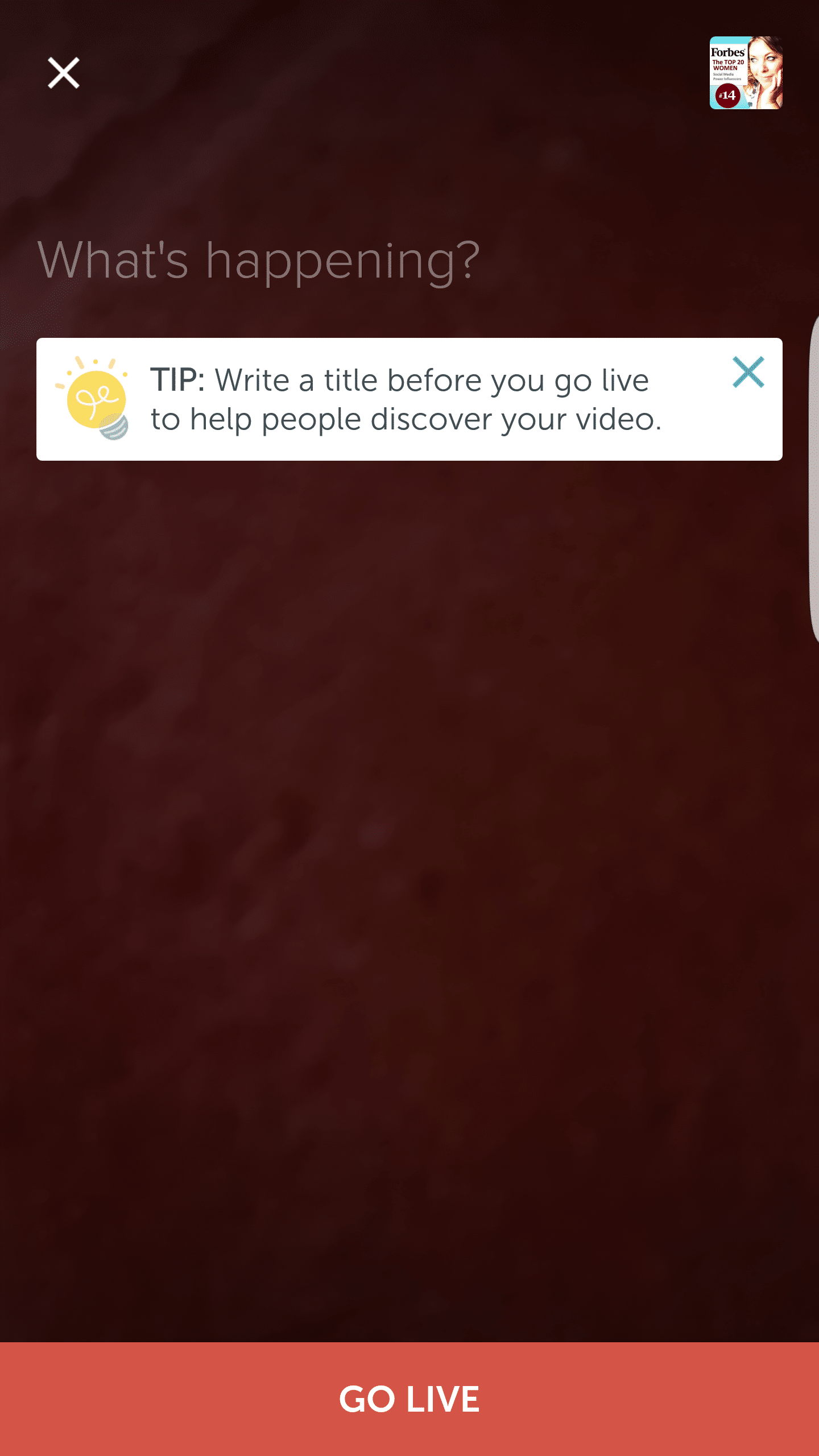
First, make sure your Twitter app is updated to the latest version, to include live broadcasting. If it is, simply go to write a tweet and then click on the Live button. From there, you will be able to frame your shot and then click on “go live” to start your broadcasting and you’re good to go.
Once your live broadcast starts, users from both Twitter and Periscope will be able to join in, as well as share, comment and like it.
Although Periscope is still continuing on, it will be interesting to see if it will actually last after this move from Twitter, or it the two apps will just be integrated in the end.
[clickToTweet tweet="What does Twitter Live mean for businesses? #GoLive via @lilachbullock " quote="What does Twitter Live mean for businesses? #GoLive via @lilachbullock "]
Can you use Twitter Live broadcasting for business?
The simple answer is – yes, you can. Just like with Facebook Live and Instagram Stories, it will become another new way of reaching out to your audience in order to hopefully boost your engagement levels.
Most likely, just like Facebook live, it’s something that you should only do every once in a while, when you have a good opportunity for an interesting live streaming. As businesses and entrepreneurs, it will be difficult to attract people’s attention to a live stream, unless it’s something truly interesting or at the very least, entertaining.
Here are a few ways in which you can use Twitter Live to promote your business and attract more engagement from your followers:
- Behind the scenes videos: you can use live streaming to give a glimpse into your businesses’ day to day operations. Actually, it might be better said that you should give a glimpse into your more interesting day to day operations. Any funny antics around the office? A fun Christmas dinner with the team where someone got just a little bit too drunk? Having the office partake in the mannequin challenge? Whatever it is, make sure it’s something that will entertain your audience and make them want to see your broadcast.
- Product unveiling: do you have a new product coming out? It could be a good idea to showcase this new product by presenting it live to your followers. Show them what it can do, what makes it great and why they should go buy it right now.
- Tutorials: you can also use live streaming to give your customers tutorials on how to use your products or even other products that you usually use. This is a much more fun way for people to learn how to use something, rather than googling and reading about it online
- Offer value: another way of using live broadcasting is by offering value to your audience with a sort of online course, in a way – only it’s on Twitter, and it’s completely live and likely over in one session (although you can definitely make it a regular thing if your audience loves it!).
- Live Q&A session: do you have anything interesting to share with your followers? Anything that they might want to know from you? With Twitter Live, you can create a Twitter Chat of sorts – only by live streaming instead of posting tweets, which can make for a more interesting session for your public.
- Interviews: interviews could also work great on Twitter Live. Who you interview is completely up to you, the only requirement, really, is that it is interesting to your audience
- Live streaming from an event: if you’re part of an event, particularly a high profile event, you can live stream the most interesting parts.
[clickToTweet tweet="What does Twitter Live mean for businesses? #GoLive via @lilachbullock " quote="What does Twitter Live mean for businesses? #GoLive via @lilachbullock "]
The idea is to try to bring as much value to the table as possible; it can be in the form of teaching your audience something useful to them, or it can take the form of entertainment. But, you need to give people a reason to join your video and participate.
What I Learned Sending My First Five Twitter Live Broadcasts (And What the Numbers Showed)
When I ran my first Twitter Live broadcast for a product launch announcement, I made the classic mistake of treating it like a polished webinar. I prepared slides, rehearsed a script, and kept the stream tight at around eight minutes. It pulled in 43 live viewers and generated almost no conversation in the comments. My second broadcast, which was a completely unscripted Q&A where I answered questions about a content strategy post I had just published, ran for 22 minutes, brought in 201 live viewers, and generated 34 direct replies to the original tweet within the hour after I finished. The difference was not the topic or the time of day. It was that Twitter Live audiences specifically reward the feeling that something unplanned might happen.
The metric most businesses ignore when they assess a Twitter Live broadcast is the replay view count, not the live viewer count. In my experience, replays consistently outperform live attendance by a ratio of roughly 3 to 1 over the 48 hours following a broadcast. This means your live stream is really a content asset that keeps working, not a one-off event. If you cut the broadcast short because only 30 people are watching live, you are making a decision based on the wrong number at the wrong moment.
One thing I tell every business client before their first broadcast is to pin a tweet with a clear single question before they go live. Something like "We are going live in 10 minutes, drop your biggest question about X below." This does two things: it seeds your comment feed so you are not staring at silence when you start, and it signals to the Twitter algorithm that engagement around your account is building, which nudges the broadcast into more people's notifications. On average, clients who do this arrive at the 60-second mark of their live stream with at least 8 to 12 comments already waiting, which makes the broadcast feel active to anyone who joins late.
The honest opinion most articles will not give you is this: Twitter Live currently suits businesses whose audiences are already moderately engaged on Twitter. If your account sits below 2,000 followers with low regular engagement, the live format will feel demoralising because the viewer count will be very low regardless of your content quality. In that situation, I would suggest using Twitter Live first as a cross-promotion tool, announcing the stream on LinkedIn or in an email list to drive an external audience in, rather than relying on organic Twitter discovery to do the work for you.
Want AI doing the heavy lifting in your marketing?
I build the systems that handle the boring 80 percent, so you get your week back. Done properly, with the human kept in.
Finally, the production standard question comes up constantly, and my answer is always the same: a decent external microphone matters far more than a camera upgrade. I tested this directly by broadcasting once with a laptop webcam and a USB condenser microphone versus broadcasting with a good camera and the built-in laptop mic. The version with better audio held viewers for an average of 11 minutes; the better-camera version held them for 6 minutes. Twitter Live audiences will forgive a slightly blurry picture. They will click away from poor audio within 90 seconds every single time.
Conclusion
The live broadcasting feature has been a long time coming – are you exited by it? Are you planning to use it for your business in 2017? What other ways can you think of to use Twitter live streaming videos? Leave your comments below and please share ?
Related: how to make money on Instagram with 1k followers
The short version: Twitter Live Video gives businesses a direct, real-time channel to connect with their audience in a raw and immediate way. Brands that use it consistently to broadcast product launches, Q&As, and behind-the-scenes moments can build trust and grow engagement faster than with pre-recorded content. The opportunity is significant, but only for businesses willing to show up authentically and interact with viewers in the moment.
Frequently asked questions
What is Twitter Live Video and how does it work for businesses?
Twitter Live Video, powered by Periscope technology, lets businesses broadcast live streams directly from their Twitter account. Viewers can watch, comment, and send hearts in real time, making it a two-way experience that standard tweets simply cannot match. Businesses can go live from a mobile device in seconds, which keeps the barrier to entry low.
What kinds of content work best for businesses on Twitter Live Video?
Product launches, live Q&A sessions, event coverage, interviews, and behind-the-scenes tours all tend to perform well. The key is choosing content that benefits from being live rather than polished, since audiences tune in precisely because they want something unscripted and immediate.
How can businesses measure the success of their Twitter Live Video broadcasts?
Metrics to watch include peak concurrent viewers, total replay views, comments, shares, and new followers gained during or after a broadcast. Tracking these numbers across multiple streams will show you which topics and formats resonate most with your specific audience.
Is Twitter Live Video suitable for small businesses with limited resources?
Yes, and in many ways it favors smaller businesses because authenticity matters more than production value. A smartphone, good lighting, and a clear topic are all you need to get started. Small businesses can compete with larger brands by being more personal and responsive during their broadcasts.
Related reading: How Do You Get an Instagram Screenshot Notification for Stories in 2026.
One underused tactic worth adding: curate a Twitter Moment, which groups related tweets into a single curated highlight your audience can browse in one place.
Related reading: How to Prepare for an Interview When You Have No Experience.
Related reading: How Do You Record Your Screen on an Android Phone for Free.
Related reading: How to Use Twitter Moments to Group Your Best Tweets (Even Though the Fe.
Related reading: How to Pin Multiple Tweets to Showcase Your Brand (When X Only Lets You .
Related reading: How to Download Your Instagram Stories to Keep Them for Later.

