


Pinterest tools fall into three jobs: scheduling pins so you post daily without being there, designing pin graphics quickly, and tracking which pins send traffic. Most businesses need one scheduler and one design tool, nothing more. Pinterest rewards steady fresh pins over clever automation, so choose the tool that makes publishing daily realistic.
Are you using Pinterest to help market your business? It’s been a while since I’ve covered anything Pinterest on the blog, even though it’s probably one of my favourite social networks. So, if you want to get better results and save time with your social media marketing, read on this blog post for 10 Pintastic Pinterest tools to help grow your business.
Pinterest tools for management, dashboards and automation
1. IFTTT
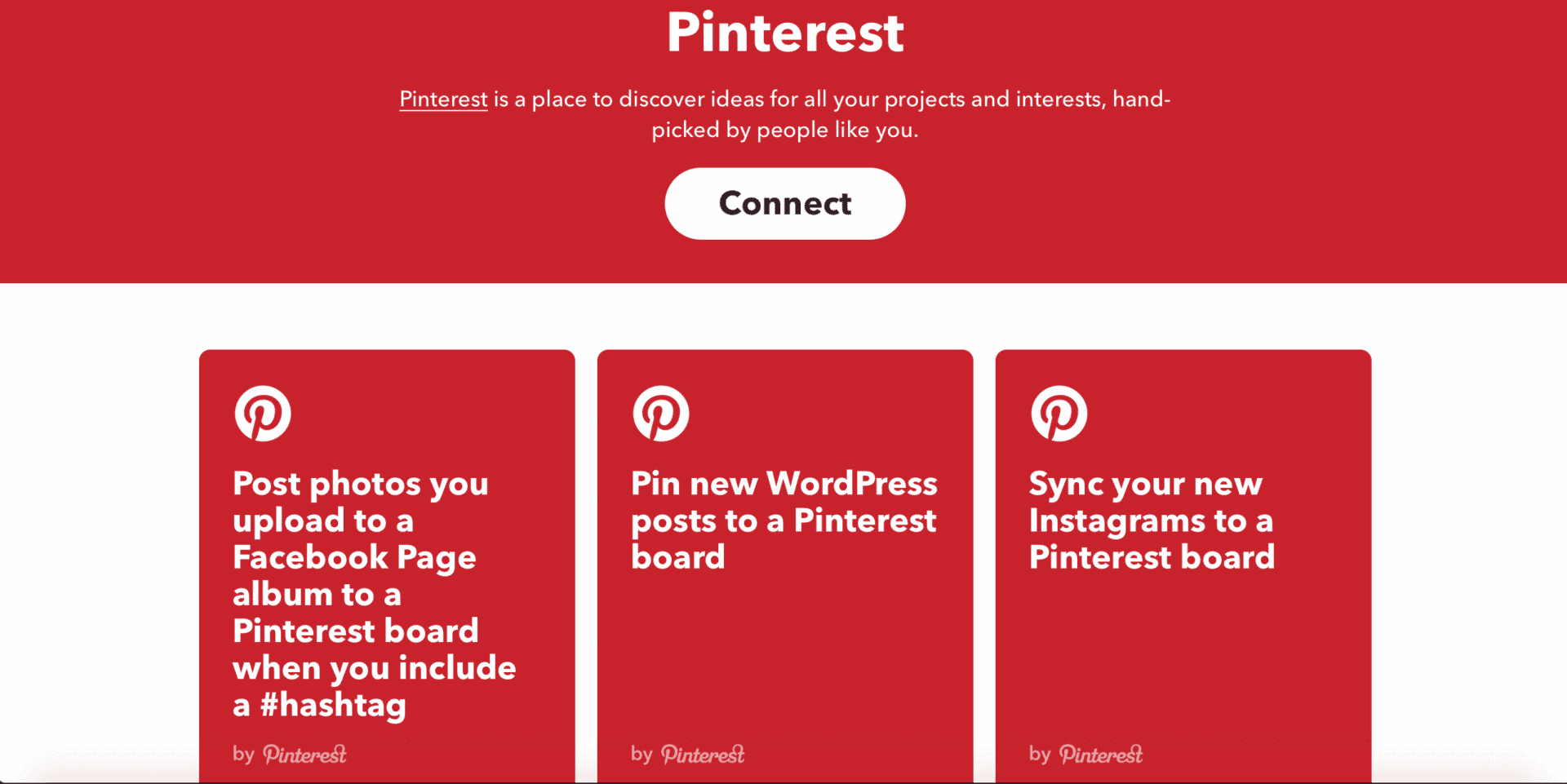
If this, then that aka IFTTT is a very cool time saving, productivity tool that helps you automate various aspect of your digital life: from tools to mute your phone when you get to work to automations for changing your phone’s wallpaper with the latest NASA photos, there’s a little something for everyone. Honestly, once you start browsing through all the different applets available, it can get a bit difficult to stop!
IFTTT also have automation features for all major social networks, including Pinterest. I would recommend exploring through all the different IFTTT Pinterest applets, as there is a plethora of them. For example, you can automatically send out a tweet or a Facebook post whenever you post a new Pin, or you could make it so all of your new Instagram uploads are automatically synced to one of your Pinterest boards.
It’s little features and automations like this that might not seem like much at first glance, but would actually save you quite a bit of time every day, especially if you’re an avid social media user.
[clickToTweet tweet="10 Pintastic tools to grow your #business @IFTTT via @lilachbullock #Pinterest" quote="10 Pintastic tools to grow your #business @IFTTT via @lilachbullock #Pinterest"]
2. Tailwind
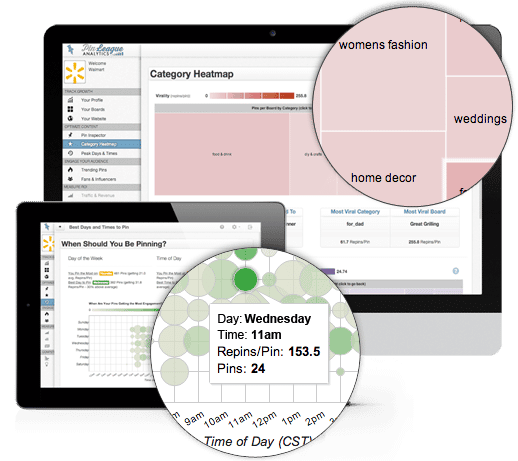
Tailwind is a tool designed specifically for the two top visual social networks – Pinterest and Instagram.
So, if you use Pinterest a lot for your social media marketing, you would definitely benefit from using Tailwind. For one, it allows you to schedule Pins, as well as to upload images in bulk and you can also use their browser extension to easily create multiple posts directly within the website you’re visiting. Their content optimisation features help you post more efficiently, at the best possible times and there is a ‘suggested content’ feature, where you get suggestions of the best visual content that you could share, based on what you’re already sharing, so that you can be consistent in your marketing.
There is also a monitoring tool for tracking conversations and to help you find the most amazing content to share, and in-depth analytics to help measure your Pinterest (and Instagram) success.
[clickToTweet tweet="10 Pintastic tools to grow your #business @tailwindapp via @lilachbullock #Pinterest" quote="10 Pintastic tools to grow your #business @tailwindapp via @lilachbullock #Pinterest"]
3. ViralTag
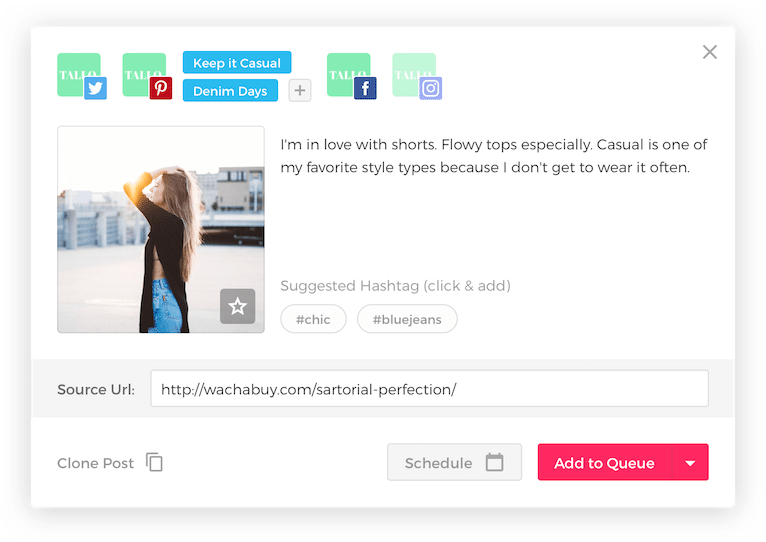
ViralTag is a social media dashboard designed to help you with all your visual content marketing needs. It works with most major social networks, namely, Pinterest, Instagram, Twitter, Facebook, Tumblr and LinkedIn and it allows you to manage multiple networks and profiles from the same dashboard.
You can use ViralTag to bulk upload, edit and schedule updates, to find beautiful visual content to share with your audience, to automatically recycle your best, evergreen content and to check your social media analytics.
There’s also a Chrome extension available to pick and Pin images easily from whatever website you wish, and a shared editorial calendar to help you easily collaborate with your other team members.
[clickToTweet tweet="10 Pintastic tools to grow your #business @viraltag via @lilachbullock #Pinterest" quote="10 Pintastic tools to grow your #business @viraltag via @lilachbullock #Pinterest"]
4. ViralWoot
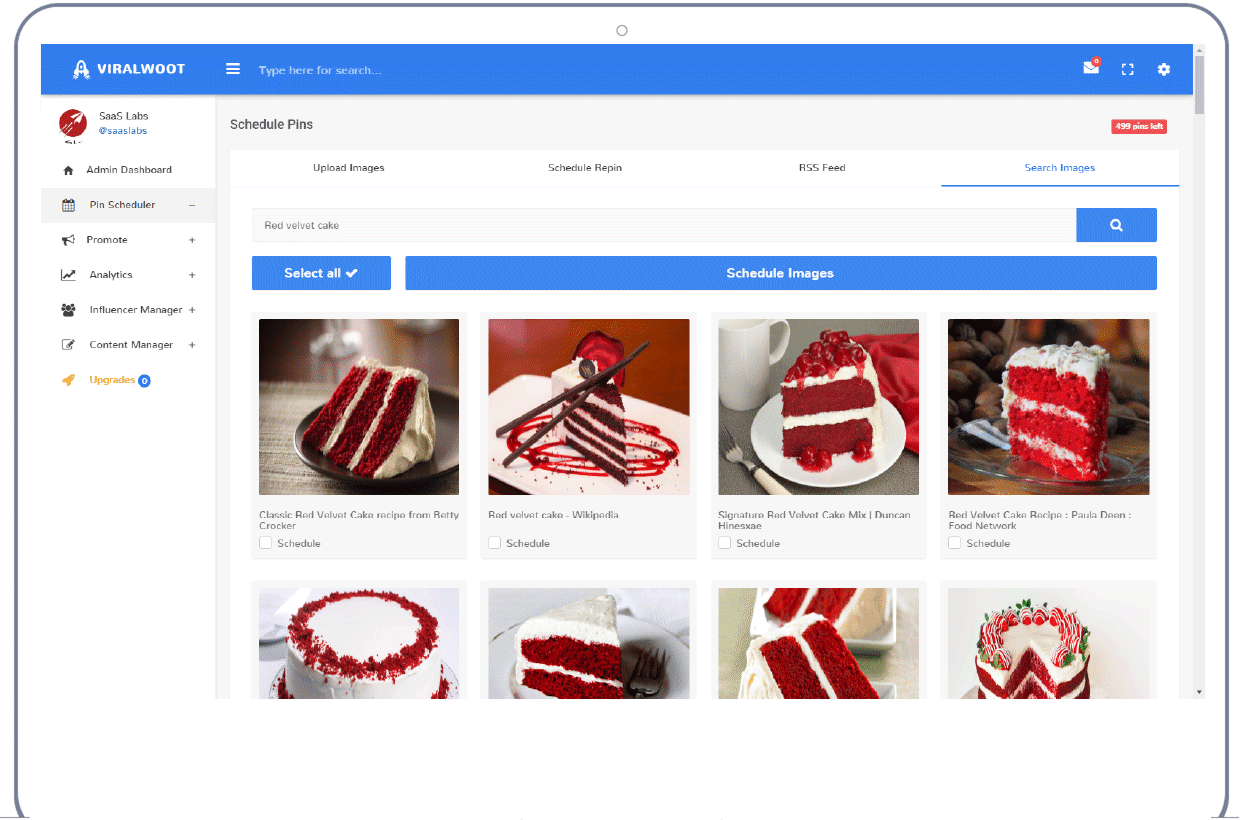
ViralWoot is another social media management tools, only designed with Pinterest only in mind.
You can use it to schedule multiple Pins at the same time and to schedule Pins from around the web, with the ViralWoot free Chrome extension. There are also some useful tools for promoting your Pins more efficiently, extensive Pinterest analytics, for social influencer management and much more.
Oh, and there’s ViralWoot iPhone app as well, to use while on the go.
[clickToTweet tweet="10 Pintastic tools to grow your #business @viralwoot via @lilachbullock #Pinterest" quote="10 Pintastic tools to grow your #business @viralwoot via @lilachbullock #Pinterest"]
5. PinGroupie
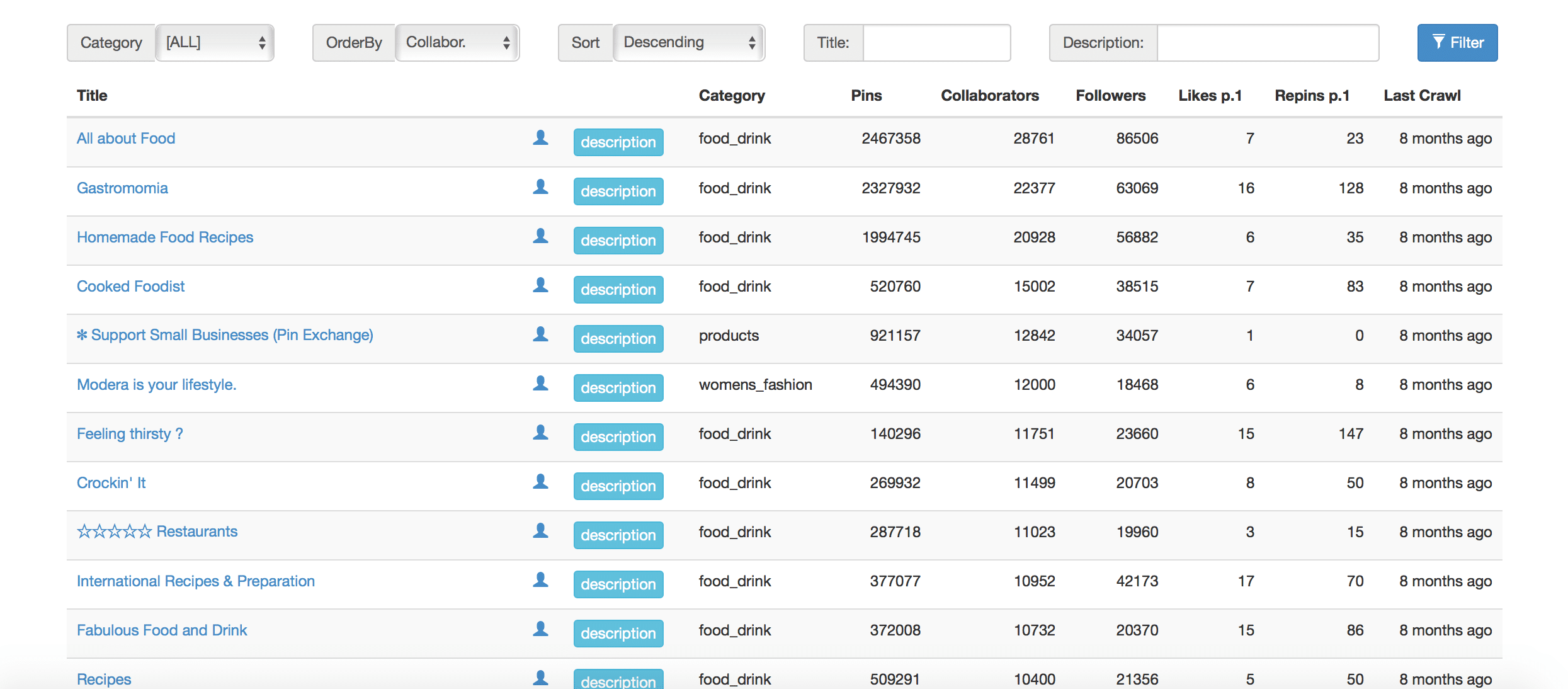
Not sure where all the action is happening on Pinterest? Who’s sharing the best content and where? PinGroupie is a tool for discovering, the best, most active and most popular boards in any given category, so that you can join in and boost your engagement.
Browse through the different categories and then order your results based on number of followers, likes, repins, pins or collaborators to discover the best ones – and then start engaging!
[clickToTweet tweet="10 Pintastic tools to grow your #business @pingroupie via @lilachbullock #Pinterest" quote="10 Pintastic tools to grow your #business @pingroupie via @lilachbullock #Pinterest"]
6. Pinvolve

Are you finding that you’re losing a lot of time reposting photos and updates to various different social networks and profiles?
With Pinvolve, you can automatically add all of your Pinterest Pins, Instagram photos and Facebook posts to your Facebook Page, in beautiful formats. Pinvolve can also convert your Facebook posts to Pins, which not only look better, but they allow your fans to easily share your photos to Pinterest, Twitter and their own Facebook.
With Pinvolve Pro, you can also automatically post any Pinterest Pins to your Facebook Page and, coming soon, you will be able to embed Pinvolve to your blog or your website.
[clickToTweet tweet="10 Pintastic tools to grow your #business @pinvolvelove via @lilachbullock #Pinterest" quote="10 Pintastic tools to grow your #business @pinvolvelove via @lilachbullock #Pinterest"]
Pinterest Content – find, edit and create awesome content to share on Pinterest
7. Canva
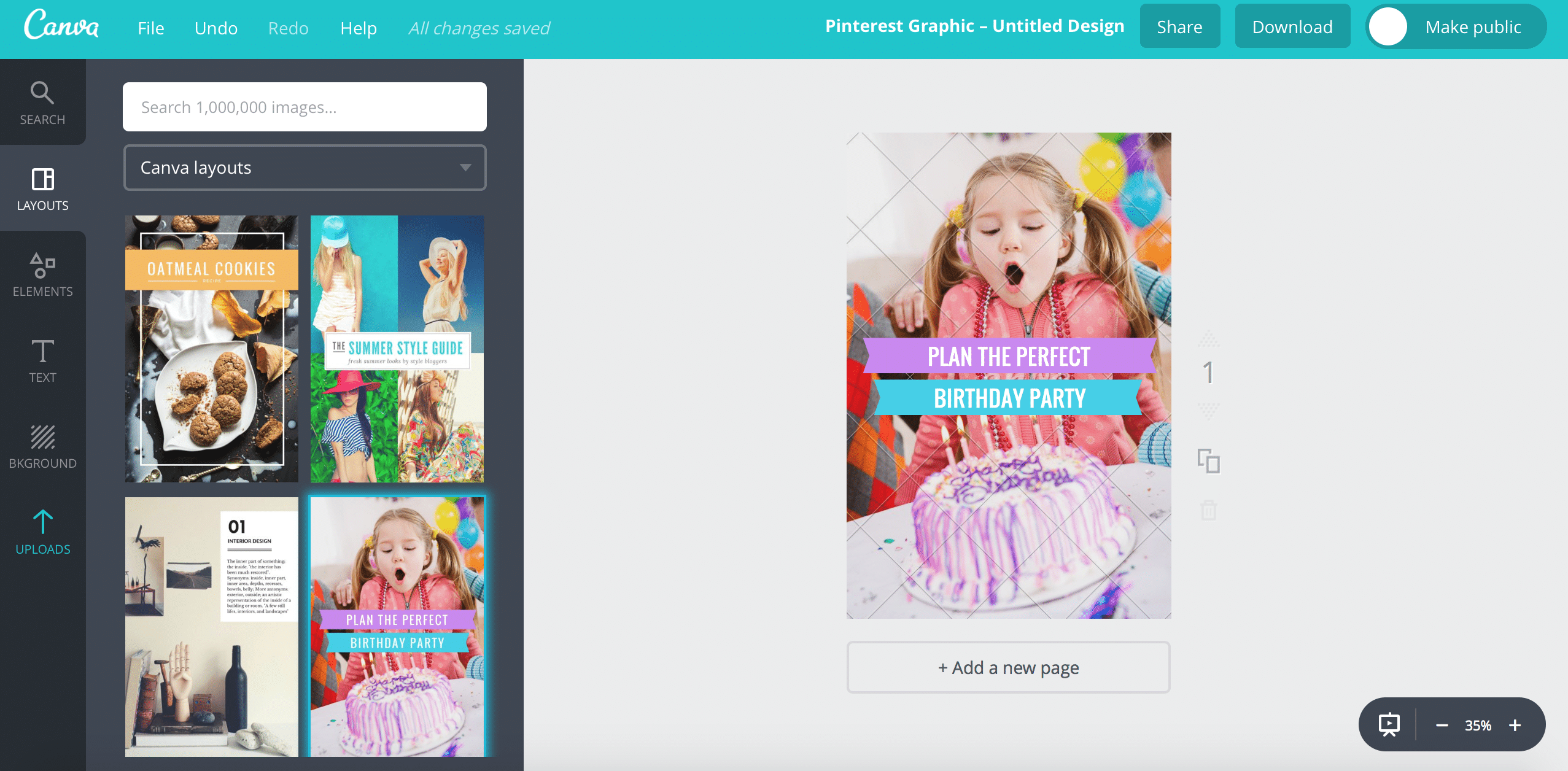
Canva is probably my favourite image creator – it’s easy to use, even as a beginner, they have awesome templates for all kinds of posts (flyers, presentations, posts for each major social network, ebooks, infographics and much, much more!) and they have lots of amazing imagery, including photos, animations and icons, that you can use for free or for $1.
Want AI doing the heavy lifting in your marketing?
I build the systems that handle the boring 80 percent, so you get your week back. Done properly, with the human kept in.
To create a Pinterest image, go to Create A Design, click on Pinterest Graphic, and start designing beautiful images with the help of beautiful pre-made templates, to share with all your Pinterest fans and friends. All images are designed to be the perfect fit for Pinterest so you can share them with confidence.
[clickToTweet tweet="10 Pintastic tools to grow your #business @canva via @lilachbullock #Pinterest" quote="10 Pintastic tools to grow your #business @canva via @lilachbullock #Pinterest"]
One more that comes up often: Does Pinterest have a pin limit?
8. PicMonkey

PicMonkey is an awesome online photo editor that’s not only extremely easy to use as a beginner, but it also offers a host of cool photo filters, effects, clip art, picture frames and much more to help you take your photos to the next level.
You can add text to your images, such as interesting, compelling quotes, and you can also easily create beautiful collages to share with your audience.
But the best part about PicMonkey is that it helps you turn a good picture into an amazing one that will get you more repins and likes.
[clickToTweet tweet="10 Pintastic tools to grow your #business @picmonkey via @lilachbullock #Pinterest" quote="10 Pintastic tools to grow your #business @picmonkey via @lilachbullock #Pinterest"]
Next on the reading list: how Pinterest traffic turns into sales for small brands.
9. Pixlr

Pixlr is another top online photo editing tool that can help you turn your images into works of art. You can use the Pixlr desktop tools, web apps and mobile apps – so there’s something for every device.
There are all kinds of cool features, such as fun retro effects, over 100 other types of effects and hundreds of borders and overlays.
You can also edit and refine your images and add stickers – everything you need to create Pintastic images, quickly, and with no design knowledge to speak of!
[clickToTweet tweet="10 Pintastic tools to grow your #business @pixlr via @lilachbullock #Pinterest" quote="10 Pintastic tools to grow your #business @pixlr via @lilachbullock #Pinterest"]
If you want choices side by side, try Pinterest alternatives.
10. Unsplash
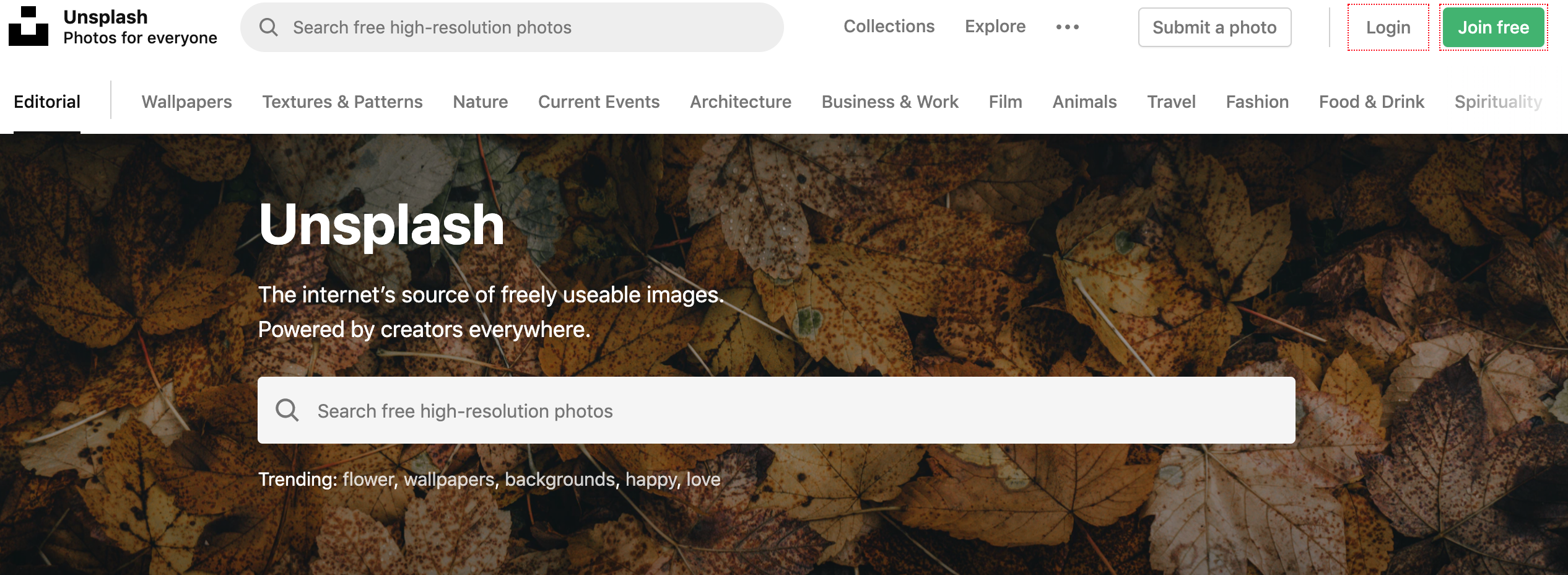
Last but not least, I wanted to share my favourite source of free imagery: Unsplash.
It's completely free to use and you'll find some really beautiful pictures in pretty much any category you can think of - just use the search bar to find high-resolution photos. Then, use one of the graphic design tools listed earlier to help you turn that photo from great to amazing.
[clickToTweet tweet="10 Pintastic tools to grow your #business via @lilachbullock #Pinterest" quote="10 Pintastic tools to grow your #business via @lilachbullock #Pinterest"]
When you're ready to share your expertise, check growth marketing sites that take guest posts.
Conclusion: the best Pinterest tools
Are you using Pinterest marketing for your business? And if so, what are the top tools that you are using to help and which are your favourites?
Let me know in your comments and please share:)
Related: how to make money on Instagram with 1k followers
The short version: Pinterest is a visual search engine that drives qualified traffic to your website, making it essential for businesses selling products or services. The right tools can help you schedule pins, analyze performance, and grow your audience without spending hours on the platform daily.
For scheduling pins, see Pinterest schedulers you could use instead of Tailwind.
Frequently asked questions
Is Pinterest worth the effort for my business?
Yes, Pinterest drives high-intent traffic because users are actively searching for ideas and solutions. Unlike social media platforms focused on entertainment, Pinterest users are in a buying mindset, making it ideal for e-commerce, services, and content-driven businesses.
What makes Pinterest tools different from general social media management platforms?
Pinterest-specific tools are designed around how the platform works, including pinning to multiple boards, long content lifespan, and visual search algorithms. They help you repurpose content across pins and schedule strategically since Pinterest rewards consistency over months, not days.
How much time should I spend on Pinterest daily?
With the right tools, 20-30 minutes of strategic activity daily is sufficient. Scheduling pins in advance and using analytics to understand what resonates means you can maintain a strong presence without constant manual effort.
Can these tools help me understand what content performs best?
Absolutely. Analytics tools show you which pins get saves, clicks, and impressions, helping you identify trends in your audience's preferences and refine your content strategy based on real data rather than guessing.


