The productivity tools worth paying for in 2026 fall into four jobs: capturing tasks, protecting deep work time, automating repeat admin, and an AI assistant that drafts the first version. Pick one tool per job and stop there. Most people lose more time trialling new apps than any app ever gives back.
The right productivity tools genuinely increase how much you can ship per week, and the wrong ones turn into procrastination disguised as work. In 2026, with AI assistants now central to most knowledge work, the productivity-tool landscape has shifted significantly. This guide covers the best productivity tools in 2026 that actually help you generate more income: deep-work apps, AI assistants, automation tools, calendar systems, and the small set of tools most high-output operators actually use.
In the past I’ve been guilty of procrastinating –I think a lot of entrepreneurs are creative species and if you’re anything like me who loves coming up with ideas and thrashing them out… yet when it comes to actually implementing and taking action… let’s just say that’s often the tricky part!
But there is a simple way to become more productive and implement the tasks that will give you a financial return on your time. Afterall ideas are great but if you’re not taking action then you’re not getting the results you deserve.
It all boils down to how productive you are. Each and every day. I’m using a system which I implement daily that I learned from my good friend and mentor Kim Roach.
It’s called a productivity pyramid. All your tasks are split into 3 tiers:
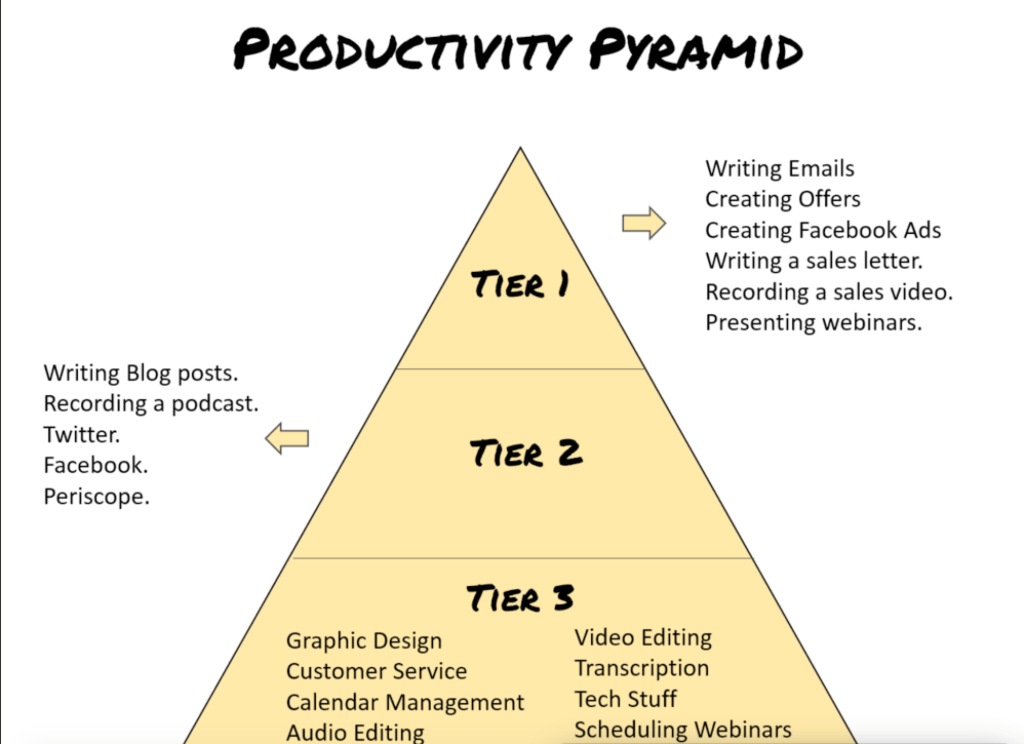
Tier 1 is where your most important tasks are. What gives you the highest revenue. This is where you should be spending 90% OF YOUR TIME. So for example, writing emails to your subscribers, managing and setting up ads, creating offers, recording a sales video, presenting a webinar etc.
Tier 2 are tasks such as writing blog posts, recording a podcast, social media networks, forums etc.
Tier 3 would be your admin type stuff, customer support, editing videos/audios, tech stuff, scheduling webinars etc.
In the past I’ve always focused the majority of my time on Tier 2. But since implementing this new system my results and revenue are increasing dramatically.
To help me make things more realistic and achievable I choose 1-3 tasks from tier 1 each and every day, depending on the time I have. I’m also using the pomodoro technique, which is a time management system developed by Francesco Cirillo in the late 1980s. The method uses a timer to break down work into intervals, usually 25 minutes long, separated by short breaks.
PRODUCTIVITY TOOLS
[bctt tweet="The best #tools to boost #productivity & generate more #revenue" username="lilachbullock"] Focus Booster Focus Booster is a fantastic app that works on the pomodoro technique. It helps you block out distractions and focus on the job in hand! Its great to see where you’re spending your time too so you can improve your productivity long term and create better work habits.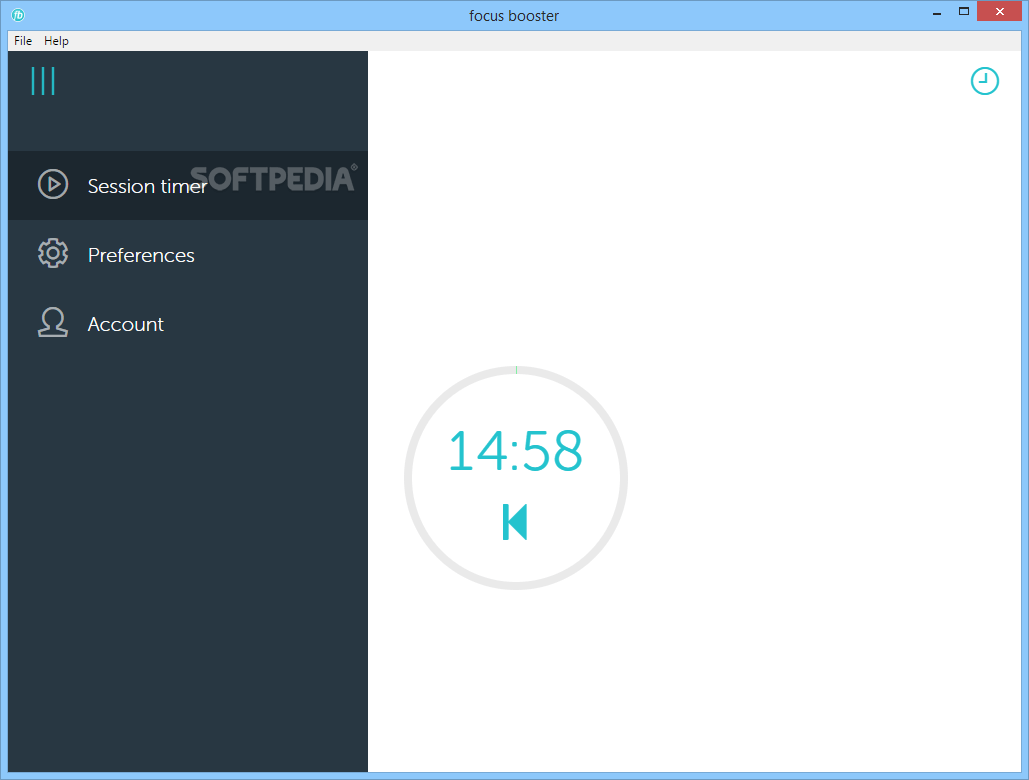 RescueTime
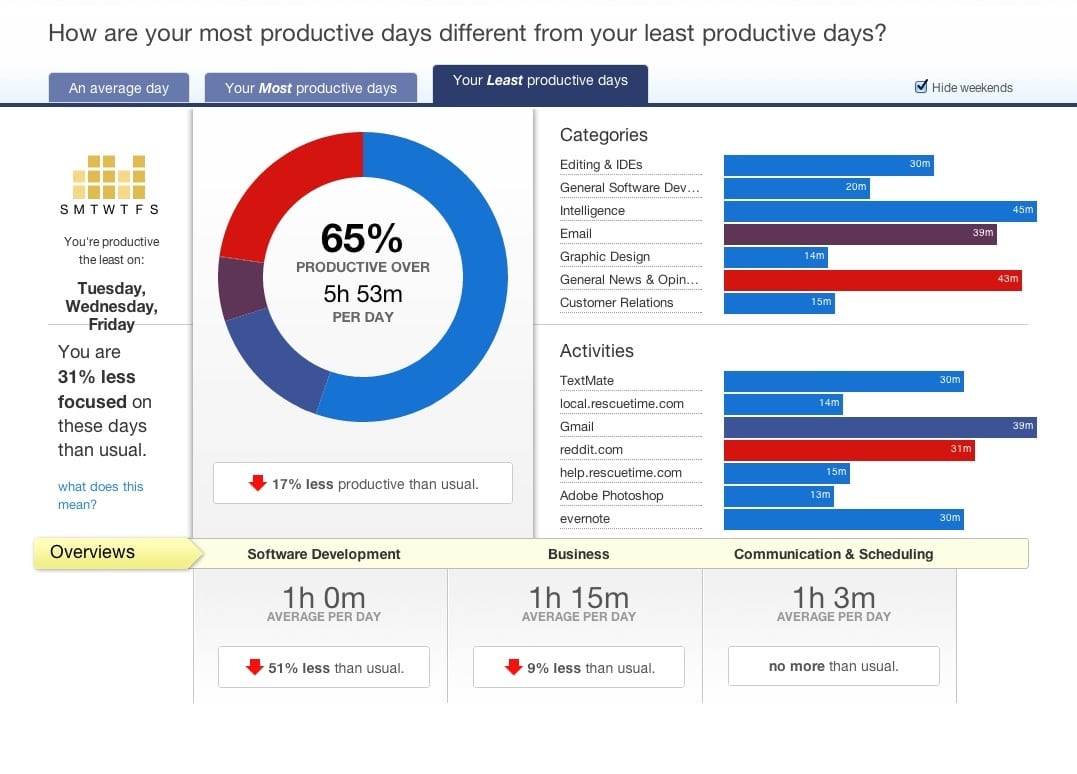
 sits quietly in the background and records your time. It works out exactly how much time is spent on emails, social media, meetings etc. You can also block out time. Very useful to see what time of the day you’re most productive and when the old procrastination starts to kick in!
RescueTime
RescueTime sits quietly in the background and records your time. It works out exactly how much time is spent on emails, social media, meetings etc. You can also block out time. Very useful to see what time of the day you’re most productive and when the old procrastination starts to kick in!
 StayFocusd
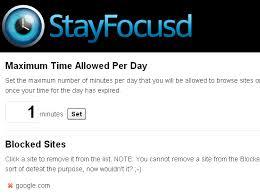
 is a Google Chome extension that lets you block certain sites from your browser. So if you’re a slave to notification messages this turns them all off! You can choose how many, which ones and for how long giving you complete control of how focused you really want to be!
StayFocusd
StayFocusd is a Google Chome extension that lets you block certain sites from your browser. So if you’re a slave to notification messages this turns them all off! You can choose how many, which ones and for how long giving you complete control of how focused you really want to be!
 TopTracker
 has been designed specifically for freelancers to enable them to easily track their time, productivity and performance. It’s also completely free (with no upsells!)
TopTracker
TopTracker has been designed specifically for freelancers to enable them to easily track their time, productivity and performance. It’s also completely free (with no upsells!)
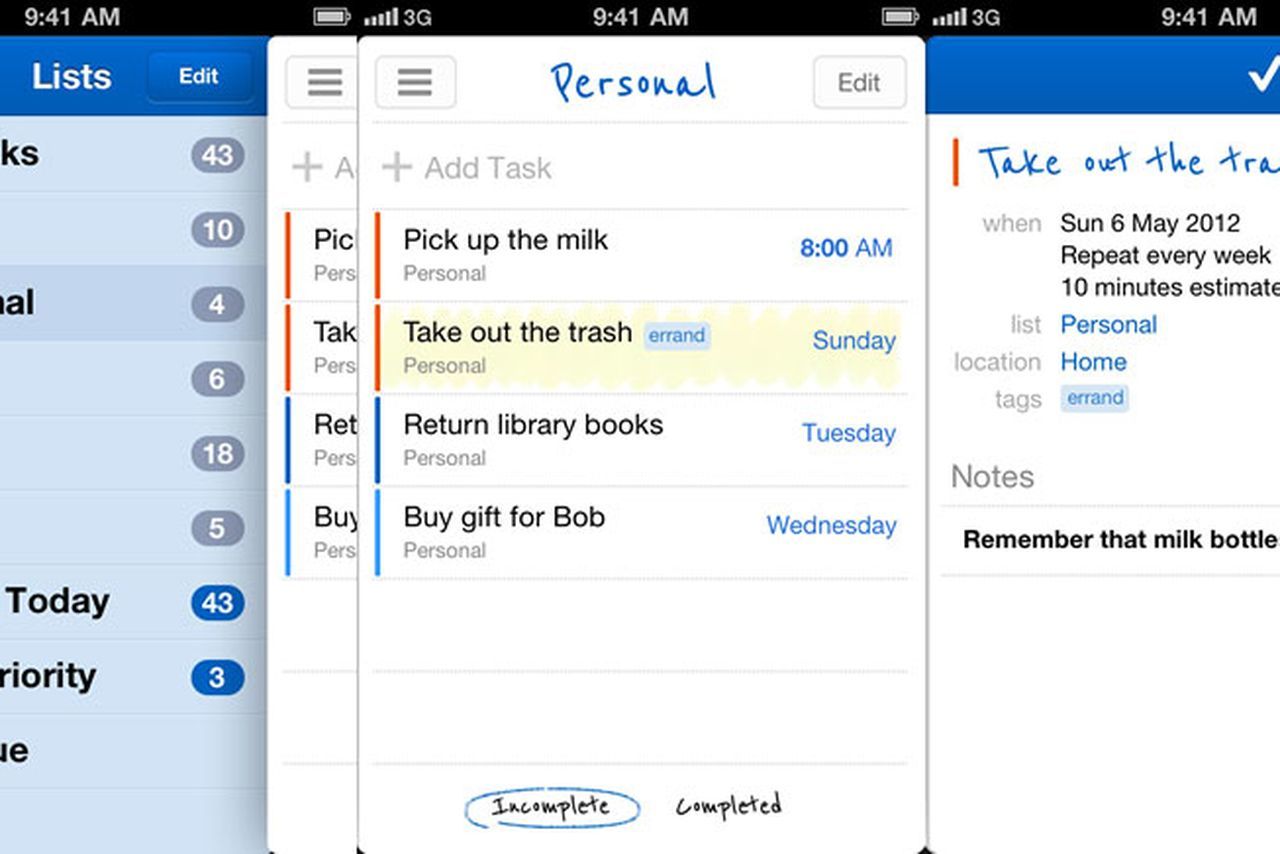
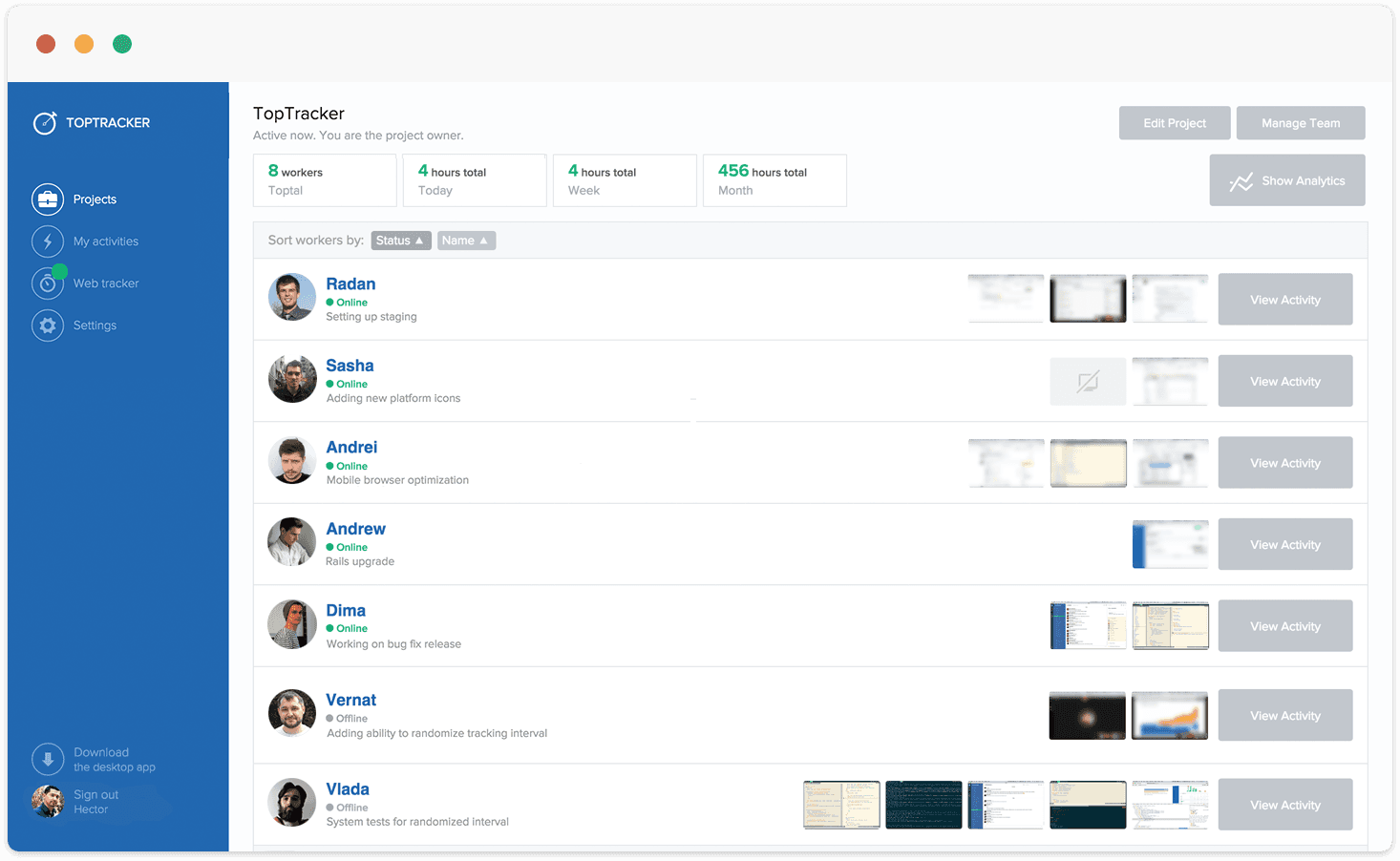 Todolist
I’m a big fan of lists so todolist ticks my boxes for an online “to do list”. Simple to use you can access it everywhere (particularly helpful when you’re like me who gets ideas here there and everywhere!). You can also collaborate on shared tasks. They have lots of other cool features too so that you can organise your tasks and projects.
Todolist
I’m a big fan of lists so todolist ticks my boxes for an online “to do list”. Simple to use you can access it everywhere (particularly helpful when you’re like me who gets ideas here there and everywhere!). You can also collaborate on shared tasks. They have lots of other cool features too so that you can organise your tasks and projects.
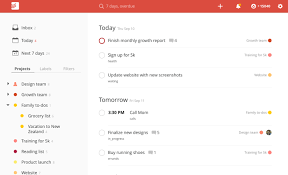 135 List
135 list works on the 1-3-5 method – you choose 1 big thing, 3 medium things and 5 small things to accomplish daily. It’s very simple to use and I really like the 1-3-5 rule.
135 List
135 list works on the 1-3-5 method – you choose 1 big thing, 3 medium things and 5 small things to accomplish daily. It’s very simple to use and I really like the 1-3-5 rule.
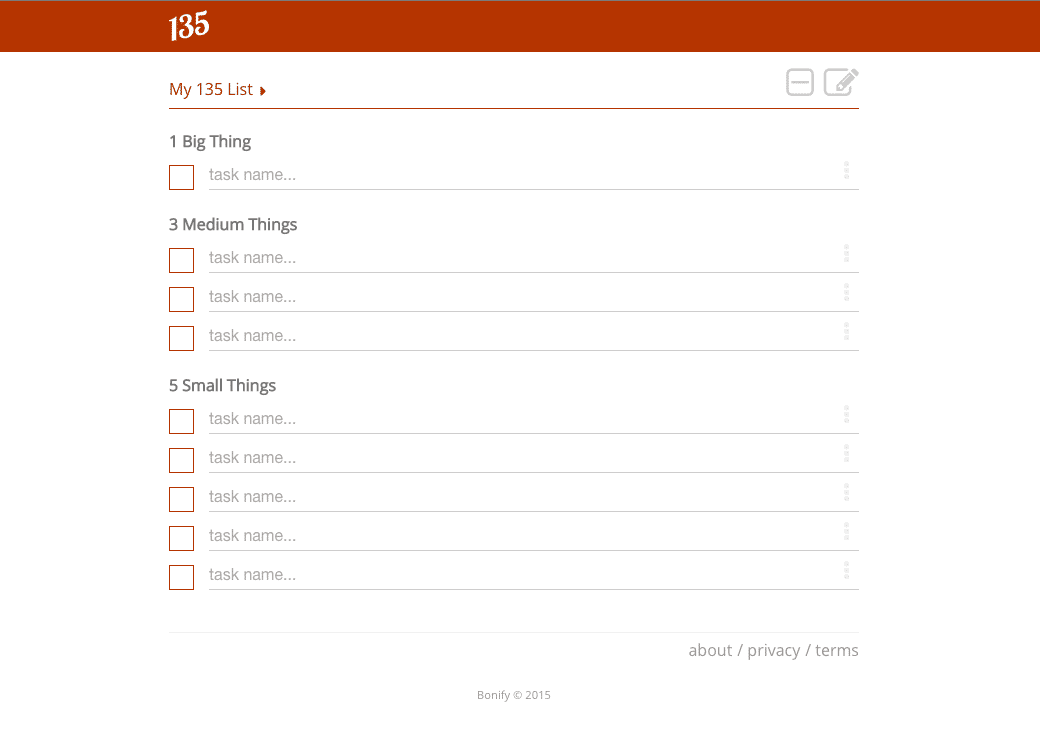 Wunderlist
Another “to do list” which works well for personal and business tasks. You can also collaborate and receive notifications. It also allows you to turn emails into actions by forwarding them as well as some other cool features.
Wunderlist
Another “to do list” which works well for personal and business tasks. You can also collaborate and receive notifications. It also allows you to turn emails into actions by forwarding them as well as some other cool features.
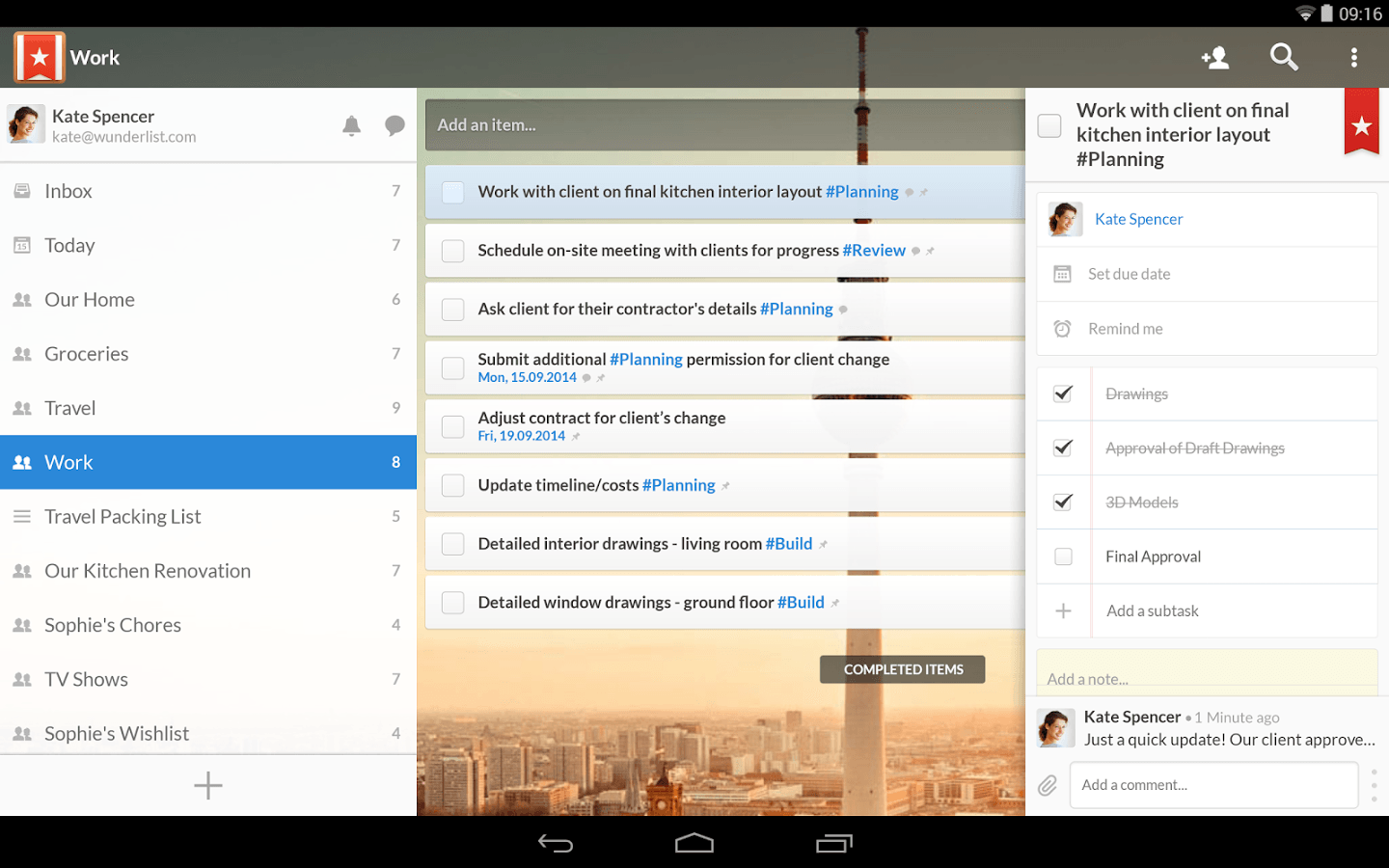 [bctt tweet="The best #tools to boost #productivity & generate more #revenue" username="lilachbullock"]
Remember the Milk
If you love lists you’re love Remember the Milk. A fun to do app for busy people. You can create tags, subtasks and much more. Their smart lists feature is cool and works well with their search wizard.
[bctt tweet="The best #tools to boost #productivity & generate more #revenue" username="lilachbullock"]
Remember the Milk
If you love lists you’re love Remember the Milk. A fun to do app for busy people. You can create tags, subtasks and much more. Their smart lists feature is cool and works well with their search wizard.
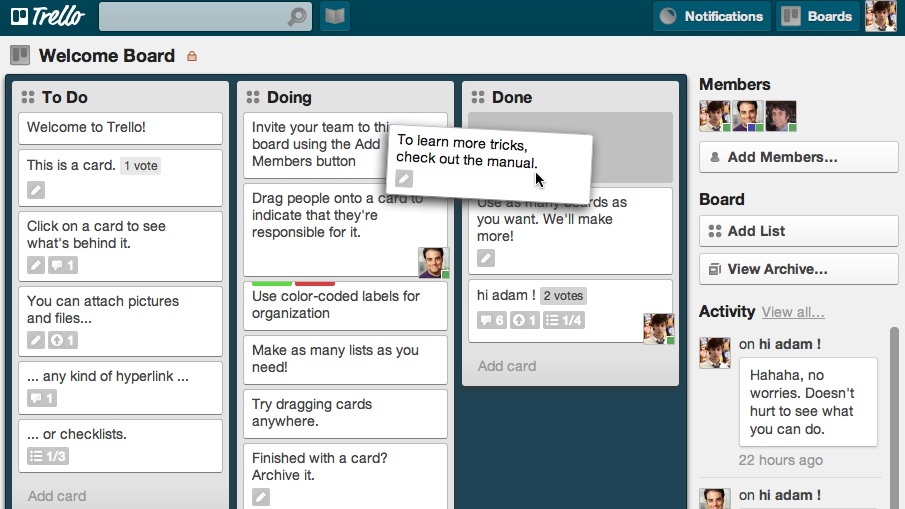
 Trello
 is a fabulous project management and collaboration tool that uses cards to organise your tasks/projects etc. It’s very intuitive, simple to use and I love how it’s so visual, make it so much easier and enjoyable to manage tasks and projects.
Trello
Trello is a fabulous project management and collaboration tool that uses cards to organise your tasks/projects etc. It’s very intuitive, simple to use and I love how it’s so visual, make it so much easier and enjoyable to manage tasks and projects.
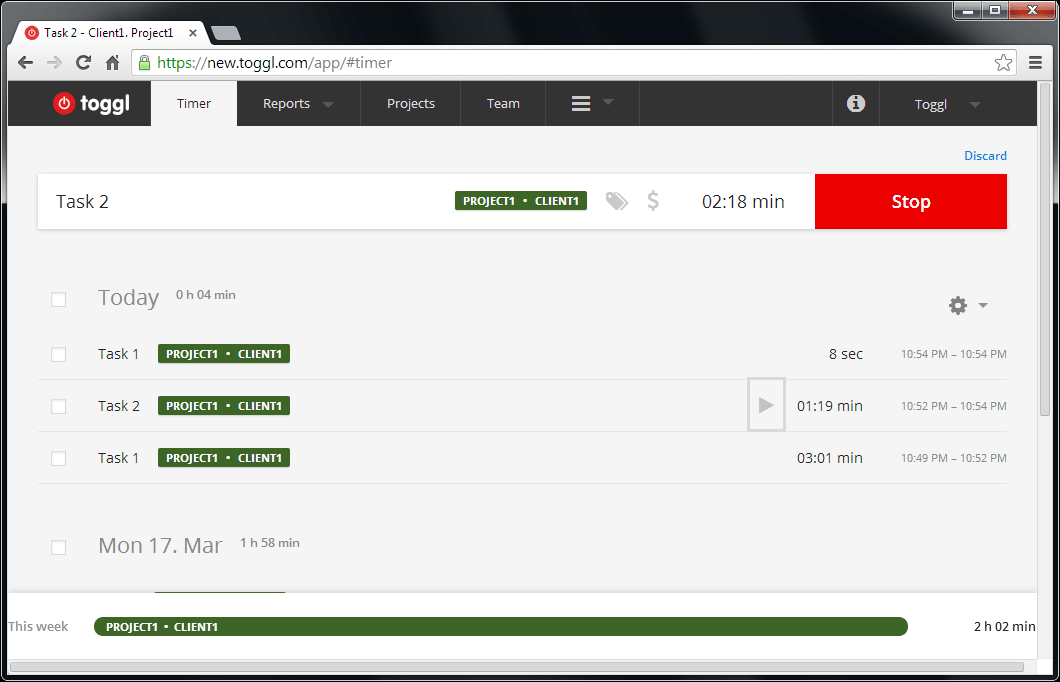
 toggle
 is a time management and tracking tool. Simple to use and with powerful reports so you can see accurately how you’re spending your time.
toggle
toggle is a time management and tracking tool. Simple to use and with powerful reports so you can see accurately how you’re spending your time.
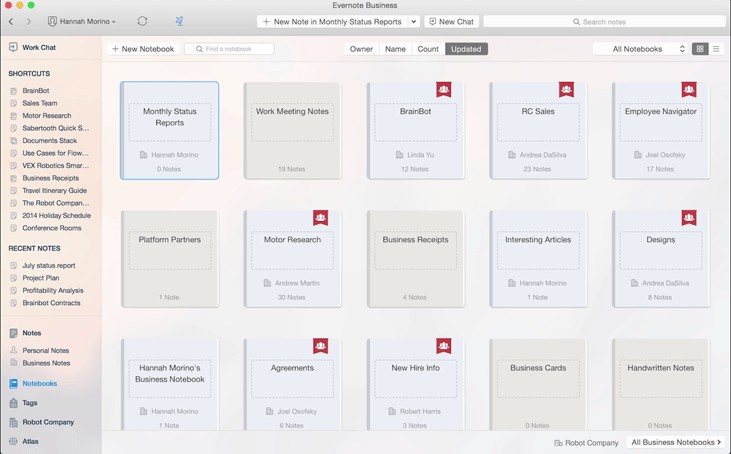
 Evernote
 is one of my most used apps! Perfect for saving notes, images, videos and so much more. It saves me so much time and helps get rid of the noise in my head (which is constantly filled with ideas!). I host my swipe files here, which is super handy to have in one place. You can also use Evernote to collaborate with others.
Evernote
Evernote is one of my most used apps! Perfect for saving notes, images, videos and so much more. It saves me so much time and helps get rid of the noise in my head (which is constantly filled with ideas!). I host my swipe files here, which is super handy to have in one place. You can also use Evernote to collaborate with others.
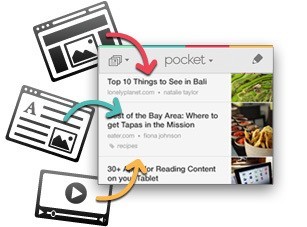
 pocket
Pocket is another favourite app of mine. Simply save articles, videos etc. for later. You can then look at them when it’s convenient for you instead of being distracted!
pocket
Pocket is another favourite app of mine. Simply save articles, videos etc. for later. You can then look at them when it’s convenient for you instead of being distracted!
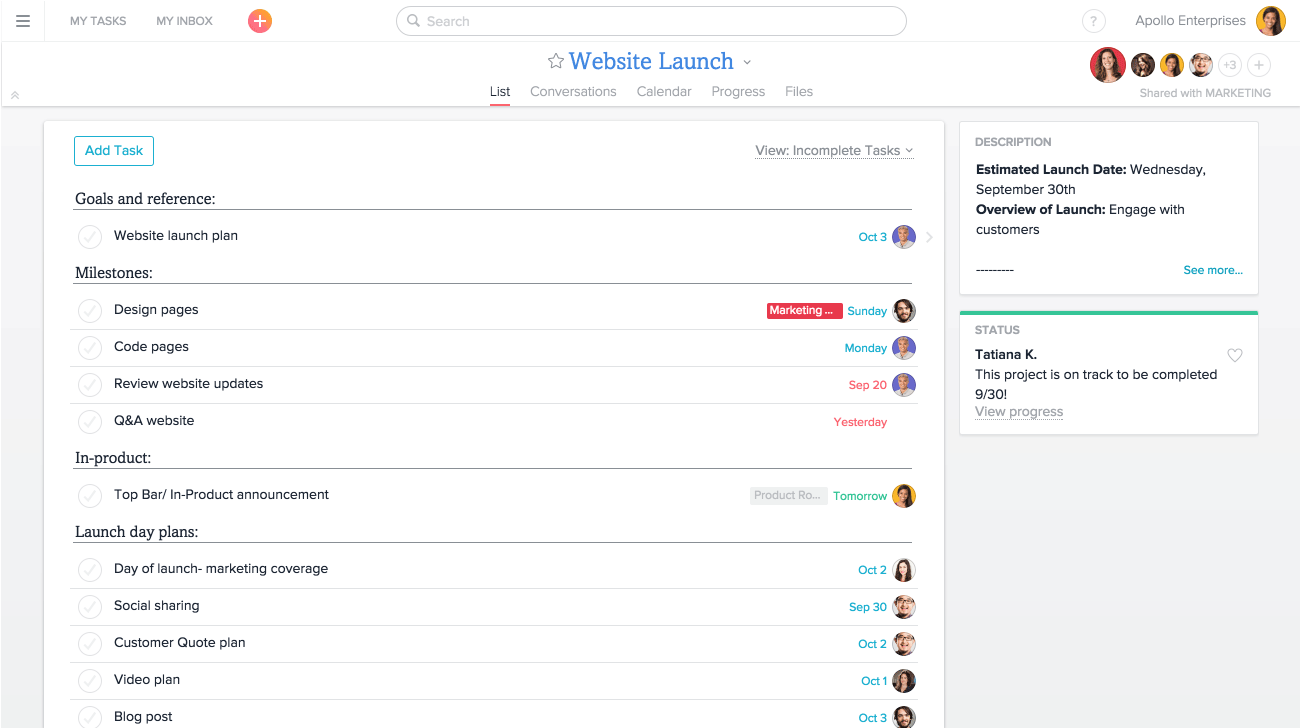
 Asana
Asana is a very powerful tool for teams. It’s very easy to track projects and helps team members stay on task/project and be more organised and productive. You can assign each team member different jobs too.
Asana
Asana is a very powerful tool for teams. It’s very easy to track projects and helps team members stay on task/project and be more organised and productive. You can assign each team member different jobs too.
 [bctt tweet="The best #tools to boost #productivity & generate more #revenue" username="lilachbullock"]
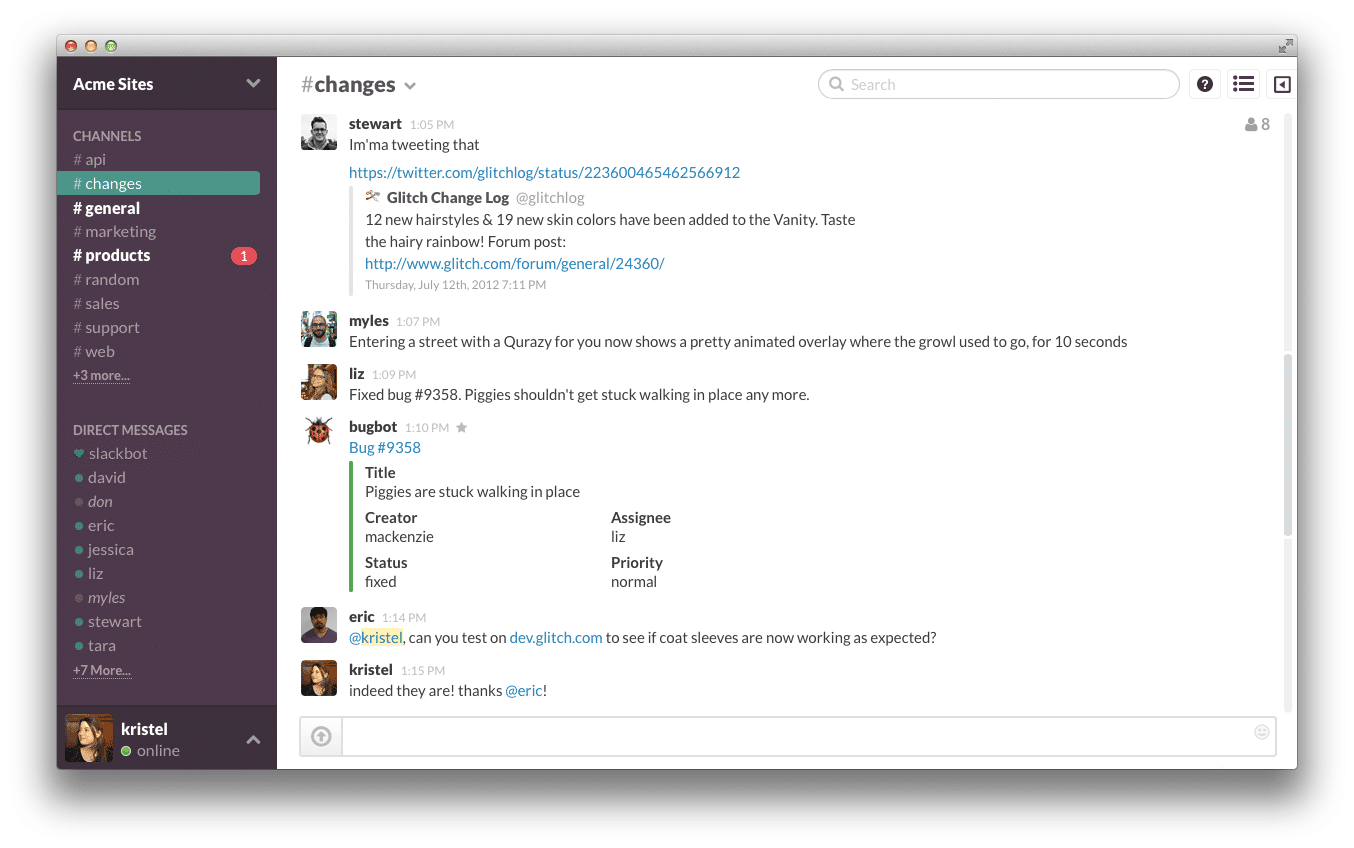
Slack
Slack is a “messaging app for teams who put robots on Mars!!” A good team communication tool. You can also drag, drop and share files and have all your tools in one place. If you’re not a fan of internal emails then Slack can make a big difference and help team members and staff be more productive.
[bctt tweet="The best #tools to boost #productivity & generate more #revenue" username="lilachbullock"]
Slack
Slack is a “messaging app for teams who put robots on Mars!!” A good team communication tool. You can also drag, drop and share files and have all your tools in one place. If you’re not a fan of internal emails then Slack can make a big difference and help team members and staff be more productive.
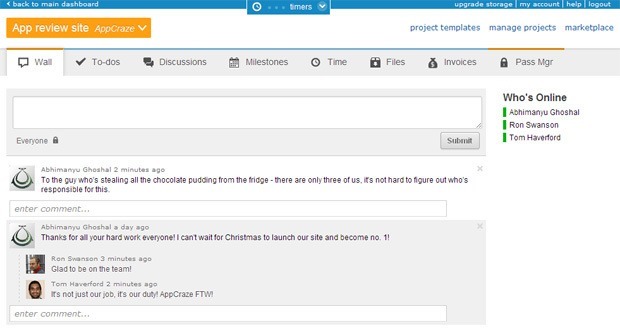
 Freedcamp
 is another useful productivity tool for both entrepreneurs and companies which “empowers people to work together”. Whether you like to work with lists or sticky notes it provides digital versions of them which means you can continue working in the style you’re accustomed to, but digitally.
Freedcamp
Freedcamp is another useful productivity tool for both entrepreneurs and companies which “empowers people to work together”. Whether you like to work with lists or sticky notes it provides digital versions of them which means you can continue working in the style you’re accustomed to, but digitally.
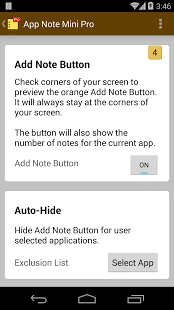
 MiniNote
 is a cool note taking app that sits on the top right hand of your screen and simply reminds you of the jobs you need to do. It synchs across all your apple devices so great for apple users… not so good for anyone else!
MiniNote
MiniNote is a cool note taking app that sits on the top right hand of your screen and simply reminds you of the jobs you need to do. It synchs across all your apple devices so great for apple users… not so good for anyone else!
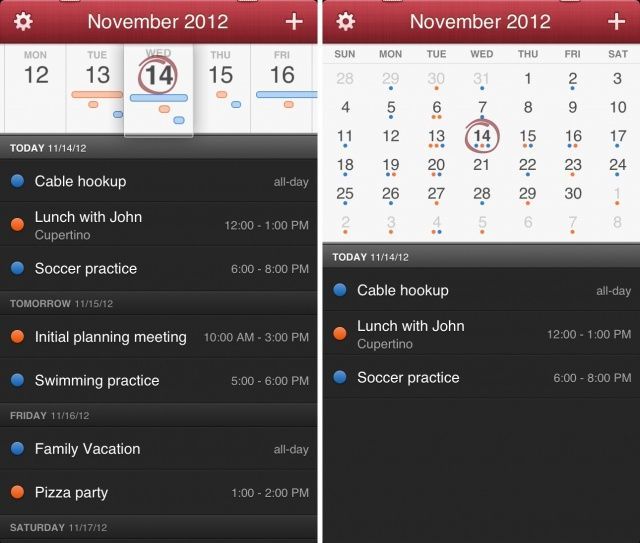
 Fantastical
If you’re a fan of dictating notes rather than typing then Fantastical could be the best productivity tool for you. You can set reminders, create tasks, find events and much more using their speech recognition software.
Fantastical
If you’re a fan of dictating notes rather than typing then Fantastical could be the best productivity tool for you. You can set reminders, create tasks, find events and much more using their speech recognition software.
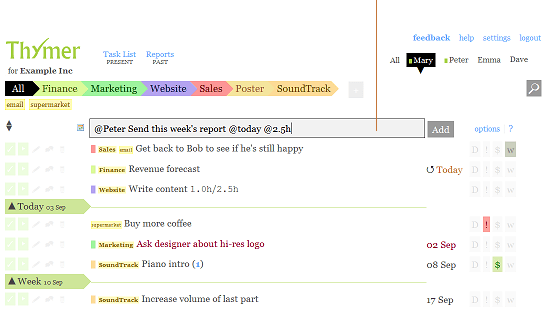
 Thymer
 is a project management and task planning tool. It has all the usual time management features you would expect but also enables you to keep track of costs. Very intuitive and simple to use.
Thymer
Thymer is a project management and task planning tool. It has all the usual time management features you would expect but also enables you to keep track of costs. Very intuitive and simple to use.
 [bctt tweet="The best #tools to boost #productivity & generate more #revenue" username="lilachbullock"]
SUMMARY
Productivity tools can really help you focus and manage distractions. Although a tool is only as good as the person using it! I find having a combination of my 3 tier system (focusing 90% of my time on tasks that generate revenue) works best. The tools then compliment the time I’m spending and help me be more disciplined. It’s also very interesting to see how you work, when you’re the most productive, when you start to flag etc. And if you need some help to inspire or motivate you to take action then take advantage of my free consultation service by clicking here. What 3 tasks will you do today that will generate revenue for your business?
How to choose a productivity tool in 2026
The best productivity tool is the one that removes your biggest daily friction, not the one with the most features. Before you pick from the list below, decide what slows you down most:
- Tasks and projects. If work slips through the cracks, prioritise a clear task and project manager.
- Focus. If distraction is the issue, look for time-blocking and focus tools.
- Automation. If you repeat the same steps, choose a tool that automates them for you.
- Fit with your stack. Make sure it works with the apps you already use, or it will not stick.
Fix your biggest friction first and the right tool becomes obvious.
To protect focus time without endless rescheduling, see my roundup of the best AI calendar apps.
Productivity tools FAQ
What are the most impactful productivity tools in 2026?
AI assistants (Claude, ChatGPT) for thinking and drafting, calendar systems (Reclaim, Motion) for time blocking, and automation tools (Zapier, Make) for reducing manual work consistently appear in the stack of highest-output operators.
Want AI doing the heavy lifting in your marketing?
I build the systems that handle the boring 80 percent, so you get your week back. Done properly, with the human kept in.
How many productivity tools should one person use?
Five to seven tools covers most knowledge work in 2026. More than that usually creates context-switching costs that outweigh the value of each new tool.
Do AI assistants actually boost productivity?
Yes, when used well. Most knowledge workers using AI assistants report 1.5-3x faster output on writing, research, and coding tasks in 2026. The productivity gain depends heavily on prompting skill and workflow design.
Want to go deeper? Read these next:
- The AI Tool Stack for Business Owners 2026
- ChatGPT Images 2.0 Review: I Cancelled Canva For This
- 50 Websites You Didn’t Know Existed (But Really Should)
Related reading: AI Automation for Marketing Teams: Real Examples That Save Hours Every W.
Related reading: Small Business Ideas That Have a Shot in 2025 (And the Ones I'd Skip).
Related reading: How Much an AI Consultant Costs (And What You Get for the Money).
Related reading: Freelance Writing Jobs: What They Pay, Where to Find Them, and How to La.
Related reading: How to Make Money as a Freelance Filmmaker in 2026.
Related reading: Business Cards Online: Why You Still Need Them (And Where to Get Them Ri.
More productivity guides
If this was useful, here are the other productivity guides I have written that go deeper:
- Productivity Tips That Moved the Needle for Me (After Years of Trying Everything)
- Productivity Success: What Works (And What I Wasted Years On)
- Productivity Is Not the Same Thing as Success (I Learned That the Hard Way)
- The Best Productivity Tools and Apps for Small Business (What I Use)
- 25 Productivity Habits for Entrepreneurs
- How to Buy a Profitable App: Complete Guide
- The Hidden Productivity Killers: How Workplace Cleanliness Impacts Employee Focus
- Productivity Building Hacks for Remote Teams
- How to Choose the Right Remote Support Software for Your IT Team
- Why Should Businesses Try Free Learning Management Software First?
- Best Ways That Payroll Software Can Help with Employee Retention
- How Thoughtful Home Office Design Can Boost Confidence And Productivity
- How to Use CRM to Retain Clients and Get More Referrals in Real Estate
- The Benefits of Using Management Software for Small Caregiving Businesses
- A Guide To Time Management For the First-Time Entrepreneur
- Innovative Features to Look for in the Best RMM Software Solutions
- Is App Store Optimization Still Worth It in ?
- 6 Things That Undermine Productivity
You can also write for us about productivity.
If you ever need something to play without a connection, there is a full list in free offline games you can download.